In focus: Radar exception alerts
Hello there, and welcome to the Radar in focus series, where we shine light on some of the most beneficial features from the Radar app.
This time, our spotlight is on the exception handling mechanism of Radar.

Consider the following scenario
Company A and Company B are competing in the same market. Both businesses know how crucial customer support is for their success. While company A is prone to some common support slip ups like delayed responses and long overdue tickets, company B's support remains flawless, and always on time.
What does company B do differently than company A to make its support remarkable?
It handles exceptions proactively.
It handles exceptions proactively.
What is exception handling?
Almost all business monitor their KPIs. They might even have some benchmarks set for crucial KPIs. For example, a business might ensure that their customer satisfaction (CSAT) score doesn't fall below 85. Exceptions are deviations from these benchmarks.
 Exception handling is the detection and effective mitigation of deviations.
Radar exception alerts: An instant call to action for deviations
The Radar exception handling mechanism detects deviations as soon as they occur and provides real-time alerts to users, making it possible to act proactively.
You can configure exception alerts for the following metrics:
- Customer satisfaction score (CSAT): Being the most direct signifier of customer support quality, it is the metric that every business strives to keep high.
- First contact resolution (FCR): This metrics shows the percentage of tickets that get resolved in the first response itself.
- First response, overall response, and resolution time: Collectively referred to as average handling time. To create a positive customer experience, the average handling time should be minimum.
- Daily toasts: Receive alerts at your preferred time of the day about the number of open, overdue, on hold, and closed tickets at that time.
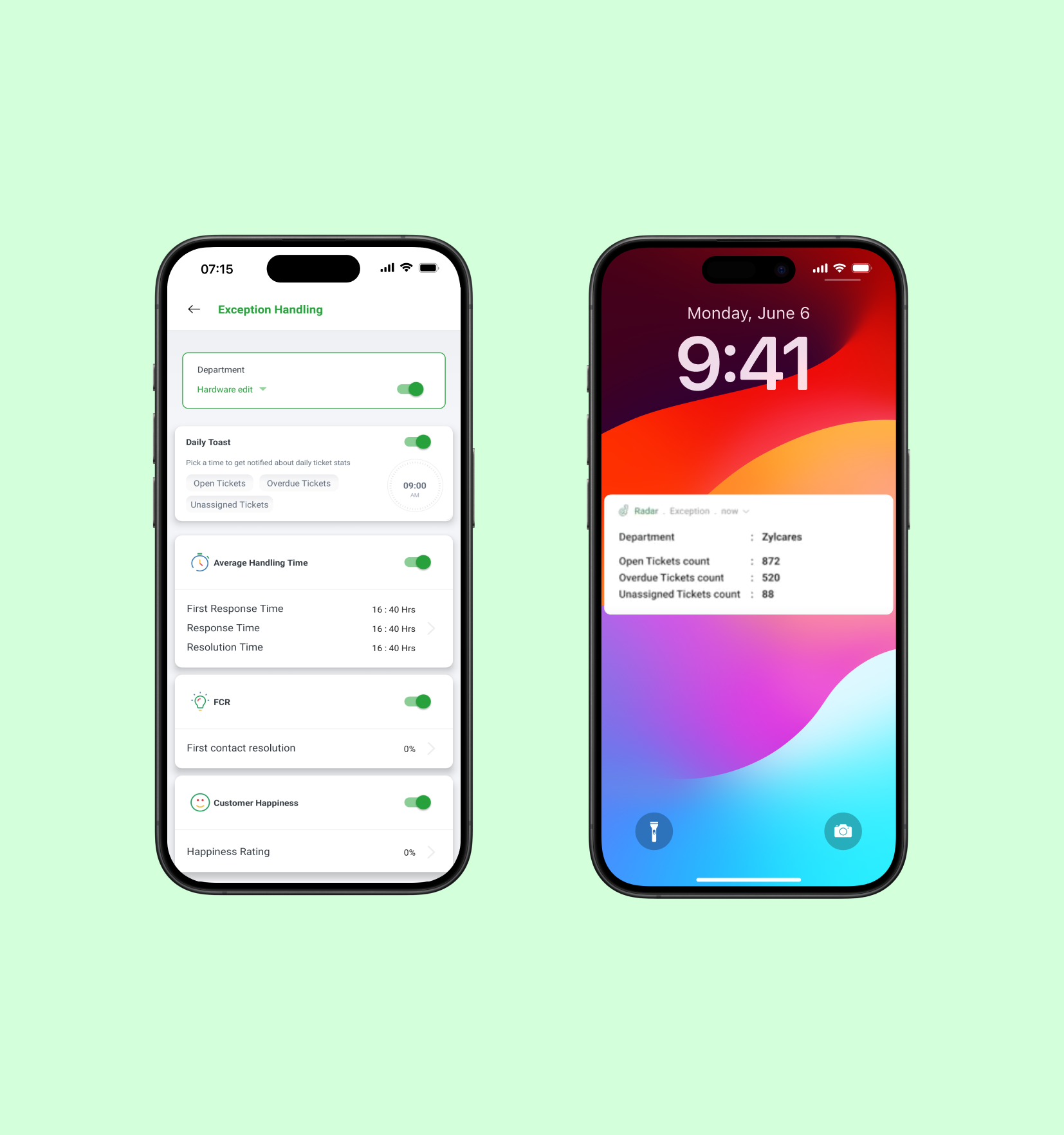
Set benchmarks for any of the above metrics, and Radar will automatically alert you when there's a deviation.
To learn how to configure exception alerts, read our help document: Setting Up Exception Alerts in Radar.
This feature is available for both Android and IOS users. For any questions or further assistance, please reach out to our support team at support@zohodesk.com or leave your feedback in the comment section below.
Regards,
Madumitha P| Zoho Desk
Madumitha P| Zoho Desk