Use color coding for picklist field values to enhance visual representation
It's easier and more efficient to manage a large volume of data in a ticket or other custom module records, such as ticket priorities and issue types, when you apply clear visual distinctions through color coding. Color-coded picklist fields allow users to assign specific colors to different picklist values, which makes it easier to identify and categorize the records based on their significance.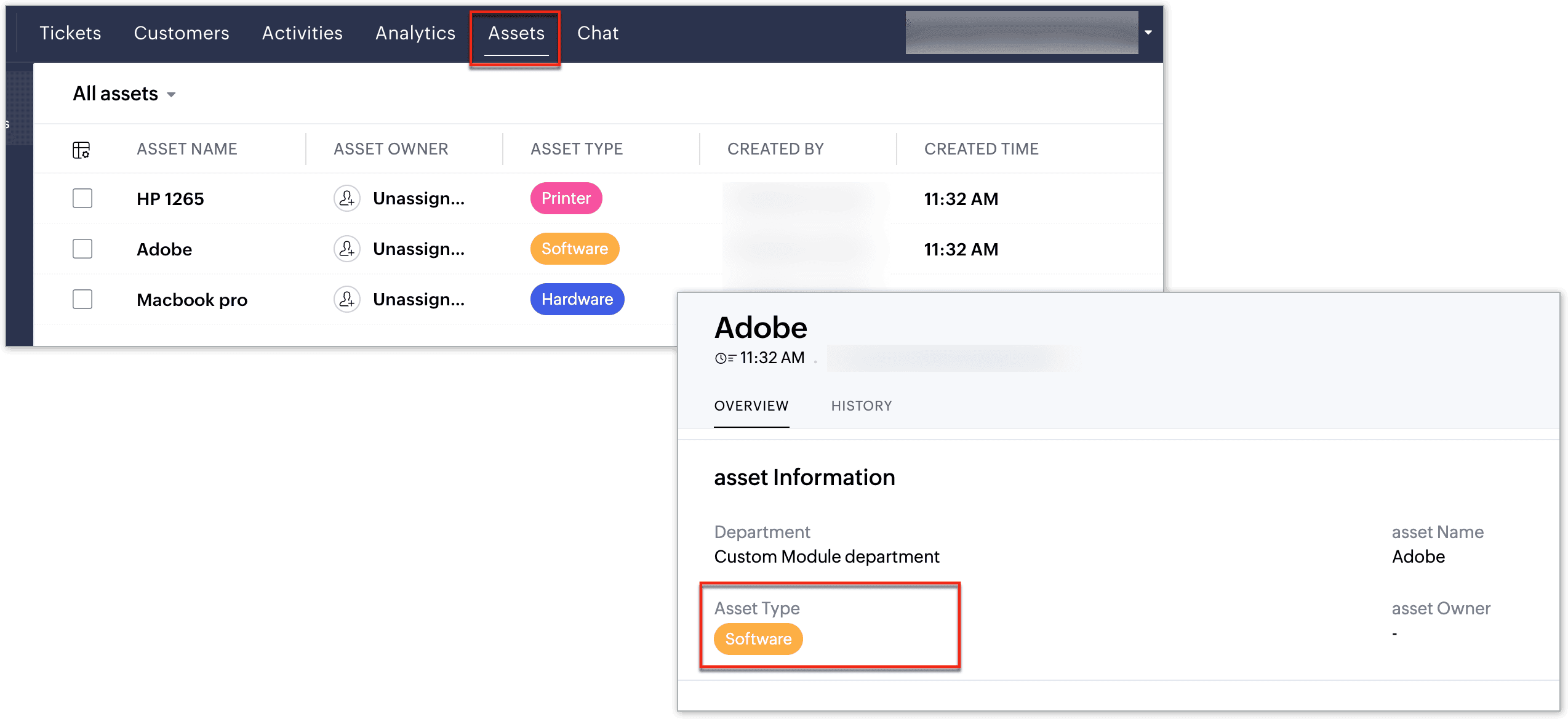
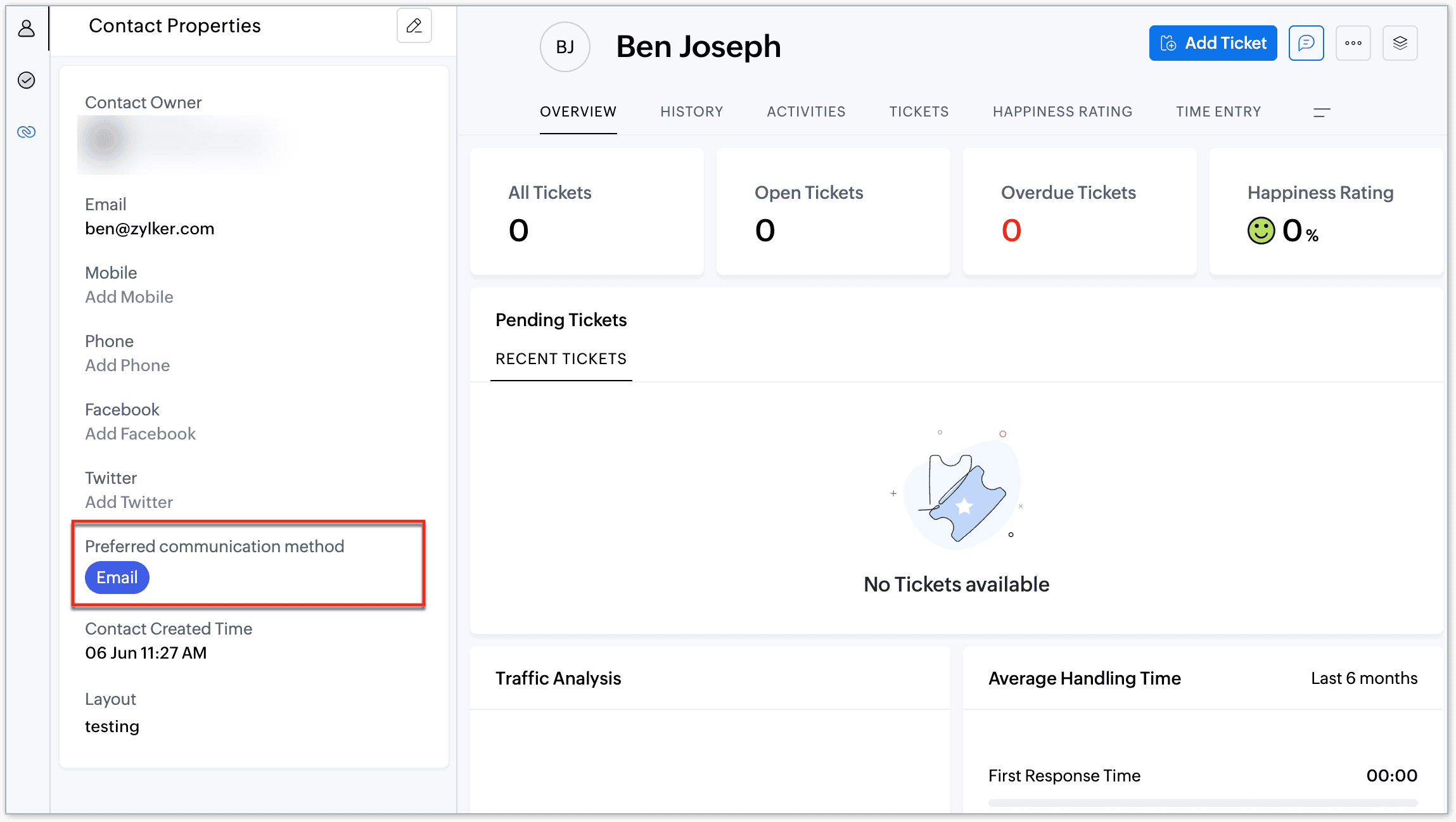
Color coding picklist values can be useful in:
1. Efficient ticket prioritization
With color coding, agents can identify high-priority tickets and address critical issues more quickly. For example, the Priority picklist field can be color-coded as:
- High-priority tickets could be marked in red
- Medium in orange
- Low in green
This visual cue ensures that urgent tickets are distinct and not missed amidst other tickets.
2. Better data management
Color-coded fields simplify data management by making it easier to interpret large datasets. This helps users focus on key tasks without being overwhelmed.
Example: In an inventory ticket management system, the Stock Status picklist field could be color-coded to indicate stock levels:
- Yellow for low stock to signal reordering is needed
- Blue for overstock to indicate excess inventory 
This approach allows managers to monitor inventory more efficiently.
3. Improved decision-making
Agents can make more informed decisions because color-coding enforces a standard guideline for them to follow and reduces chances of misinterpretation.
Example: Color-code the Issue Type field:
- Orange for billing-related issues
- Green for technical issues 
New agents will be able to identify the issue type without involving senior support members every time; they can make decisions on their own and assign tickets to the relevant teams based on the standardized approach.
Customization for accessibility
Users can customize the saturation of color-coded fields to suit their preferences and ensure a user-friendly experience for all.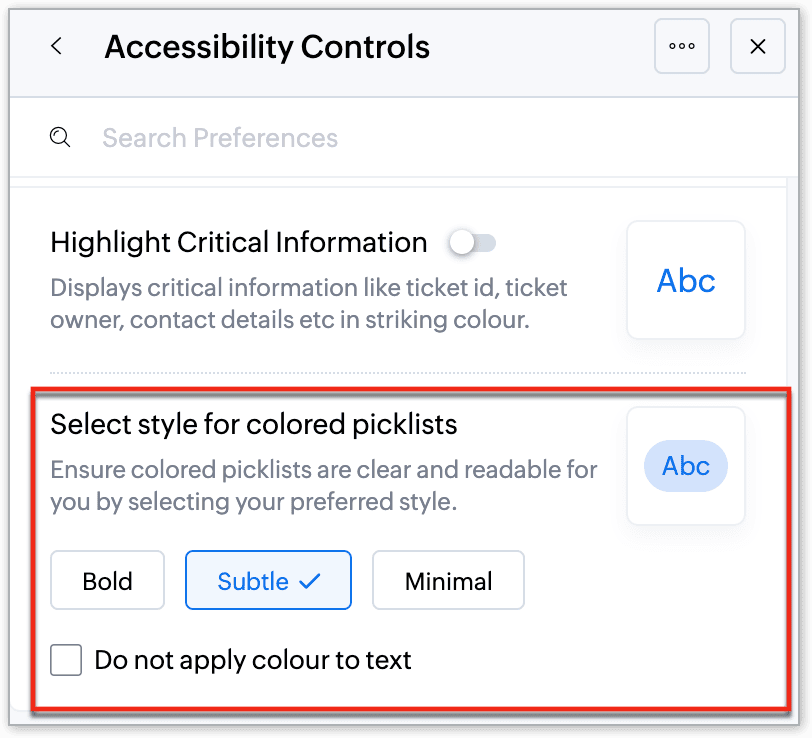
For more information on how to create color-coded picklist values, please refer to the help document on color coding of picklist values.
These updates are available to all users across all the data centers. Give it a try and please share your feedback and suggestions in the comments below or reach out to our support team.
Thanks, and have a great day!
Regards,
Varsha P
Zoho Desk | User Education