Boost your CRM accuracy with smart Data Enrichment
Hello all!
In this post let's look at data enrichment from a holistic perspective to gain more clarity on how you can use it. So, here's a quick recap of what data enrichment is and how you set it up it to enhance your existing module data!
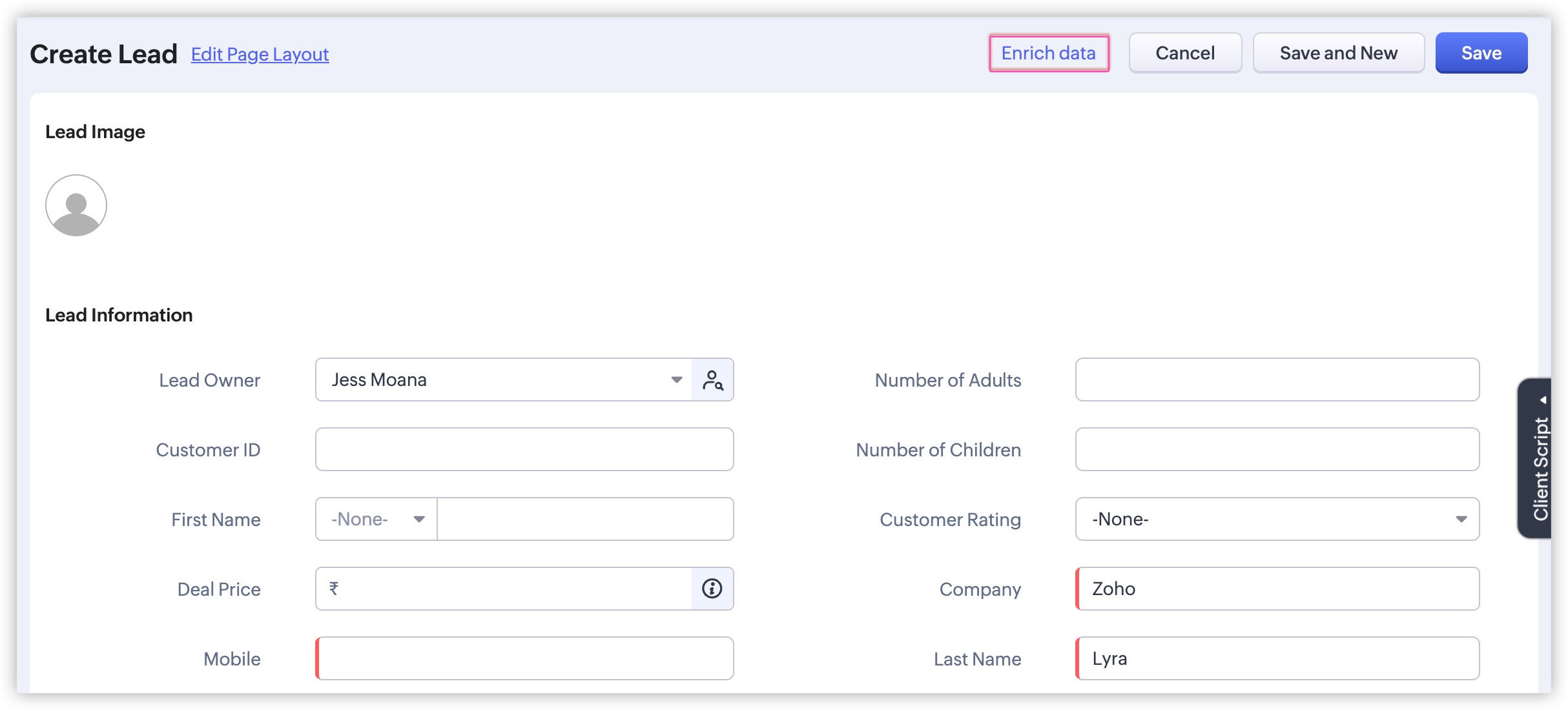
What is data enrichment?
Enriching data involves supplementing records with additional information from reliable sources beyond what the lead has directly shared.
Data enrichment ensures that your CRM data is complete and updated. Zoho CRM can help you enrich both company data (like companies' addresses, numbers of employees, and web addresses) and people data (like employers, job titles, contact information, and social media handles) from publicly available information. Zoho CRM then maps this additional information to the corresponding CRM record fields. This process is called data enrichment.
Let's take a closer look at how enriching your CRM record data can benefit users:
- Enhanced understanding: Gain a more comprehensive view of your prospects and customers, their organizational backgrounds, and their professional experience for better decision-making.
- Additional information for better communication: Use enriched data to tailor your communication strategies; make interactions unique and create personalized experiences that show your contacts you understand them and genuinely care about their conversion success.
- Improved lead conversion: With more detailed information, you can qualify your leads more confidently and boost conversion rates.
- Operational efficiency: Save time, avoid manual data entry and verification, and enable your sales reps to focus on selling.
How to configure:
To enrich company data, use Zia's native Company Data Enrichment functionality in Zoho CRM.

Shortly, we will introduce auto-enrichment for company data.
To enrich people data for people modules, use the WebAmigo extension from the marketplace.

Learn more about WebAmigo's data subject rights.

Tip
Instead of manually enriching company data for each record, you can automate it with workflow rules,using an API that maps enrichment fields to their respective CRM fields.
For example, you can set up a workflow rule that automatically enriches an account record's fields—such as company size, industry, and key contacts—whenever a new account is created.
Find the API here and use it to build your custom functions and gather configuration details for data enrichment. By including these functions in workflow rules, admins can enrich records automatically without any user intervention.

Availability
• Zia's Company Data Enrichment functionality is now available for all paid editions.
• People data enrichment is available for all paid editions.

Resources
Regards
Fiona