WhatsApp Enhancements to Boost Customer Engagement
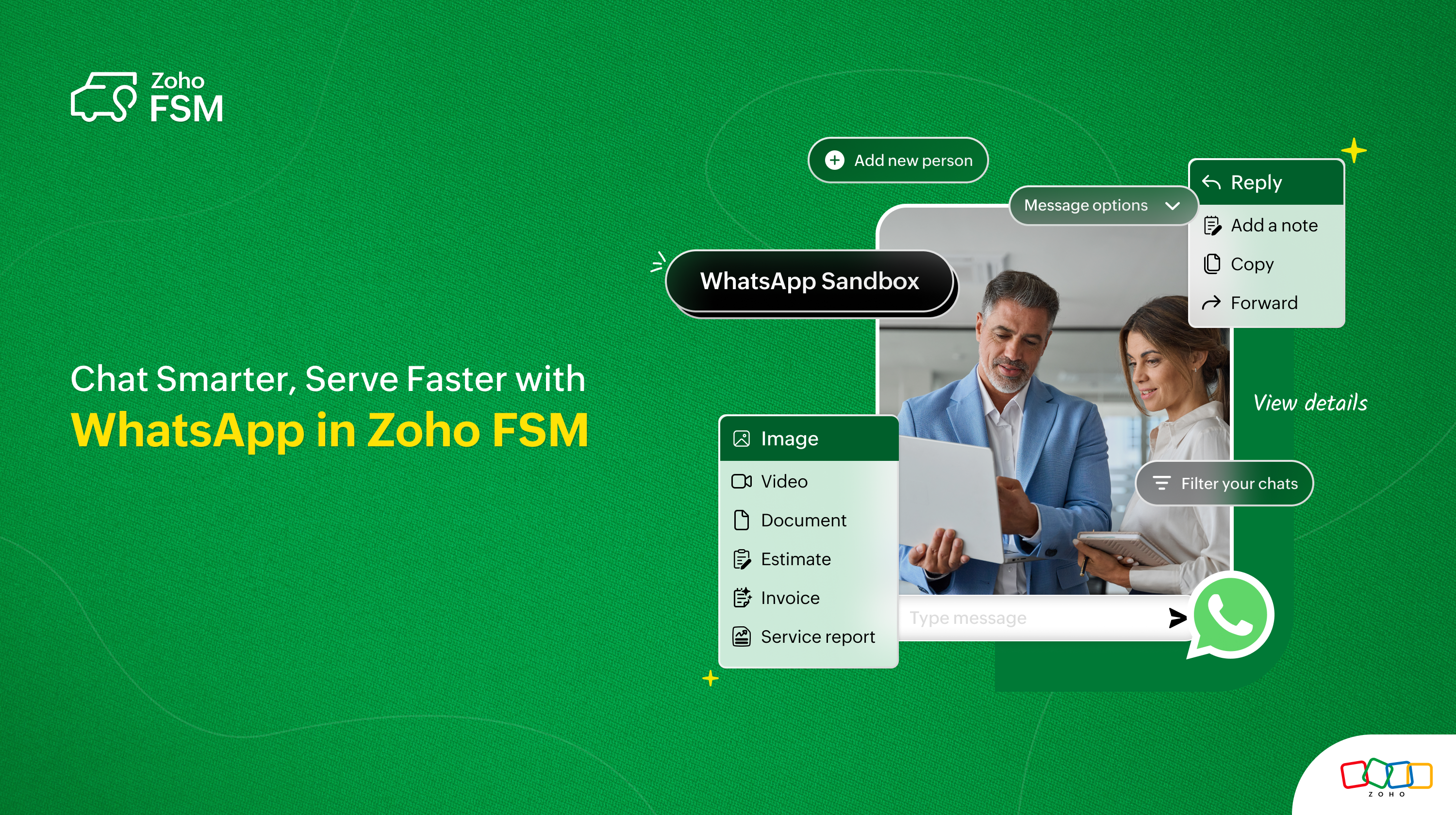
We're excited to introduce a series of powerful enhancements to the WhatsApp integration in Zoho FSM, making customer interactions faster, smarter, and more actionable—right from your Zoho FSM interface.
Here’s a quick rundown of what’s new:
Try It Out with WhatsApp Sandbox
Want to explore WhatsApp integration in Zoho FSM without a verified WhatsApp business number or WhatsApp Business Account (WABA)? Now you can — with the WhatsApp Sandbox!
The WhatsApp Sandbox allows you to test messaging features and customer interactions in a safe, controlled environment before rolling them out to your customer.

Share Estimates, Invoices & Service Reports Instantly
Easily share key transactional documents—estimates, invoices, and service reports—with your customers on WhatsApp, directly from the chat window.

Create Requests, Estimates, and Work Orders from WhatsApp Chats
Turn conversations into actions! From a WhatsApp chat, you can now instantly create Requests, Estimates, or Work Orders, helping your team respond quickly and reduce turnaround time.

Add Chat Participants as Customers
Identify new customers directly from your WhatsApp conversations. You can now add unknown chat participants to Zoho FSM as companies or contacts without leaving the chat window.

Send More Than Just Text—Use Rich Media
You can now even send rich media like images, documents, and videos directly from the WhatsApp chat. This makes conversations with customers more engaging and informative.

Seamless Messaging with Enhanced Options
Make the most of your WhatsApp conversations with new message options in Zoho FSM! Whether it is Reply, Add to Note, Copy, Forward, or Delete, stay organized and responsive with just a few clicks!

Sidebar View for Contextual Information
The Sidebar gives users a quick, consolidated view of everything they need—right next to the chat window! It helps deliver faster, more informed responses with access to Contact Details, Conversation Details, Related List, and Attachments.

Filter Conversations with Ease
Use the new conversation filters to quickly find WhatsApp chats based on agent name, message type, or status—making it easy to manage high volumes of messages efficiently.

These enhancements are designed to give your team the tools they need to communicate effectively, act quickly, and deliver exceptional service—all through one of the world’s most popular messaging platforms.
Do feel free to leave a comment below or email us at support@zohofsm.com if you have any questions.