Introducing Card Forms!

Introducing Card Forms!

Hello form builders,

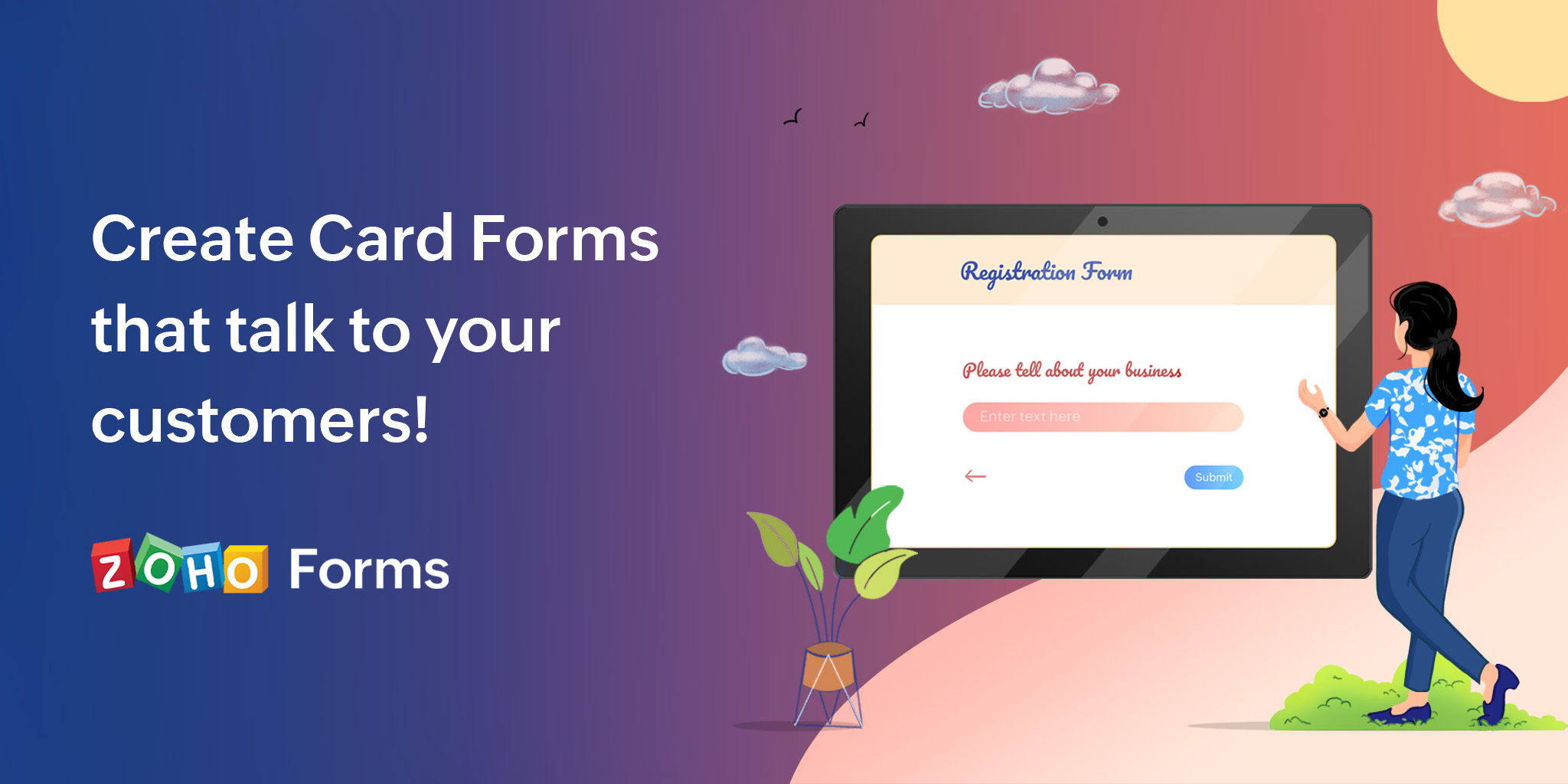
Zoho Forms is now introducing an elegant, free-flowing fluid design of Card forms that will give your forms a visually appealing look, while avoiding any visual clutter for users who are attempting to answer multiple questions at once.
Zoho Forms offers 2 Form Types: Standard and Card
A Standard form has multiple fields on it asking questions all in one page (unless you have a multi-page form), whereas a Card form has only one field per page of your form.
By displaying only one question at a time, Card Forms can spruce up and make your form's interface more user friendly and engaging. 

Advantages of Card Forms

  • Displaying one field at a time to the users reduces the cognitive load on their eyes and distraction.
  • Lets users focus on each question and its answer, resulting in more pertinent responses.
  • Card forms make it easier for the users to fix their errors one at a time, making it more convenient to submit the form.
  • The user experiences a sense of progression as they move on to the next step, which makes form-filling a satisfying experience.

A Card Form has 3 major components:
  1. Welcome Page which is exclusively available in Card forms, serves to introduce your motto behind the form before you begin asking questions.
  2. Questions, one at a time to avoid any visual clutter on your form with a progress bar to indicate the progress through the form.
  3. Thank You Page where respondents will be taken to after hitting the Submit button on reaching the last question. The Thank You page automatically matches the theme you choose for your Card form.
When you try to create a new form from scratch in your Zoho Forms account, you will find the option to choose the Card Form Type as shown below.

Select Card

Like a regular Standard Form, you can simply drag and drop fields from the left pane onto your form builder. Each field you add will appear on a separate page. 

Card form builder

The form properties will look slightly different from your standard form properties.

Card Form Properties

You will also have a simplified theme builder specifically designed for Card forms. You can customize your form and play around with custom backgrounds, fonts, effects, and more, or pick a theme from the pre-designed themes available in the Themes Gallery.

Pre-built themes

The font size you select is dynamically adjusted for all text on your form, including the button text, resulting in a responsive form.

Font Size

Card Forms have animation effects with subtle movements that are particularly useful when you want to provide visual confirmation of user action, require mandatory fields to be filled out, or highlight error messages as the user navigates through the form to capture the user's attention.
Transition effects
The respondents will have previous and next buttons on each page to navigate through your form, as well as have a side panel (a Fields Pane) that lets them jump between questions on the form. 

Fields Pane

Know more about Card Forms.

Using Standard or Card form type is a completely personal choice depending on your business objectives. For instance, if you have a long application form which respondents are likely to fill out on a desktop, you could choose the Standard form type and if you have a simple and short form, such as a feedback form, it would be a great choice to go for a Card form.


Over to you...

Try Card Forms today and we'd love to hear how they helped you expand your target audience. If you need assistance with building card forms or have any questions or feedback to share, feel free to leave a comment below or drop us an email at support@zohoforms.com.
 
Cheers,
Samhita

    • Sticky Posts

    • DKIM Now Mandatory - Changes to Zoho Forms Email Policies

      Hello Zoho Forms Users, This post is to inform you about an important update regarding the authentication of all email domains in your Zoho Forms account. This year, we are doubling down on our commitment to deliver a secure, seamless, and empowering
    • Cloudflare Turnstile is now available in Zoho Forms!

      Hello form builders! We have added a new layer of protection to help you keep your forms free from bots. Instead of forcing users to prove they are human, Cloudflare Turnstile quietly checks browser signals in the background. Your real users glide through,
    • This festive season, offer discounts with coupon code support in Stripe Checkout

      Hello form builders! It’s the festive season, the perfect time to spread joy and great deals! Now, with Zoho Forms’ latest enhancement for Stripe Checkout, you can do exactly that with coupon codes! Your payment forms integrated with Stripe Checkout can
    • New in Zoho Forms: Google reCAPTCHA v3 for smarter spam protection

      Hello form builders, Spam submissions are one of the biggest challenges when you share your forms online. They not only clutter your data but can also waste valuable time. To help you combat this without making life harder for genuine respondents, we’re
    • New in Zoho Forms: Inline OTP Verification

      Hello form builders, We are excited to announce the launch of Inline OTP Verification in Zoho Forms, a smarter way to ensure the authenticity of the contact details you collect. Until now, OTP Verification in Zoho Forms worked as a pre-access step: respondents
    • Recent Topics

    • Add Pause / Resume Option to Zoho Quartz Recordings

      Hi Zoho Team, We would like to request an enhancement to Zoho Quartz recordings: the ability to pause and resume an ongoing recording. Current Limitation: At the moment, when recording an issue with Zoho Quartz, the recording continues even when we are
    • Custom Fields Not Showing Up in Invoice PDF Template Document Information

      I have added 2 custom fields under Sales > Invoices > Manage Custom Fields. They are set to show in all PDFs. However when I am editing my Invoice PDF template, i do not see the custom fields under Document Information.
    • Tracking Non-Inventory Items

      We have several business locations and currently use zoho inventory to track retail items (sales and purchase orders). We were hoping to use zoho inventory to track our non-inventory items as well (toilet paper, paper towels, etc). I understand that we
    • ZOHO Books

      Hi there, Why after I upgrade my Zoho invoice > Books then i wanted to add plugin which i cannot do. Please advise.
    • How is Your eCommerce Experience w/Zoho Inventory?

      First off, I'm SUPER grateful for the advent of Zoho Inventory and now the Zoho Commerce Suite. Overall, Inventory is a great product, especially for customers without an eCommerce presence. For eCommerce companies (especially those shipping more than ~10 packages/day), however, there are certain drawbacks that keep my clients from moving over to Zoho Inventory: Cons: 1. Invoice + Package Creation from Shopify/Other eCommerce Integrations: Zoho Inventory makes the somewhat perplexing decision to
    • Simplify Mass Replies with Predefined Templates and Snippets

      Hello everyone, We are happy to introduce a new enhancement to Mass Reply that helps agents respond to customers quickly and consistently. With the addition of Email Templates and Snippets in the reply window, agents can use predefined messages while
    • Mapping custom fields from one module to another

      I have a custom field, "Subscription Period" that appears as a required field in every Opportunity (Potential). I want that field to appear on any Quotes derived from that Opportunity (and have created a custom field of the same name in Quotes for that
    • The Social Wall: November 2025

      We’re nearing the end of the year, and the holiday season is officially kicking in! It’s that time when sales peak and your social media game needs to be stronger than ever. We’re back with exciting new updates across AI, analytics, and the mobile app
    • Item name special charaters <>

      Im trying to input speical characters such as < and > into item name and item description but comes up with following error: Invalid value passed for Item Name and Invalid value passed for Item Description How do i allow speical characters?
    • How to update Multi File upload field

      Assume that i have a multi file upload field,how can i update the same field again?
    • Customer Address Not on Standard Invoice when Address is on Contact Record

      Hi,  I entered the customer billing and shipping address in Zoho CRM. I created an invoice in Zoho Books with the same customer contact. The contact is correctly in Zoho Books with the billing and shipping address. The invoice for the customer does not
    • Apply partial payments to invoices from the Banking Module

      We need this! Why is this not possible?
    • Welcome to the Zoho Show Community Forums page!

      Hello everyone, The Zoho Show community is a place for you to discuss and share anything and everything related to Zoho Show Presentations, our online presentation software. It includes users from all over the globe and all walks of life. Our community helps answer your Zoho Show questions with responses from other knowledgeable community members to give you the best experience creating and designing exciting presentations. Along the way, you'll meet recognized experts from our software team and
    • How can I convert an existing contact into a lead?

      I imported many contacts into ZOHO CRM. In order to select a few of them as leads, I want to mark or convert a few hundred as Leads. Who can I do that?
    • Introducing Dedicated Modules for Plans, Addons, and Coupons in Zoho Billing

      We’ve enhanced the way you manage Plans, Addons, and Coupons in Zoho Billing. Previously, all three grouped together under Subscription Items. Now, each one has its own dedicated module, giving you a cleaner and more intuitive experience. This update
    • Price book functionality enhancement

      A common use of price books is to create a price book for a given customer level or contract with a specific company. Given that this is done at a company/customer level it would be great to see a way to associate a price book to a given customer and
    • Contact data removes Account data when creating a quote

      Hi, Our customer has address fields in their quote layout which should be the address of the Account. They prefill the information, adding the account name - the address data is populated as per what is in the account - great. However when they then add
    • Can we have 24x7 live support for Zohobooks ?

      Can we have 24x7 live support for Zohobooks ?
    • Important update about notification security in Business Messaging SDK

      As part of our ongoing effort to strengthen the security of notification data, we have enhanced how notifications are processed and protected in our applications. These improvements ensure that all notification related data follows the most up-to-date
    • Cannot add my name to my domain name

      I want to have My name@mydomain.com and it says my name is linked to another account already. Please fix it since I do not have another account.
    • Sync Zoho Marketing Automation with Zoho Forms

      I can't find a section where the integration between Zoho Marketing Automation and Zoho form is explained. And how form subscription works with opt-in and consents.
    • What is the difference between Zoho Campaigns and marketing hub?

      Zoho Campaigns is a permission-based email marketing tool for sending marketing emails and mass emails. Marketing Automation is a multichannel marketing automation tool that caters to organizations looking for tools to engage their users across multiple
    • Webhook not firing.

      I created a webhook using the Web UI, it looks very nice and the testing worked without an issue, but when i save/ update a ticket, the webhook is not firing. Here are the details of the web-hook i get from using the API "modifiedTime": "2019-10-22T09:23:37.380Z",
    • Duplicate customers being created in Desk

      Hi I've trying to work out why I've getting duplicated customers being created in my desk. I have an external booking system that generates an email when I get a customer booking a job. A booking email gets sent to Desk where I manage the booking and
    • Creating a custom CSV file using deluge script/

      I have an application I have developed and the client wants us to place an export file in csv onto an ftp server daily. Now I don't see au options in creator to change the separator to anything else. The client wants the separator to be the pipe symbol "|"  I think i would be able to create schedule with some code to create the appropriate data in a string using deluge script but I haven't seen any functionality that would allow me to deposit that data as a file anywhere or attach it to an email
    • Can we add custom fields to portal community profiles?

      How do we add custom fields to our profile pages in our portal community? If we have the ability to add custom fields, will we be able to access those fields via API? We want to use our Desk community in our help portal as our primary community and would
    • E-Invoicing in Belgium with Zoho Billing

      Starting January 1, 2026, Belgium is introducing mandatory electronic invoices (e-invoicing) for all B2B transactions between VAT-registered businesses. Invoices and credits notes must be exchanged in a prescribed digital format. How E-Invoicing works
    • LENTITUD EN RECIBIR MAIL

      Buenas tardes, Estamos experimentando lentitud en la recepción de correos electrónicos.
    • delayed: host mx2.zoho.com (136.143.183.44): Network error: Unexpectedly disconnected (STARTTLS)

      Hi Team, I'm not receiving any email. Seems to be an issue. Sender sent me the error message they received: "delayed: host mx2.zoho.com (136.143.183.44): Network error: Unexpectedly disconnected (STARTTLS)" Please advise.
    • Interview booked through Invite but no Notifications

      We have a workflow that was developed through a developer/partner that was tested and worked. Today, we pushed a candidate through the process and invited them to an in-office interview. They were sent the booking link (as usual and as tested before successfully)
    • Additional Address - Company Name

      It would be very helpful to have a "Company Name" field in the Additional Address shipping section.  In a situation where you drop-ship orders to a different address or different company entirely, it may be necessary to list the company name of the receiver. I understand that the Attention field can be used for that purpose, but that's not really the intended purpose of that field.
    • Incorrect Email Notifications for Product Reviews

      Dear Zoho Commerce Support Team, I am writing to report a technical issue that occurs frequently on our platform. Problem Description: We regularly receive email notifications informing us of new product reviews awaiting approval. However, when we access
    • In App Auto Refresh/Update Features

      Hi,    I am trying to use Zoho Creator for Restaurant management. While using the android apps, I reliased the apps would not auto refresh if there is new entries i.e new kitchen order ticket (KOT) from other users.   The apps does received notification but would not auto refresh, users required to refresh the apps manually in order to see the new KOT in the apps.    I am wondering why this features is not implemented? Or is this feature being considered to be implemented in the future? With the
    • How to Rank Tables by Row Count in Descending Order

      I am trying to understand the consume of lines that grow up so fast in the last week. Is there any way to create a pivot table or query to get TABLE NAME LINES in descending order?
    • Can we do Image swatches for color variants?

      We want to do something like the attached screenshot on our new zoho store. We need image swatches instead of normal text selection. We want to user to select an image as color option. Is this doable? I don't see any option on zoho backend. Please h
    • annualy customer report

      we need a report per customer that looks like this invoic number cleaning laundry repair management 01 january xxx euro xx euro xx euro xxx euro 02 february xxx euro xxx euro x euro xxxx euro and so on the years 12 months is that possible to make and
    • Export your notes from Notebook!

      Dear users, The long awaited feature is now live. Yes, you can now export your notes from Notebook app in bulk. But the feature has just started with web app alone for now. You can try the export feature as mentioned below: Go to our web app, https://notebook.zoho.com Go to 'Settings' > 'Export' Now, select the format: You can select either ZNote or HTML Once done, you can use the same to import or can have this a local backup of your notes. Note: Export for other platforms are in development and
    • our customers have difficult to understand the Statements

      our costumers have big problems to understand Zohos Statements. we need a text box after the payment number to explain what the payments are for. Is it possible to develop a version of the Statement with that kind of box and if so whu can do it
    • Canva Integration

      Hello! As many marketing departments are streamlining their teams, many have begun utilizing Canva for all design mockups and approvals prior to its integration into Marketing automation software. While Zoho Social has this integration already accomplished,
    • Transfer between two customers (Peters Rental account to Peters Private account)

      we are a Property Management company. Our customers have to accounts (registered as two customers - Peter Rental and Peter Private On the rental account all income and costs fron rental activities are noted. On the private account all private are noted
    • Next Page