Elevate your Radar experience: Best practices part 2
In the Spotlight: Zoho Desk's Radar app
Hello Everyone,
In part 1 of Zoho Desk’s Radar app best practices, we explored role-based permissions, exceptions handling for critical alerts, daily toasts for a quick view of tickets, and landscape reports for an immersive experience.
In this post, we’ll explore how the Radar app can help your team members working from different locations collaborate and stay connected over your mobile device.
For instance, you might have a few team members on a client visit while you are at your office desk. Zoho Desk's Radar app provides the visibility you need to ensure continuity in customer service and help team members work together to solve problems.
Instant communication through Cliq
In business, feedback or process updates that affect critical functions should always be communicated as early as possible. For this, admins and support teams need to stay connected, no matter where they work from.
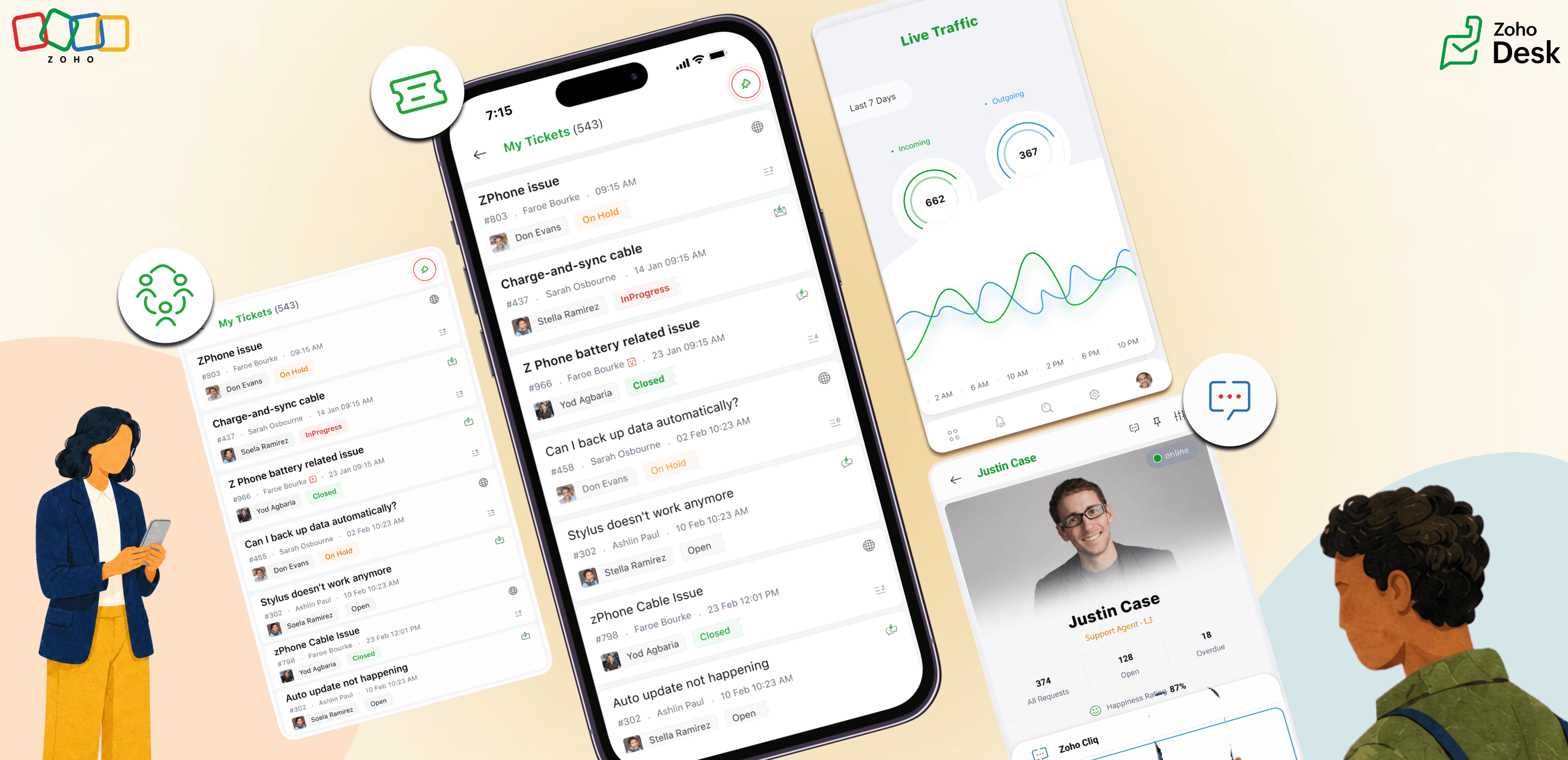
Whether it’s a client-facing change or a back-office update, managers/admins can share details with support reps through direct conversations over Cliq. From Agent Details, tap the Cliq icon for a direct conversation. Cliq integration allows communication to happen in real time with relevant insights.

Note: Please ensure you have an active Cliq subscription, either bundled or standalone, for the Cliq integration to work.
Manage ticket collision
Sometimes, support reps on the same shift might begin working on the same case or work together on a ticket requiring an emergency response. Ticket collision lets support reps see if another rep is already working on the ticket and refer to actions taken by the respective rep. This enables seamless collaboration and meaningful teamwork by keeping the team aligned.
Pinned entities for quick navigation
While working through multiple tickets across channels, support reps often need to review their recent activities, contact a teammate, or view tickets from a specific channel. Pinned entities serve this purpose. With this feature, you can pin tickets, ticket views, contacts, or activity views. The Radar app adapts to the support reps' workflow by reducing navigation time and increasing operational speed.
Check agent availability
While support reps handle customer queries, the leads/admins need visibility into their availability so they can connect with the right people and manage support operations effectively during each shift. Whether it's balancing workloads, handling escalations, or assigning new tickets, leads need to know who's available on the floor. Checking in person isn't always practical. Radar apps have the Agent Stats card, which displays the list of reps available. With a quick view of real-time availability, leads can assign work to support reps dependably, quickly, and efficiently.
With Cliq integration for quick communication, agent collision for smoother teamwork, pinned entities for faster responses, and the Agent Stats for availability, support teams can coordinate their activities on the move, making the Radar mobile app an accelerator for teamwork.
With Cliq integration for quick communication, agent collision for smoother teamwork, pinned entities for faster responses, and the Agent Stats for availability, support teams can coordinate their activities on the move, making the Radar mobile app an accelerator for teamwork.
