Let’s Talk Recruit: Are you still managing hiring manually?
Turns out, 75% of businesses have already automated parts of their hiring process. So here’s the real question: Are you keeping up, or falling behind?
How much of your hiring process still relies on manual effort? Let’s take a look at how Blueprints and Workflows can help.
Why automation matters in hiring
Timing can make or break a great hire. A slow hiring process means:
➤ Losing top candidates—they accept another offer before you even schedule an interview.
➤ Getting buried in manual tasks, leaving little time for real hiring decisions.
➤ Inconsistent processes, where follow-ups get missed and approvals take too long.
Automation fixes this by ensuring:
➤ Hiring moves faster—no more waiting around for scheduling, approvals, or follow-ups.
➤ Everyone stays on the same page, every step is tracked, and nothing slips through the cracks.
➤ More time for real conversations—because hiring is about people, not just processes.
What are workflows and how do they help?


- Sending automated emails: Every time a candidate moves to the "Shortlisted" stage, an email is sent instantly.
- Task creation: When an offer letter is generated, a task is assigned to the hiring manager for approval.
- Status updates: If a candidate hasn’t responded in three days, their status is updated, and a follow-up email is sent.
Think of Workflows as your hiring assistant, handling small yet important tasks in the background.
What are blueprints and why do you need them?
Blueprints let you structure your entire hiring process—ensuring every step is followed correctly and consistently.
For example, let’s say your hiring process involves the following flow:

With a Blueprint, each step is predefined. Recruiters cannot move forward until the required action is completed (e.g., an interview must be scheduled before moving to the offer stage).
This ensures:
A structured, step-by-step hiring process
Fewer delays and bottlenecks
Smoother team coordination
Blueprints act like a roadmap for hiring, guiding recruiters through each step without missing anything important.
Blueprints vs. Workflows: What’s the difference?
Not sure when to use a Blueprint and when to use a Workflow?
Here’s a simple breakdown:
 Best Practice: Use Blueprints for structured process automation and Workflows for quick, rule-based actions.
Real Recruiters, Real Impact
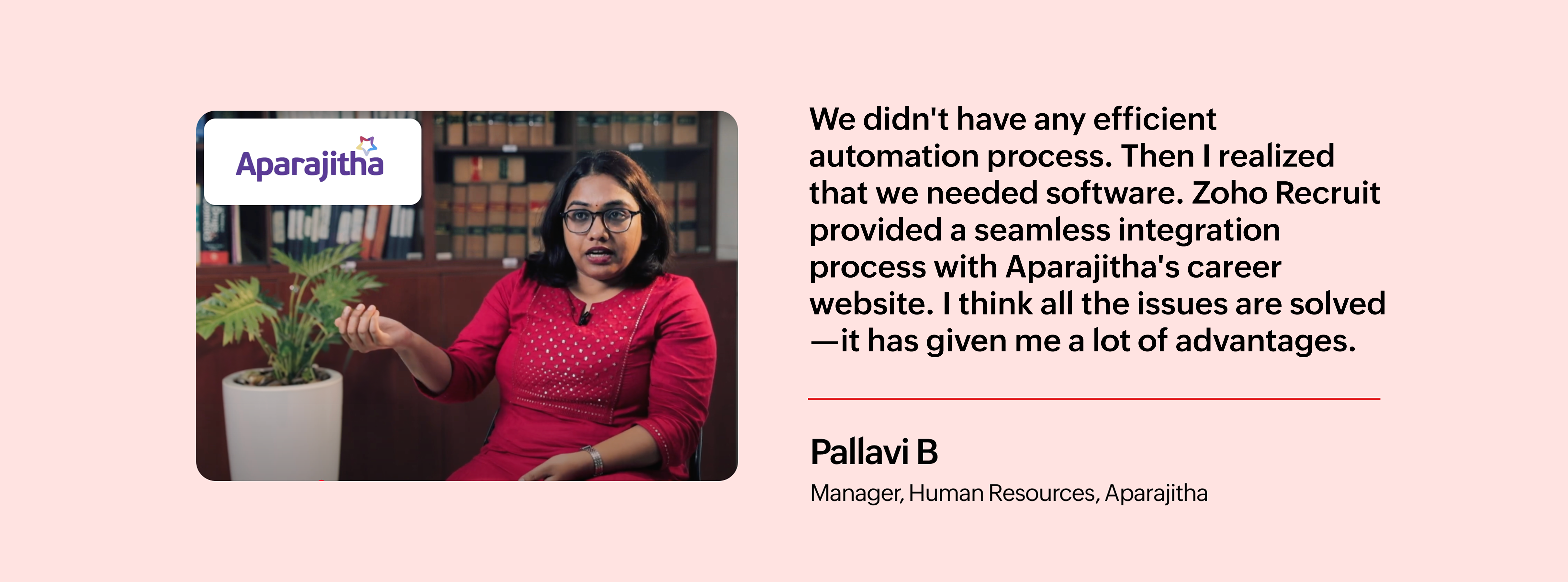
For the team at Aparajitha, manual hiring wasn’t just time-consuming—it was holding them back. With automation in place, they saved hours on routine tasks and kept their process running smoothly, even during peak hiring.
Take a look at how they did it.