Understand decimal points for form fields

This property dictates the maximum number of digits that your users can enter (in the above-mentioned fields) after the decimal point.
For example: When you set the Decimal Points property of a decimal field to 2, the below given is what happens when a user enters a decimal value that has more than 2 digits after the decimal point, and submits your form from a web browser:
-
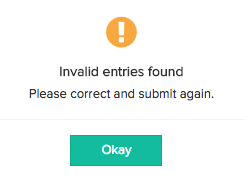
The Invalid entries found message appears in a pop-up window.
-
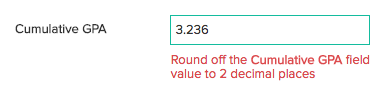
Clicking Okay closes this pop-up and displays a message below that decimal field.
When your user does this same action from a phone/tablet:
- The Invalid entries found message appears in a pop-up window.
-
Clicking
Done
closes this pop-up and displays a message below that decimal field.