Manage Seconds for Time and Date-time Fields | Zoho Creator Help
Manage seconds for time and date-time fields
Refer to the following pages to learn about the Manage seconds property in the context of the
time
and
date-time
fields.
Open the form builder.
Select the required field. Its
Field Properties
will appear on the right.
Navigate to the
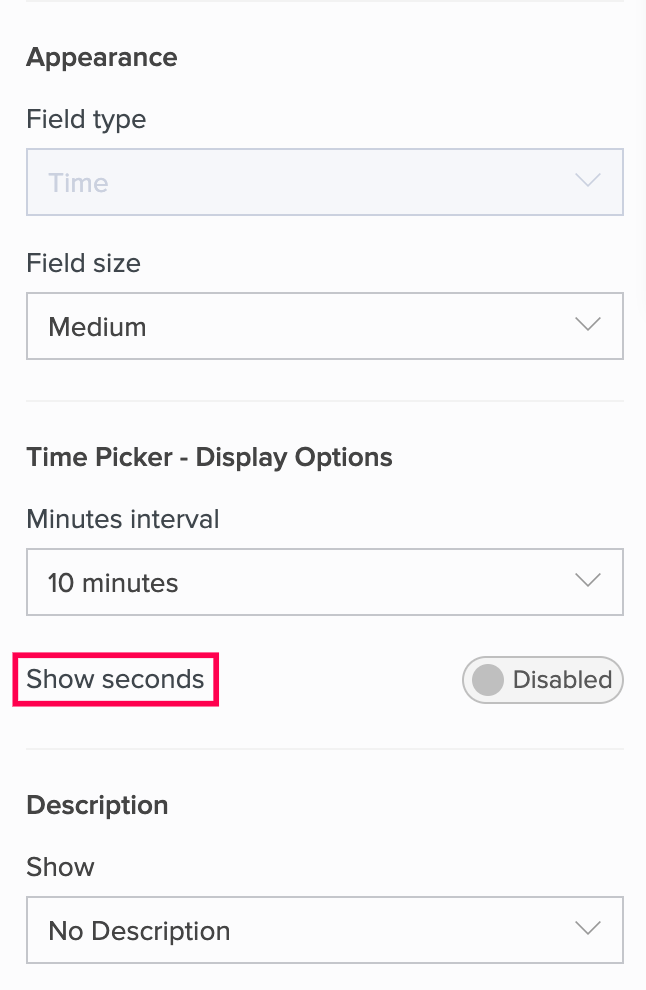
Time Picker - Display Options
section.
Toggle
Show seconds.
Related topics
Set minutes interval for time and date-time fields
Set initial value for time and date-time fields