Grant Edit Access to Zoho Support
The Edit Access feature, when enabled, allows Zoho Creator support team to edit your app and experience first-hand the problem you've been facing. Support team will have access exclusively to the app for which you have granted edit access, and will not be able to view your account homepage, the account setup page, the account subscription page, or any other application in your account. Nor will they have access to your account password.
After the support team fixes the issue, you can revoke the access. If not, access will be revoked by default after 30 days.
To grant edit access for an application:
-
Access your application, and click Help
in the top-right corner.
-
Click Support.
- Under Email, enter the details. Make sure the Please enable edit permission to help with troubleshooting box is checked to grant edit access. Click Submit Request to send an email to our support team.
-
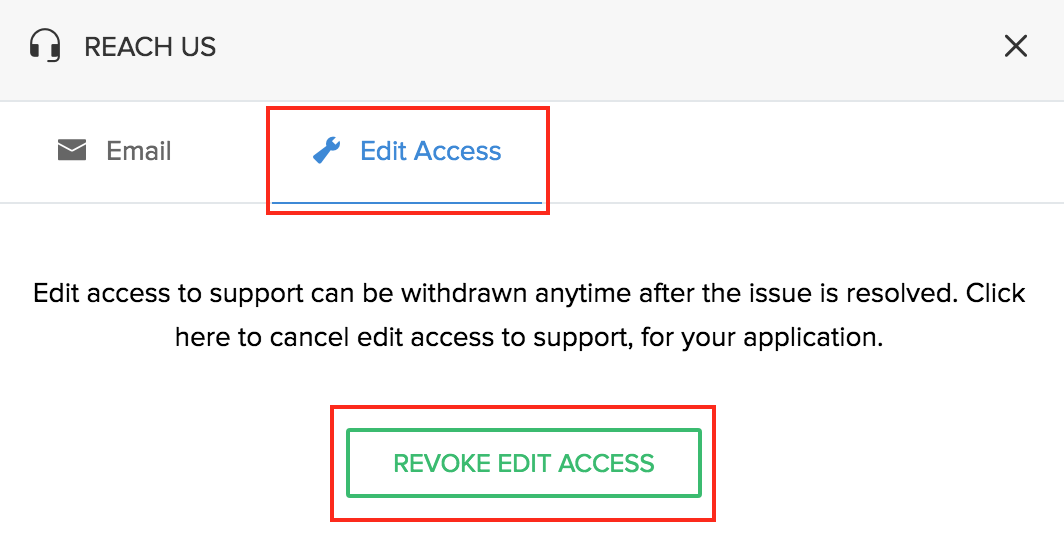
Alternatively, you can click Edit Access
and click Enable Edit Access to grant edit access.
-
To revoke the access, click on Revoke Edit Access.