Add to application as user
Zoho Creator allows you to share applications by adding users and granting them live mode access to specific applications. You can assign roles and permissions tailored to each user’s responsibilities for every application they access, ensuring secure and controlled access while promoting efficient collaboration with both internal team members and external stakeholders. Added users can be given access to specific Applications, BI & Analytics, and Integration Flows. You can add many users as needed as long as the limit of users for an organization is not exceeded. Check the user limit provided for your plan in the Billing page.
To add to application as users:
To add to application as users:
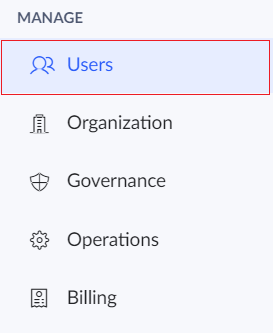
- Click the Users option under the Manage section in the left pane.
 Zoho One users will be redirected to the One Admin Panel from where you can add and manage users. Learn more.
 - Click the Add Users button.
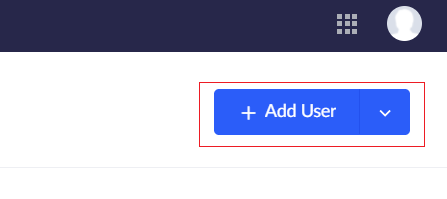
- The Add Users tab will appear. Enter the name, email address and other details of the user.
- Tick the Send notification mail checkbox if required.
- Under the Add to application, section choose the Applications as user option.
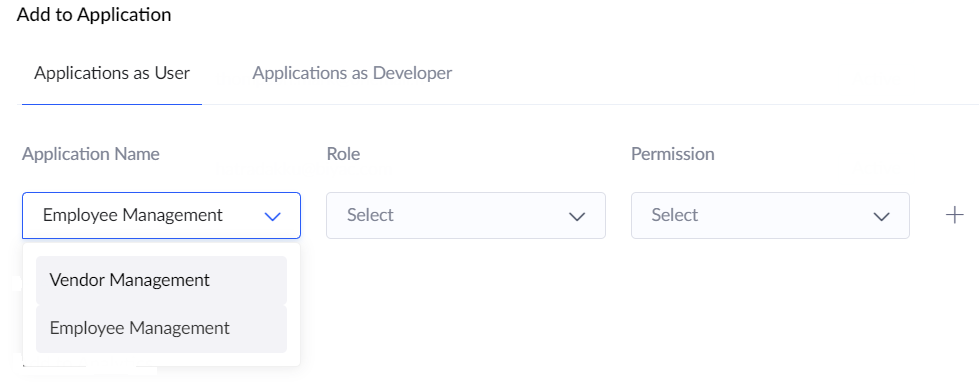
- Under the Application name field choose the app to which the user is to be added.
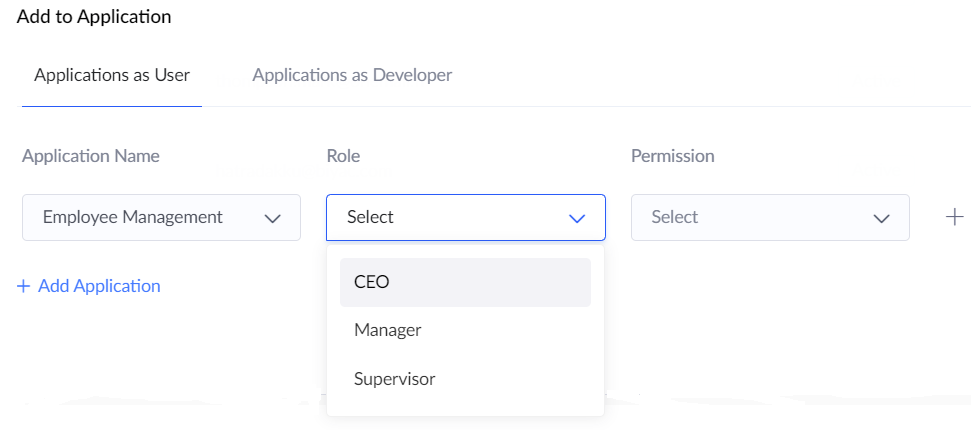
- Under the Role field, choose the role which is to be assigned to the user.
- Under the Permission field, choose the permission which is to be given to the user.
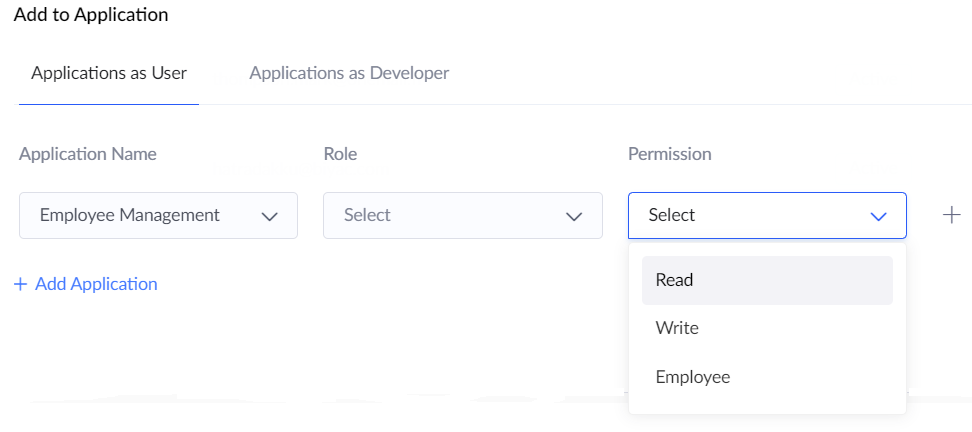
- You can include the user to multiple applications by clicking on +Add application button.
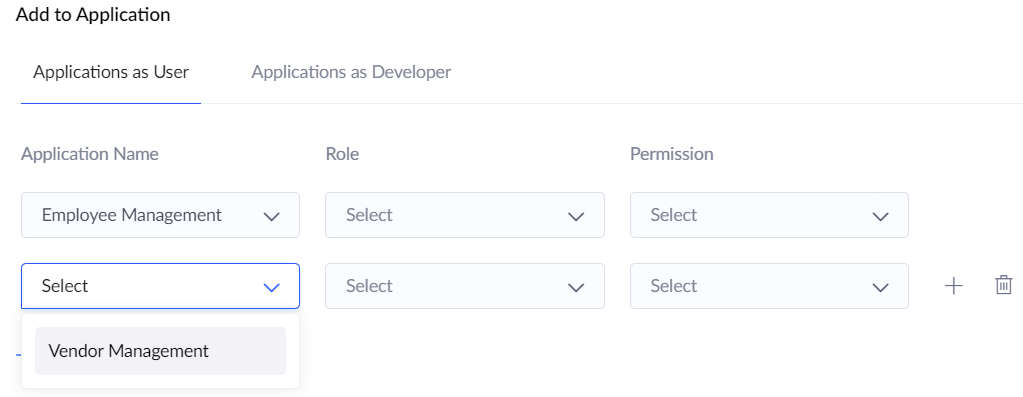
- Click the Add user button.