Recipient identity verification in Zoho Sign
The identity of the recipient can be verified within Zoho Sign via several modes. This provides an added layer of security to further fortify the signing process.
- SMS
- Knowledge-Based Authentication (KBA)
- European eID (EU eID)
- Email
- Offline
SMS
The recipient will receive an OTP via SMS when they try to access the document.
Dynamic Knowledge-Based Authentication (KBA)
The dynamic knowledge-based authentication (KBA) verifies the recipient's identity by generating out-of-wallet questions that only the recipient will know. Learn how to enable dynamic knowledge-based authentication.
Recipient identity verification via the European Union eID (EU eID)
Zoho Sign offers users based out of the EU to have their recipients verified with several EU eIDs. Learn how to enable this in your Zoho Sign account.
Email
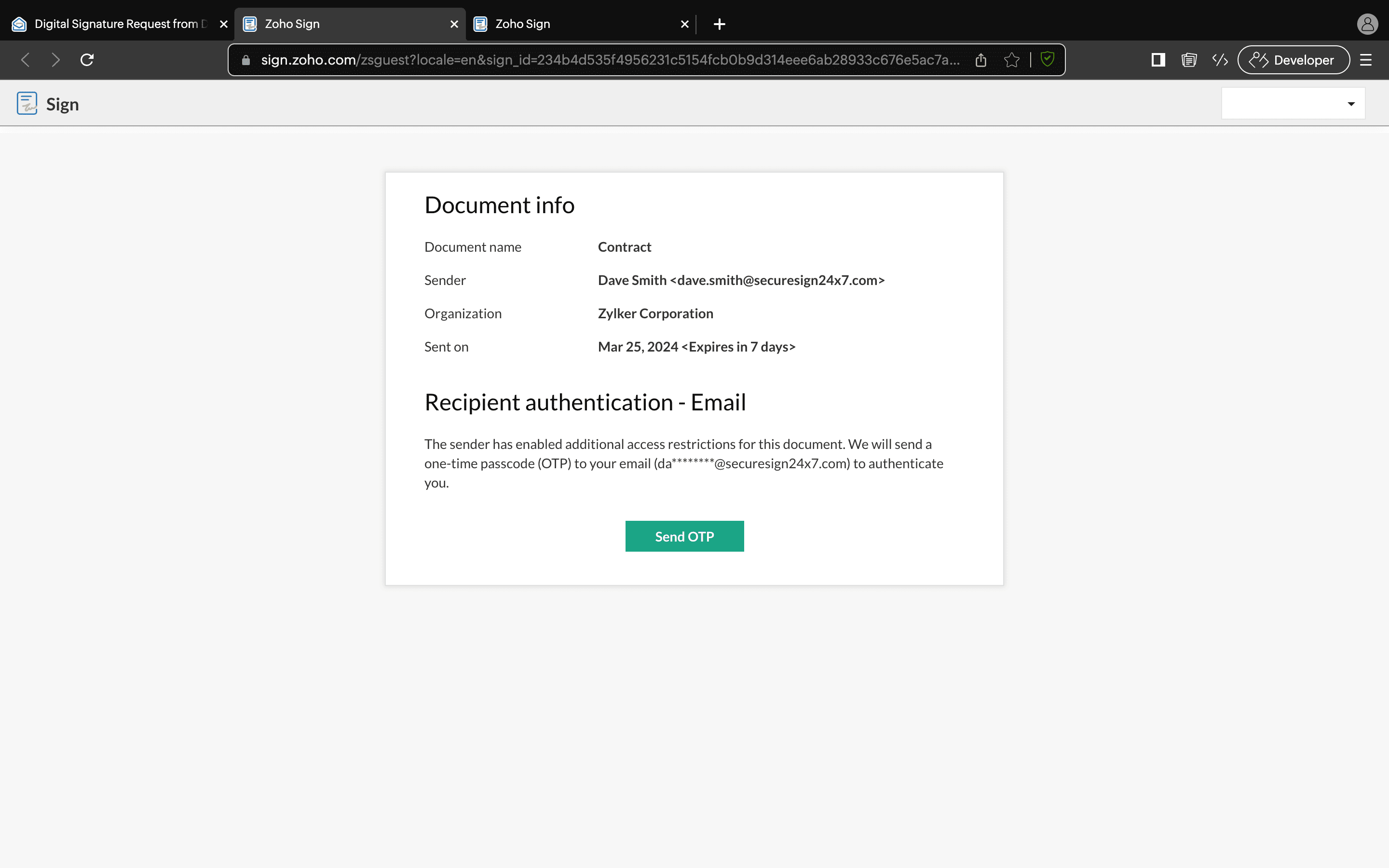
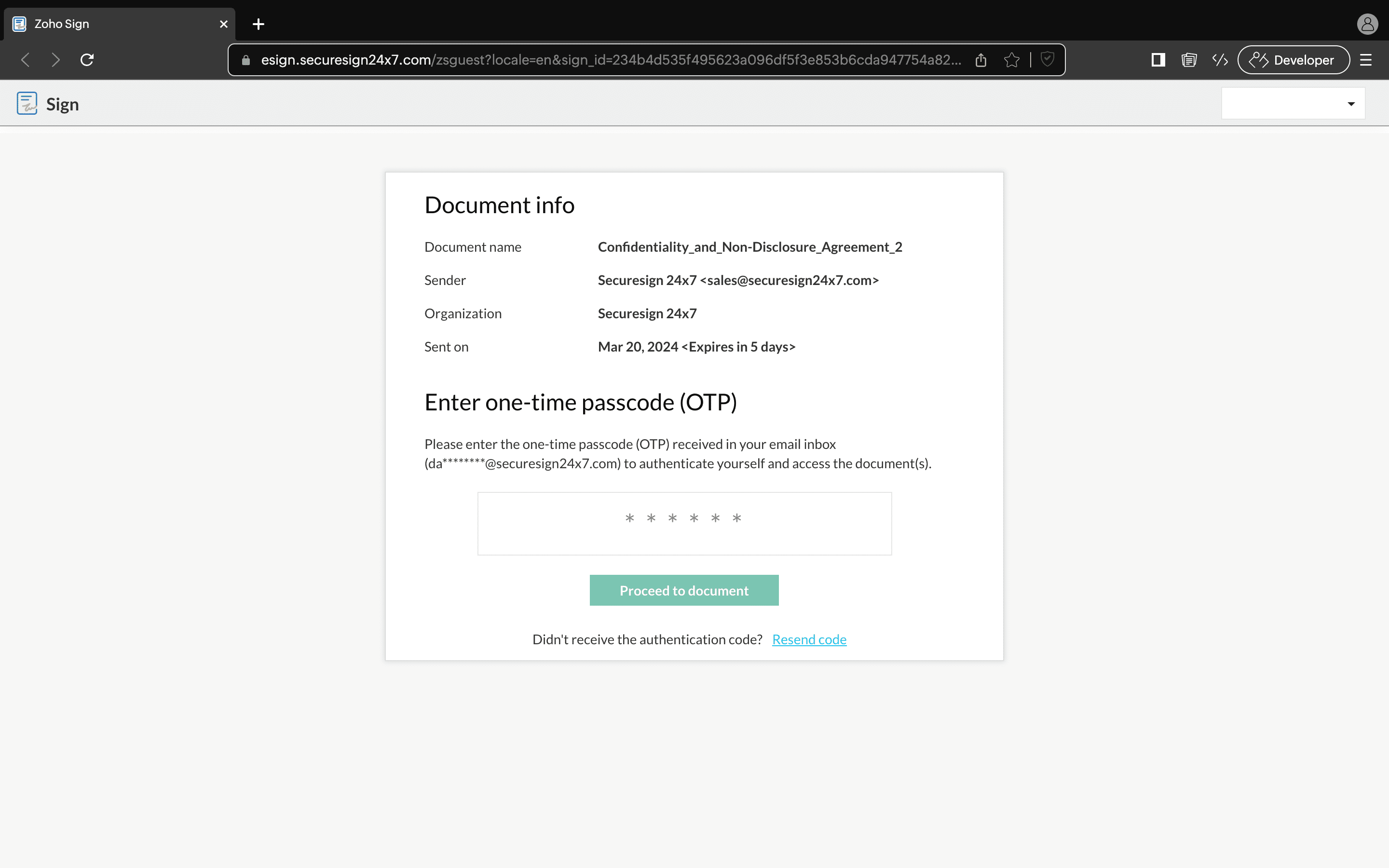
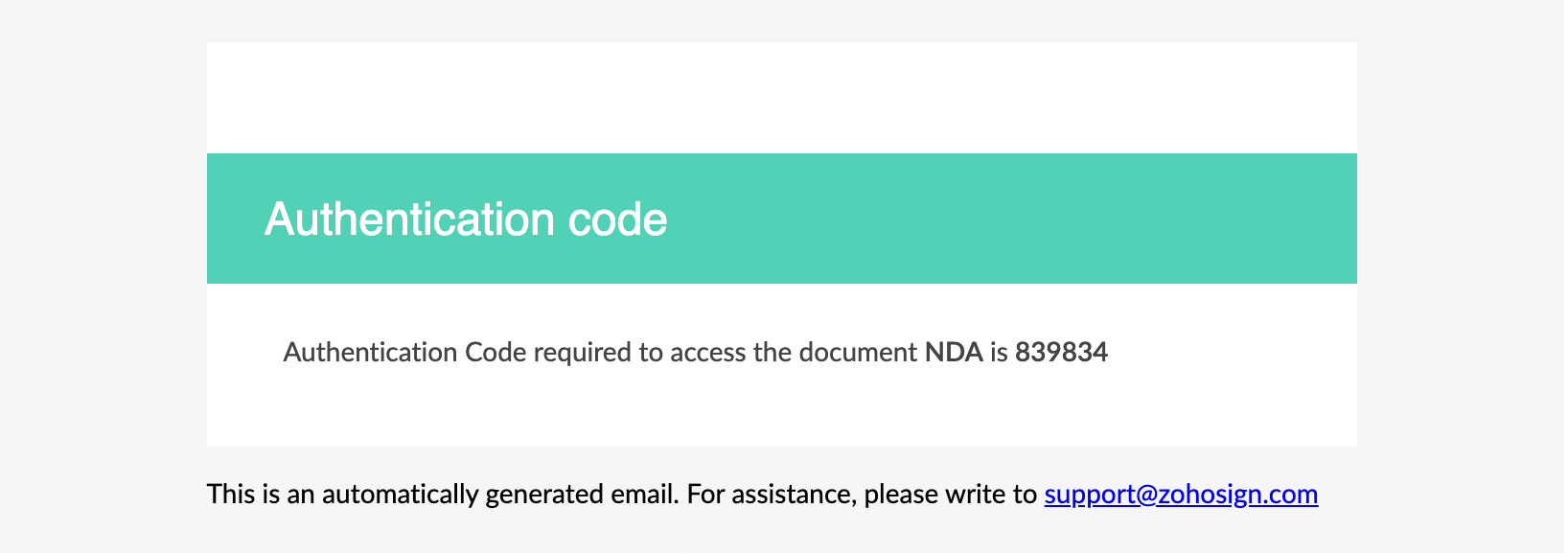
The recipient will receive an OTP via email when they try to access the document.
Offline
If the code delivery type is set to offline, the document owner must share the access code with the recipient manually.
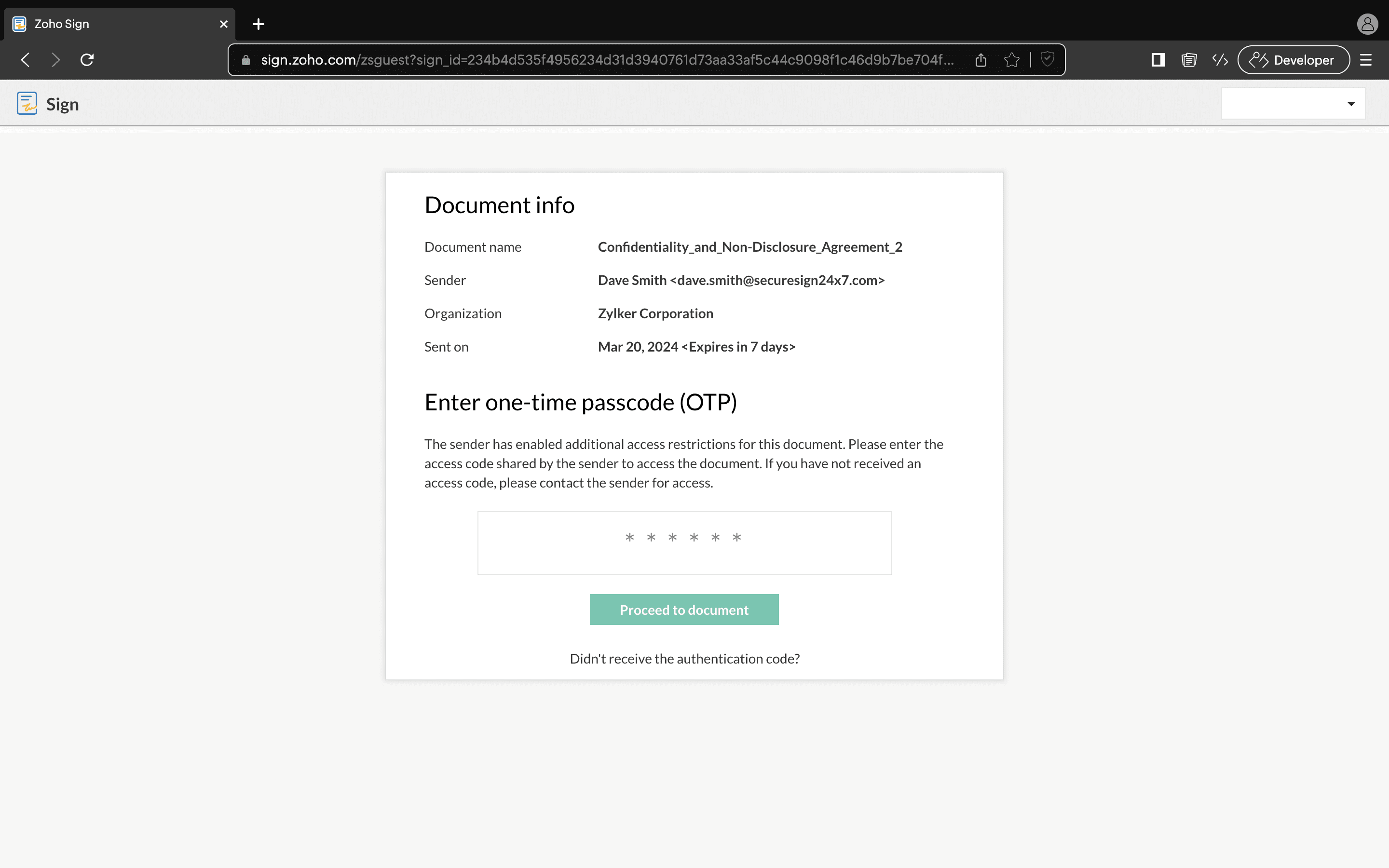
The recipient must enter the OTP and click Proceed to Document, and will then be directed to the document viewer to sign the documents.

If the OTP is entered incorrectly three times in a row, the recipient will immediately lose access to the documents. The recipient will need to ask the owner to restore their access.
If the recipient did not receive the OTP or forgot the code, the recipient can click the Resend code option below the Verify button.