Narrative 3 - Comprehending User Management
Behind the scenes of a successful ticketing system - BTS Series
Narrative 3 - Comprehending User Management
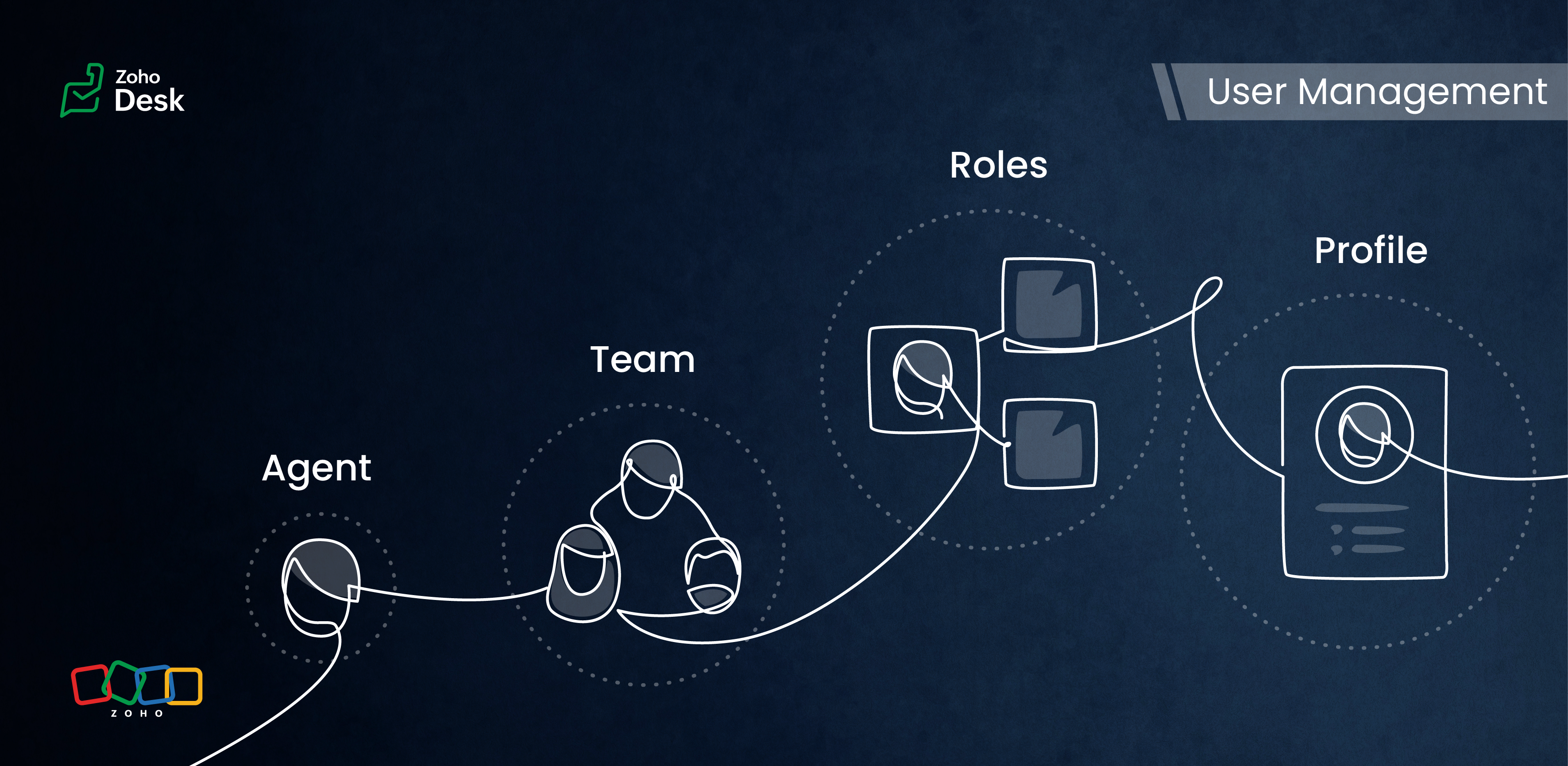
Managing Agents
Tasks
- Replying to tickets and tracking them.
- Answering customer calls.
- Offering live chat support or connecting with customers on social media platforms.
- Preparing a knowledge base of troubleshooting solutions for quick reference.
Actions
Inviting your team as agents in Zoho Desk with the correct permissions and access roles is the first step to getting them on board with the ticketing system. Each agent is assigned a role and a corresponding profile. The role follows the organisation’s hierarchy and can be set up in the Zoho Desk account. This defines access to the data in Desk. The profile, meanwhile, determines which features can be accessed and what actions a user can take in the Desk account.
Managing Teams
Teams consist of agents who allocate tasks based on traits, such as skills, job roles, locations, interests, and expertise. The makeup of these teams can change depending on business needs and support processes. They often include sub-teams and individual agents with specific roles.
Teams are essential for managing daily operations well. They help handle tickets and divide up tasks, events, and calls by routing them to the proper associates.
For example, a specialized team can include agents with extensive experience in meeting the needs of enterprise-level business customers. This dedicated team can manage all aspects of customer support, from onboarding and implementation to ongoing assistance after implementation. This ensures that inquiries from enterprise customers are addressed with skill and care.
By using team-based support services, organizations can ensure that their customers receive quick and focused responses.They can also provide tailored solutions that meet customers' specific needs and challenges. This approach improves the overall customer experience by promoting quick communication and delivering effective resolutions.

- Teams are designated for specific departments, meaning that only agents affiliated with a given department can join its teams.
- A team may include up to 100 agents and can comprise a maximum of 50 sub-teams or 20 roles.
- Every department is allowed to have up to 60 teams.
- Teams can encompass agents, sub-teams, agents assigned to a particular role, and the associates of those agents.
- It’s not required for every agent to be part of a team, and agents are permitted to belong to multiple teams, whether within the same or across different departments.
Roles & Profiles
Roles refer to the specific functions or responsibilities assigned to users within the system. They determine the level of access and the types of actions an agent can perform.
For example, a support manager needs access to all the tickets that their team agents work on, while support representatives typically only need access to their own tickets and, at times, their peers' tickets.
Profiles group agents with similar access levels and permissions. They define the settings and configurations that apply to each role. For example, a profile for agents might allow them to view all tickets but restrict access to sensitive customer data.
The system predefines the profiles listed, and they cannot be modified directly. However, you can adjust the permissions associated with these profiles to suit your needs better.
- Support Administrator
- Agent
- Light Agent
Conclusion
User management helps organize workflows by clarifying responsibilities and allowing users to concentrate on their tasks. By managing agents and teams and defining roles and profiles, you can make sure that sensitive information is only available to those who need it.
Overall, effectively managing roles and profiles in a ticketing system improves both security and operational efficiency.
Please stay tuned for more Desk behind-the-scenes series.
Regards,
Kavya Rao
The Zoho Desk Team

Also read:
Behind the scenes of a successful ticketing system (BTS Series)
- Narrative 1 - The significance of a business account
- Narrative 2 - Understanding Organizational Departments
The Wheels of Ticketing Series
- Eighth Insight - Oversee module relationships with Lookups
- Seventh Insight - Organize your data using Modules
- Sixth Insight - The Hidden C in Data
- Fifth Insight - Maximize the role of Departments
- Fourth Insight - The power of Multi-Layouts
- Third Insight - The Importance of Data Segregation
- Second Insight - Let's talk Layouts
- First Insight - Find your Fields
Topic Participants
Kavya Rao Addepalli
Recent Topics
Organization Emails in Email History
How can I make received Org Emails to show up here?Deleting Fields in CRM Deletes Views in Analytics
Hey friends! I'm having some issues when we modify some fields within ZohoCRM. There are times where we need to sunset a field and eventually completely remove it. In these instances, it seems like a lot of views are removed in Analytics. This rangesHow to setup pricing in Zoho
Hi everyone, I am relatively new here and have just moved from my old inventory system to the Zoho one. I am trying to get my head around how it all works. I am mostly setup connected to a shopify store, but I do manual sales also For manual invoicing,Prefilled Date fields auto-changed and then locked when using “Edit as new”
If a document out for signature has date fields (not SignedDate fields) that were pre-filled before sending, and then you use “Edit as new” to create a new version of the same document, the value of those date fields gets automatically changed to todayIs there a way to update all the start and end dates of tasks of a project after a calendar change?
Hi! Here's my situation. I've built a complete project planning. All its tasks have start dates and due dates. After completing the planning, I've realized that the project calendar was not the right one. So I changed the project calendar. I now haveAccess Phone Field Components (Country Code) Directly
Hello everyone, I'd like to propose an enhancement for the Phone field in Zoho Creator. The Problem: The Phone field captures the country code and local number separately, but stores them as a single string (e.g., +1234567890). To get the country code,Send mass messages through WhatsApp from the Tickets module
Hi Everyone! Effective communication is key to delivering prompt and reliable customer support. Because WhatsApp is one of the most widely used and familiar messaging platforms, it's an effective channel for agents to reach customers who have submittedLead Owner Signature Merge Field
I want to automatically insert a signature (i.e. contact info usually found at the bottom of an email) into an email template, depending on who the lead owner is. What is the merge code for the Signature from a Users profile? CRM > Settings > Customization > Templates There is a popup near the bottom of the edit screen which says: "You can insert a Signature, which is available as a merge field in the users section." It is also referenced on this page: https://help.zoho.com/portal/en/kb/crm/customize-crm-account/customizing-templates/articles/template-builder#Merge_FieldsHow do I create a time field?
I want a field that only records time. I can only see how to create a date-time field. If I do that and enter a time, without a date, nothing is recorded. If I create a number or decimal field, I cannot use it in time calculations. All I want is a fieldAlternating columns - How to reverse order on mobile - Responsive template
Can the order of alternating columns be reversed on mobile so that image comes before the text? Example: Desktop Row 1 column Left (image) , column right (text) Row 2 column Left (text) , column right (image) Mobile Currently Row 1 Image over text RowInvokeURL butchering JSON for OpenAI API calls
My organization works with mostly educational institutions. We have a custom module called "Schools", which is the user-entered school name they put when using our service (which they enter along with their state and zip code). We want to map this toCustom order for Current Stage (Blueprint field)
Hi! I suggest adding the option to set a custom order in reports for the Blueprint field ‘Current Stage’. Currently, these fields can only be sorted in ascending or descending order. Thanks!CRM E-mail Sync from Outlook
We are exploring Zoho as a possible new solution for our company. We are trying to understand further on how e-mail sync works. We use outlook. Our current CRM logs anytime we e-mail a customer so we can see in the CRM the message sent to the customer.Run your help desk on your schedule
In business, time is of the essence. This is especially true in a function like customer service, where KPIs such as response time and agent availability are the measures of success. Perhaps the most crucial consideration one needs to make about time is your hours of operation. These set expectations for your customer and for employees. To make communicating this information easier, we've revamped the way business hours and holiday lists work in Zoho Desk. In order to accommodate teams that workThe Customer Happiness REST API is broken
1. We are unable to extract the customerHappiness ( https://desk.zoho.com/DeskAPIDocument#CustomerHappiness#CustomerHappiness_ListallcustomerHappiness) object using the ticketNumber criteria. We keep getting HTTP 429 even when we limit to 60 calls perCan the Product Image on the Quote Template be enlarged
Hello, I am editing the Quote Template and added ${Products.Product Image} to the line item and the image comes up but it is very tiny. Is there anyway that you can resize this to be larger? Any help would be great! ThanksAutomatic Department and Employee Sync Between Zoho One and Zoho People
Dear Zoho Support, I'm writing to propose a valuable feature request that would streamline data management and improve user experience within the Zoho ecosystem: automatic synchronization between departments and employees in Zoho One and Zoho People.Zoho Expense and Chase Bank Visa credit cards - Direct Feed?
Our company uses JP Morgan Chase Visa credit cards. We can't be the first to try and use a combination of Zoho Expense + Chase Bank + Visa Credit Cards --- anyone successful with this combination? 1. The direct feed automation isn't working. When I goImpossibile inviare il messaggio;Motivo:554 5.1.8 Indirizzo del mittente bloccato
" Impossibile inviare il messaggio;Motivo:554 5.1.8 Indirizzo del mittente bloccato" Hi need to send email, how can fix this? Thanks, AliceImage inputed in Zoho Form were displayed to small in exported version
Good evening, my name is athallah, i am a trainee in government office Right now, i use Zoho form to digitalize an airfield monitoring form. my problem is, the image were to small to displayed in exported version. it really bad for formal presentationAPI. How do I get responses submitted to the form?
Hi, I'm trying to retrieve a list of form responses via the API. I've created a Self Client application in API Console. What scoup should I enter? What are the endpoints? Is there documentation on this anywhere? I've wasted a lot of time searching. GPTQuestion about Zoho CRM Professional plan users
Hello! I have a question about the Zoho CRM Professional plan. Is the pricing charged per user or per organization? Are there any free users included in this plan, or do I need to pay for each additional user separately? Thank you!Communicating with emojis
On July 17, we celebrate World Emoji Day! We're a bit late 😐 sharing insights about this day. But we just couldn't let it pass without a mention 😊 because emojis have a meaningful connection with customer service 💬 🤝. We do not want to miss out onChanging the Default Search Criteria for Finding Duplicates
Hey everyone, is it possible to adjust the default search criteria for finding and merging duplicate records? Right now, CRM uses some (in my opinion nonsensical) fields as search criteria for duplicate records which do nothing except dilute the results.Is it possible to create a word cloud chart in ZoHo Analystics?
Hi there, I have a volume of transaction text that I would like to analyse using word cloud (or other approcah to detect and present word frequency in a dataset). For example, I have 50,000 records describing menu items in restaurants. I want to be ableHelp integrating Aircall into Zoho CRM
Hi all, We are need to get better AirCall integration into Zoho. We have configured in the Aircall dashboard but we have not done the Zoho side. We cannot see Zoho CRM information on incoming calls. And we calls and text's are not being logged. SpecificallyShopify Extension no longer working in CRM
Zoho CRM and Extension are no longer working properly. We have used Shopify Basic for years. All of the sudden it stopped working, then started working again, and now no longer working again. There are several ways for Personal Information to sync fromHow to keep track of bags, cans, drums of inventory?
We buy and sell products that are packaged in bags 🛍️, cans🥫, drums🛢️, etc. with batch numbers. When we get a shipment of one of the products, how do we track we received (say) 10 cans each of 5L of a product and maybe we received 10 cans of anotherEasy third party collaboration: Zoho Flow Integration
Third-party integrations extend your project functionality with improved workflow, and data processing. With Zoho Flow integration you can include multiple third party actions into your project or task automation. Add Zoho Flow action in Workflow rulesZoho Inventory - How to pay a supplier up front then receive multiple deliveries
How do we manage situations where we pay a supplier up front, then the receive the products in increments? Example Workflow: Create Purchase Order > Receive Bill for full amount > Receive Items 2 or more deliveries. Currently, once a Bill is created againstIntroducing Configure, Price, Quote (CPQ) in Zoho CRM | Public early access 2023
Greetings Customers! We're excited to announce that the CPQ feature will soon be available in Zoho CRM and accessible to all accounts using the Professional, Enterprise, and Ultimate editions. We've opened this feature to select customers, and it'll behow to edit the converted lead records?
so I can fetch the converted leads records using API (COQL), using this endpoint https://www.zohoapis.com/crm/v5/coql and using COQL filter Converted__s=true for some reasons I need to change the value from a field in a converted lead record. When I tryZoho Bookings <> CRM integration
Hello Zoho community! We are enabling our Zoho Bookings <> CRM integration. What is the workflow if the integration detects that the contact already exists in the CRM? Does it create a duplicate record? Overwrite the record? Merge the record? (in thisCannot reject empty expense report
Hello, We are currently having issues with two empty expense reports where if we try to reject them, either manually or through the REST API, we get error 114016, which says some of the expenses have already been billed and must be removed. I'd appreciateUse of Zia within Forms
I have noticed that recently you have added Zia to help create forms from scratch. Would it be possible to add Zia functionality to free text fields for form submissions or if this is already on the roadmap an ETA for this please? We have a lot of fieldDefault in fields on Form B based on the user selection in Form A
Hi Everyone, I have added an action button to a form report to bring up a new form based on user selection, see it indicated in red below: Then when the ne form loads, I want to default in some of the fields based on the record the user was selected on.Auto-sync field of lookup value
This feature has been requested many times in the discussion Field of Lookup Announcement and this post aims to track it separately. At the moment the value of a 'field of lookup' is a snapshot but once the parent lookup field is updated the values diverge.Last activity time is acting like last modified time
When i edit the description or any field in the potential, account, contact and lead, the Last Activity Time is being updated like the Modified Time. This is messing all workflows and reports and we are unable to track real last time of activities likeEnhancements to the formula field in Zoho CRM: Auto-refresh formulas with the "Now" function, stop formula executions based on criteria, and include formulas within formulas
Dear Customers, We hope you're well! By their nature, modern businesses rely every day on computations, whether it's to calculate the price of a product, assess ROI, evaluate the lifetime value of a customer, or even determine the age of a record. WithHEX/RGB Color Input in Visual Editor
Hello Zoho Pagesense Team, We hope you're doing well. We’d like to submit a feature request to improve the color selection options in the Pagesense popup editor. Current Limitation: Currently, to set text colors, users must move the color slider manually.Next Page