Introducing AI-powered Assessments & Zoho's native LLM, Zia
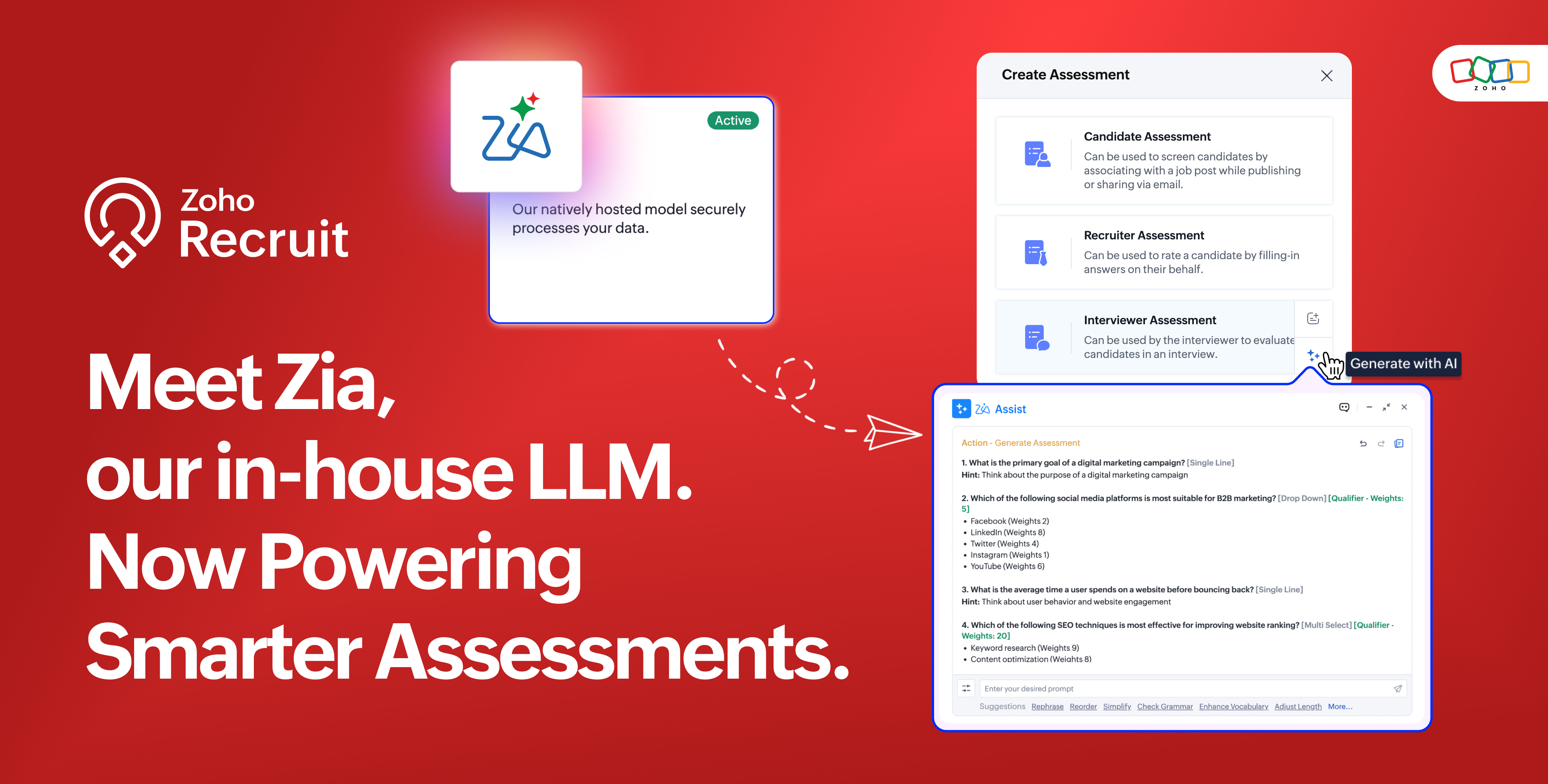
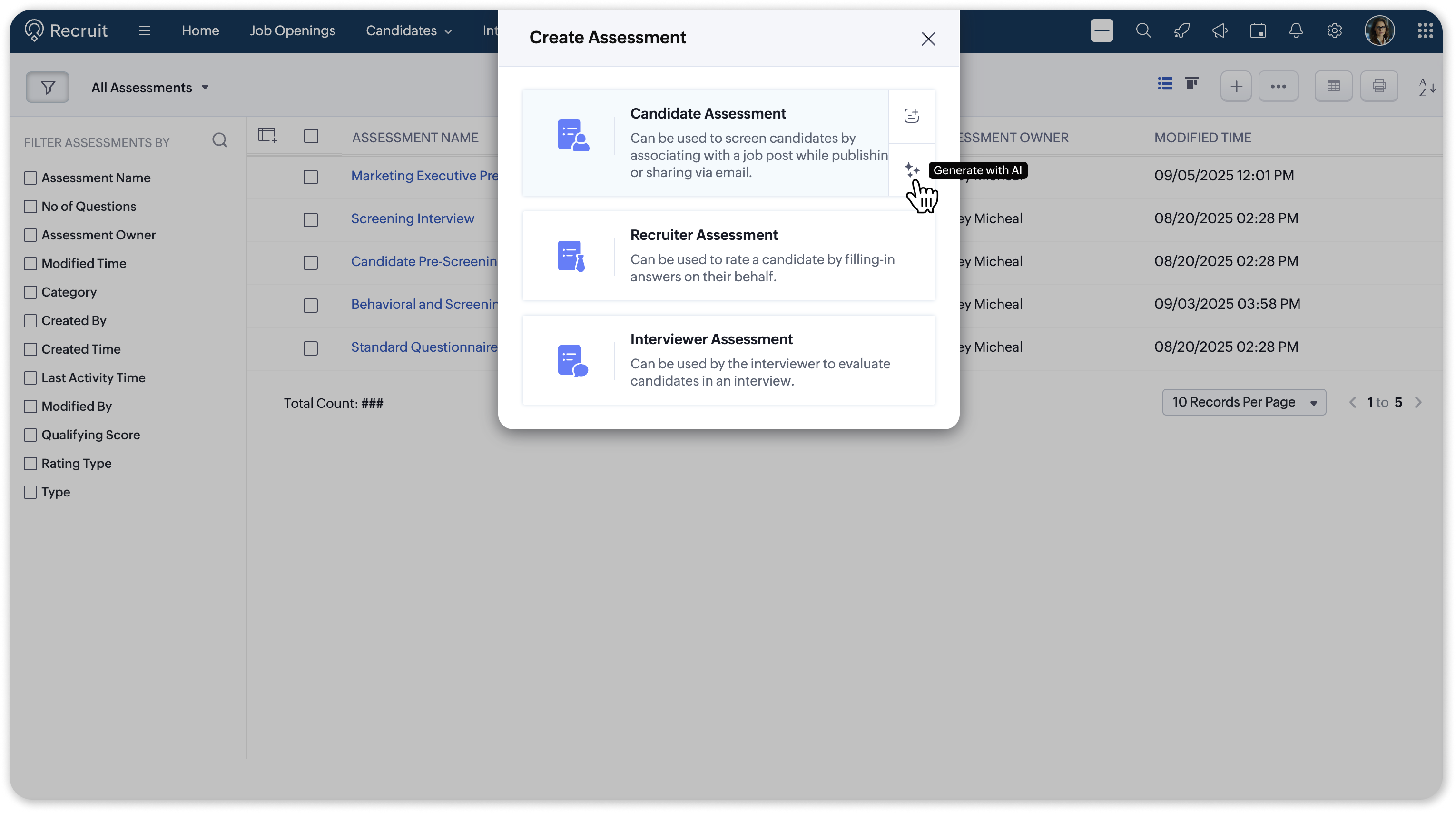
We’ve shipped a cleaner, faster way to create assessments in Zoho Recruit. 🚀
Instead of manually building question banks or copying old templates, you can now generate ready-to-use assessments in just a few clicks, all tailored to the role you’re hiring for.
🔹 What’s New?
AI-generated Assessments
You can now generate assessments across all three categories (Candidate, Interviewer, and Recruiter) in just a few clicks. Whether it’s role-specific coding and aptitude questions, structured interviewer guides with probes, or recruiter checklists for screening and fit, AI Assist helps you create assessments that are faster to build, fairer for candidates, and consistent across your team.
🌟 Spotlight on Zia
Along with this release, we’re rolling out Zia, Zoho’s in-house large language model, as the default engine for AI Assist.
Why this matters
- Built-in & free → No setup required. Zia works out of the box.
- Recruitment-first design → Zia is optimized for job descriptions, assessments, emails, and more.
- Flexibility → You can still connect OpenAI’s model with your Secret Key if you prefer.
⚖️ Zia vs. OpenAI
|
Feature |
Zia |
OpenAI |
|
Cost |
Free, included with Zoho Recruit |
Paid, requires OpenAI subscription |
|
Setup |
No setup needed, enabled by default |
Requires API key integration |
|
Optimization |
Purpose-built for Zoho Recruit (job descriptions, assessments, communication and more) |
General-purpose language model with broader flexibility |
|
Data handling |
Managed within Zoho’s ecosystem, GDPR & HIPAA compliant |
Managed by OpenAI under their policies |
|
Best for |
Teams that want a ready-to-use, recruitment-optimized AI |
Teams already invested in OpenAI and seeking wider AI capabilities |
With AI Assist powered by the Zia LLM, you can now create assessments that are:
- Faster to build
- Smarter in structure
- Aligned with real hiring needs
For detailed instructions, refer to our help articles on Enabling AI Assist and Generating Assessments.
Got any questions or suggestions? Leave a comment below or reach out to us at support@zohorecruit.com.
Regards,
Team Zoho Recruit