Marketer's Space: Proven tips to improve open rates – III | Online Help - Zoho Campaigns
Hello Marketers!
Welcome back to another post in Marketer's Space!
This is the final post in the "open rate series". In the first and second parts, we discussed topics ranging from sender domains to pre-headers—but we're not done yet. A few more important topics await you in this post. Let's dive right in.
Personalized content
Personalization is important in email marketing—but it doesn't end simply with addressing your contacts by their first names. It's much more than that. You have to tailor your entire campaign—from design to content—in order for it to click with them.
Here's what the path of personalization looks like:

- Request contacts' preferences after they sign up. Zoho Campaigns automatically sends a double opt-in form after contacts sign up (if enabled) in which they can update their preferences and topics.
- Send campaigns to these contacts, as they're the ones who've shown real interest in what you're offering.
- Track metrics like opens, product views, and link clicks. Zoho Campaigns' Reports module is your best friend.
- Segment contacts based on these behaviors and send targeted campaigns to these segments.
- Further refine your sending practices by creating content variations dynamically, determining the frequency at which they want to receive campaigns, and optimal send times.
Dynamic content
Dynamic content is another form of personalization, where the content changes dynamically depending on who opens and views the campaigns.
Let's say an ecommerce brand runs a Diwali sale using an email campaign.
Based on past behavior, electronics shoppers see gadget deals, fashion shoppers see festive wear, and inactive users see a comeback offer—all within the same email. Images, headlines, offers, and CTAs automatically change for each contact.
The marketer sends one campaign, but every recipient sees content tailored to their interests, which make the emails feel personal and relevant.

It's effortless to set up; you just need to drag-drop the elment's variant, set the conditions, and see the magic.
Multi-device and multi-client responsiveness
These days, you may look at your mobile phone more than your laptop or desktop. Accordingly, as a marketer, you should design your campaigns so that they're responsive across multiple device types, like laptops, mobile phones, and tablets. Here are some quick tips for creating responsive campaigns for multiple devices and multiple email clients (like Gmail, Outlook, and Yahoo).
Imagine your contacts open your campaigns but find images loading too slowly, cramped content, unclickable CTAs, or broken layouts when viewing via their phones. They won't open your campaigns again if these issues persist—which leads to poor open rates.
Here are some ways you can design your campaigns to be responsive across different devices and email clients:
- Make mobile your priority: Use single-column layouts, readable font sizes, and tap-friendly buttons to ensure smooth mobile experiences. Prevent any stray taps from your contacts by leaving sizable space surrounding your buttons.
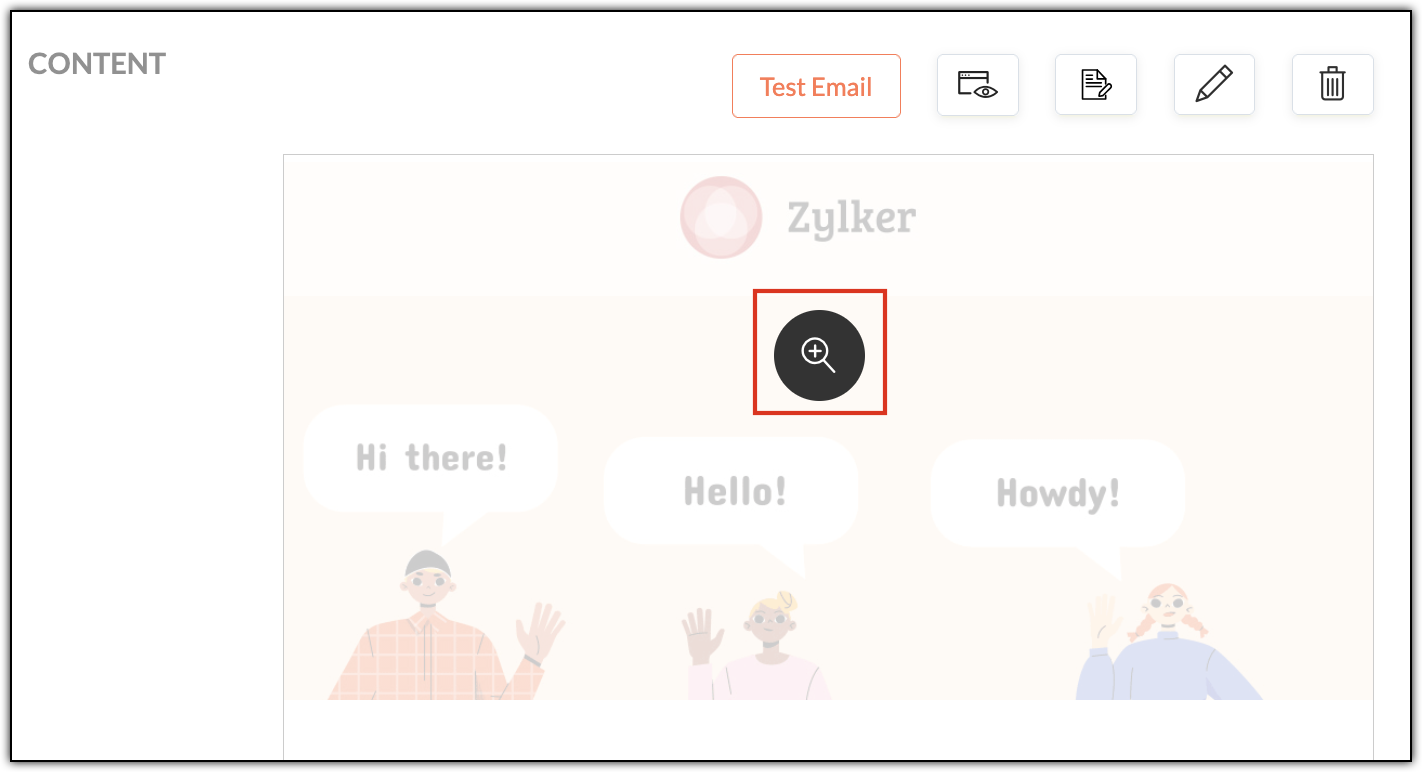
- Always preview: Use Zoho Campaigns' built-in desktop and mobile previews to catch layout issues before sending. Click each campaign's magnifier button (in the Content section) to preview for desktop and mobile.
- Send test emails: Open test emails in real inboxes (Gmail, Outlook, Yahoo) across both laptop and mobile devices. Create test accounts in these email clients and send campaigns to yourself.
- Granular checks: Validate links, images, alt text, and dark mode visibility before hitting send. Don't upload high resolution images, as it'll increase your emails' load times when your contacts first open them.
- 60:40 ratio: Generally, maintaining a ratio of 60% text and 40% images in your campaigns is recommended. While this ratio doesn't have a direct contribution to open rates, it does improve loading speeds, accessibility, and inbox trust—all of which do contribute directly to open rates.
Multi-device testing makes sure your campaigns works across varying screen sizes, while multi-client testing ensures they render correctly across different email clients. Both are essential, as different email clients interpret HTML differently.
A/B testing
A/B testing helps you make smarter email decisions by letting actual contacts vote without realizing it. Instead of guessing about what works, you can create two versions of the same campaign that differ in one key way (such as their subject line, CTA, or send time) and then send them to different (but equal) portions of your contacts. The version that gets more opens or clicks is the winner—and you can then send it to your remaining contacts.
For example, let's say Patricia from Zylker Fashions is launching a weekend sale. Version A uses the subject line "Weekend sale is live", while Version B says "Your weekend savings start now". She sends both to roughly 10% of her list. After a few hours, Version B gets higher opens, so she automatically sends it to the remaining 80%. Over time, repeating such tests helps her consistently improve engagement and results.
Remember that your target contacts are often based on demographics, geography, and behavior, so test results from one group may not reflect the reactions of another.

Zoho Campaigns has a specific A/B Testing campaign feature you can use when you create email campaigns.
Send-time optimization
Let's say you're based in the US and have customers all over the globe. You want to send a campaign to your UK contacts, but you don't want to send it in the middle of the night; it might put them off. More often than not, these emails will go unopened. Instead you should schedule it to arrive at a specific time—in their specific time zone—when they're most likely to open it.
Zoho Campaigns offers this functionality. After designing your campaign with our template builder, you're ready to send it. You can choose between Send Immediately and Send Later. Upon choosing the latter, you can select either the Recipients' Time Zone and Recipients' Optimal Open Time, among other options.

The recipient's time zones are determined by whatever contact data you have, such as their country. Optimal open times, on the other hand, are based on the recipients' past engagement histories, such as when they usually open emails.
With that, we've come to the end of this three-part series.
Improving open rates is all about being consistent. We covered a wide range of topics, from sender domains and subject lines to pre-headers, personalization, dynamic content, testing, and send-time optimization.
Until next time. Happy marketing!
Kind regards,
Sai Prashanth
User Education
Zoho Campaigns