Narrative 15: Blueprint - Automate, guide, and transform your support processes
Behind the scenes of a successful ticketing system: BTS Series
Narrative 15: Blueprint - Automate, guide, and transform your support processes
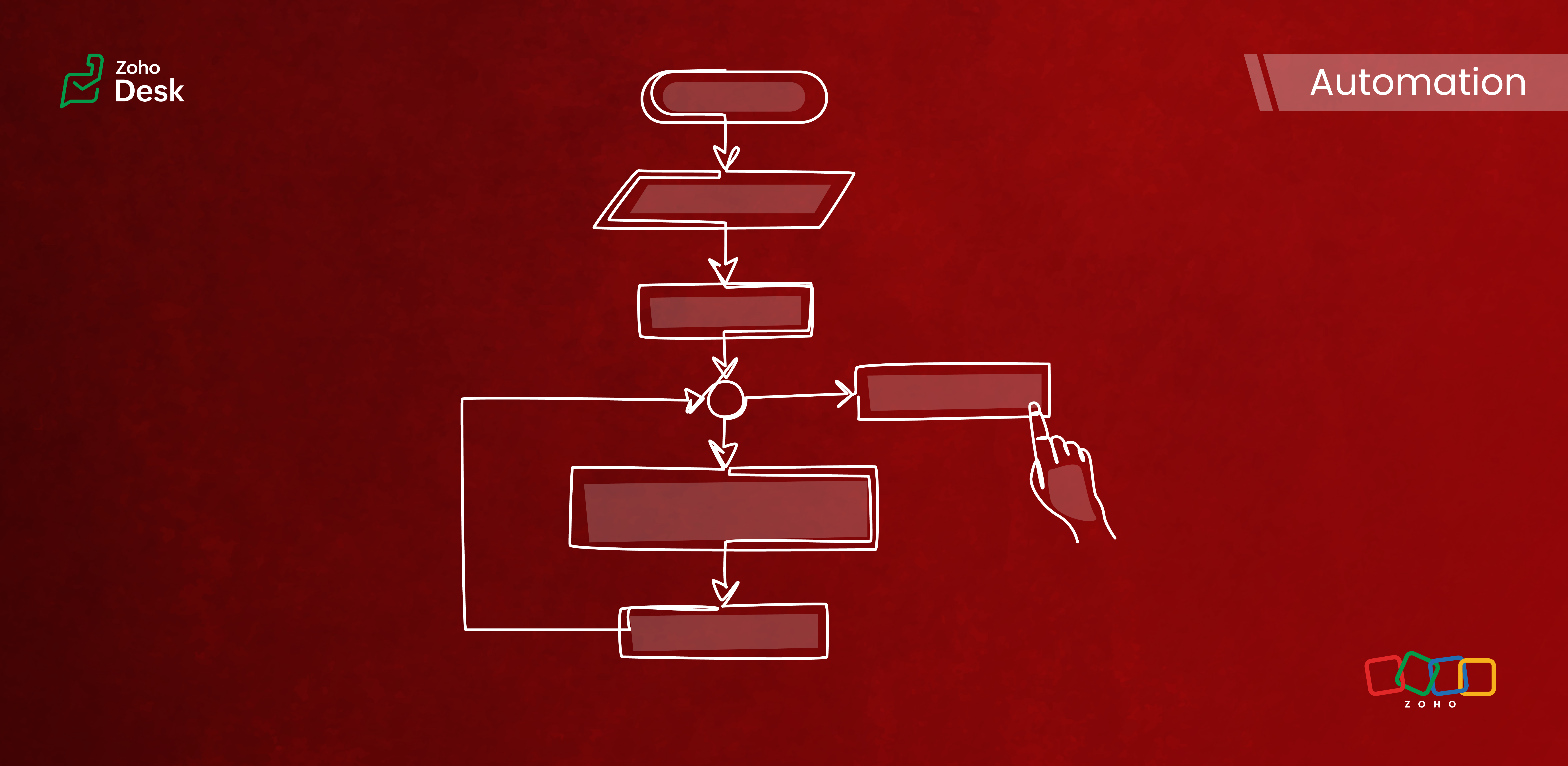
Components of a Blueprint
In Zoho Desk Blueprints, "stages" represent distinct steps or milestones in a business process, while "transitions" define the movement and conditions required to progress from one stage to another.
Stages
Stages are the specific checkpoints or states that a support ticket or record passes through in a process, such as "Assigned," "In Progress," "Awaiting Response," or "Closed." Each stage captures the ticket's status at a given point in time and provides visibility into the process's progress.
Transitions
Transitions are the actions, criteria, and intermediate checkpoints required to move a ticket from one stage to another. A transition can enforce checks, require specific actions, or mandate that fields be completed before advancing to the next stage. Transitions can also be configured to trigger automations, send notifications, or assign ticket owners.
- The criteria for when the transition is allowed
- The actions to perform during the transition (updating fields, completing checklists, sending messages)
- Transition ownership (who can act)
- Automated actions are triggered upon execution
Highlights
Enabling Strict Mode ensures that agents strictly follow ticket processes. When activated, all other actions in the ticket interface are disabled, allowing agents to perform ticket-related actions exclusively through the transition bar.
Admins can now selectively set which actions and fields are required during a transition. The introduction of the Configure Mandatory option enhances this capability to provide greater control and flexibility in customizing Blueprints for various groups of agents and refining specific aspects of the support process.
Admins can now effortlessly prioritize and reorder transitions with a simple drag-and-drop feature. This allows them to easily arrange the sequence of transitions in a Blueprint to determine how they are presented to agents. In the past, this process required agents to delete and re-add transitions in the desired order, which was time-consuming and labor-intensive.
The number of Points and Transitions permitted in a blueprint dictates the complexity of the internal processes you can design for your team. We have increased the number of pointers and transitions to allow you to incorporate greater complexity into your support operations as needed.
When developing a Blueprint, you may find the need to rename a State or modify its Status Type after it has already been linked to the blueprint. This was not an option previously, but we've now made it possible. You can now change the Status Type and rename states associated with a blueprint.
Key Features
- Design sequential ticket workflows with defined states and transitions.
- Assign transition ownership to agents or departments.
- Control ticket progression by restricting actions until necessary steps are completed.
- Automate notifications, field updates, task assignments, and custom functions during and after transitions.
- Use a Blueprints dashboard to track the number of tickets in each stage, SLA violations, bottlenecks, and overall process efficiency.

Commonly automated business processes
- Quote management
- Task management
- Library book lending
- Hospital management
- Converting leads to customers
- Order cycles
- Support request handling and escalations
- Recruitment
- Deal follow-up
Takeaway
Creating a Blueprint involves specifying the states (ticket statuses), transitions (actions to move between states), and, if needed, criteria to apply the Blueprint only to specific tickets. It provides structured guidance to agents and makes help desk operations more efficient and consistent across teams.
Please stay tuned for more in the Desk behind-the-scenes series.
Regards,
Kavya Rao
The Zoho Desk Team
Also, read:
Behind the scenes of a successful ticketing system (BTS Series)
- Narrative 14: The magic bazaar of Desk
- Narrative 13: Importing your data
- Narrative 12: Sandbox - Testing without the risk
- Narrative 11: Are your customers happy?
- Narrative 10: Assignment Rules - Streamlining Ticket Management
- Narrative 9 - GC—Meaningful conversations that benefit your customers
- Narrative 8 - Intelligent in-app support that's instantly available anytime and anywhere
- Narrative 7 - The importance of data sharing
- Narrative 6 - The impact of rebranding
- Narrative 5 - The essential role of SLAs
- Narrative 4 - Exploring the support channels
- Narrative 3 - Comprehending user management
- Narrative 2 - Understanding organizational departments
- Narrative 1 - The significance of a business account
Topic Participants
Kavya Rao Addepalli
Recent Topics
Deluge - Can't get phone number SalesIQ
Hey folks, I’m building a custom plug for SalesIQ that’s supposed to register leads into Zoho CRM. The SalesIQ chat is being implemented on WhatsApp, and in my plug I’m using this line: mobile_clean = session.get("phone").get("value"); From what I understand,Zoho Desk - Community
As a regular user of Zoho Cares Community I would really love to see the publish date of articles. For example, when I look at Announcements, it would be very beneficial to see which ones were posted recently, over those which have just and a recent comment.access to quartz for my customers
Hi how can I have access to the application quartz you use for us to send you screen rocording, this feature would be immensely useful for our customers support https://quartz.zoho.com/Issue with Inline Images in Email Reply via Zoho Desk API
Hi, I am attempting to send inline images in an email reply using the Zoho Desk API, but the images are not being displayed inline for the recipient. I have followed this documentation: https://desk.zoho.com/DeskAPIDocument#Uploads https://desk.zoho.com/DeskAPIDocument#Threads#Threads_SendEmailReplyHow to search a value stored in a subform?
Hello, We store serial numbers in subforms but now we would like to be able to search the values to be able to easily find the record with the serial number. I saw that it's not possible to search such values through global search but is it possible to do it an other way? Thank you,Field Dependency Not Working on Detail Page in Zoho Desk
Hi Support Team, I’ve created field dependencies between two fields in Zoho Desk, and they are working correctly on the Create and Edit layouts. However, on the Detail page, the fields are not displaying according to the dependencies I’ve set — they appearHow do the keyword critera work?
Hi, I'm working on automated assignment of tickets based on keywords. How does this feature work? Where does this criteria look for keywords - email address, subject, email body? Can you please clarify this as I want to avoid overlapping with criteriaError: Unsupported content type: text/html;charset=UTF-8 after tryeing to get the token for n8n automation
I am working on ZOHO Desk automation and need to get the ZOHO auth token for n8n I have created the app in ZOHO Desk API, got client id and client secret. Added all data required to get a token in n8n. After I sign in with my ZOHO credentials in ZOHOImproving Collaboration Features in Zoho Portal
Hello Zoho Community, I’ve recently started exploring Zoho services and I’m really impressed with the wide range of features. However, I feel there is still room for improvement in the collaboration area. For example, it would be really helpful if weAutomated Shopify Emails Not Being Delivered
I have an ecommerce store with Shopify. I recently set up my email to be served through Zoho. Since doing this, customers are not receiving some of our automated emails from Shopify itself. Our initial email that confirms their purchase goes through but our Shipping Notification that is automatically sent out upon fulfillment is not going through. Sometimes we get a notice that it's been classified as spam, sometimes nothing. I can send/receive email via Outlook on my desktop and I can send/receiveSend a campaign to one recipient.
Very often I speak to a customer and they say they didn't see my email (maybe it went in Junk, maybe they deleted it). Anyway, I just want to go into the Campaign and send it to one person. You already have a feature very close to this - when sending a Test. While developing a campaign, I can send tests to anyone. Why can't we have this AFTER the campaign has been sent? I know, there's a caveat, and that's in the use of merge tags. Most of the time I only use FNAME, but maybe you could check ifTry FSM again for our business
We already have our customers individual equipment in CRM with serial numbers, install dates, warranty length and importantly next service which is generally 2 years. a month before the service date is due we get get a report and send out service reminders.Get Cliq Meetings in my O365 calendar
Hi, we are currently evaluating to replace the Teams Messaging and Meetings with Cliq. We currently still have all our email and calendars in O365. What i want to achieve is, to create a (ZOHO) meeting from Cliq and have this meeting added to my Outlook/O365Issue with Zoho Help Portal – Tickets Missing or Not Answered
Hi, How are you? I think there may be an issue with the Zoho Help Portal. I opened a few tickets directly in the help portal a some time ago but never received any response I also opened ticket 148356451 by email. I did receive a reply to it, but theDUNS & Bradstreet and Credit risk monitoring integration with Zoho books
Small businesses not being paid by bigger clients and clients of all sizes is a huge problem. It will be nice if Zoho develops integration with DUNS & Bradstreet(D&B) and Credit risk monitoring integration with Zoho books. That have small businesses canZoho Forms - Form Rules based on attachment fields
Many businesses use forms to collect documents and images from customers. In many cases, you may want to trigger a notification or other automation based on whether or not an attachment was added. I've noticed that attachment fields do not appear in RulesCan't open draft email for editing
Last night I started composing an email and I let it save in drafts. This morning I want to continue working on the email. It is in my Drafts folder but it will not open. The only option there is to delete it. This is not the first time it has happened. On previous occasions I have just deleted the draft and started afresh, but I really want this one back. Windows 10 with Pale Moon 28.10.0 browser.Open filtered deals from campaign
Do you think a feature like this would be feasible? Say you are seeing campaign "XYZ" in CRM. The campaign has a related list of deals. If you want to see the related deals in a deal view, you should navigate to the Deals module, open the campaign filter,Change scheduling emails time
When sending an individual email there is a great feature to schedule them to send later. I could only use the one time that is suggested. Is there a way to select another time? Regards, GlennZoho CRM: how can I control which contacts to sync with Outlook?
I was just playing around syncing contacts from Zoho to MS Outlook (MS365 account.) The problem is our firm has hundreds of thousands of contacts and I don't want to bury my contacts list in outlook. Any help with this is greatly appreciated.How to overcome limitations in meetings
As a company, one of our deliverables is a meeting between two other companies, where we act as facilitators. So, if we recorded this meeting in Zoho CRM, it should be connected to 2 accounts, 2 contacts, and 1 campaign (a campaign, in our use, is theAdd a 'Log a Call' link to three dot icon in Canvas
Hi, There's a three dot element when creating a canvas called 'More'. I would like to modify this to add a link that says 'Log a Call' in order to quickly record the details of a cellphone call. I'd also like this to be a simple 'contact' selection andSyncing Zoho Forms with Bigin - Embedding issue?
Hello everyone, I created a Zoho Form for a page on my GoDaddy website to collect leads, which then transfers the data to Bigin. However, I'm facing an issue where it doesn't seem to work properly. I've integrated Zoho Forms with Bigin and tried embeddingCan not add fields to a Section
I feel like I'm missing something obvious: I can add new Sections to my form but I can not add fields to the Sections. I've tried fields already on the form as well as dragging and dropping new fields into the Section but nothing will go into it. WhatRecord Logged in User while using CRM lookup field
Is it possible, while using the Zoho CRM lookup field, to automatically use the user account logged into Zoho CRM in a hidden field? I was hoping to add employee accounts to my current plan. But would like a record on the Form submission of who submittedForm Rules for Suburb Categories to alternate landing pages or Making a Fields Contents ALL CAPS
I need to send differentform submissions to two to three different thank-you URLs (for Meta/Google pixels) depending on which suburb a user selects in a form. I have ~400 suburbs split into two categories (A and B, based on business value). Current challenges:Collaps Notes
There are times when long/large notes are added to a record i.e. Accounts or Deals etc. Currently, the full note is displayed in the notes related list section. It would be great if by default only 5 to 10 rows of the note are displayed when the noteZoho Down
I have a drop in my Zoho One services.Runing RPA Agents on Headless Windows 11 Machines
Has anyone tried this? Anything to be aware of regarding screen resolution?Problem for EU users connecting Zoho CRM through Google Ads for Enhanced conversions
Has anyone else experienced this problem when trying to connect Zoho CRM through Google Ads interface to setup enhanced conversions? Did you guys get it fixed somehow? The Problem: The current Google Ads integration is hardcoded to use Zoho's US authenticationWhy am I getting event Pop-up Notification for events that have been cancelled?
Why is Calendar Notification still popping up for events that have been cancelled or changed? Each time events are cancelled or changed, I have observed that I am still getting notifications for them. Below is a sample pop-up notification for one of theCreate a draft in reply to an email via Emails API
Hi, I’d like to use the outgoing webhook to automatically create a draft reply to incoming mail. How can I use the Emails API to create a draft reply that is linked to an existing email thread? I couldn’t find the relevant method in the documentation.India Tech Support
Is there no phone tech support number for India? And no chat facility either?Billing Management: #1 Billing a Universal Business Routine
Hello, As the saying goes, "Do the hardest job first." We started with the complex subject of finance and revenue management, which is considered the backbone of any business. Now, let's shift our focus and take a deep dive into this Billing Management,What is a a valid JavaScript Domain URI when creating a client-based application using the Zoho API console?
No idea what this is. Can't see what it is explained anywhere.5名限定 課題解決型ワークショップイベント Zoho ワークアウト開催のお知らせ (9/25)
ユーザーの皆さま、こんにちは。Zoho ユーザーコミュニティチームの藤澤です。 9月開催のZoho ワークアウトについてお知らせします。 今回はZoomにて、オンライン開催します。 諸事情につき、今月の開催回は中止となりました。 次回は10/31(金)14時からの開催を予定しています。 ━━━━━━━━━━━━━━━━━━━━━━━━ Zoho ワークアウトとは? Zoho ユーザー同士で交流しながら、サービスに関する疑問や不明点の解消を目的とした「Zoho ワークアウト」を開催します。 ZohoWorkdrive 5.0 / API Documentation Workflows
Hi Zoho, When will the API documentation of the workflows be published? We are interested in using it to trigger manual workflows from an external application. Greetings, JustinHow many ZOHO-Sites does the ZOHO-One Suite allow for?
The free version of ZOHO-Sites allows for two sites, but it seems that the professional version (which is included in the ZOHO-One Suite) only allows for two websites. Is that correct? How many sites can I have within one ZOHO-One account?Webhook from Zobot to Zoho Flow fails
I'm trying to connect from zobot to zoho flow. When testing in zflow, I am receiving all entered data from the connector correctly. The SalesIQ connector's "outputreaction" is {} (is this normal or is there a problem?). But as soon as I try my chat botTransition from Sole Proprietorship to GmbH (Limited Liability Company) – Best Approach in Zoho Books / Zoho One
Hello everyone, I am currently operating under a Zoho One plan with a sole proprietorship in Switzerland. As of January 1st, 2026, I will be incorporating a new legal entity – a GmbH (Swiss equivalent of a Limited Liability Company). While the businessNext Page