Create a calendar report
To create a calendar report:
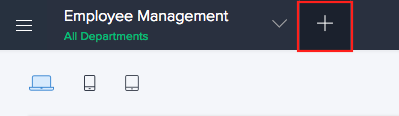
- Click Create icon (+) at the top of the Design page.
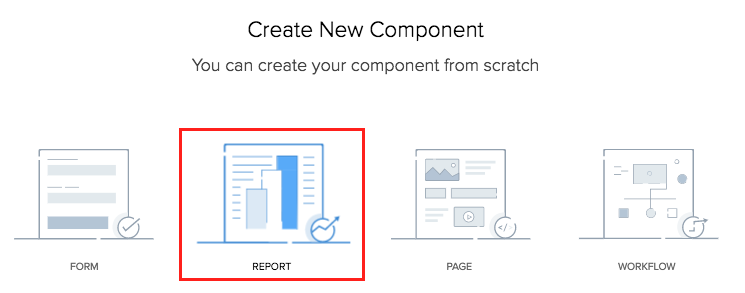
- Click Report.
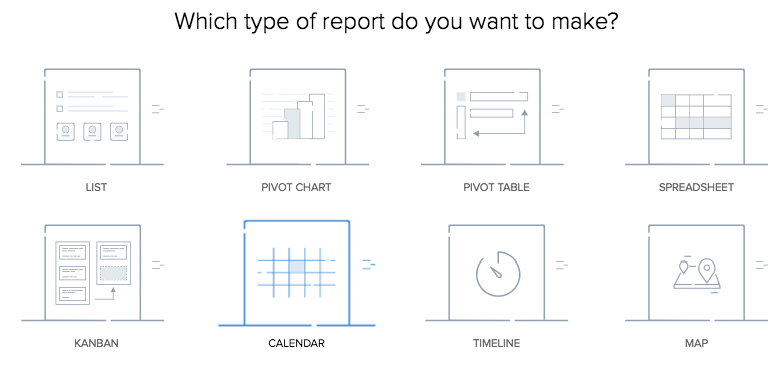
- Select the Calendar report type.
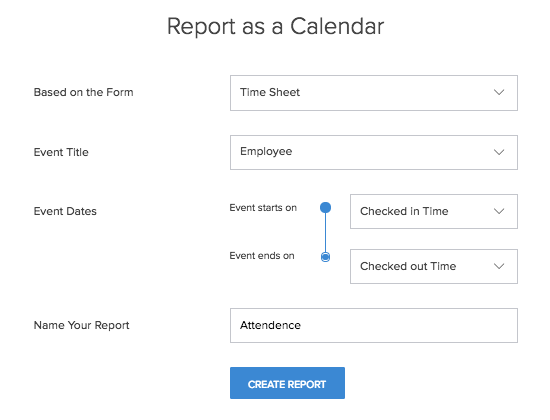
- Select the form the report will be based on.
- Select the Event Title from the drop-down.
- Select the Event Dates.
- Name your report.
- Click Create Report button.
The design page will appear with the preview of the created calendar report.

Note:
- In this report, you can perform client actions during on creation/editing of records and only upon successful form submission events. These actions enable you to display information, trigger alert messages, or redirect to respective URLs.
- When you add fields to be displayed in the card type layouts for reports, certain fields cannot be mapped to certain placeholders due to type mismatch. Learn more.