Republish a page

This help page is for users in Creator 6. If you are in the older version (Creator 5), click here. Know your Creator version.
To republish and generate a new permalink and embed code for a page
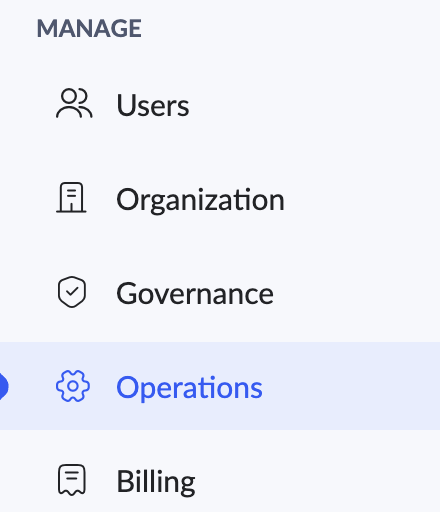
1. Navigate to the Operations page under the MANAGE section of the admin dashboard.
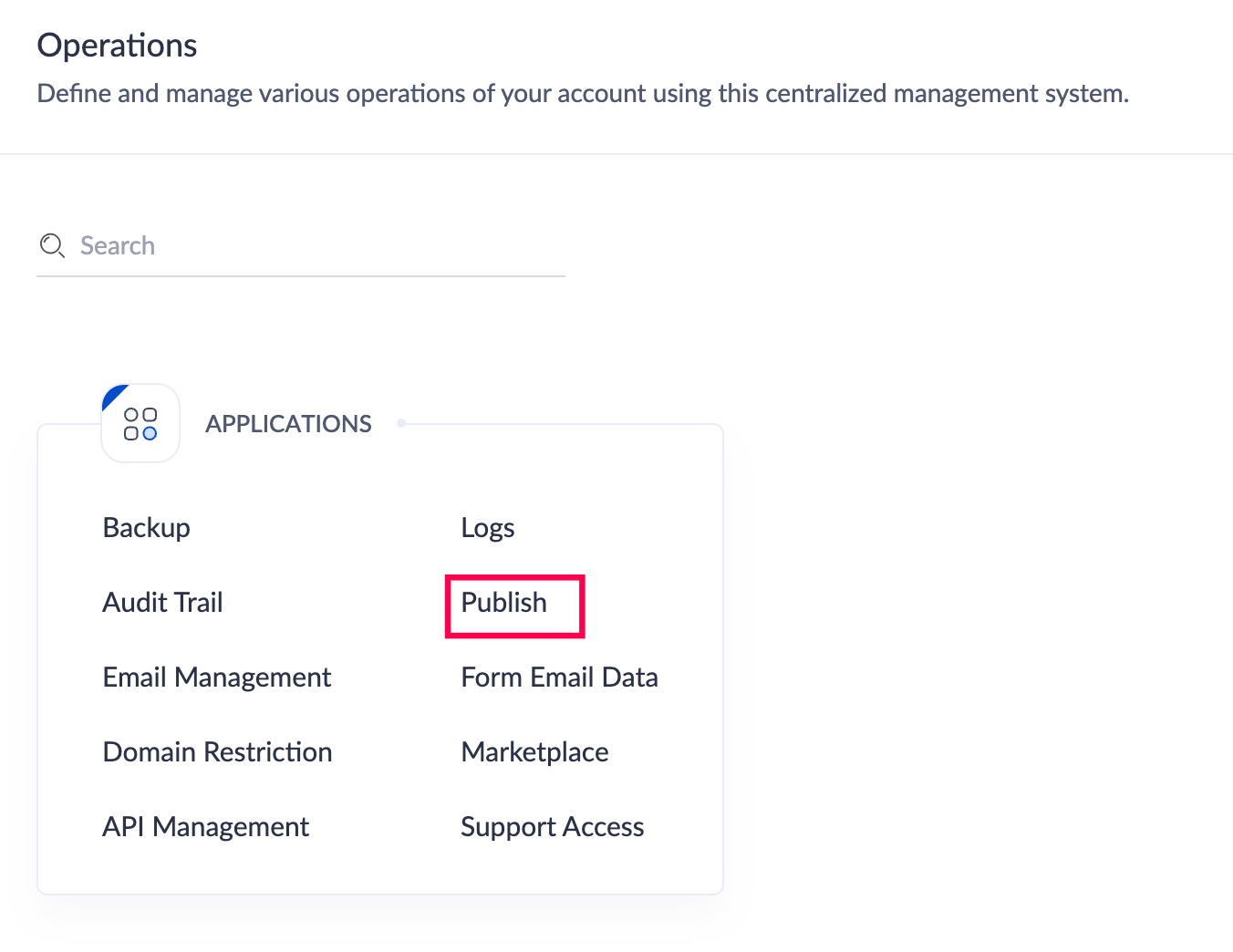
2. Click on the Publish option found under the Applications section.
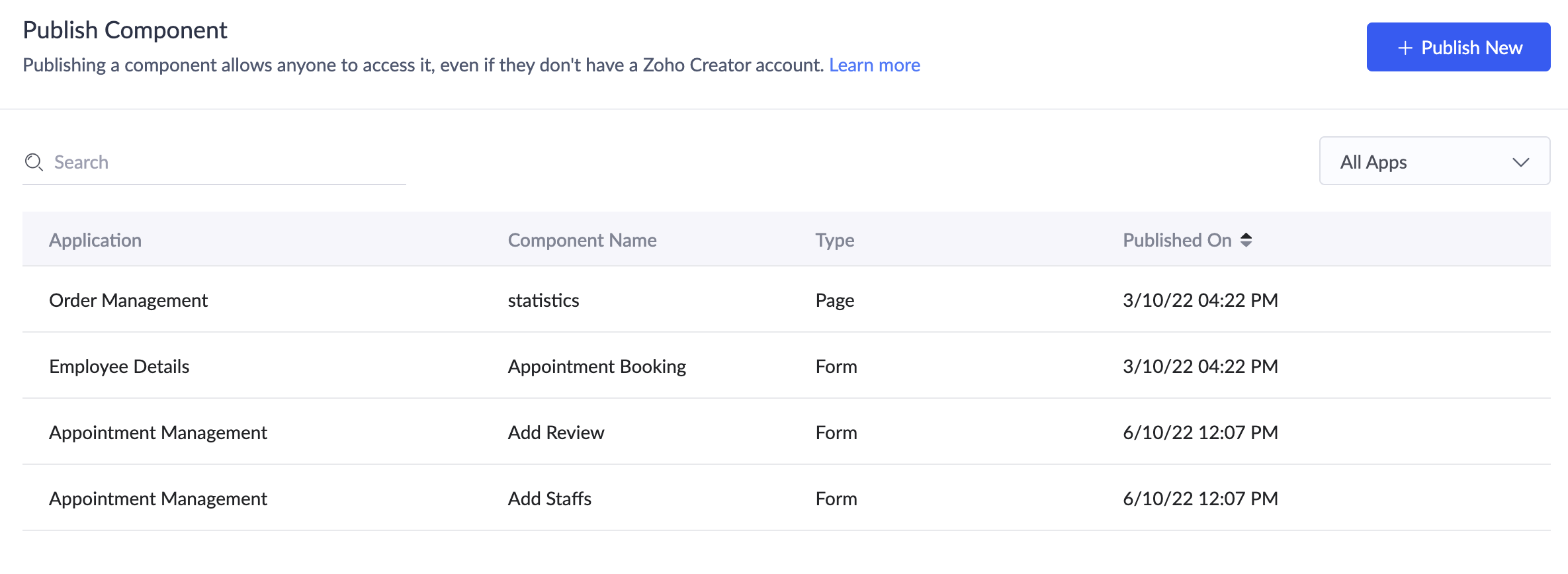
3. The Publish Component page will appear and list all the components that have been published.
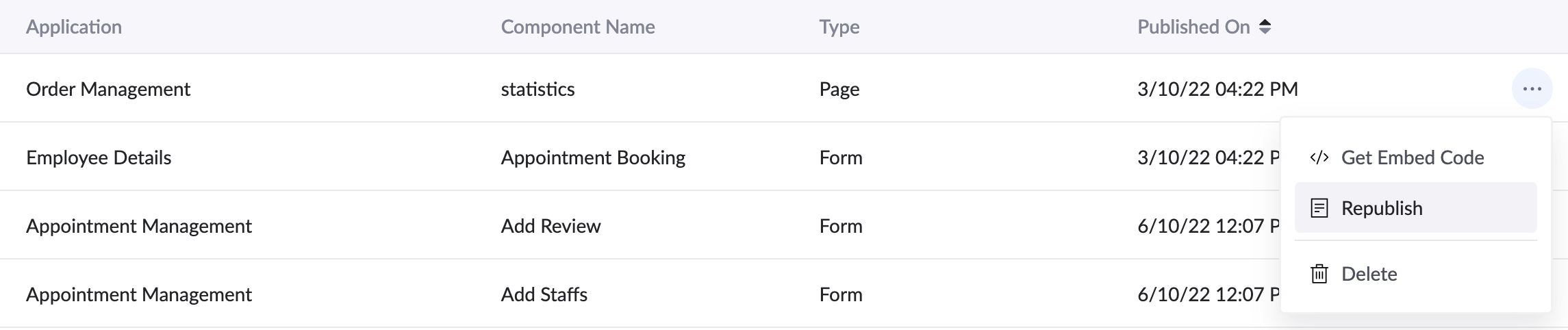
4. Click the horizontal ellipsis ( three dots ) adjacent to the component that needs to be republished and click Republish.
5. The Republish pop-up will appear with a warning. To proceed, click Republish.
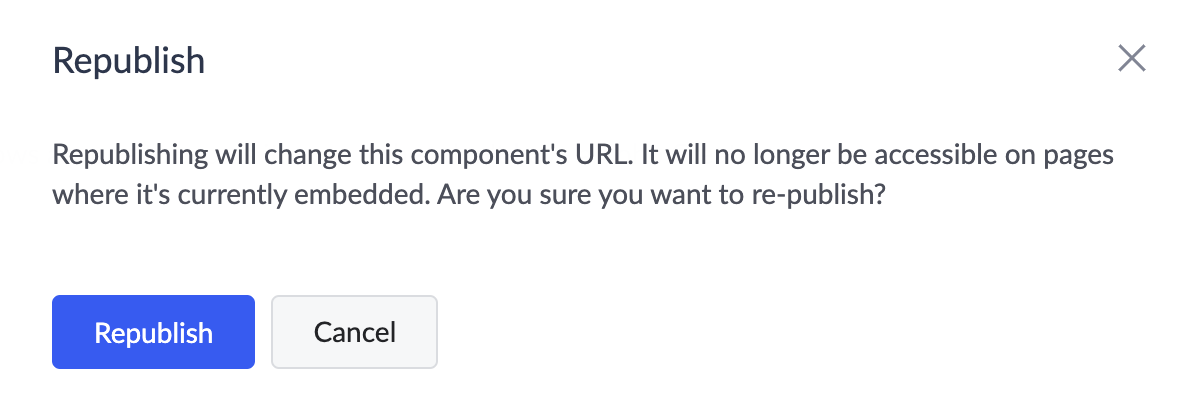
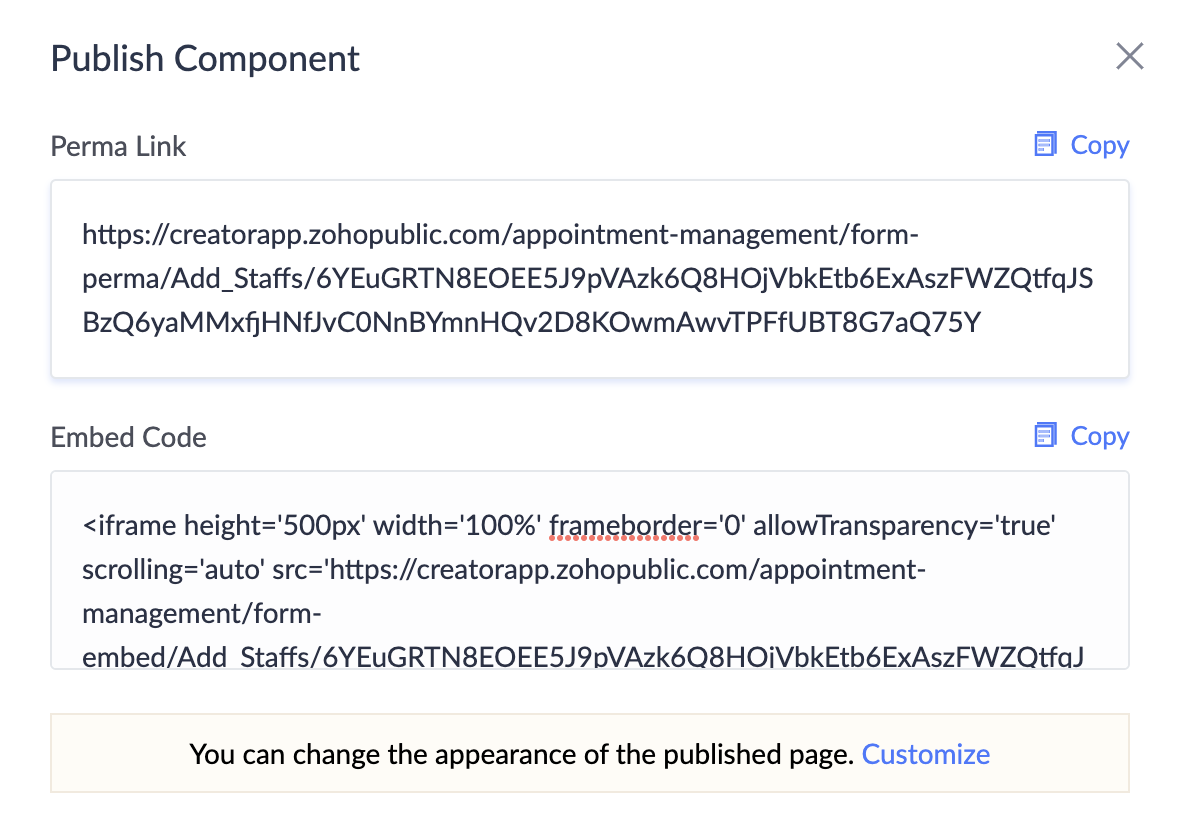
6. The component will be republished and the Published URL pop-up will appear displaying the new permalink and embed code.
2. Click on the Publish option found under the Applications section.
3. The Publish Component page will appear and list all the components that have been published.
4. Click the horizontal ellipsis ( three dots ) adjacent to the component that needs to be republished and click Republish.
5. The Republish pop-up will appear with a warning. To proceed, click Republish.
6. The component will be republished and the Published URL pop-up will appear displaying the new permalink and embed code.
 Note: After republishing, the previously generated permalink and embed code will no longer work. If you've used or shared them elsewhere, update those references with the new link or code to ensure continued access.