Zoho Campaigns: Nu nog toegankelijker
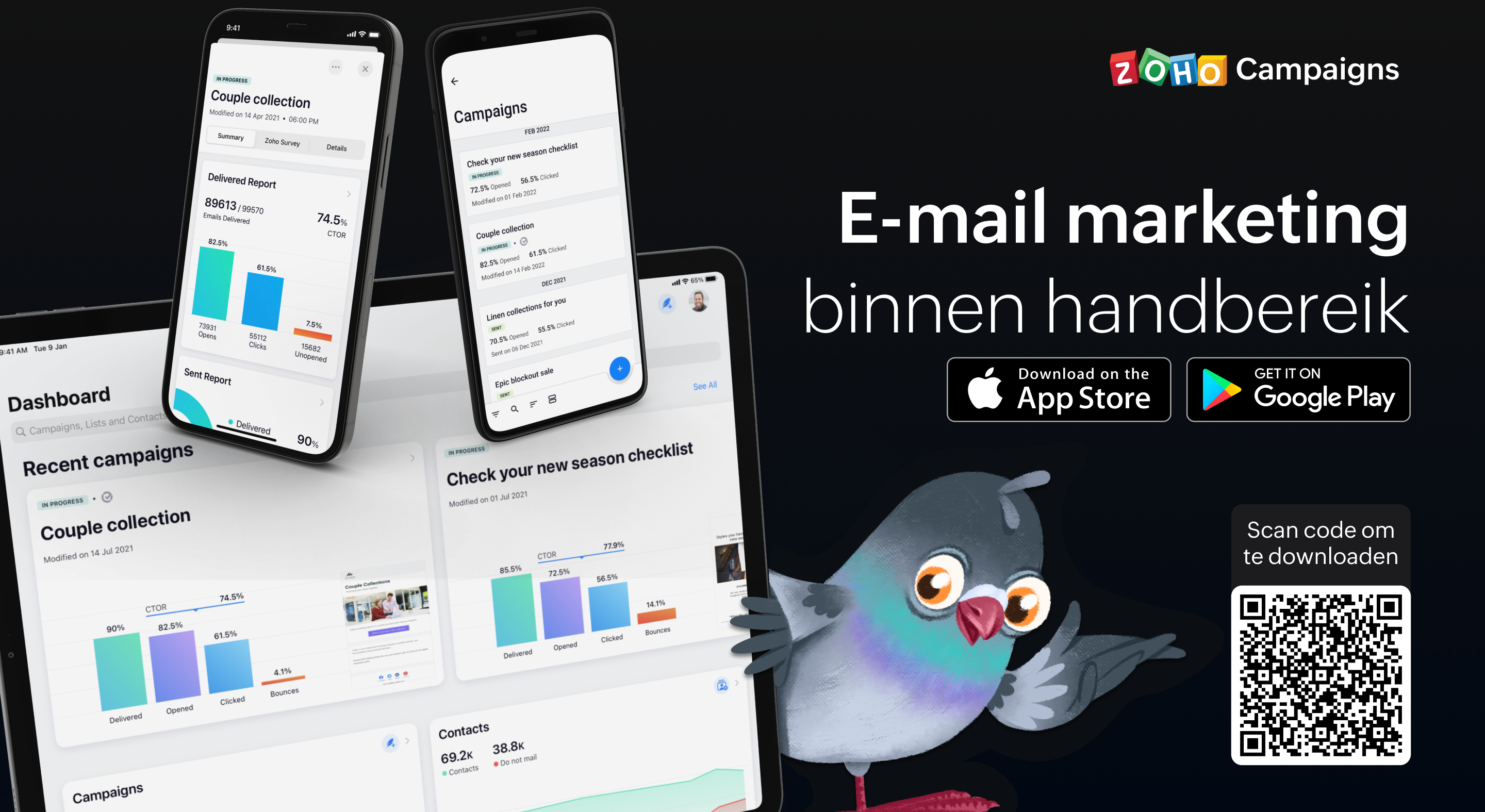
Als je de e-mailmarketingactiviteiten van je team beheert, weet je hoe vaak er dingen kunnen gebeuren terwijl je niet op kantoor bent. Dit betekent dat het essentieel is om volledig operationeel te zijn vanaf je mobiele apparaat, of je nu een lijst met contactpersonen importeert, gewoon een campagne verzendt of de prestaties van een campagne volgt. Het begrijpen van deze behoefte heeft ertoe geleid dat we bij Campaigns een heleboel geweldige verbeteringen hebben aangebracht aan onze eigen mobiele app. In deze post gaan wij in op een aantal van de nieuwe features.
Gebruik Sjablonen:
In deze laatste versie van onze mobiele app, beiden wij verschillende sjablonen aan voor verschillende doeleinden. Zo ontwerp je de juiste e-mail campagne voor de juiste doelgroep. Enige wat je nodig heb is een plan en de content en wij regelen de rest.
Ontvang meldingen wanneer je acties moet uitvoeren
Als je druk bezig bent terwijl je e-mailcampagne wordt beoordeeld, getest, enzovoort, hoef je niet in de app te komen om de vereiste actie uit te voeren of iets te beslissen. Zodra je meldingen voor je e-mailcampagnes inschakelt, krijg je direct updates toegestuurd zodat je kunt beslissen over de volgende stap en kunt handelen zonder veel tijd te verspillen en van tabblad te hoeven wisselen.
Bescherm jouw privacy door controle te hebben over wie toegang krijgt
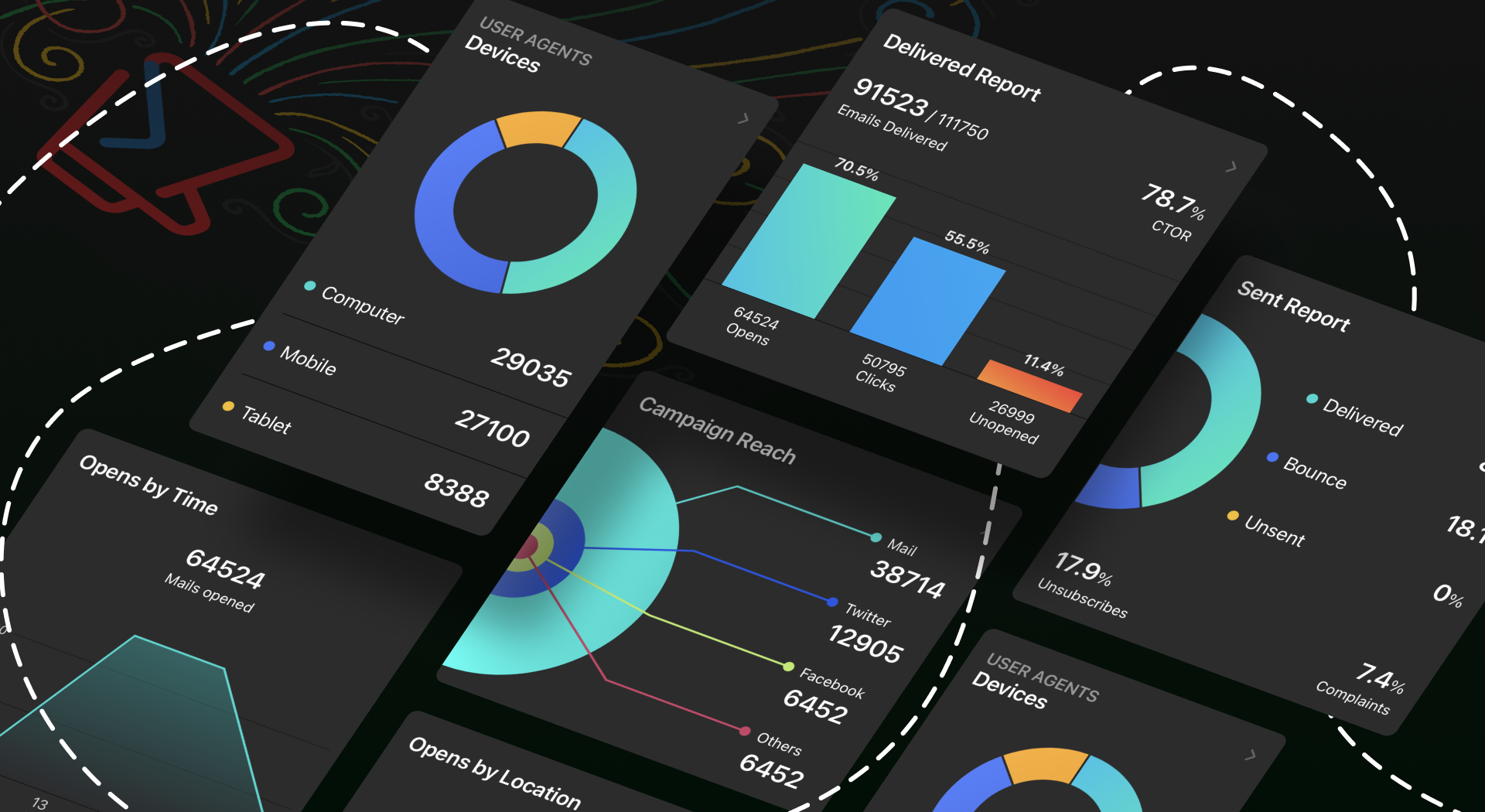
Iedereen moet een app kunnen vertrouwen met zijn persoonlijke en gevoelige informatie, toch? Wij hebben het tot topprioriteit gemaakt om jou controle te geven over jouw gegevens. Je kunt een wachtwoord instellen, zodat jouw gegevens alleen toegankelijk zijn voor jou en de mensen die jij bepaalt. Ga bovendien naar jouw App-instellingen en neem de volledige controle over jouw gegevens door in en uit te schakelen welke gegevens jij met anderen wilt delen.
Meten is weten
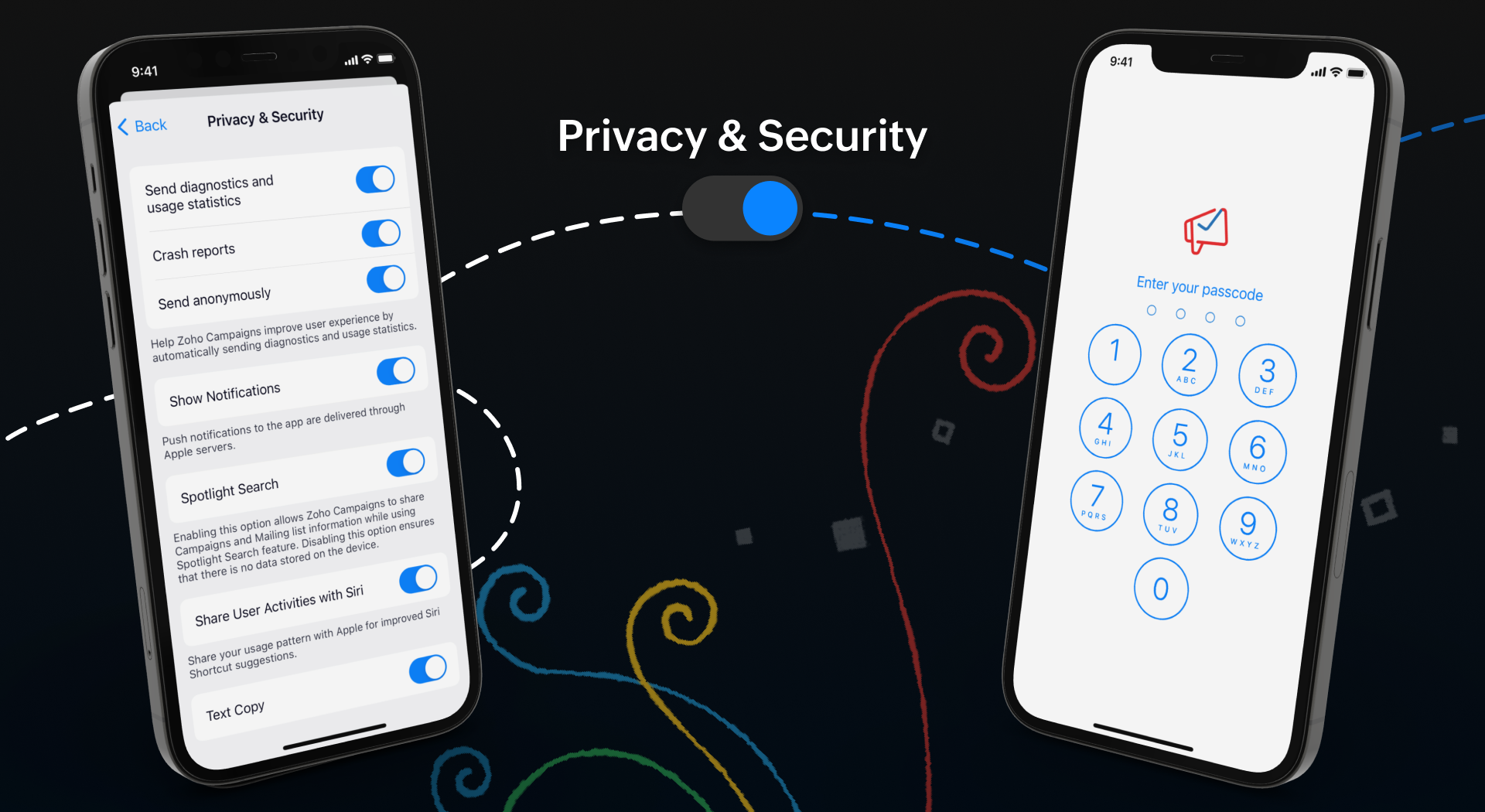
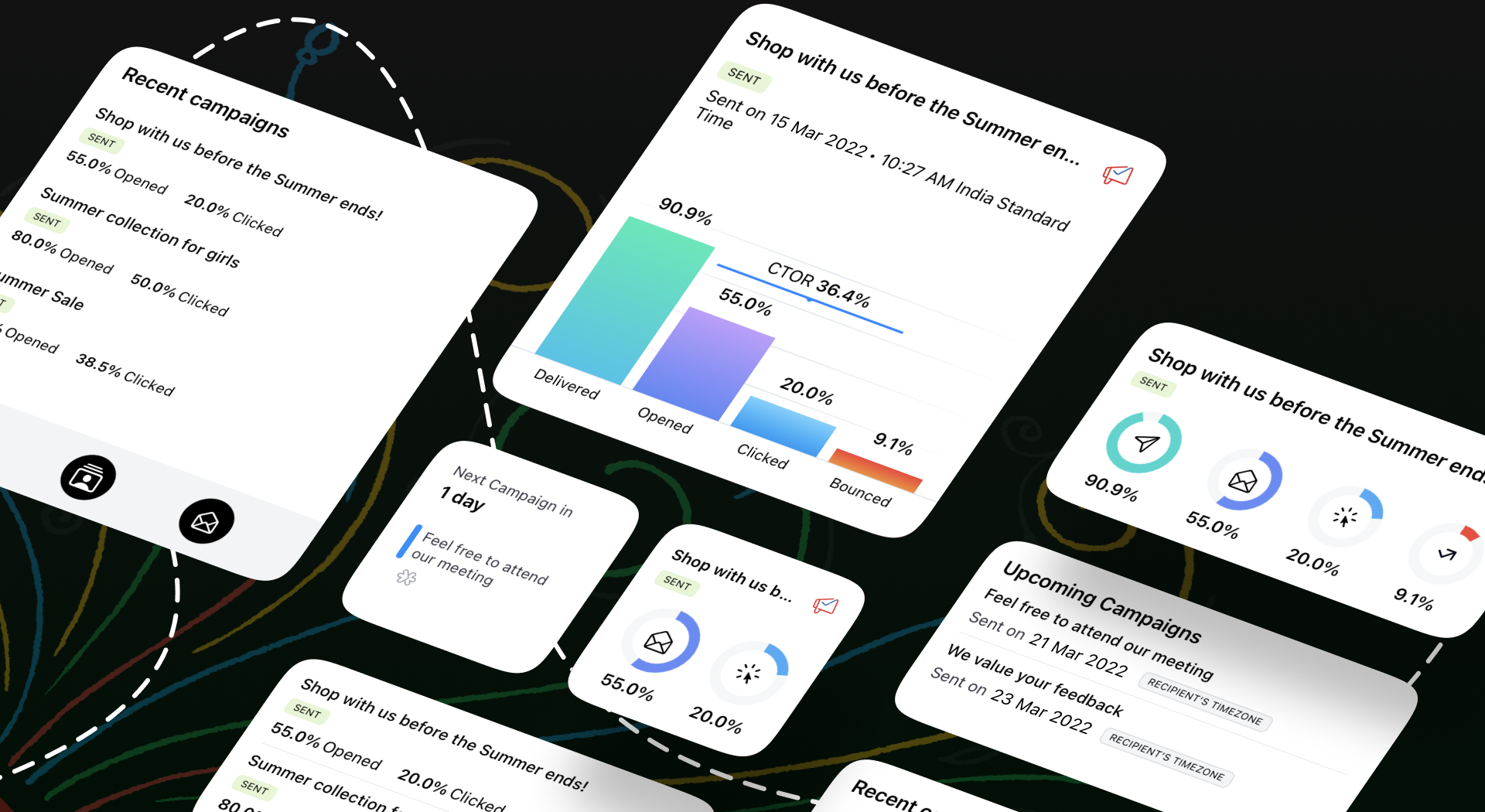
Wij weten allemaal hoe belangrijk het is om inzicht te krijgen in de prestaties van jouw campagne. Om jullie hierbij te helpen hebben wij een aantal nieuwe features toegevoegd om de gebruikerservaring van de app te verbeteren.
Onze widgets werken in wezen als een prikbord op uw startscherm, waar u alle informatie kunt plaatsen die u moet weten over huidige en komende campagnes. Als je onderweg bent, hoef je de app niet te openen om deze informatie te krijgen - alles is in één oogopslag beschikbaar.
We begrijpen hoe belangrijk het is om e-mailmarketing toegankelijk te maken voor iedereen. We hebben functies toegevoegd zoals voice-over, dynamische lettergrootte en kleurenfilters om te zorgen voor een gebruiksvriendelijke ervaring voor al onze gebruikers.
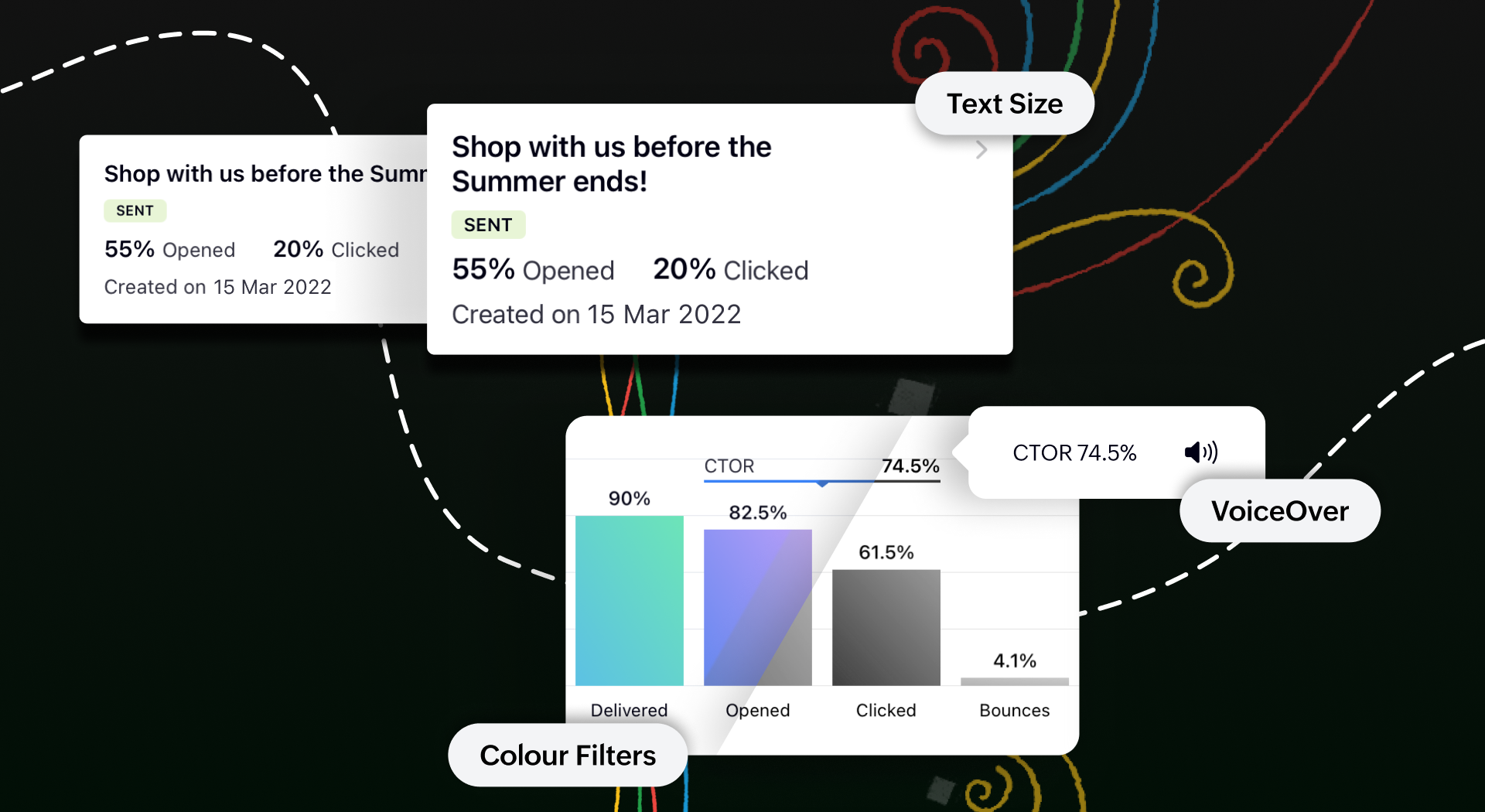
Toegankelijk op meerdere platformen
We tillen onze cross-platform aantrekkingskracht naar een hoger niveau door van Campaigns ook een plezier te maken om te gebruiken op iPads en tablets. Je krijgt een echt gevoel van waar we het over hebben wanneer je twee campagnerapporten naast elkaar open hebt staan om te vergelijken op het gesplitste scherm van je iPad. Je kunt zelfs taken gelijktijdig uitvoeren tussen Campagnes en andere apps zonder de bruikbaarheid van een van beide in gevaar te brengen.
Bovendien kan je met de slide over-functie de Campaigns app in de coulissen laten wachten terwijl je in een andere app werkt, en kan je items slepen en neerzetten om ze heen en weer te verplaatsen. Om het nog makkelijker te maken, hebben we tekstinvoer mogelijk gemaakt met de Apple Pencil. Krabbel een paar regels en zie hoe goed deze functie wordt ondersteund.
Download de Zoho Campaigns-app op je apparaat en ontdek de mogelijkheden!
Topic Participants
Theo Su
Sticky Posts
Doe mee aan de Zoho Creator Meetup op 9 mei in Utrecht
Beste Community leden, Wij nodigen jullie graag uit voor de Community Meetup van Zoho Creator! Op 9 mei komen we bij elkaar in Utrecht, samen met onze gebruikers en de Zoho Experts van Prosolic. Onze experts zullen een live demo presenteren en jouw vragenWebinar - Zoho Creator: Slim digitaliseren in de logistiek
Beste Community leden, Wij nodigen jullie graag uit voor onze Webinar over Zoho Creator! Efficiëntie, optimalisatie, snelheid en timing zijn altijd cruciaal geweest in logistiek en transport. Juist daarom kan de logistiek en transportsector veel baat
Recent Topics
Pass variables to Zoho Desk via URL to create a fast new ticket landing page
We are integrating our phone system into Zoho Desk. Currently when a helpdesk agent answers the phone, a soft client opens a new tab with zoho desk at the new case page. https://desk.zoho.com/support/companyname/ShowHomePage.do#Cases/new We would likeZoho Books Extension: What Happens If Custom Fields Already Exist?
When developing Zoho Books extensions, what happens if the target Zoho Books organization already has a custom field with the same API name as one defined in the extension? I’m asking because we originally created an on-Books version of this functionality,Modular Permission Levels
We need more modular Permissions per module in Books we have 2 use cases that are creating problems We need per module export permission we have a use case where users should be able to view the sales orders but not export it, but they can export other¡Vuelven los Workshops Certificados de Zoho a España!
¡Hola usuarios de Español Zoho Community! Hace ya unos días que hemos dado la bienvenida al 2026, y promete ser un año de lo más emocionante. Y es que nos gustaría haceros nuestro particular regalo de Reyes, aunque lleguemos un poco tarde. 🎁 ¡Nos gustaríaFree Webinar on 21 January: Looking back at Zoho Mail in 2025
Hello Zoho Community! Curious about how Zoho Mail evolved in 2025? Wondering how these updates can make your everyday email work simpler? We’ve got a session you won’t want to miss. In our Zoho Mail 2025 recap webinar, we’ll walk you through the key featuresCliq Networks users can see all other network users contact information
Is there a way to hide user contact information from each user in networks? I would only like the users to see the admin's contact information, not other users. Network users information shared by defaultZoho Sheet - Printing - Page Breaks and Printing Customization
I think the title is descriptive enough in that I cannot find help documentation on a simple task of adding in page brakes for separating pages on print. ThanksMissing the "Find & Merge Duplicates" choice
Hi, I am missing the "Find & Merge Duplicates" choice. I looked under the "More Actions" menu in Contacts, Accounts, Vendors, and Leads and it is not there. I have full permissions. Please assist me on finding this feature. Thanks!OAuth integration issues
I'm experiencing persistent OAuth errors when trying to connect Make with Zoho API. I've tried multiple approaches but keep encountering the following issues: First error: 'Invalid Redirect Uri - Redirect URI passed does not match with the one configured'Marketing Tip #16: Ideal sizes and formats for adding images to your online store
Images can make (or break) your storefront experience. When your banners and product photos follow the right sizes and aspect ratios, your store looks cleaner, loads faster, and feels more trustworthy—especially on mobile. Here are recommended image sizesImprove WhatsApp Module in Zoho CRM
The current WhatsApp module UI in Zoho CRM feels cluttered and complex, especially when handling high volumes of conversations. It would be great to enhance the WhatsApp module UI/UX by adopting a clean and simplified interface similar to Bigin CRM’sBlueprint transitions on locked records
We use the ability to automatically lock records (quotes, sales orders, etc.) based on criteria, such as stage. For instance, if a quote has been sent to a client, the quote is then locked for further edits. Our ideal quote stage process is: Draft>Sent>Won.Enhance productivity with the revamped Zoho Sheet View
Hello folks, For some time now, you've been able to use the Zoho Sheet View to quickly edit multiple records or to insert a batch of new records. Its tabular interface allows users to engage in these tasks productively. Despite this, the existing SheetNo OR Filter for Views with a Related Modules Criteria
We would like to create a Deal View where the User can see all their deals. For that, we would need an OR to connect the criteria. One of the Fields is a "multiselect User", these (Related Modules Criteria) can only be Filter with an AND. Even betweenGood news! Calendar in Zoho CRM gets a face lift
Dear Customers, We are delighted to unveil the revamped calendar UI in Zoho CRM. With a complete visual overhaul aligned with CRM for Everyone, the calendar now offers a more intuitive and flexible scheduling experience. What’s new? Distinguish activitiesChat to Lead
Can I convert a Chat to a Lead?Limit maximum entries for subform - depending on fields entry
Hi Zoho! I have a form with a subform in it. I'd like to have limitation for the row number depending on an entry in a drop-down field in the main form (If the field in the main form is marked "Answer1" - Limit the entries to 1 row, if the field is "Answer2" to have 2 rows limitation, "Answer3" = no limitation at all) Can this be done? Thanks RavidSave HTML Snippet Page as PDF with Dynamic Data in Zoho Creator (Working Solution)
Hi Zoho Creator Community 👋, I faced a common challenge while working with HTML Snippet Pages — I needed to generate a PDF with dynamic data and save it back into the record automatically. Here’s the working solution that might help others. Use CaseMake Camera Overlay & Recording Controls Visible in All Screen-Sharing Options
Hi Zoho WorkDrive Team, Hope you are doing well. We would like to request an improvement to the screen-recording experience in Zoho WorkDrive. Current Limitation: At the moment the recording controls are visible only inside the Zoho WorkDrive tab. WhenWrite-Off multiple invoices and tax calculation
Good evening, I have many invoices which are long overdue and I do not expect them to be paid. I believe I should write them off. I did some tests and I have some questions: - I cannot find a way to write off several invoices together. How can I do that,Rebranding Options for Zoho One
We need the addition of rebranding and white-labeling settings directly within the Zoho One Admin Panel. This feature should allow organizations to customize the unified portal with their own logo, brand colors, and custom domain mapping (e.g., portal.company.com).Tip #57- Accessibility Controls in Zoho Assist: Mobility- 'Insider Insights'
Remote support should be easy to navigate for everyone. For users with mobility-related accessibility needs, long sessions and complex navigation can be challenging. Zoho Assist’s Mobility Accessibility Controls simplify interaction through keyboard-basedTotal Cost in reports showing zero
The image below shows my issue. The column Total Cost should show the cost to our company based on hours logged and the employee's rate. For instance, if the person working on Subtask 1 is paid 20/hr, then Total Cost should display $160 ($20x8 loggedTo print Multiple delivery notes in batches
In Zoho Books, we can print a Delivery Note from an Invoice using the Print Delivery Note option, but it is non-editable and always prints all line items from the invoice. Our requirement is to deliver invoiced items in batches and print delivery notesInvoices not arriving and mail server settings
I am having an issue where some clients are not receiving invoices. I have configured Zoho Books to send on my behalf and configured the appropriate SPF, DKIM and DMARC settings on my mail server and tested these as working. I get the CC'd copies so IUPLOAD A CREATED PDF AUTOMATICALLY
Using the html header pdf+print button, I have managed to find a way to have a user create a pdf using entered form data. Using the schedule button, I can have a "file uploaded" pdf mailed to someone as an attachment. The missing piece is to be able to add the pdf, created in that html page to a file upload field automatically? Right now one has to save it to computer and then upload it in a FILE UPLOAD FIELD. Any help would appreciated !Consolidated Department-wise Payroll Cost Summary Report
Hello Zoho Payroll Team and Community, I am writing to discuss a reporting requirement regarding department-level expense tracking within Zoho Payroll. As we scale and manage salary distribution for employees across multiple departments, such as Accounts,How to remove chat icon from knowledge base?
I have set up a knowledge base to hold FAQs and documentation. It is currently standalone, and not integrated into our website. On every page there is a chat button in the bottom left corner that says "We're offline, please leave a message." How can IMissed chats on WhatsApp closing after one minute
Hi, we have added WhatsApp as a channel. However, if a chat is not picked up within 2mins, the chat is marked as missed and is closed within a minute. Why are they not staying in our "missed" queue for 24 hours as per our WhatsApp preference settings?[ZohoDesk] Improve Status View with a new editeble kanban view
A kanban view with more information about the ticket and the contact who created the ticket would be valueble. I would like to edit the fields with the ones i like to see at one glance. Like in CRM where you can edit the canvas view, i would like to editAutomated Dismissal of Specific Notifications and Centralized Control of Toast Notification Settings
Dear Zoho Team, I hope this message finds you well. We would like to request two enhancements related to notification handling within Zoho Desk: Automatic Dismissal of Specific Notifications: Currently, when certain actions are taken in the ticket listShow field in spreadsheet view depending on other field value
Hello. Not sure if this is possible but let's say i have spreadsheet view in Creator with four different fields Field A, B, C and D Then i have a field named Response which for one record could contain only one of the pre-definde choices below A, B, CIntergrating multi location Square account with Zoho Books
Hi, I have one Square account but has multiple locations. I would like to integrate that account and show aggregated sales in zoho books. How can I do that? thanks.Zoho Learn Zapier Integration
Hello all, Is there any plan to integrate Zoho Learn with Zapier? It seems almost all Zoho products are in Zapier, with the exception of Learn and Marketing Automation.Notice: SalesIQ integration paused on Zoho Sites
I have this notice on my Zoho Sites in the SalesIQ integration setup. Can someone assist? "This integration has been temporarily paused for users. Reconnecting SalesIQ after disconnection will not be possible until we provide further updates." thankDifferences between Zoho Books and Zoho Billing
Without a long drawn out process to compare these. If you were looking at these Books and Billing, what made you opt for one and not the other. ThanksNew Feature : Copying tickets with all the contents such as conversations/history/attachments etc
Sometimes our customers and distributors do create tickets (or send emails) which contain more than one incident in them and then also some of the further conversations which are either created by incorrect new tickets or replies to old tickets are being created as combined tickets. In such cases we require to "COPY" the contents of the tickets into separate tickets and merge them into their corresponding original tickets. The "CLONE" feature doesn't copy the contents (especially the conversationsComo se agregan los empleados
Necesito saber si para agregar empleados los mismos necesitan tener licenciasDeluge Error Code 1002 - "Resource does not exist."
I am using the following script in a Custom Button on a Sales Return. Basically, the function takes the information in the sales return (plus the arguments that are entered by the user when the button is pushed) and creates a return shipping label viaAdding multiple Attendee email addresses when adding a Zoho Calendar event in Zoho Flow
I am trying to integrate Notion and Zoho Calendar via Zoho Flow. However, the Attendee email address supported by Zoho Calendar - Create event only supports one email address, so I am having difficulty implementing automation to automatically registerNext Page