Narrative 13: Import - Data mapping
Behind the scenes of a successful ticketing system: BTS Series
Narrative 13: Importing your data
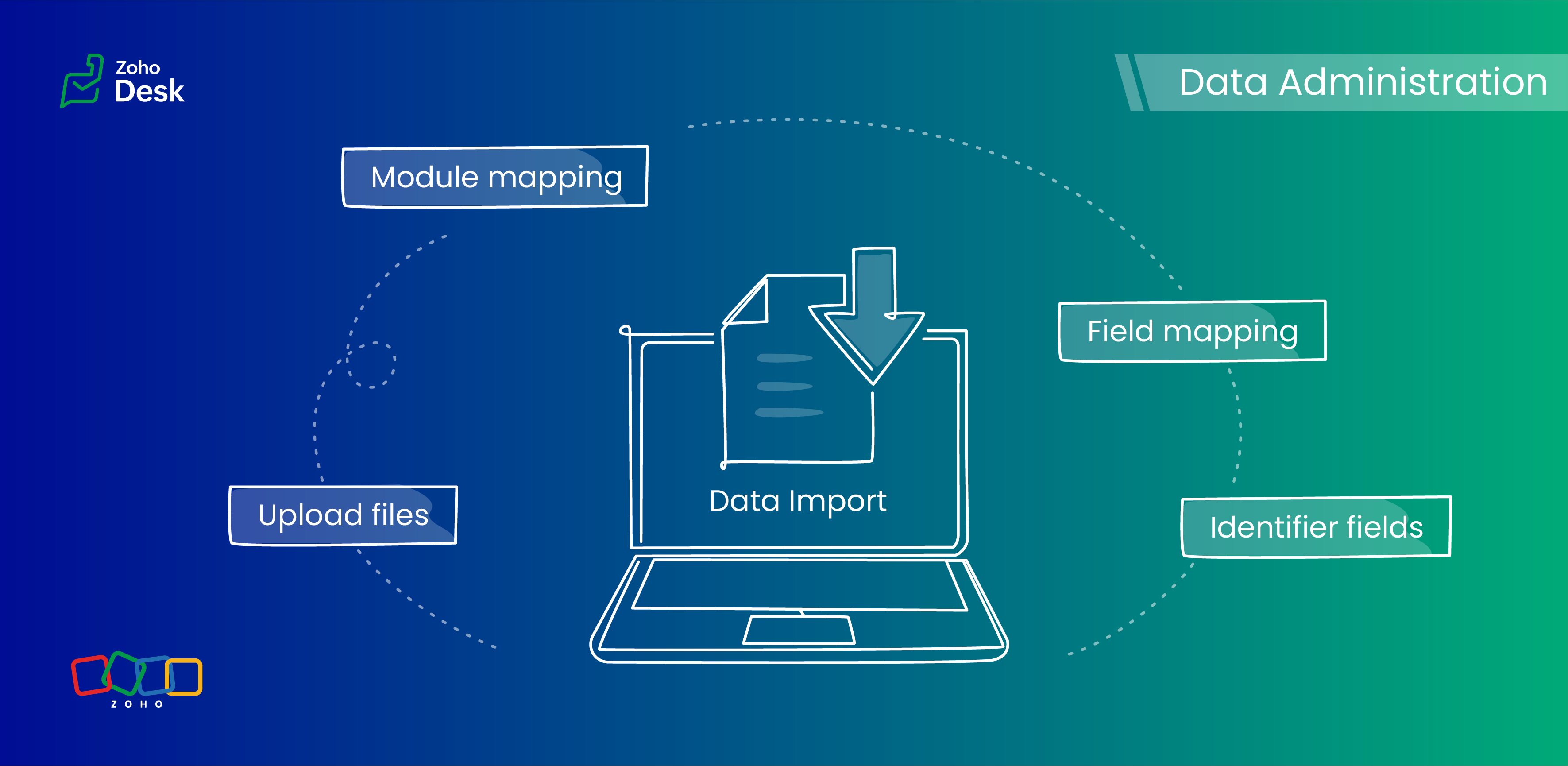
Zoho Desk provides robust functionality for importing your data. The system intelligently automates the mapping of modules and fields to reduce the risk of data loss and maintain data integrity. Users have the advantage of verifying the field mappings in advance, thus adding an extra layer of security to the import process.
This capability is essential not only for clarity but also in mitigating the challenges associated with user adoption. For instance, clients can be accurately mapped to the "Contact name" field, while company names align with the "Account name" field to maintain an organized database, which helps ensure user trust in the system.
Related knowledge base article: Importing data into Zoho Desk

Prerequisites
- Users can upload a .csv file or a .zip file containing multiple .csv files.
- The .zip file must be named, for example, Contacts.zip, Accounts.zip, etc.
What are Identifier Fields?
Modules | Unique Identifier Fields |
Accounts | Account ID Account External ID Account Name |
Contacts | Contact ID Contact External ID Last Name First Name Phone Number Mobile |
Tickets | Ticket ID Ticket External ID Ticket Number |
Products | Product ID Product External ID Product Name |
Tasks | TaskId Task External ID |
Calls | Call ID Call External ID |
Events | Event ID Event External ID |
Article Translation | Translation: External ID Translation ID |
Custom Modules | Record External ID Custom Module Name |
Points to remember:
- These fields help find matching records.
- If multiple records match the value, the first matching record will be selected automatically.
- This can lead to unexpected matches or data being updated in the wrong record if you're not careful.
Background:
- Some users expressed a preference for matching Contacts by Last Name instead of Email, highlighting the importance of flexibility in their workflow.
- Other users approached matching through the use of a custom field, emphasizing the need for tailored solutions to fit their unique requirements.
- We also heard from many users who requested that the functionality be enhanced by updating existing records with the relevant entity's Zoho Desk ID to streamline their processes and improve data accuracy.
Working with the Identifier Field
When importing data into Zoho Desk, the Identifier Field is important because it helps identify existing records and avoid duplicate entries.
Commonly used identifier fields
- Find By is used to identify an existing record during the import process.
- Map By is utilized to link a child record to a parent record, for instance, by linking a Contact to a Ticket.
Improvements in user experience
Transparent process and status tracking
We’ve implemented a straightforward, step-by-step process for data imports, complete with real-time status updates for each stage. This transparency enables users to monitor import progress and understand the current state of the process.
Unique identifiers for entity mapping
New fields have been introduced to help users identify if a parent entity already exists when importing related child entities. For example, users can seamlessly map a contact to an existing account in Zoho Desk to streamline the import process while minimizing the risk of duplicate entries.
Enhanced error handling and log accessibility
We’ve made significant improvements in error handling by allowing users to download detailed error logs right from the history page in case of import failures. This enhancement provides users with greater insight into any issues and facilitates faster troubleshooting and resolution.
Support for custom modules
The import UI has been revamped to support custom modules, providing users with greater flexibility and customization options. This enables a more personalized and efficient data import experience.
Coming up soon
Custom unique fields
Identifying key data points, such as a Customer ID in the Contact Module, ensures that every customer has a distinct reference, which streamlines ticket management and resolution. By establishing these fields as identifiers, support agents can quickly access and update customer records, enhancing response times and accuracy.
External ID fields
Integration with various systems often generates External ID fields, such as CRM ID, Invoice ID, and Bug ID. Utilizingthese fields as identifiers enables agents to cross-reference relevant records seamlessly. When records need to be updated or retrieved from different systems, these unique identifiers are crucial in maintaining data consistency across platforms.
Composite identifier fields
Often, relying solely on a single identifier may not be sufficient to pinpoint a customer accurately or a record.Implementing multiple fields as composite identifiers can enhance data integrity and accuracy. For example, considering both the Last Name and Email of a contact can significantly reduce errors in data retrieval and ensure that support inquiries are directed and resolved correctly.
Wrapping up
Using these features positions support teams to operate more effectively and improve overall customer interactions. For instance, a large corporation merging client data from multiple legacy systems into Zoho Desk modules will benefit significantly from automatic field mapping to ensure that contact and account names are accurately aligned. This attention to detail not only improves the user experience but also enhances overall data integrity during the merging process.
Please stay tuned for more in the Desk behind-the-scenes series.
Regards,
Kavya Rao
The Zoho Desk Team

Also, read:
Behind the scenes of a successful ticketing system (BTS Series)
- Narrative 12: Sandbox - Testing without the risk
- Narrative 11: Are your customers happy?
- Narrative 10: Assignment Rules - Streamlining Ticket Management
- Narrative 9 - GC—Meaningful conversations that benefit your customers
- Narrative 8 - Intelligent in-app support that's instantly available anytime and anywhere
- Narrative 7 - The importance of data sharing
- Narrative 6 - The impact of rebranding
- Narrative 5 - The essential role of SLAs
- Narrative 4 - Exploring the support channels
- Narrative 3 - Comprehending user management
- Narrative 2 - Understanding organizational departments
- Narrative 1 - The significance of a business account
Topic Participants
Kavya Rao Addepalli
Recent Topics
Lightbox Pop-up form
I would like to embed my form using the lightbox pop up. I don't want it to load automatically. I want it to load when some clicks the button. I can see this option, however when I use the "show pop-up launch button" on the website, the button automaticallyZoho CRM for Everyone's NextGen UI Gets an Upgrade
Hello Everyone We've made improvements to Zoho CRM for Everyone's Nextgen UI. These changes are the result of valuable feedback from you where we’ve focused on improving usability, providing wider screen space, and making navigation smoother so everythingCustomer Management: #5 Never Let the Customer Slip
When Rahul started Knight's Watch Consulting, his focus was simple: deliver good work and keep clients happy. He offered one-time consulting projects, monthly advisory retainers and usage-based support for growing clients. Business was steady, and customers10GB Email Storage Limits in Zoho CRM
We’ve had Zoho One for almost 5 years and have always synced our emails from Gmail via IMAP… As of late, we’ve run into issues with our emails not syncing, due to being over the 10GB storage cap… What’s very odd is that we haven’t changed a thing? I knowZoho Projects Android and iOS app update: Mobile device permission based on user profiles
Hello everyone! We have brought in support for mobile device permissions based on the user profiles which are configured in organization level. Administrators can now configure the permissions on the web app(projects.zoho.com) by following the steps mentionedGood news! Calendar in Zoho CRM gets a face lift
Dear Customers, We are delighted to unveil the revamped calendar UI in Zoho CRM. With a complete visual overhaul aligned with CRM for Everyone, the calendar now offers a more intuitive and flexible scheduling experience. What’s new? Distinguish activitiesHow to import data from PDF into Zoho Sheet
I am looking to import Consolidated Account Statement (https://www.camsonline.com/Investors/Statements/Consolidated-Account-Statement) into zoho sheet. Any help is appreciated. The pdf is received as attachment in the email, this document is passwordUnlocking New Levels: Zoho Payroll's Journey in 2025
Every year brings its own set of challenges and opportunities to rethink how payroll works across regulations and teams. In 2025, Zoho Payroll continued to evolve with one clear focus: giving businesses more flexibility, clarity, and control as they grow.Zoho Projects Android and iOS app update: Timesheet module is now renamed as 'Time Logs', delete option has been renamed to 'Trash'.
Hello everyone! We have now renamed the Timesheet module as Time Logs and the delete option as 'Trash' on the Zoho Projects Android and iOS app. Time Logs Android: Time Logs iOS: Trash option Android: Trash option iOS: Please update the app to the latestZoho Mail app update: Manage profile picture, Chinese (Traditional) language support
Hello everyone! In the latest version (v3.1.9) of the Zoho Mail app update, we have brought in support to manage profile picture. You can now set/ modify the profile picture within the app. To add a new profile picture, please follow the below steps:Reminders for Article Approval
Is there a way to send reminders for approvers to review articles and approve/deny them? I'm not seeing that option anywhere.To print Multiple delivery notes in batches
In Zoho Books, we can print a Delivery Note from an Invoice using the Print Delivery Note option, but it is non-editable and always prints all line items from the invoice. Our requirement is to deliver invoiced items in batches and print delivery notesAdd Full-Screen Viewing for Quartz Recordings in the Client Interface
Hi Zoho Team, We would like to request an enhancement to the Zoho Quartz client interface when viewing submitted recordings. Current Limitation: When viewing a Quartz recording from the client (user) interface, there is currently no option to switch the2025 Recap: A Year to Remember | Zoho Inventory
Important Update : Pipedrive deprecated fields no longer supported in Zoho Analytics
Dear Pipedrive users, We would like to inform you about a recent update related to your Pipedrive integration with Zoho Analytics. The Pipedrive team has deprecated certain fields from their application. You can find more details in the official PipedriveProduct Updates in Zoho Workplace applications | November 2025
Hello Workplace Community, Let’s take a look at the new features and enhancements that went live across all Workplace applications this November. Zoho Mail Format comments easily using Slash Commands With Slash commands, you can easily format text, insertRight-Click Pipeline to Open in New Tab
Please add the ability to right-click on a pipeline to open it in a new tabAdjusting Physical Inventory
Not getting very far with support on this one, they say they are going to fix it but nothings happened since November. Please give this a thumbs up if you would like to see this feature or comment if you have some insight. Use Case: Inventory set to beHow to install Widget in inventory module
Hi, I am trying to install a app into Sales Order Module related list, however there is no button allow me to do that. May I ask how to install widget to inventory module related list?Deluge date time issue
The deluge function info zoho.currentdate.toString("MMM/YYYY") returns Dec 2026 instead of 2025Sending automated messages that appear in the ticket's conversation thread
Good morning, esteemed Zoho Desk community, warm greetings Today I am here to raise the following problem, seeking a solution that I can implement: I need to implement an automation that allows me to send reminder messages to customers when I am waitingIssue with Zoho Creator Form Full-Screen View in CRM Related List Integration
Hi Team, We have created a custom application in Zoho Creator and integrated it into Zoho CRM as a related list under the Vendor module, which we have renamed as Consignors. Within the Creator application, there is a form named “Pickup Request.” Insidesync views to sheet
Im looking to sync my views aka reports in analytics to zoho sheets, when data is updated in analytics it also should be updated in sheets, till now zoho sheets only offer raw data connection and it is not enough as these reports are difficult to re-doHow to update the Status in a custom module?
Hi, I have a custom module "cm_payment_registry" in Billing, I am trying to change the status which is "Draft" with: array = {"custom_status":"Approved"}; zoho.billing.update("cm_payment_registry",organization.get("organization_id"), XXXXXXXXXXXXXX, array,"connectionname");how to add email to existing organization i w
I am already registered my organization and i have an email id. I need one more email id but i can't find anywhere .i want the cheapest email id . how to add ?is it possible to add more than one Whatsapp Phone Number to be integrated to Zoho CRM?
so I have successfully added one Whatsapp number like this from this User Interface it seems I can't add a new Whatsapp Number. I need to add a new Whatsapp Number so I can control the lead assignment if a chat sent to Whatsapp Phone Number 1 then assignReplace Zoho Invoice with QuickBooks
We are implementing Zoho FSM for a cleaning business in the US with 50+ field workers. This business has been using Quickbooks for accounting for decades and will not migrate to Zoho Books. A major issue in the integration is the US sales tax calculation.2025 Highlights: A Year of Steady Progress and Significant Developments
As we come to the end of 2025, let's take a moment to reflect on the significant progress and developments we've made to improve your travel and expense management. In the Spotlight Introducing Online Booking (US edition only - Early access) Enable onlineHide/Show Subform Fields On User Input
Hello, Are there any future updates in Hide/Show Subform Fields "On User Input"?Zoho Sheet for Desktop
Does Zoho plans to develop a Desktop version of Sheet that installs on the computer like was done with Writer?e-mail bloqueado
Estou com meu e-mail lucas@peplus.me bloqueado, preciso desbloquear para retorno de usos em minhas atividades.¿Cómo puedo configurar las contraseñas creadas bajo una directiva para que nunca caduquen y no aparezcan como caducadas en los informes?
¿Cómo puedo configurar las contraseñas creadas bajo una directiva para que nunca caduquen y no aparezcan como caducadas en los informes? La razón por la cual contraseña estas no deben caducar es porque su actualización depende de mi cliente y no de mí.Function #42: Show the actual rate of items on invoices
Hello everyone, and welcome back to our series! In Zoho Books, you have the ability to create Price Lists, wherein you can mark up and mark down the item rates by a specific percentage or set custom rates. Generally, when you apply a price list to anAbility to Set Text Direction for Individual Cells in Zoho Sheet
Dear Zoho Sheet Team, We hope you are doing well. We would like to request an enhancement in Zoho Sheet that allows users to set the text direction (right-to-left or left-to-right) for individual cells, similar to what is available in Google Sheets. UseNew in CRM: Dynamic filters for lookup fields
Last modified on Oct 28, 2024: This feature was initially available only through Early Access upon request. It is now available to all users across all data centers, except for the IN DC. Users in the IN DC can temporarily request access using this formWarehouse fast processing
Hey guys, would anyone be interested in something like the attached image ? If there's any interest I'd be willing to develop it further for others to use, it's much faster than using Zohos native solutions, it can part pack, pack in full, part ship,Can't change form's original name in URL
Hi all, I have been duplicating + editing forms for jobs regarding the same department to maintain formatting + styling. The issue I've not run into is because I've duplicated it from an existing form, the URL doesn't seem to want to update with the newStart/Stop Timmer in Chrome Extension
The chrome extension is great and allows you to do allot however one of the most common things employees working on projects need to do is track their time. Having an easy start/stop timer to track time would be great.Invalid collection string
I haven't changed anything in one of my functions. I'm trying to run it manually and suddenly "Invalid collection string" appears. My code has 6 lines and the error says that the error is on 7th line. Why? What does this error mean? Nothing has been changedZoho Directory 2025: New Features | Security Enhancements | Enriched UI
Hello everyone, Greetings from the Zoho Directory team! 2025 has been a highly successful year for Zoho Directory. We are delighted to introduce a fresh set of features, an enriched UI, and major product enhancements. These updates aim to deliver a smootherNext Page