Narrative 15: Blueprint - Automate, guide, and transform your support processes
Behind the scenes of a successful ticketing system: BTS Series
Narrative 15: Blueprint - Automate, guide, and transform your support processes
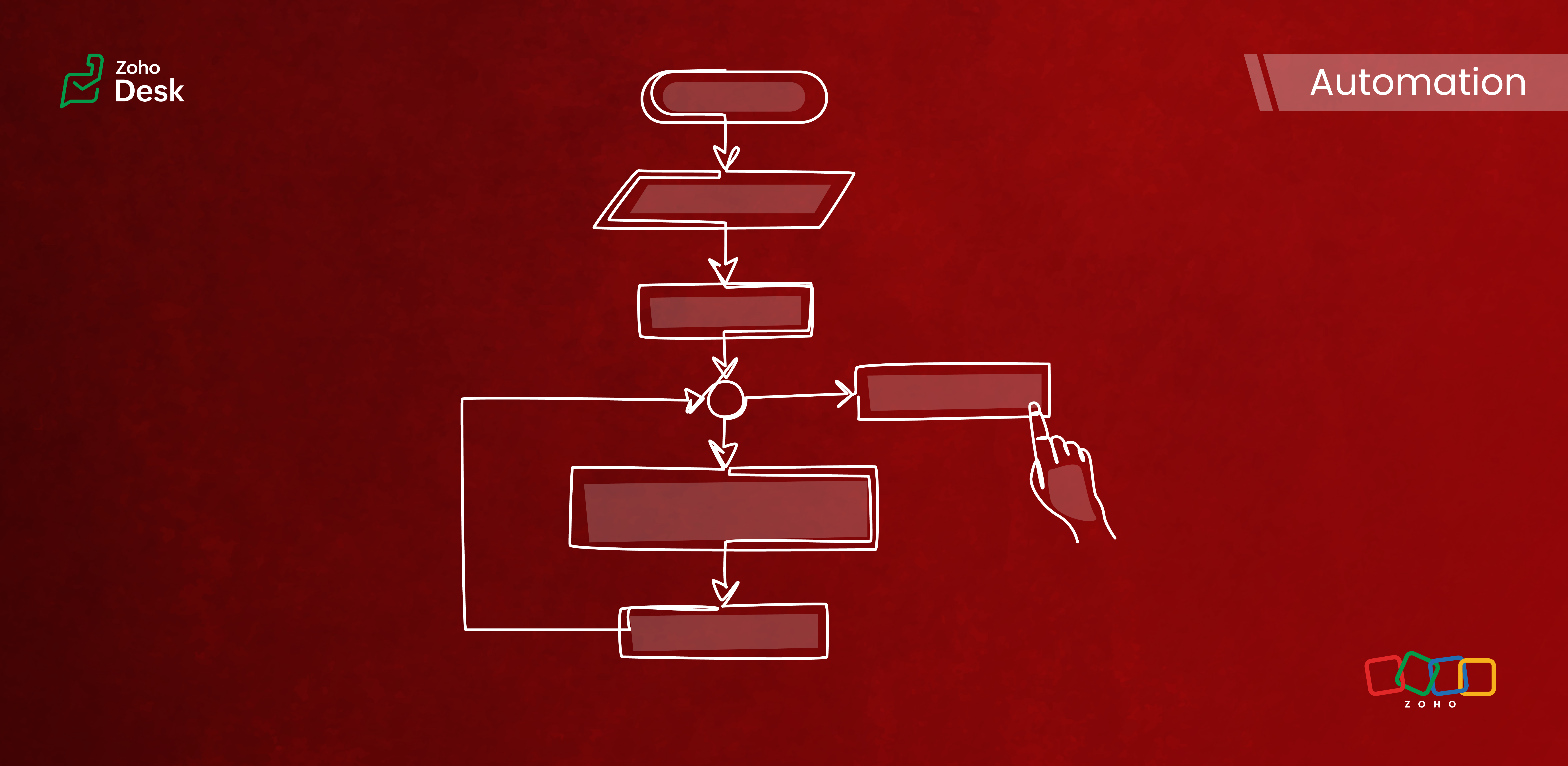
Components of a Blueprint
In Zoho Desk Blueprints, "stages" represent distinct steps or milestones in a business process, while "transitions" define the movement and conditions required to progress from one stage to another.
Stages
Stages are the specific checkpoints or states that a support ticket or record passes through in a process, such as "Assigned," "In Progress," "Awaiting Response," or "Closed." Each stage captures the ticket's status at a given point in time and provides visibility into the process's progress.
Transitions
Transitions are the actions, criteria, and intermediate checkpoints required to move a ticket from one stage to another. A transition can enforce checks, require specific actions, or mandate that fields be completed before advancing to the next stage. Transitions can also be configured to trigger automations, send notifications, or assign ticket owners.
- The criteria for when the transition is allowed
- The actions to perform during the transition (updating fields, completing checklists, sending messages)
- Transition ownership (who can act)
- Automated actions are triggered upon execution
Highlights
Enabling Strict Mode ensures that agents strictly follow ticket processes. When activated, all other actions in the ticket interface are disabled, allowing agents to perform ticket-related actions exclusively through the transition bar.
Admins can now selectively set which actions and fields are required during a transition. The introduction of the Configure Mandatory option enhances this capability to provide greater control and flexibility in customizing Blueprints for various groups of agents and refining specific aspects of the support process.
Admins can now effortlessly prioritize and reorder transitions with a simple drag-and-drop feature. This allows them to easily arrange the sequence of transitions in a Blueprint to determine how they are presented to agents. In the past, this process required agents to delete and re-add transitions in the desired order, which was time-consuming and labor-intensive.
The number of Points and Transitions permitted in a blueprint dictates the complexity of the internal processes you can design for your team. We have increased the number of pointers and transitions to allow you to incorporate greater complexity into your support operations as needed.
When developing a Blueprint, you may find the need to rename a State or modify its Status Type after it has already been linked to the blueprint. This was not an option previously, but we've now made it possible. You can now change the Status Type and rename states associated with a blueprint.
Key Features
- Design sequential ticket workflows with defined states and transitions.
- Assign transition ownership to agents or departments.
- Control ticket progression by restricting actions until necessary steps are completed.
- Automate notifications, field updates, task assignments, and custom functions during and after transitions.
- Use a Blueprints dashboard to track the number of tickets in each stage, SLA violations, bottlenecks, and overall process efficiency.

Commonly automated business processes
- Quote management
- Task management
- Library book lending
- Hospital management
- Converting leads to customers
- Order cycles
- Support request handling and escalations
- Recruitment
- Deal follow-up
Takeaway
Creating a Blueprint involves specifying the states (ticket statuses), transitions (actions to move between states), and, if needed, criteria to apply the Blueprint only to specific tickets. It provides structured guidance to agents and makes help desk operations more efficient and consistent across teams.
Please stay tuned for more in the Desk behind-the-scenes series.
Regards,
Kavya Rao
The Zoho Desk Team
Also, read:
Behind the scenes of a successful ticketing system (BTS Series)
- Narrative 14: The magic bazaar of Desk
- Narrative 13: Importing your data
- Narrative 12: Sandbox - Testing without the risk
- Narrative 11: Are your customers happy?
- Narrative 10: Assignment Rules - Streamlining Ticket Management
- Narrative 9 - GC—Meaningful conversations that benefit your customers
- Narrative 8 - Intelligent in-app support that's instantly available anytime and anywhere
- Narrative 7 - The importance of data sharing
- Narrative 6 - The impact of rebranding
- Narrative 5 - The essential role of SLAs
- Narrative 4 - Exploring the support channels
- Narrative 3 - Comprehending user management
- Narrative 2 - Understanding organizational departments
- Narrative 1 - The significance of a business account
Topic Participants
Kavya Rao Addepalli
Recent Topics
Zoho Community Digest — Marzo 2026
¡Hola, comunidad! Un mes más os traemos las novedades más interesantes de Zoho para marzo de 2026, incluyendo actualizaciones de producto publicadas oficialmente, cambios de políticas y noticias del ecosistema. ¡Gracias por venir a los Workshops de Madrid!Files Uploaded to Zoho WorkDrive Not Being Indexed by Search Engines
Hello, I have noticed that the files I upload to Zoho WorkDrive are not being indexed by search engines, including Google. I’d like to understand why this might be happening and what steps I can take to resolve it. Here are the details of my issue: FileHow can we get payment status updates for payment links in Zoho Books using webhooks?
When we create and share a payment link in Zoho Books, is there a way to know when the payment is updated? Can we use webhooks to get real-time updates for payment link status instead of checking manually?Adding Images to a Quote in Zoho CRM
We are currently preparing to use Quotes in Zoho CRM and we are building out our Quote templates. We came across an issue of not being to add Images of the products to the Quote - specifically in the body of the Quote templates. This is a problem,Uplifted homepage experience
Editions: All editions. Availability update: 17th February 2026: All editions in the CA and SA DC | JP DC (Free, Standard and Professional editions) 23 February 2026: JP (All Editions) | AU, CN (Free, Standard, Professional editions) 27 February 2026:【Zoho CRM】住所項目のアップデート:構造化された正確な住所入力を実現
ユーザーの皆さん、こんにちは。Zoho コミュニティグループの中野です。 今回は「Zoho CRM アップデート情報」の中から、住所項目に関するアップデートをご紹介します。 アップデートの概要 これまでの住所項目は、自由入力形式のテキスト欄が中心でした。 そのため、入力者によって書き方がバラバラになりやすく、データの検索やレポート集計が難しいという課題がありました。 今回追加された新しい住所項目では、住所を構造化されたフォーマットで管理できるようになりました。 以下の要素をそれぞれ個別の項目として分割して管理します。How to hide Activity Side Panel
How do you hide the activity side panel? Clicking on the link and reviewing the activity does not remove it and it does not seem to timeout. I have any activity that have been listed there since January. Thank you.This version of app doesn't support this notecard type Error
So this problem is happening for any notes created within the last week, as well as any note recently edited on Android. I can open them on my phone fine, but they don't open on the website version. They DO work on the desktop app version. It's just webmask Customer phone number and agents cant see customer phone number
Is there any way we can integrate Zoom Phone with Zoho CRM while ensuring that customer phone numbers remain masked? We need a solution where agents can make outbound calls but cannot see customer phone numbers. Please let us know if there is any solutionEdit a previous reconciliation
I realized that during my March bank reconciliation, I chose the wrong check to reconcile (they were for the same amount on the same date, I just chose the wrong check to reconcile). So now, the incorrect check is showing as un-reconciled. Is there any way I can edit a previous reconciliation (this is 7 months ago) so I can adjust the check that was reconciled? The amounts are exactly the same and it won't change my ending balance.CRM x WorkDrive: File storage for new CRM signups is now powered by WorkDrive
Availability Editions: All DCs: All Release plan: Released for new signups in all DCs. It will be enabled for existing users in a phased manner in the upcoming months. Help documentation: Documents in Zoho CRM Manage folders in Documents tab Manage filesChoose Component for User Filter
This filter in the Choose Component for User Filter would be better if had an Order or Group by function. Also, the Specify the default filter values: is very confusing and limiting.Preventing auto-redirect to Parent Record on Save...
Our users often create records from the related list on th left side of the screen. They click the blue "plus" button to create the record. This is handy, but for some modules, or situations, they would like to remain on the record AFTER clicking "Save",Zoho Desk - Event Calendar View
Hi Desk team, Are there any plans to introduce a calendar or timeline view for Events in Zoho Desk? It would be very helpful if we could see Events visually in a calendar and/or timeline. This is very helpful when desk side support activities need toRe-Apply SLA When Ticket Reopened from Closed Status?
If you have an SLA applied, timers are deactivated when going to "On Hold" status type and reactivated when going back to an Open status type. What we discovered is when a customer replies to a closed case and it reopens, the SLA is not applied and timersOption to Delete Chats in IM
Currently, there is no option to delete any chats in IM, regardless of their source.Time Zones for Users
I've searched for this topic, but the only answers I see are from years back. We have users all over the country. is there a way for them to set their own time zone? This is important and should be a standard setting, but I do not see how to do it.Is it possible to make tags "required"
We would like to be able to make the tag field a requirement for agents before they can close a ticket. This would help with monthly reporting, where a lot of tickets end up with no tag, causing manual work to go back and add the correct tag for eachShowing the map along with mileage expense
When you use the GPS to track mileage, it shows you the map of the actual path travelled. It would be very useful and practical to save that map with the mileage expense, so that when the report is created, it provides a map of each mileage expense associatedID:2406331
Hello, I have sent the form (ID:2406331) but no answer after two days. This is a paid subscription, I am not allowed to use the eighth paid slot of 50GB email space anymore, only 7 are being used. Is anyone going to help me please so I can use the eighthApproval Workflow for Purchase Orders Abrir
The requirement is , that all purchase orders greater than or equal to 5000 go through an approval process from certain people, but within books I only see that the approvers can be by levels or any approver but we cannot enter a rule like these. Cansending email with another account
Hello there, i write there for an our costumer request. They want to send email from CRM with a different email (confirmed and added to zoho profile). For example they use account@zilium.com but with this account they want to send (not only with email template... ) with anothermail@zilum.com thanksI would like to know wich person viewed the file
I have a franchise and my Operative Manual is in WorkdriveI, the user can´t download but despite I know How many views the file had, I would like to know wich person viewed the file Is it possible? thank youTransaction Rule Matching
Q1. Is there a method to have the Transaction Rules applied across multiple Bank Accounts? Q2. To match "contains" text in Transaction Rules, is a wildcard or regular expression required? Is it case sensitive? Would searching for "issue" in the followingNotebook on Mac: Fuzzy fonts in list view
Hi, I am running Notebook on Mac OS 26. Generally it works fine, and the font display in the notes themselves is crisp. However, in the notes list (left of the open note) the font of the note titles as well as first lines is noticeable fuzzy. AttachedTrigger workflows from SLA escalations in Zoho Desk?
Hey everyone, I’m currently working with SLA escalation rules in Zoho Desk and ran into a limitation that I’m hoping someone here has solved more elegantly. As far as I can tell, SLA escalations only support fairly limited actions (like changing the ticketZoho CRM Email Templates 100% Width No Background How?
Hi, On the Zoho CRM Email Templates in setup > customization > templates > new templates > I choose blank template, but still it puts in a gray background and a max width for the email. I just want to make an email that looks like an email I would send from gmail that has no background or max width. How do you do this?ZOHO CRM Quote Export / Quote Report
How can I either Export my quote list, or create a Report that shows all quotes AND includes the NOTES field in a column. I attempted to Run a Report which includes ALL FIELDS, however it does not include the Notes Field (but oddly does include the fieldsIntroducing Radio Buttons and Numeric Range Sliders in Zoho CRM
Release update: 1. 2 March 2026: Currently out for CN, JP, AU and CA DCs (Free and standard editions). For other DCs, this will be released by mid-March. 2. 26 March 2026: CA, SA, AU, JP, CN DCs - Free, Standard, Professional, Enterprise, Ultimate, CRMAll new Address Field in Zoho CRM: maintain structured and accurate address inputs
Availability Update: 29 September 2025: It's currently available for all new sign-ups and for existing Zoho CRM orgs which are in the Professional edition exclusively for IN DC users. 2 March 2026: Available to users in all DCs except US and EU DC. 24Adding a Mark Up
Can you use the discount column to be a mar up column on estimates and invoices?URGENT. Recovering email without eArchive
Hello, I have deleted some email from my trash but do not have eArchive. Is it possible to recovery without this? many thanks!Subscription Statuses - Dunning
How are other companies handling the scenario when customers don't pay and dunning takes over? Our issue is that in my situations, we want our customers to be able to catch up their late payments and continue their subscription after the dunning processLogo Doesnt appear on email
Hi, 1. PROBLEM: mails sent to customer from zoho invoice ( Estimates and incoices etc.) Logo doesnt appaer on email. 2. SUGGESTION: there must be an option to select from google fonts if we want specific font to the pdf templates. thanksHow to see Statement Details Shown in Unclassified Transactions in All Transactions?
All, The list of Unclassified Transactions show the Statement Details and Descriptions. What is the method to see that column in the All Transactions list? -Thanks!Non-Avalara Tax Automation wtih Zoho Books
We are paying a ridiculous amount for Avalara. Our team wants to make a change, but they're the only software fully integrated with Zoho. We also don't have the bandwidth to do this manually, so we do need some sort of automated software solution. WeMigrating to the new outgoing webhook model in Zoho Connect
Dear User, Outgoing webhooks configured across the Zoho Connect Integrations page, Zoho Flow, and Zapier will stop working after May 31, 2026. This is due to an upcoming upgrade to our outgoing webhook flow. This update is mandatory only for networksCreate formula calculations in Assemblies for scaling quantities
Something we have been encountering with our composite items is dealing with scaling of quantity of one or more items within the composite assembly relative to the number of complete units being sold. I.e. running the equation 2(n-1) on one of the assemblyLastest update
The latest update to notepad has completely trashed all my notes. If I go to view it it just opens up a screen with a box with dotted lines around it for me to add something I can import saved nodes but you can't view them at all. Anybody else havingTip #67- Exploring technician console: Disable Input Devices- 'Insider Insights'
Hello Zoho Assist Community! Picture this: you are in the middle of a critical remote session, carefully configuring a system or running an important update, and the customer accidentally clicks somewhere or types something that undoes your progress.Next Page