Orchestrating project workflow with e-signatures
Dear users,
Your business can have robust task, issue, and resource management systems but it still silently bleeds time and money as documents stay stuck at stakeholder approval. Document signatures introduce indefinite wait times, and nobody inside the project knows what state they are in. Plus, promises from verbal agreements and offline chats introduce chaos into project management.
Zoho Sign allows businesses to send documents to relevant project stakeholders, obtain and record approvals and rejections, and track status in real time. Let's see how you can streamline approvals, sign-offs in Zoho Projects and also assign accountability and traceability among stakeholders.
Formalizing sign-offs
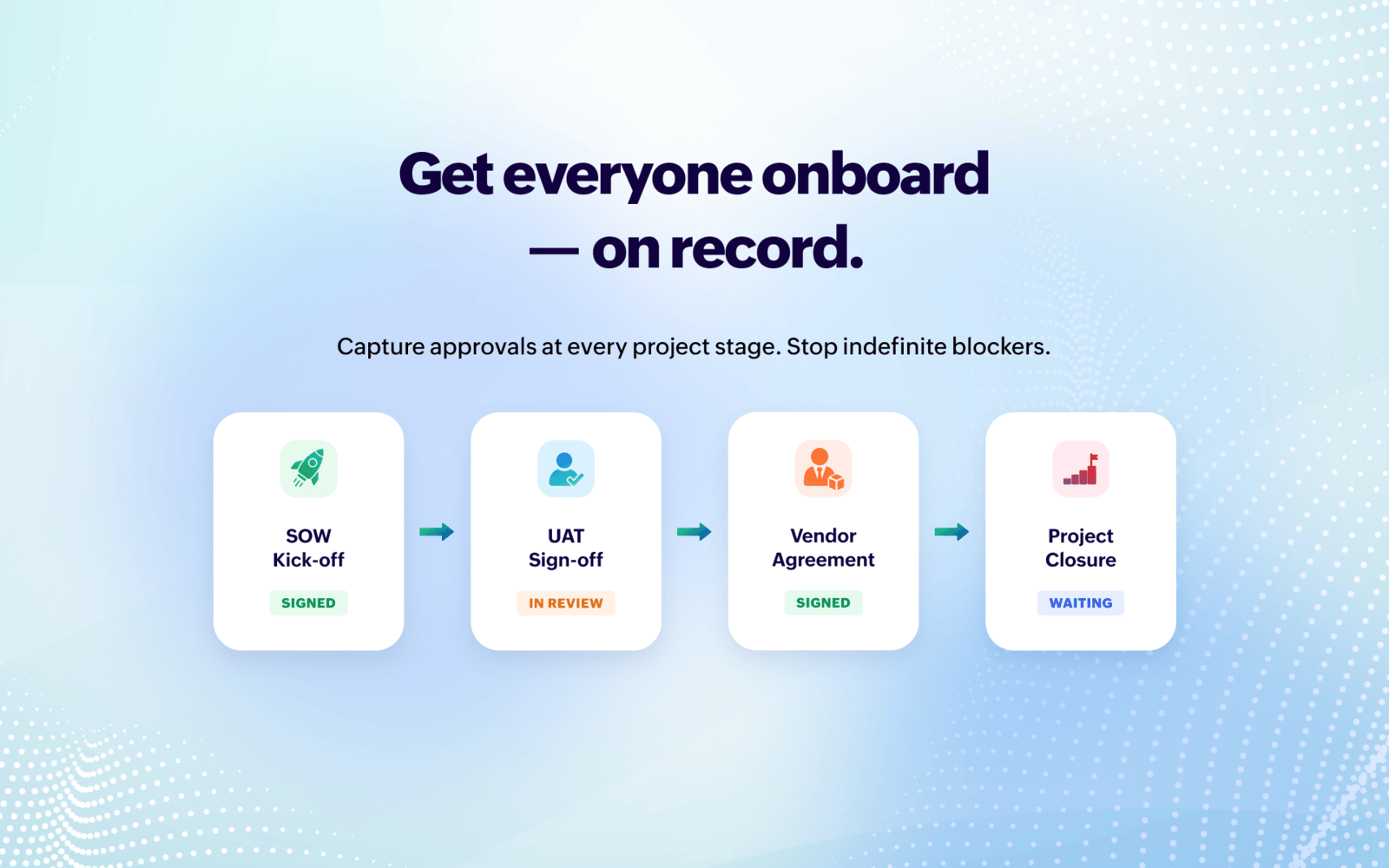
Every project stage has documents that need to be signed-off. An SOW unsigned for two weeks means an underutilized team. A stuck UAT sign-off holds up releasing resources. And delayed SLA handovers cause ambiguities in support.
Zoho Projects can send documents to designated stakeholders at marked project stages and capture their actions. Once the necessary approvals have been provided, the project can proceed to the next stages. Approvals now stop being indefinite blockers.
Visibility and tracking
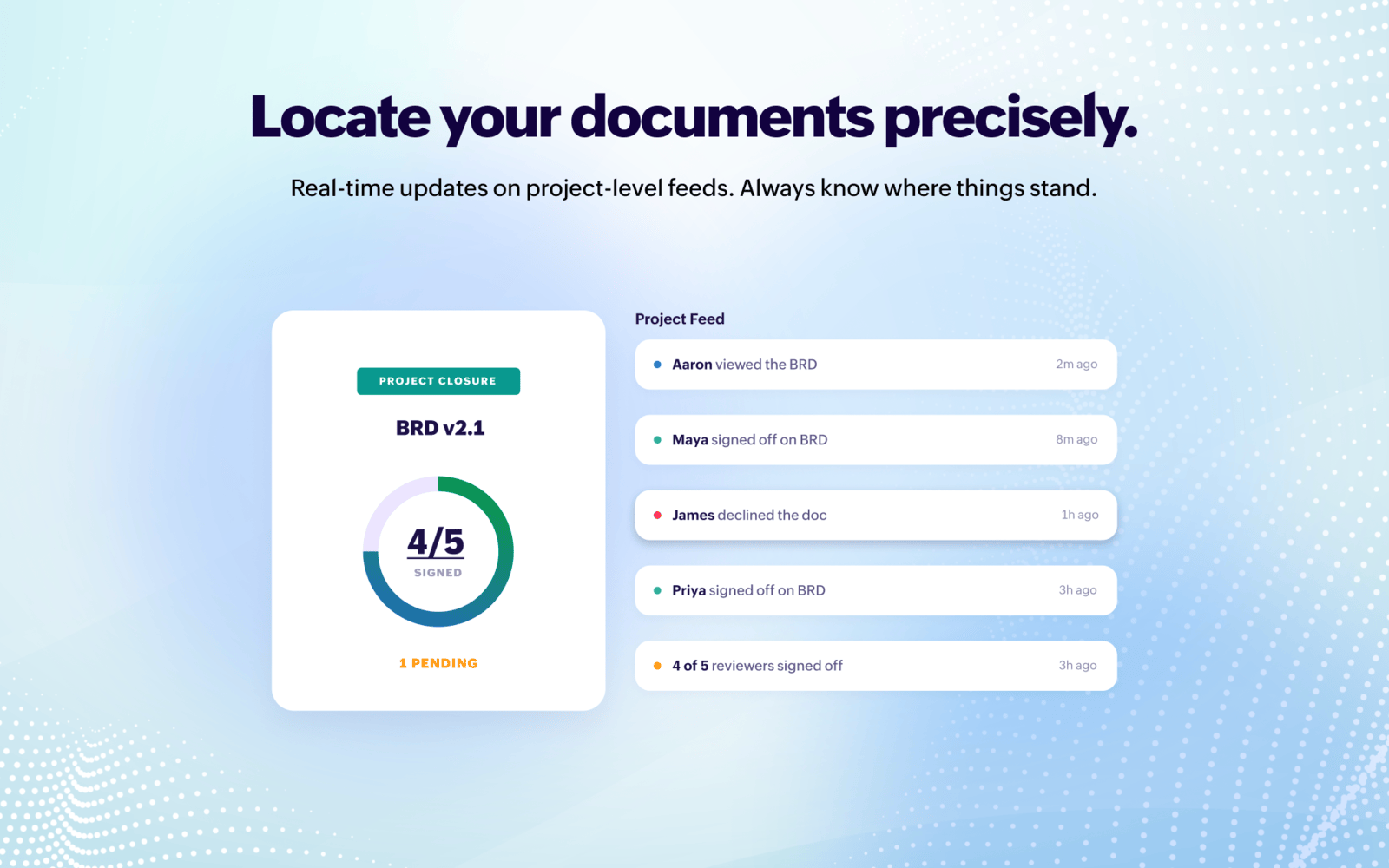
Project owners are mostly in the dark with respect to the status of documents that need signing. Zoho Sign can send real-time updates for approvals or sign-off tasks like – "BRD has been viewed by Aaron", "James has declined the CR", "4 out of 5 reviewers signed-off project closure". These real-time updates populated on project-level feeds can assist in monitoring real-time progress.
Change control

Despite meticulous planning, scope changes hamper project progress greatly. Client requests a change in scope, and PM sends an invoice after completing it. Client backs out not having agreed to the cost. In such scenarios, e-signing can help both parties come to a common ground before commencing any work. Plus, Zoho Sign's conditional fields can calculate additional budgets or change in timeline or scope to keep stakeholders aware of what's changing and ease the signing process.
Compliance and audit
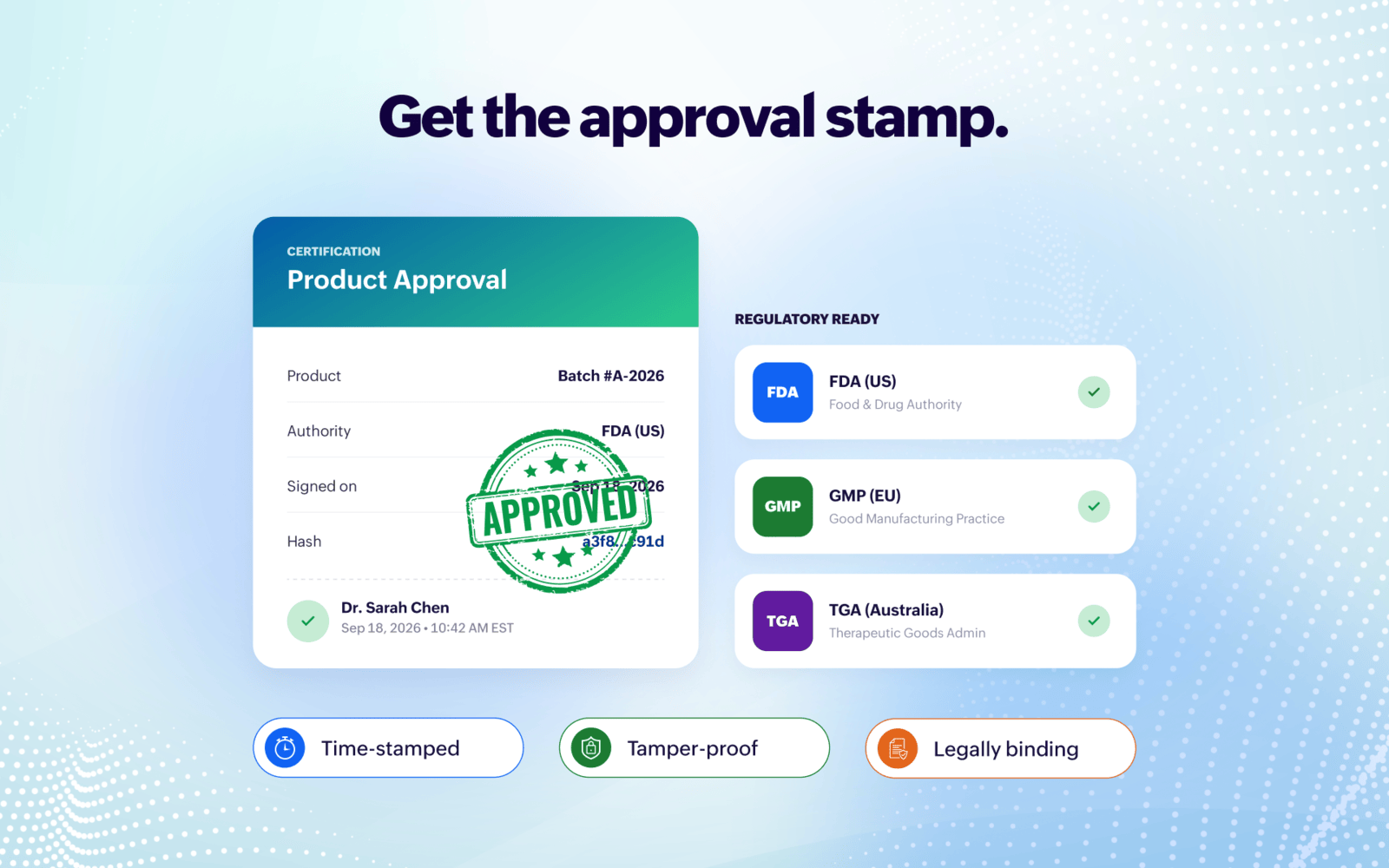
Products like food, manufactured goods, medicines, cosmetics, etc., require time-stamped, tamper-proof, and legally binding signatures from authorities. Regulatory frameworks like the FDA (Food and Drug Administration, US), GMP (Good Manufacturing Practice, EU), TGA (Therapeutic Goods Administration, Australia), etc., can deny approvals to clinical trials or research work without proper sign-offs. Businesses can employ task dependencies in Zoho Projects to commence work only when their processes are verified by their appropriate regional authorities.
Project orchestration

E-sign events can help projects transition into appropriate stages. A signed SOW can move a project from "Pending Approval" to "Active" and it is visible to the entire team. An approved SOW can trigger a blueprint transition and auto-assign tasks. A rejected document can create an issue along with the reason. A project closure can trigger invoices, and so on. Such automations can cut down manual work significantly for a project owner.

Pro Tip: You can set up WhatsApp or Zoho Cliq notifications and automate following up stakeholders for signatures. You can work with one of our partners to build a Zoho Sigma extension or a Zia agent that can create, track, notify, follow up e-signatures and regulate project progress seamlessly for your clients
The Zoho Projects-Zoho Sign extension
Zoho Sign can blend into the project workflow and introduce clarity into processes. The Zoho Sign extension for Zoho Projects helps send documents from tasks and issues for e-signatures. It also allows viewing document status from inside tasks and issues.
Think e-signatures have a major role to play or need a custom implementation for a seamless project workflow for your business? Write to us at support@zohoprojects.com and we shall talk.
Read up on our previous editions:
#4 Bridging the gap between support and project delivery
#3 Powering up Zoho CRM and project intelligence
#2 Build an approval management system with custom modules
#1 Effective project and task customization with CodeX
#3 Powering up Zoho CRM and project intelligence
#2 Build an approval management system with custom modules
#1 Effective project and task customization with CodeX
Best,
Zoho Projects Team