Rehearsing changes before deployment - Sandboxes in Zoho Projects
Dear users,
You've invariably been in these project situations - adding an additional stage to verify deliverables, revamping the approval process, adding team members with different permission sets to a sensitive project and so on. As a project owner, you know that the cost of configuration is small but the cost of failure is huge.
You need a safe-space to simulate configurations, test changes or new processes, without impacting live data. Zoho Projects' sandbox helps you try out changes in a controlled environment before your clients experience it in real time. Let's see how to regulate project operations from the sandbox.
Process overhauls
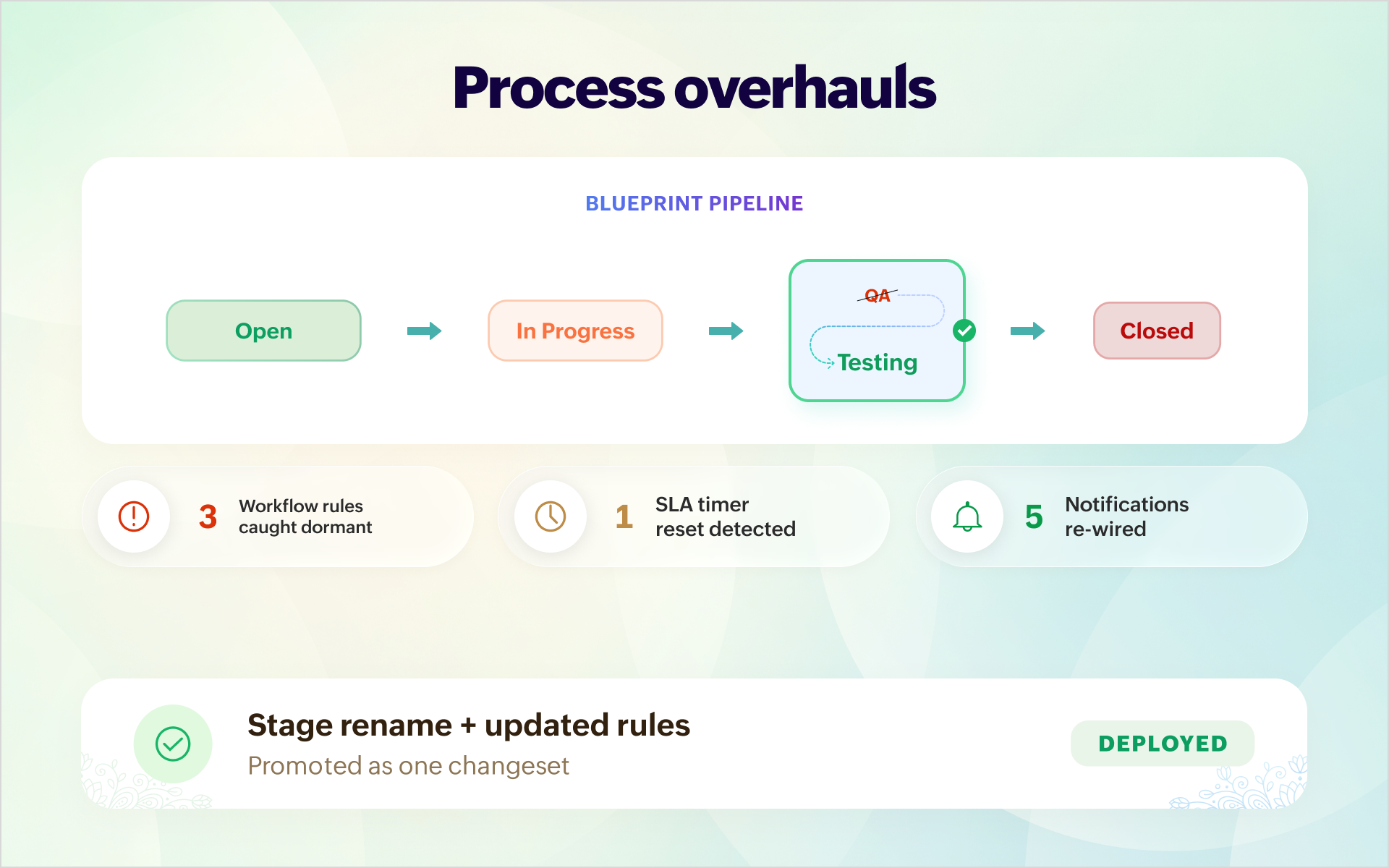
Your new process wants to rename the stage "QA" as "Testing" to match the new organizational taxonomy. The change looks trivial. But it breaks SLA markers, workflows, and notifications without any warnings.
Instead, the renaming can happen inside the sandbox first while you watch the required conditions pass and rules fire. Once satisfied, you can promote the stage rename along with the updated rules to the live environment.
Admin changes
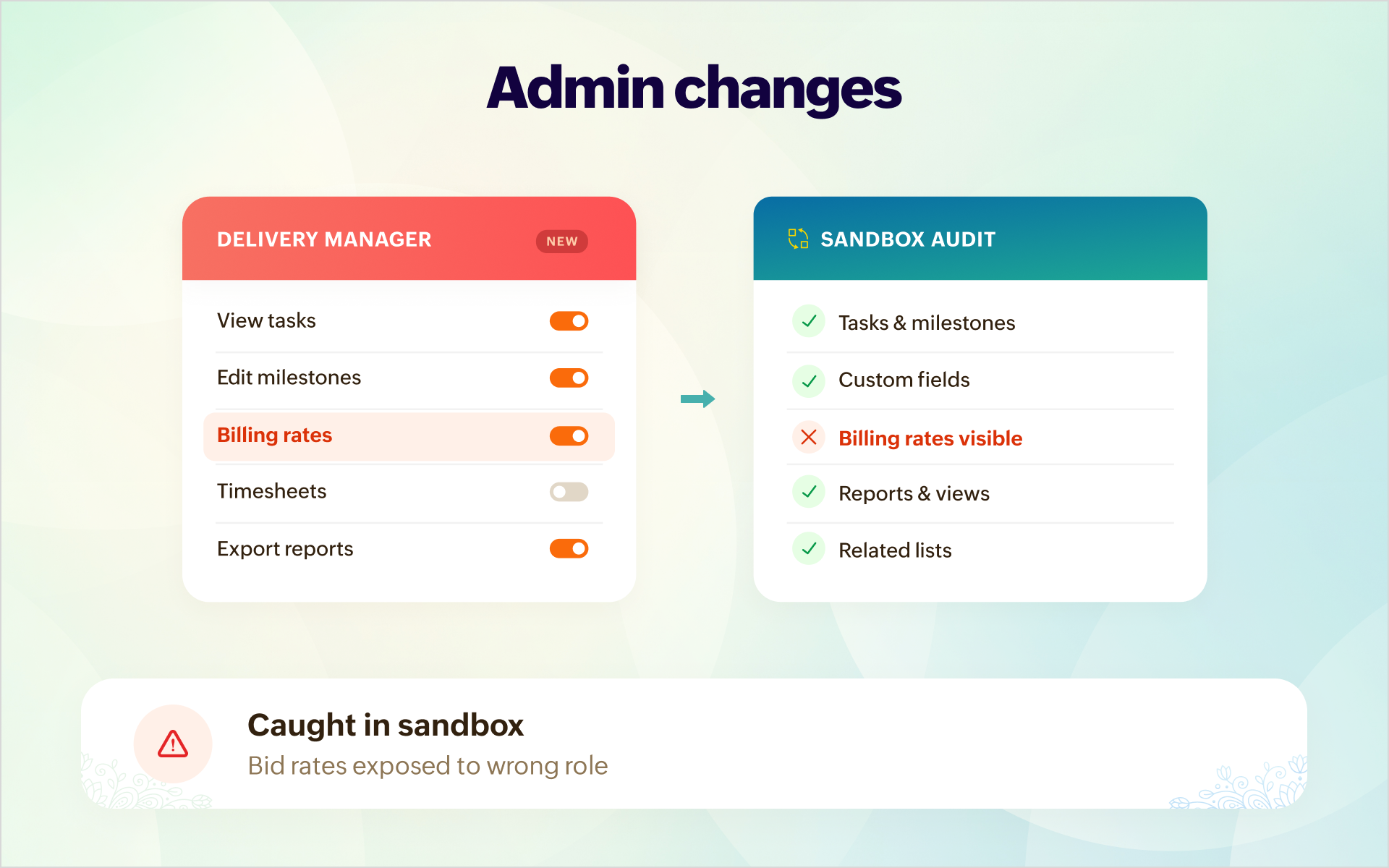
The project needs a new 'delivery manager'. You add a user and assign the predefined role. But the delivery manager starts seeing bid rates and margins which you don't want.
Create the custom role, test it on a user in the sandbox. Test every module, every custom field, every view and then promote to production only after thorough verification.
Training & onboarding
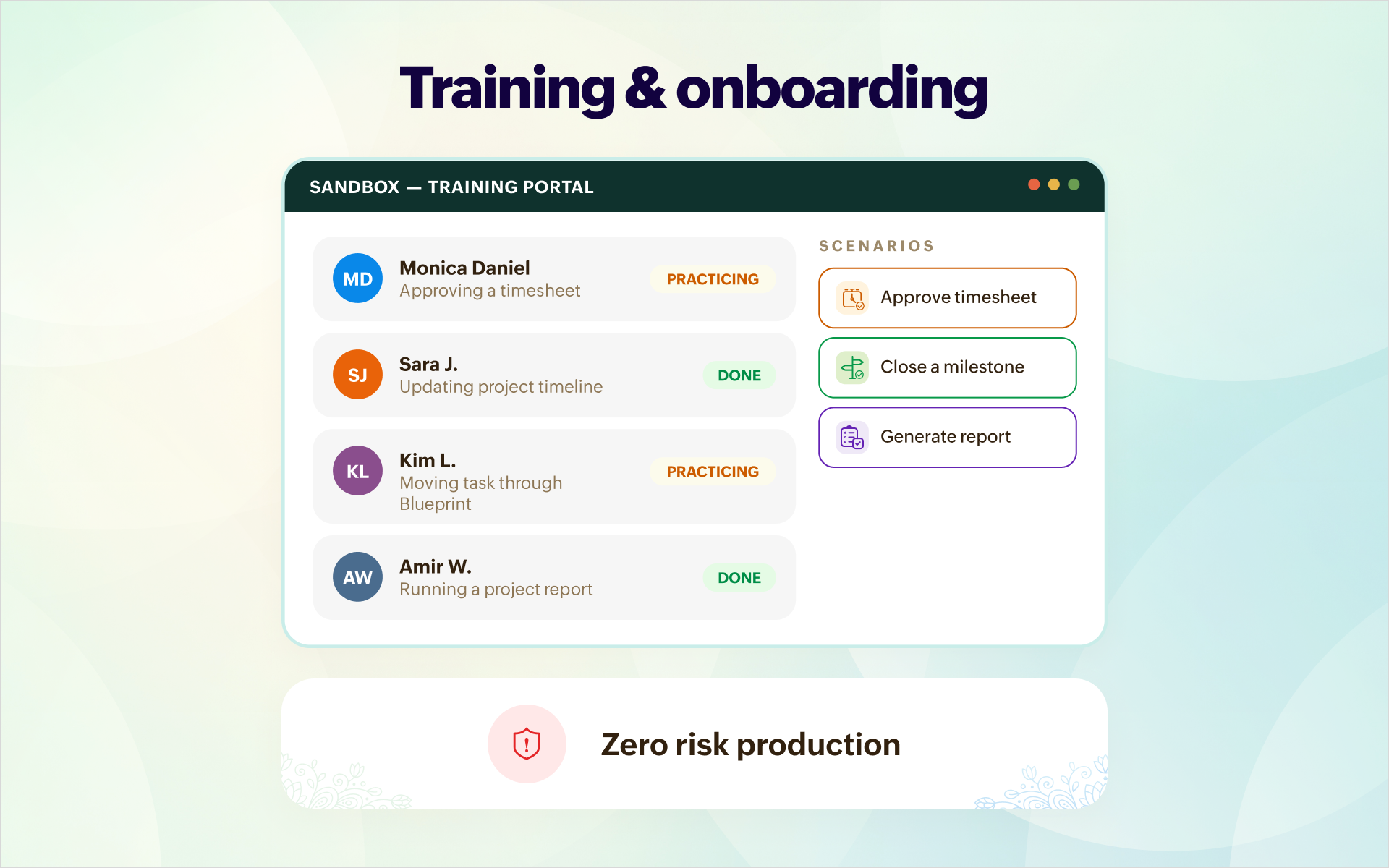
You recently hired new project managers and want them to get accustomed to the processes and the PM tool. View-only actions don't pose much of a threat. But critical ones like approving timesheets or updating project timelines might require monitoring.
These project managers can be trained in sandboxed environments with the appropriate permission sets. They can fail and explore until they get comfortable enough to work in the live environment.
Data migration
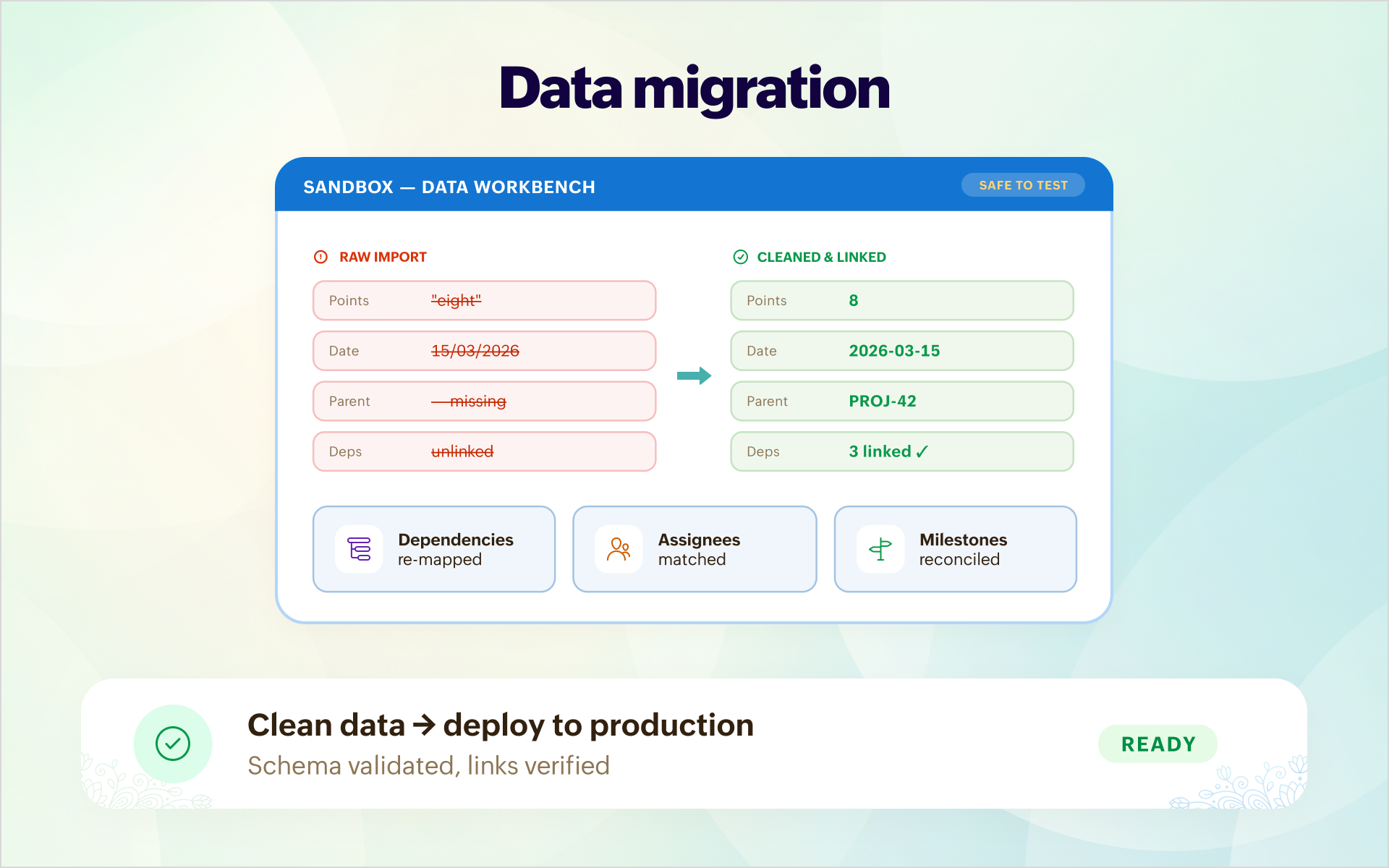
Say, your project data is moving to Zoho Projects from another PM tool. There's every chance of data format mismatch, missing mandatory fields, and incorrect or no task dependencies. Imagine initiating a hasty migration to production and fire-fighting every issue on the fly.
Build the target schema, formulate edge cases, and migrate the data to the sandbox. You can initially test by migrating a few rows, test for correctness and compatibility, add workflows, create dependencies. You can progressively add more records and finally deploy the data and configuration to production after you're completely convinced.
Cross-platform integrations

Workflows, field updates are fairly simple. But forging integrations to fetch billing details for added timesheet entries and updating the outstanding amount in CRM records require multiple touchpoints and meticulous verification.
The workflows and custom functions can be deployed in the sandbox. You can verify the integration end-end. Additionally, timesheet entries can be created through the mobile app, API, or from a webhook to check the working across multiple entry points.

Pro tip: If you manage projects across different locations or have projects across multiple departments, each running their own configurations, sandbox portals saves a lot of time firefighting and also allows you to test your work off live data.
Let us know how effectively you use sandboxes. If you need help scoping a blueprint overhaul or if you're working on migrating a client, email us at support@zohoprojects.com and we shall connect.
Check out our previous editions: