Other integrations

Super Admins and admins can view and edit this information. Managers and staff will not have access to this information.
Zoho bookings provides predefined connections for third-party SMS providers, to send SMS notifications to your staff and customers.
For example, when an appointment is booked, rescheduled, or canceled, SMS reminders are triggered using the configured SMS connection.
Additionally, this section contains connections to Zoho CRM Contact to automatically add every customer as a contact in Zoho CRM.
Connections are available for the following services:
- Zapier - To integrate Zoho Bookings with 2000+ apps
- Zoho CRM Contact - To create a contact in Zoho CRM for every booking
- Zoho Assist - To create Zoho Assist sessions for every one-on-one booking
- Twilio - To send SMS notifications
- Clickatell - To send SMS notifications
- Hoiio - To send SMS notifications
- ClockWorkSMS - To send SMS notifications
- ScreenMagic - To send SMS notifications
- Nexmo - To send SMS notifications
To create a connection
- Click Integration on the top right corner of the menu panel. Then click Others on the left side panel.
- Click Configure against the required connection.
3. Enter details, then click Configure.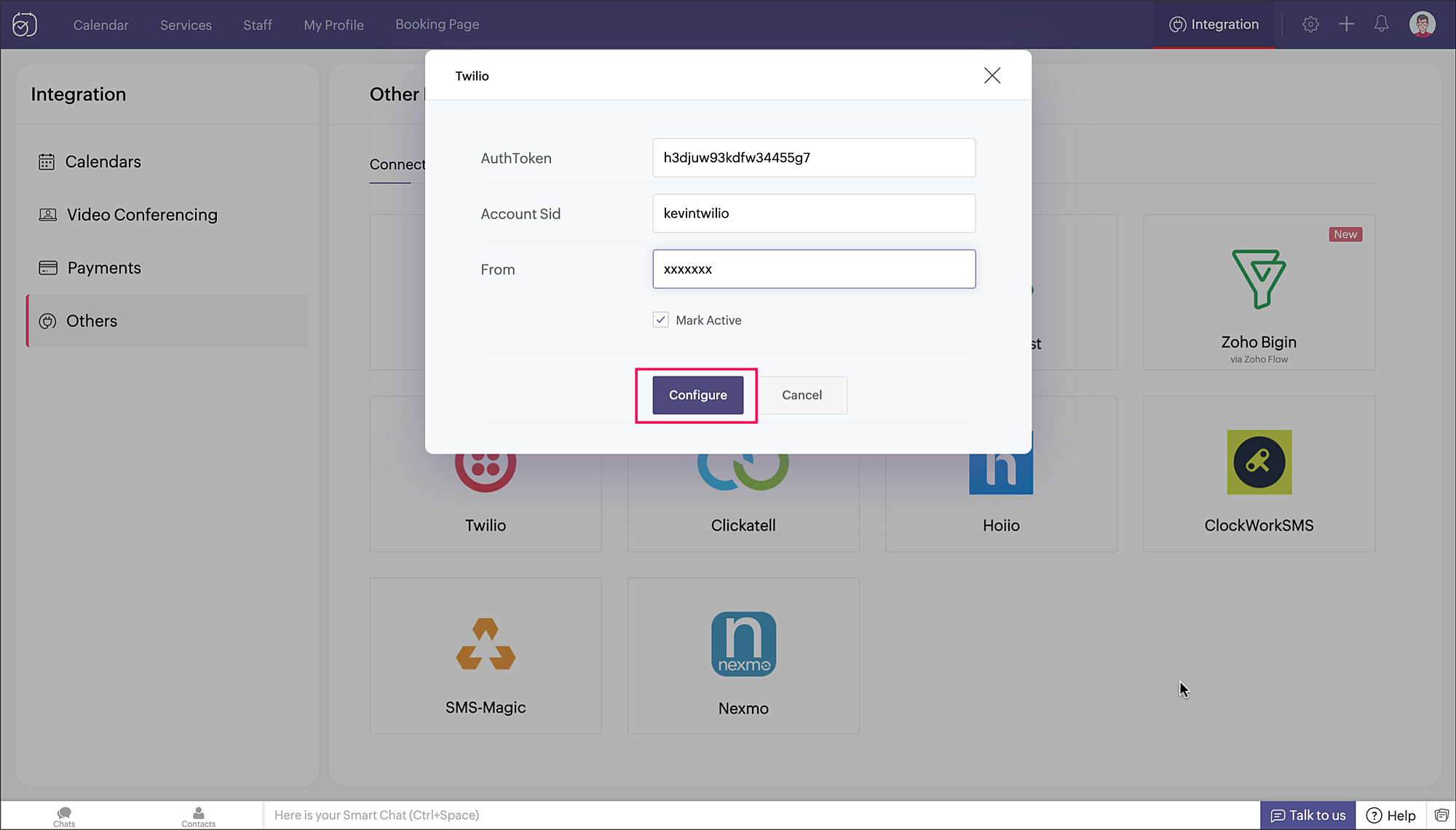
Note: Details will vary for the different services.
- The configured connection will be listed under Connections Enabled, and the following actions can be performed on it:
- Edit - To edit the connection details. For example, when the authtoken of the service needs to be updated.
- Remove - To delete the connection.
- Status - To disable/enable the connection.
Note: At any give point in time, only one of the listed SMS gateways can be configured to send SMS notifications.