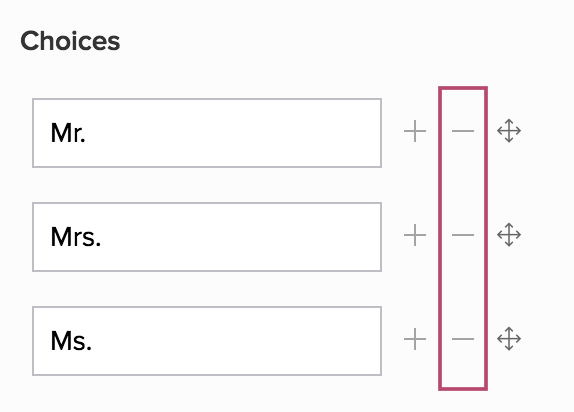
Delete prefix choice
Delete a prefix choice from the name field

Prerequisite
: Prefix subfield must be enabled in the Name field.
Learn more
- Open the form builder.
- Select the Name field. Its Field Properties will appear on the right.
- Navigate to the Choices section.
-
Click the - icon next to the prefix you want to delete or remove.