Creating a form from scratch
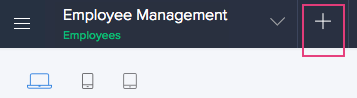
- Click the Add New icon displayed at the top of the Design page:
-
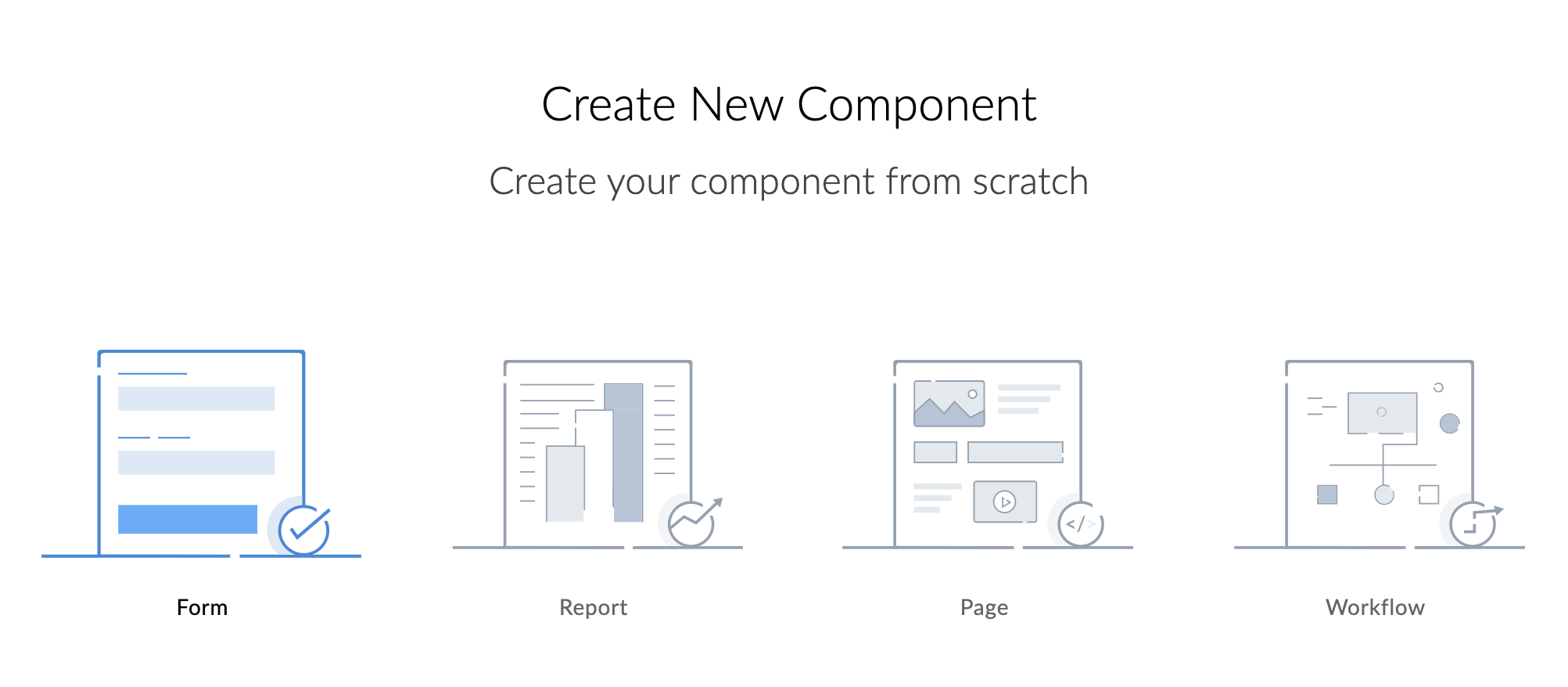
Select Form , as shown below. If you're creating the first form in your app, you will be taken directly to step three.
- Select Blank .
-
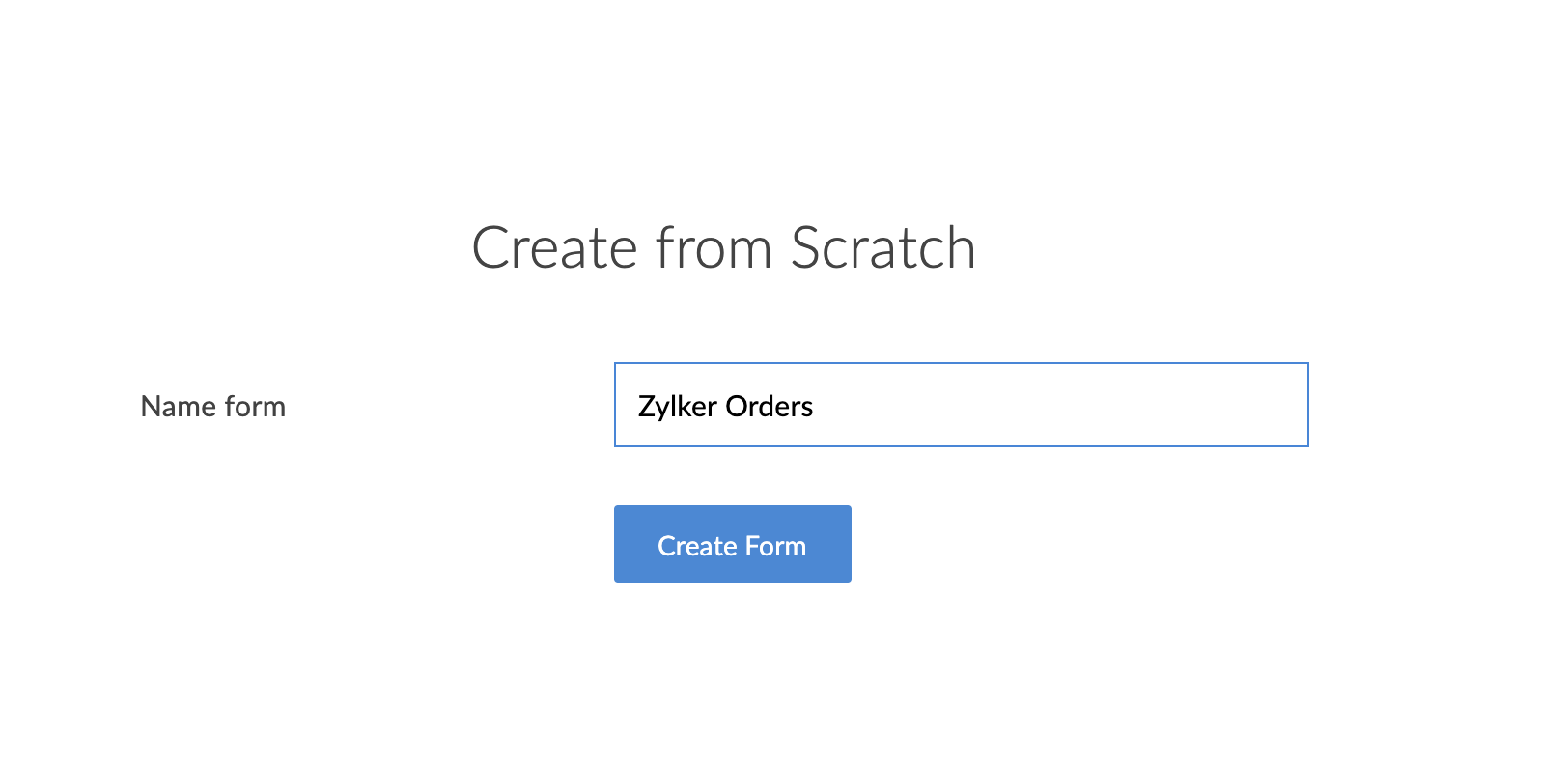
Enter a name for your form, then click Create Form.
-
You will be redirected to the newly created form's builder.