Featurecast Story 10 - Block abusive customers
IM'ing (Instant Messaging) Feature Story Series
Featurecast Story 10 - Block abusive customers
How do you handle abusive customers?
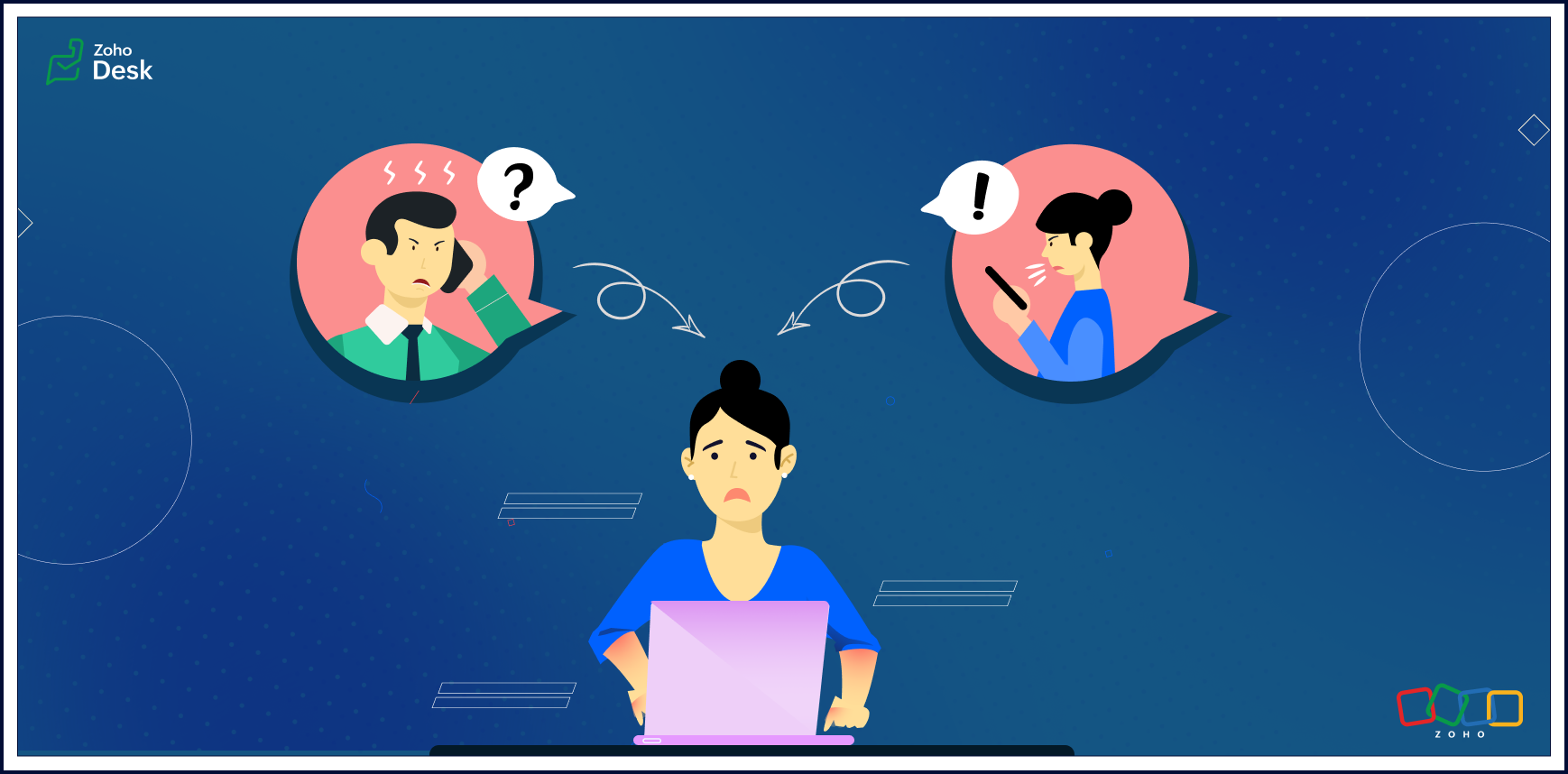
Abusive customers can be a nightmare for business owners and customer-facing staff. They can be loud, disruptive, threatening, and risk harming your professional reputation.
This feature story will discuss strategic ways to handle abusive customers. We'll cover helpful tips and practical ways to deal with these situations.
What should you do if a customer becomes verbally abusive?
Verbal abuse is an action that harms a person emotionally or mentally. Cursing, name-calling, inappropriate comments, making threats, and shouting are all examples of verbal abuse.
So, how can you effectively manage the situation when verbal abuse is being directed at you or your support agents?
Here are some helpful tips:
Communicate firmly but respectfully
If a customer becomes verbally abusive, you should speak firmly but respectfully with them. Maintaining a calm tone of voice and choosing your words carefully will help you get the situation under control. This will communicate that you're trying to help them and de-escalate the situation.
Politely ask them to stop
If you are dealing with an abusive customer, it's important not to let the situation get out of hand. Tell them their behavior is unacceptable and you would like them to stop. It's essential to be clear, concise, and firm.
Never take the abuse personally
Remind yourself that you are doing your best and don't deserve to be treated this way. It can be easy to get wrapped up in an abusive situation and start to feel you are the one who is at fault. Recognize it's not about you. It's about how the customer chooses to behave.
Maintain your composure
It's important to stay calm and composed during an abusive encounter. It can only worsen the situation if you start to reflect the customers' anger or other toxic emotions.
Ask for help
If you feel unsafe or uncomfortable, it's essential to get help. You can contact your supervisor, a teammate, or other support resources. Please don't hesitate to ask for assistance if you need it.
Know when to walk away
There may come a time when it's best to move away from the situation. If things get too heated and the customer remains verbally abusive, it's not worth risking your own safety to continue the conversation.
Make sure to record the abusive encounter
It's a good idea to document any encounters you have with abusive customers. This can help if things escalate or there is a later dispute about what happened. Write down the date, time, and details of the incident. If there are witnesses, include their contact information as well.
Please don't argue with customers
It’s important not to get into an argument with the customer. This will only fuel their anger and make the situation worse.
How do you stop abusive customers over chat?
Knowing how to respond when dealing with an abusive customer is crucial. Here are some phrases you can use in such situations:
• I'm sorry that you're feeling upset. Let's talk about how we can resolve the situation.
• Please don't speak to me like that. I want to help fix the issue, but first, I need you to stop sending abusive comments.
• I'm happy to help, but I need you to remain calm before we continue the conversation.
• I understand how frustrating this must be for you. However, texting me this way isn't acceptable and won't get us anywhere. Let's focus on how we can solve the problem together instead.

Note to Agents -> If none of the above tips helps diffuse the angry customers, please find the ellipses next to your name on the IM chat module, click Block, and confirm the selection. Don't be afraid to speak up for yourself and draw a line in the sand when needed.
There's more to come, so please watch this space for more IM feature stories.
Until next time,
Until next time,
Kavya Rao
The Zoho Desk team
Topic Participants
Kavya Rao Addepalli
Sticky Posts
Register for Zoho Desk Beta Community
With the start of the year, we have decided to take a small step in making the life of our customers a little easier. We now have easy access to all our upcoming features and a faster way to request for beta access. We open betas for some of our featuresShare your Zoho Desk story with us!
Tell us how you use Zoho Desk for your business and inspire others with your story. Be it a simple workflow rule that helps you navigate complex processes or a macro that saves your team a lot of time; share it here and help the community learn and grow with shared knowledge.Tip #1: Learn to pick the right channels
Mail, live chat, telephony, social media, web forms—there are so many support channels out there. Trying to pick the right channels to offer your customers can get pretty confusing. Emails are most useful when the customer wants to put things on record. However, escalated or complicated issues should not be resolved over email because it's slow and impersonal. When you need immediate responses, live chat is more suitable. It's also quick and convenient, so it's the go-to channel for small issues.Welcome to Zoho Desk Community - Say hello here!
Hello everyone! Though we have been here for a while, it’s time to formally establish the Zoho Desk Community; we’re really happy to have you all here! This can be the place where you take a moment to introduce yourself to the rest of the community. We’d love to hear all about you, what you do, what company or industry you work for, how you use Zoho Desk and anything else that you will like to share! Here’s a little about me. I am Chinmayee. I have been associated with Zoho since 2014. I joined hereWebinar 1: Blueprint for Customer Service
With the launch of a host of new features in Zoho Desk, we thought it’ll be great to have a few webinars to help our customers make the most of them. We’re starting off with our most talked about feature, Blueprint in Zoho Desk. You can register for the Blueprint webinar here: The webinar will be delivered by our in-house product experts. This is a good opportunity to ask questions to our experts and understand how Blueprint can help you automate your service processes. We look forward to seeing
Recent Topics
Can we disable add to cart in Zoho Commerce?
Hello, Our sales happen on the phone. During the call the customer is directed to our website to inspect the products together with the sales rep. So we need a way to present our inventory. I figured Zoho Commerce is a good fit for this use case. However we would have to disable the possibility to purchase products in the shop. Is that possible? Sunny regards, ArtjomHow to update "Lead Status" to more than 100 records
Hello Zoho CRM, How do I update "Lead Status" to more than 100 records at once? To give you a background, these leads were uploaded or Imported at once but the lead status record was incorrectly chosen. So since there was a way to quickly add records in the system no matter how many they are, we are also wondering if there is a quicker way to update these records to the correct "Lead Status". I hope our concern makes sense and that there will be a fix for it. All the best, JonathanZoho DataPrep and File Pattern configuration
I'm using Zoho data prep to ingest data from One Drive into Zoho Analytics... The pipeline is super simple but I can't any way to get all the files that I need. Basically I need to bring all the files with a certain pattern and for that I'm using a regexJWT Token authentication problem that sometimes generates infinite redirect loops
Description : Nous proposons un bouton sur notre plateforme permettant de rediriger l'utilisateur vers le portail ZohoDesk via un jeton JWT pour une authentification transparente. Cependant, il arrive que certains utilisateurs soient pris dans une boucleZoho desk desktop application
does zoho desk has a destop applicaion?ZOHO Work Drive Back Up
I am looking for a ZOHO Work Drive backup solution. Something that is cloud based. There's lots of these kinds of options for Google Drive and other providers, but I have not seen anything for WorkDrive. Any suggestions?ZOHO Reports - Filter Logic?
Hi, I need a way to apply filter logics such as ((1 AND 2) OR 3). All I can see as of now is a way to enter different AND filters in the respective filter column. But how can I add an OR filter? Any advice would be highly appreciated. MarkScanned Doc - selecting Item overwrites Rate
I have a Vendor Invoice which was uploaded to Documents. I select Add To > New Bill. The OCR is actually quite good, but it is reading an Item Description instead of an Item Number. I remove the description and select the correct Item Number... and itRecruit API search
Hi all, Attempting to call the search api endpoint from Postman using the word element as mentioned in api docs Search Records - APIs | Online Help - Zoho Recruit When making the call to /v2/Candidates/search?word=Saudi receive response of { "code": "MANDATORY_NOT_FOUND",Saving reading position + Keep screen on
While Zoho Notebook is excellent for saving and annotating articles, its utility is severely limited by the lack of reading progress synchronization. On the Android app, if a user exits a long note after reading 50%, the app fails to save the position.Multiple Vendor SKUs
One of the big concerns we have with ZOHO Inventory is lack of Vendor Skus like many other inventory software packages offer. Being able to have multiple vendor skus for the same product would be HUGE! It would populate the appropriate vendor Sku forZoho LandingPage is integrated with Zoho One!
Greetings to the Zoho One users out there! We're delighted to let you know that Zoho LandingPage is available in Zoho One too! With Zoho LandingPage, you can host custom-made landing pages, and persuade the visitors to dive deeper by making further clicks,Android app sync problem - multiple devices have same problem
Hello, I am having a problem with synchronization in the Android app. When I create a drawing, the data does not sync correctly—only a blank note is created without the drawing. I tested this on multiple devices, including phones and tablets, and theHow can i resend a campaign to only one of the recipients on the original campaign
How can i resend a campaign to only one of the recipients on the original campaign ? Sincererly, MikeHow to show branch instead of org name on invoice template?
Not sure why invoices are showing the org name not the branch name? I can insert the branch name using the ${ORGANIZATION.BRANCHNAME} placeholder, but then it isn't bold text anymore. Any other ideas?Create CRM Deal from Books Quote and Auto Update Deal Stage
I want to set up an automation where, whenever a Quote is created in Zoho Books, a Deal is automatically created in Zoho CRM with the Quote amount, customer details, and some custom fields from Zoho Books. Additionally, when the Sales Order is convertedMarketing Automation Requirements Questions
I would like to set up a multi-email drip campaign- please see the structure below and confirm if I can achieve this set up in Zoho marketing automation. Where applicable, highlight gaps and workarounds. Thanks Drip email campaign- Can I create one dripZoho CRM for Gmail Extension Not Working in Brave Browser?
Is anyone able to get the Zoho CRM Chrome Extension working in the Brave browser? They're both built on the Chromium platform and every other Chrome Extension works with the exception of Zoho CRM for Gmail so any ideas here?Sharing URLs and direct access
Hello, I am storing my team's email signature images on Workdrive. I am creating a public image download share and adding “?directDownload=true” so that the image can be accessed without the Workdrive interface. A few questions: 1) Can we generate friendlyhow to change the page signers see after signing a document in zoho sign
Hello, How can I please change the page a signer sees after signing a document in Zoho Sign? I cannot seem to find it. As it is now, it shows a default landing page "return to Zoho Sign Home". Thanks!Question about using custom_fields in Storefront Add-to-Cart API (error 2003 – required details)
Hi everyone, I’m working with the Zoho Commerce Storefront API, specifically the Add to Cart endpoint: POST /storefront/api/v1/cart According to the documentation, this endpoint supports a custom_fields parameter for adding line-item custom data. I’mCan a project be cloned?
Good afternoon, greetings. I would like to ask if it's possible to clone a project in Microsoft Project. I found a way to do it using templates, but I'm not sure if there's a direct way to clone a project. Thank you in advance for your attention, andTimesheet Tasks in Zoho Books: associate to service item
How do we associate a service item to timesheet tasks in Zoho Books? For example: Joe spent 5 hours on project:task1 which is Service Item#1 (Income:Service1). When the invoice is issued thru the Project Invoice section, this is not available. When theWhy Sharing Rules do Not support relative date comparison???
I am creating a Sharing Rule and simply want to share where "Last Day of Coverage" (Date field) is Greater than TODAY (Starting Tomorrow). However, sharing rules don't have the option to compare a date field to a relative date (like today), only to StaticTask/Activity indicator in SalesPipeline overview has disappeared
I Just logged in my ZOHO CRM first 2026 checking my salespipeline overview , Every record card used to show an indication that there was an open task (Yellow if the expiry date was close, red if the expiry date was today and grey when it had expired).Tip #56- Accessibility Controls in Zoho Assist: Hearing- 'Insider Insights'
As we begin the new year, it’s a great time to focus on making our tools more inclusive and accessible for everyone. Remote support often involves long hours in front of screens, varying lighting conditions, and users with diverse accessibility needs.Zoho Desk Android app update: Table view for All Departments view, custom button
Hello everyone! In the latest version(v2.9.25) of the Zoho Desk Android app update, we have introduced Table view for the 'All Departments' view in the ticket module. We also have supported an option that allows tickets in the Table view to be sortedWhat's New - December 2025 | Zoho Backstage
In December, Backstage introduced a focused set of updates that improve how you manage registrations, communicate with attendees, and track participation. These enhancements are designed to give organizers greater flexibility and clearer control acrossNeed code format to specify default values
Can someone please direct me to the code syntax or the proper translation per the instructions circled below. These instructions don't seem correct.Problem with CRM Connection not Refreshing Token
I've setup a connection with Zoom in the CRM. I'm using this connection to automate some registrations, so my team doesn't have to manually create them in both the CRM and Zoom. Connection works great in my function until the token expires. It does not refresh and I have to manually revoke the connection and connect it again. I've chatted with Zoho about this and after emailing me that it couldn't be done I asked for specifics on why and they responded. "The connection is CRM is not a feature toAdd multiple users to a task
When I´m assigning a task it is almost always related to more than one person. Practical situation: When a client request some improvement the related department opens the task with the situation and people related to it as the client itself, the salesmanA Roundup of Zoho Sprints 2025
Sorting Custom Date in API isn't working w pagination limit
How can we sort a custom field with DATE using pagination? Starting at page=1 then moving to page=2 with a limit of 10 each, its all messed up and even shows some of the same records as page 1? https://www.zohoapis.com/crm/v2/INVOICE_MODULE/search?criteria=(FM_Contact_ID:equals:1234)&sort_by=Invoice_Date&sort_order=desc&per_page=10&page='SAP Business One(B1) integration is now live in Zoho Flow
We’re excited to share that SAP Business One (B1) is now available in Zoho Flow! This means you can now build workflows that connect SAP B1 with other apps and automate routine processes without relying on custom code. Note: SAP Business One integrationEnhancement in Role and Profile mapping of agents in Sandbox
Hello everyone! We have brought in a modification in the way users are mapped to a particular role and profile in Sandbox. What has changed? When agents are copied from production to Sandbox: If a user's current role and profile is available in Sandbox,The reason I switched away from Zoho Notebook
My main reason for switching to Zoho was driven by three core principles: moving away from US-based products, keeping my data within India as much as possible, and supporting Indian companies. With that intent, I’ve been actively de-Googling my digitalDecimal places settings for exchange rates
Hello, We are facing issues while matching vendor payments with banking feeds. As we often import products/services exchange rate comes into play. Currently, ZOHO allows only six digits for decimal places. We feel that conversions like JPY to INR requireZoho removed ability to see all Scheduled Reports!
If you are not the owner of a scheduled report, Zoho recently removed the capability to see each scheduled report. As an admin who relies on seeing all scheduled reports being sent, this is a terrible update. Now I cannot see ANY scheduled reports...even the ones I am being sent!! This should be a setting for admins to control. This is a bad update.Automate Backups
This is a feature request. Consider adding an auto backup feature. Where when you turn it on, it will auto backup on the 15-day schedule. For additional consideration, allow for the export of module data via API calls. Thank you for your consideration.GCLID and Zoho Bookings
Is there anyway to embed a Zoho Bookings signup on a landing page and pass the GCLID information? More specifically, can this be done using auto-tagging and not manual tagging the GCLID? I know Zappier has an integration to do this but is there a betterNext Page