Narrative 16: Simplify with workflows
Behind the scenes of a successful ticketing system: BTS Series
Narrative 16: Simplify with workflows
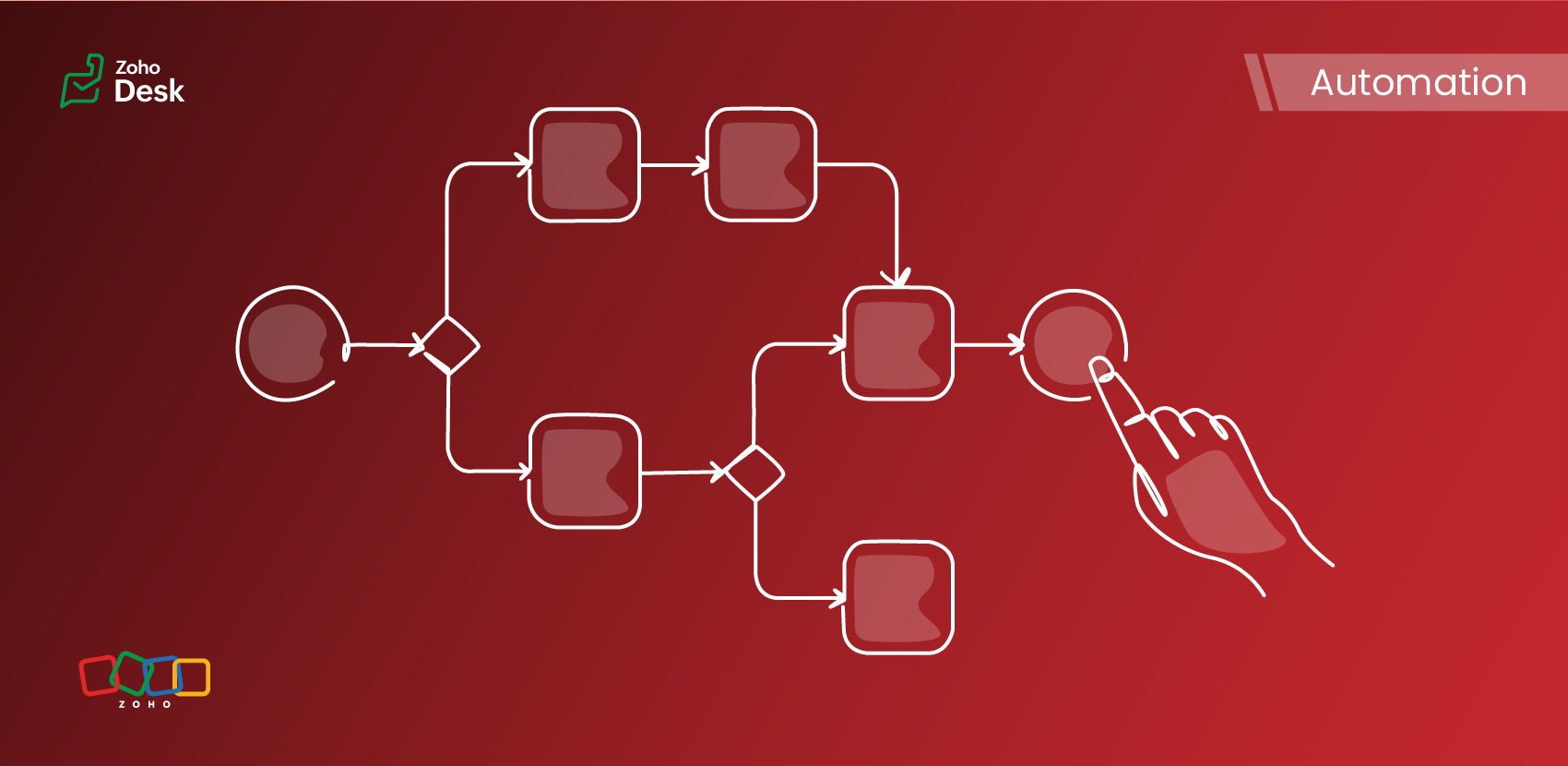
What is a workflow?
A workflow organizes business tasks in a defined sequence that makes each step clear to all participants. This ensures work is completed on time, minimizes miscommunication among team members, and directly improves service quality.
Ultimately, workflows boost team efficiency and help organizations meet customer expectations more reliably. Workflows use triggers and rules to send order confirmations and updates to customers as orders progress, keeping them informed about status and delivery.
Application of workflows
Workflows let teams automate repetitive support tasks so agents can focus on real problem‑solving work that requires human judgment and creativity rather than manual busywork.
Assign tickets for new employees onboarding process
New employee onboarding includes assigning tickets for laptops, access, ID cards, and workspace. Help desk workflows automate routing and subtasks for IT, facilities, and security based on role, location, or department. SLA timers and reminders ensure all prep is ready for day one without manually tracking every task.
Read incoming emails and identify fields
Workflows convert incoming emails into organized tickets. This reduces manual effort and minimizes errors, which leads to more accurate data, faster response times, and improved reporting.
Automatically create relevant tickets
When requests involve multiple teams, workflows streamline actions. Choosing a category automatically generates tickets for the right departments and keeps stakeholders updated. Customer info and other key data points are updated as needed with appropriate transparency regarding changes. Teams can address urgent issues quickly and collaborate in real time.
Automatically merge similar tickets
Workflows merge similar tickets automatically to avoid creating duplicate work on issues that affect multiple customers. Workflows identify redundant tickets using subject lines, order numbers, or tags, then consolidate them and send updates to all affected customers. This reduces clutter and organizes reports to help the team focus on delivering solutions.
Automatically relate tickets based on triggers
Automatically link related tickets based on triggers to streamline handling complex issues. Linking tickets through workflows helps agents spot ongoing issues, analyze them quickly, and improve problem resolution. Workflows boost efficiency and keep information organized.
Leverage integrations and webhooks
Support teams need to use multiple systems and respond to events, such as deployments, alerts, CRM, and billing. Integrations and workflows automate ticket creation and linking in response to triggers such as webhooks or alerts. Monitoring tools generate and link tickets for incidents regardless of origin, updating links as statuses change. Agents get critical context during releases or resolutions.
Automatically reply and close repetitive tickets
Common requests, such as password resets, can flood agents with tickets. Workflow rules can detect these requests using keywords or customer actions and automatically send relevant guides or direct the user to the FAQ page. Tickets close automatically after a period without customer response, but can reopen if needed. A strong knowledge base and AI suggestions keep queues clear and speed resolution. Use cases are clear and help solve issues faster.
Parent-child relationship between tickets
Parent-child ticket workflows help teams organize related issues and ensure consistent communication, efficient customer service, and compliance.
Advantages of implementing workflows
- Lower costs
- Accelerated processes
- Decreased support requests
- Error-free operations
- Enhanced customer satisfaction
- Increased user efficiency
- Regulatory compliance
How Zia's AI capabilities add value to workflows
Tickets contain key customer information, such as contact details, preferences, subscription plans, account types, and clear descriptions of inquiries or complaints.
Tickets are classified, triaged, routed, and prioritized based on this data. Zia plays a pivotal role by extracting relevant details from newly created tickets, significantly enhancing the efficiency of automation workflows.
AI-powered workflows automate key manual tasks and help teams analyze data, predict outcomes, send automated replies, and handle ticket responses for more efficient operations.
Bringing it all together
When set up effectively, workflows boost reliability and efficiency in support operations. They automate routine work, enforce step-by-step progress, and bring consistency to processes. This frees up agents to solve complex challenges and equips managers with better insights for constant improvement. Share your own workflow experiences or questions—your feedback helps us create more helpful posts.
Please stay tuned for more in the Desk behind-the-scenes series.
Cheers,
Kavya Rao
The Zoho Desk Team

Also, read:
Behind the scenes of a successful ticketing system (BTS Series)
- Narrative 15: Blueprint - Automate, guide, and transform your support processes
- Narrative 14: The magic bazaar of Desk
- Narrative 13: Importing your data
- Narrative 12: Sandbox - Testing without the risk
- Narrative 11: Are your customers happy?
- Narrative 10: Assignment Rules - Streamlining Ticket Management
- Narrative 9 - GC—Meaningful conversations that benefit your customers
- Narrative 8 - Intelligent in-app support that's instantly available anytime and anywhere
- Narrative 7 - The importance of data sharing
- Narrative 6 - The impact of rebranding
- Narrative 5 - The essential role of SLAs
- Narrative 4 - Exploring the support channels
- Narrative 3 - Comprehending user management
- Narrative 2 - Understanding organizational departments
- Narrative 1 - The significance of a business account