Voici Cliq 5.0 : une solution pilotée par l'IA et adaptée aux entreprises

Zoho Cliq s'efforce constamment de remodeler la communication et la collaboration au sein des équipes, en particulier avec les équipes à distance et hybrides. Nous nous efforçons toujours d'être à la pointe des tendances actuelles, ce qui permet à Cliq de répondre à la demande de communication transparente et efficace.
Nous sommes ravis de vous présenter Cliq 5.0 : une solution prête pour les entreprises et pilotée par l'IA, conçue pour rendre votre communication plus intelligente et efficace. Cliq 5.0 est conçu pour les entreprises avec des fonctions d'IA avancées pour faciliter le travail, y compris pour des réunions plus intelligentes, et une plateforme de développement améliorée. Découvrez avec nous toutes les nouveautés !
Une administration plus efficace
Cliq offre aux administrateurs l'opportunité de mieux contrôler les données d'une organisation. Voilà ce qu'il en est :
eDiscovery et politiques de conservation des données
eDiscovery et politiques de conservation des données vous permettent de faire face aux litiges ou aux enquêtes réglementaires en fournissant des preuves de manière transparente et en conservant des enregistrements précis des données de votre organisation.
Journaux d'audit
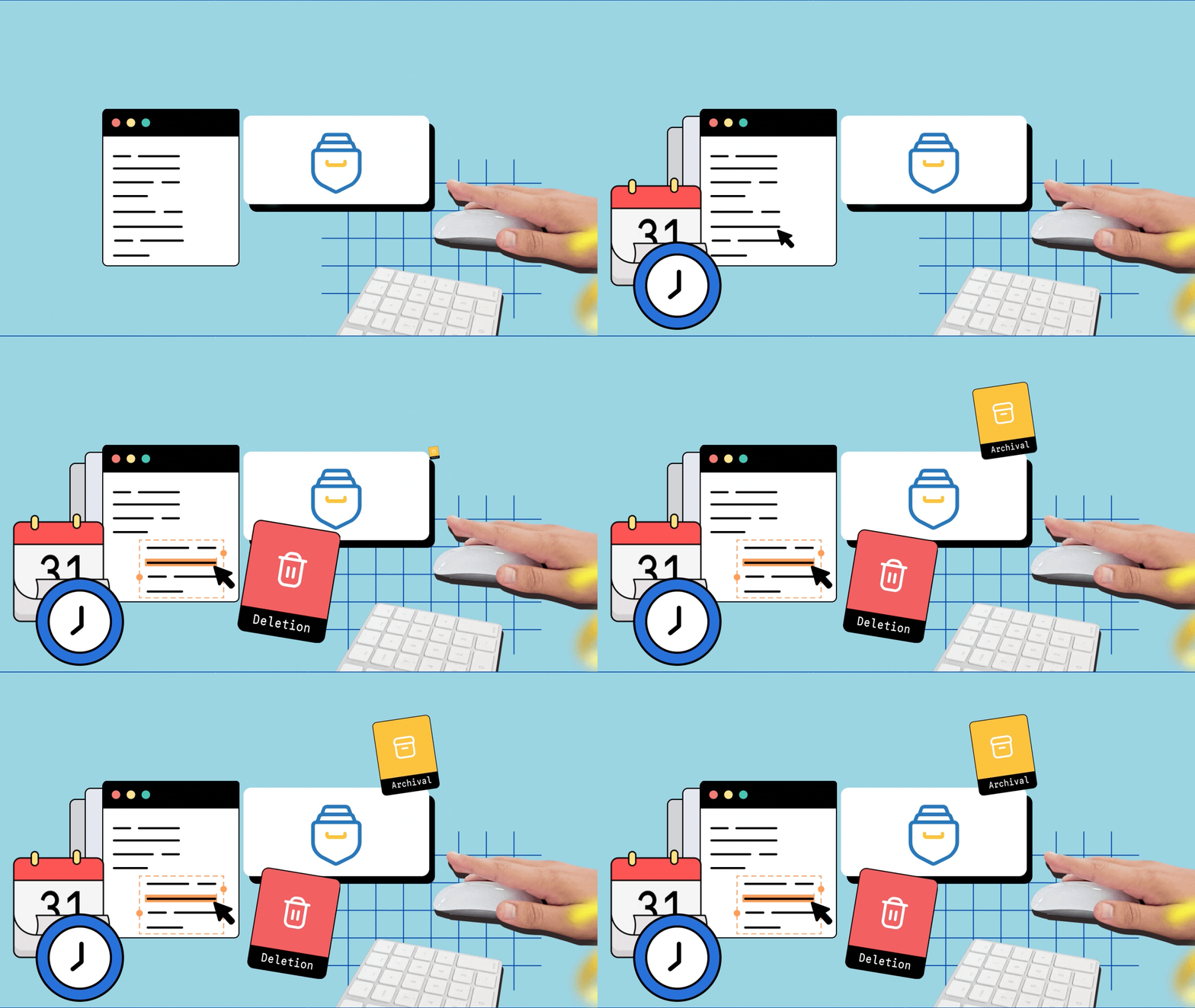
Les journaux d'audit sont la clé d'un contrôle rapide et précis. Ils vous permettent d'obtenir un aperçu de toutes les activités effectuées par les utilisateurs sur les chats et les canaux en un coup d'œil, et vous pouvez également y plonger pour obtenir plus de détails si nécessaire.

Rapports des usages
Le degré d'efficacité des outils de communication dépend de la façon dont les gens les utilisent. Les administrateurs peuvent mesurer les taux d'adoption et examiner le nombre d'heures consacrées aux différentes interactions grâce aux rapports d'utilisation. Ces derniers permettent également de se faire une idée précise des interactions au sein de l'organisation et de la manière dont chacun utilise Cliq.Les administrateurs ont donc la possibilité d'affiner et de renforcer la gestion de la communication.

Configuration des statuts au travers de l'organisation
Il est possible de définir les paramètres de statut pour l'ensemble de l'organisation en personnalisant le texte de disponibilité, en fixant des délais pour chaque statut, en imposant des statuts d'activité, etc.

Gestion centralisée de vos canaux
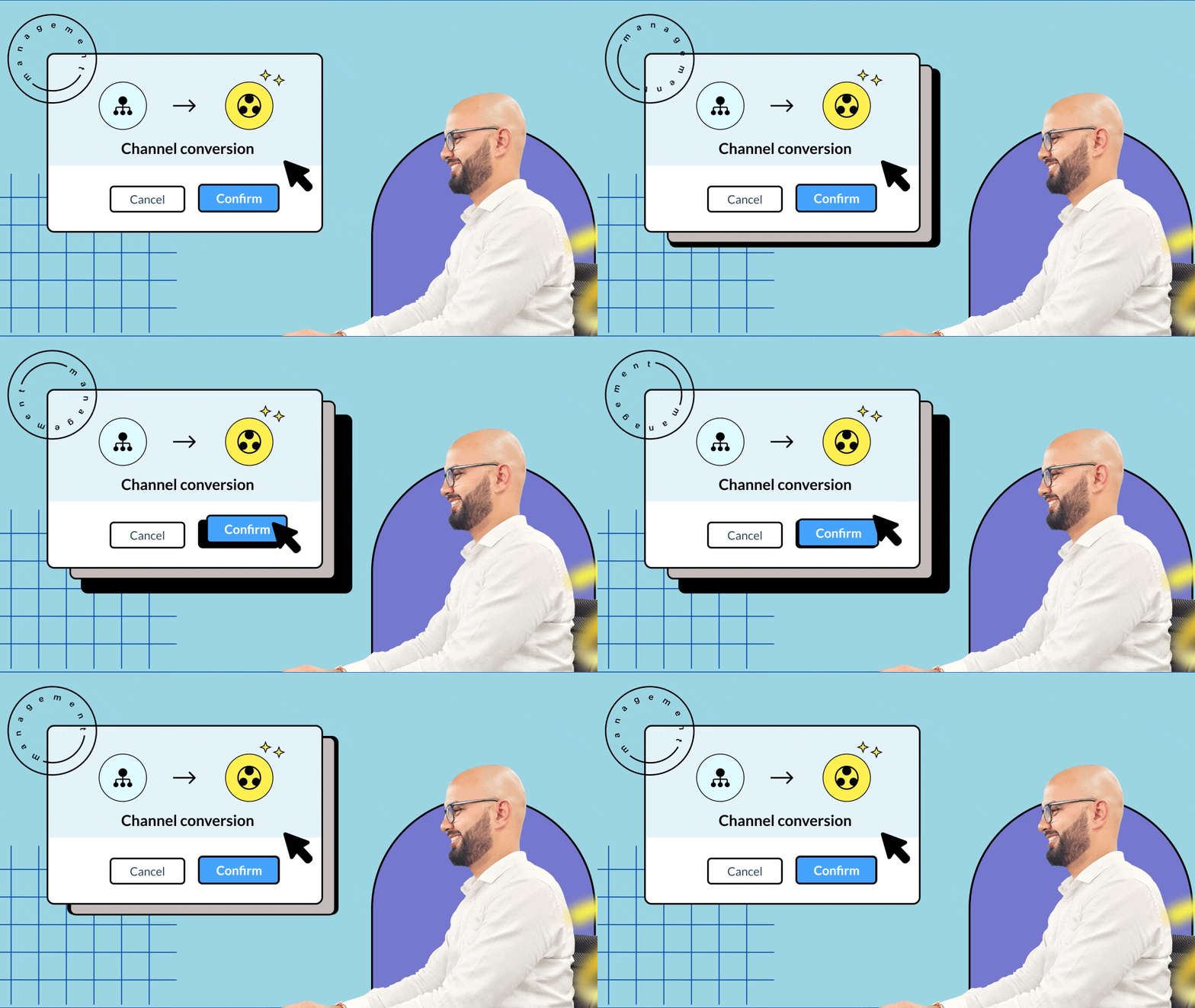
Pour les organisations qui veulent mieux contrôler leurs canaux de communication, la gestion centralisée sur le panneau d'administration est idéale. Elle vous permet d'effectuer en toute transparence des actions détaillées telles que l'ajout ou la modification de participants, ainsi que le réglage des rôles disponibles pour un administrateur de canal.
Nouveautés pour les appels et les réunions
Cliq rooms
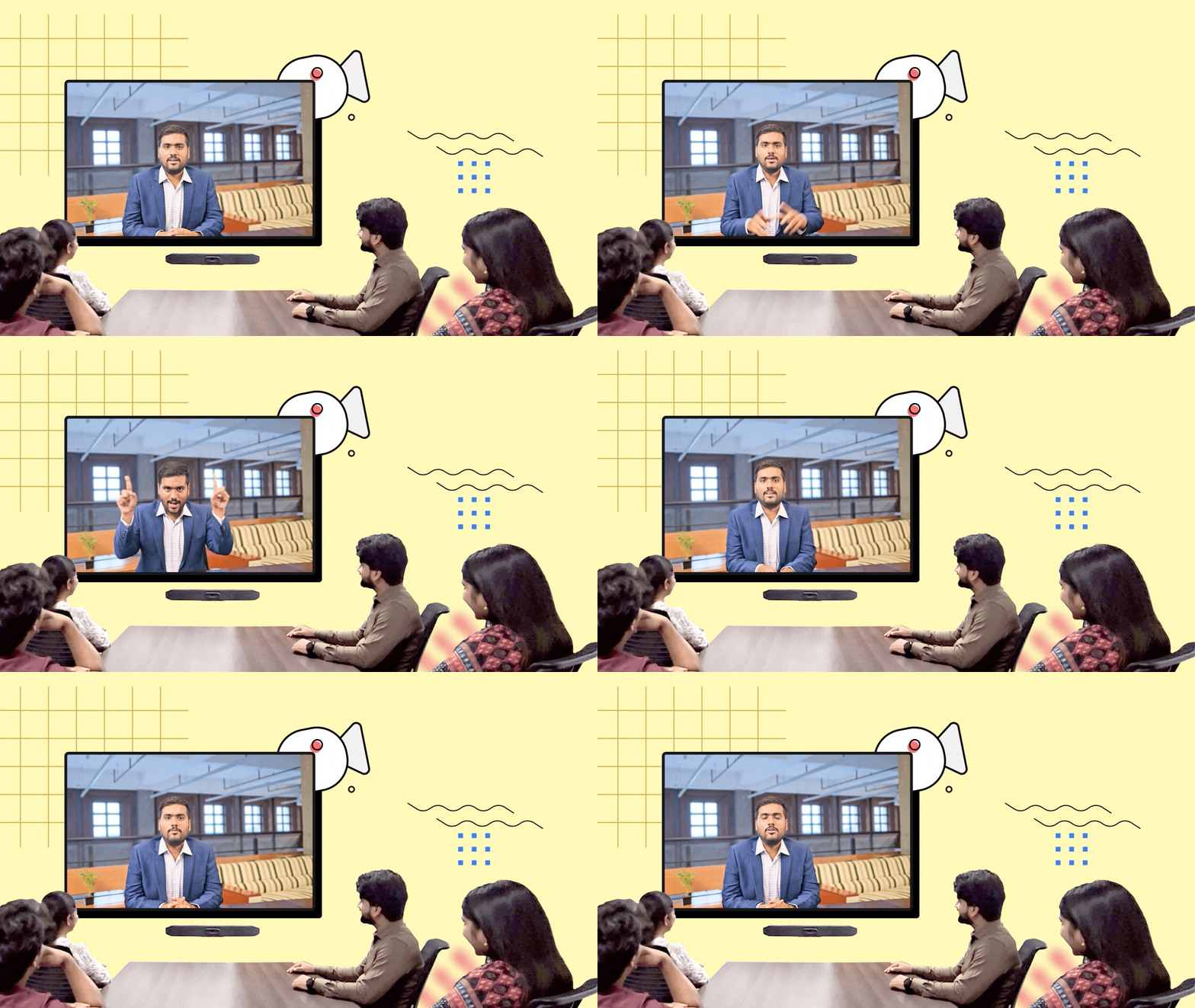
Zoho Cliq a relevé les défis posés par les réunions hybrides grâce à une solution spécifique, Cliq Rooms. Les employés au bureau peuvent se rencontrer en personne et utiliser le téléviseur d'une salle de conférence pour communiquer avec les travailleurs à distance qui se connectent en ligne, et ainsi combler le fossé entre les équipes au bureau et les équipes à distance.
Améliorer les événements virtuels
Il est possible d'organiser des événements virtuels live pour les membres de votre organisation grâce à la nouvelle fonctionnalité "Live events" de Zoho Cliq. Les organisateurs ont un contrôle entièrement défini sur l'événement. Par exemple, ils peuvent déplacer les présentateurs sur la scène et gérer les pauses avec des médias. De plus, les employés peuvent participer aux événements live directement à partir de l'application mobile Cliq ou de l'application Android TV.

Zoho Cliq plus intelligent grâce à l' IA
Avec ses fonctionnalités d'intelligence artificielle, Zoho Cliq redéfinit la communication. Il ne faut plus parcourir de longs enregistrements de réunions, s'inquiéter de la tonalité des messages et lire d'innombrables messages non lus. Découvrez comment :
Résumé de la réunion et mesures à prendre
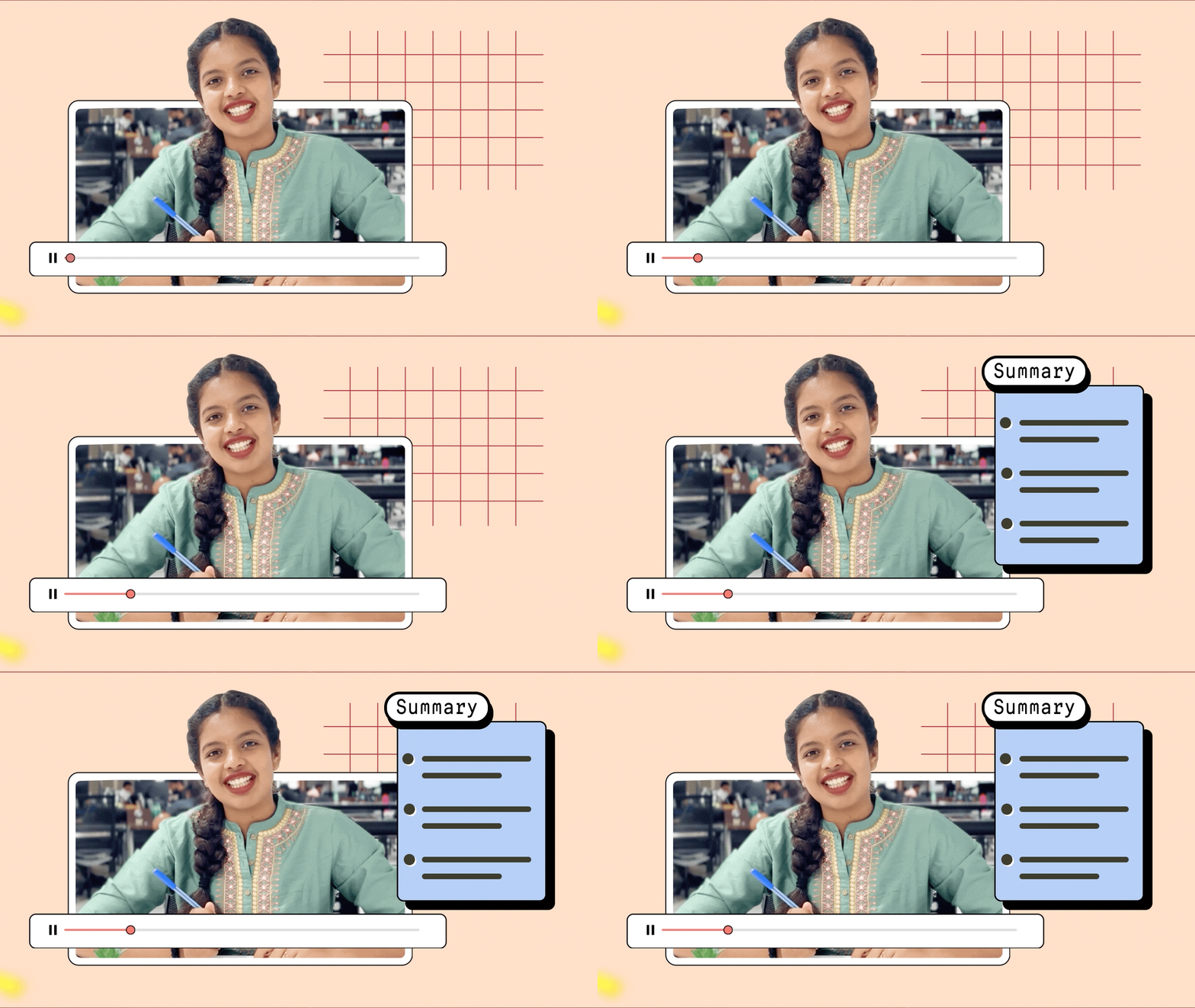
Il vous est possible de passer en revue les discussions de manière transparente grâce à des transcriptions de réunions générées par l'IA. Ces fonctionnalités peuvent également détecter les tâches de suivi dans le contenu, afin de s'assurer que chaque point critique est capturé et que des informations exploitables sont toujours à portée de main. Il ne vous manquera plus jamais un détail.
Analyse du ton et autocorrection des messages
Il est possible de comprendre le ton de vos textes et de recevoir un retour d'information pour affiner votre communication.
Bon à savoir : des suggestions orthographiques sont disponibles dans 100 langues, et des suggestions grammaticales sont disponibles en anglais, en espagnol et en français.

Résumé des messages non lus
Vous est-il déjà arrivé de manquer une discussion de groupe pendant des heures et de vous retrouver avec des centaines de messages à lire ? Plus d'inquiètude : vous pouvez désormais générer des résumés des messages non lus afin de saisir rapidement l'essentiel de la conversation.

Améliorer la communication au sein de votre équipe
Définir des réponses automatiques
Les collaborateurs sont informés de votre indisponibilité et de la date à laquelle vous serez de retour grâce à la réponse automatique en cas d'absence.

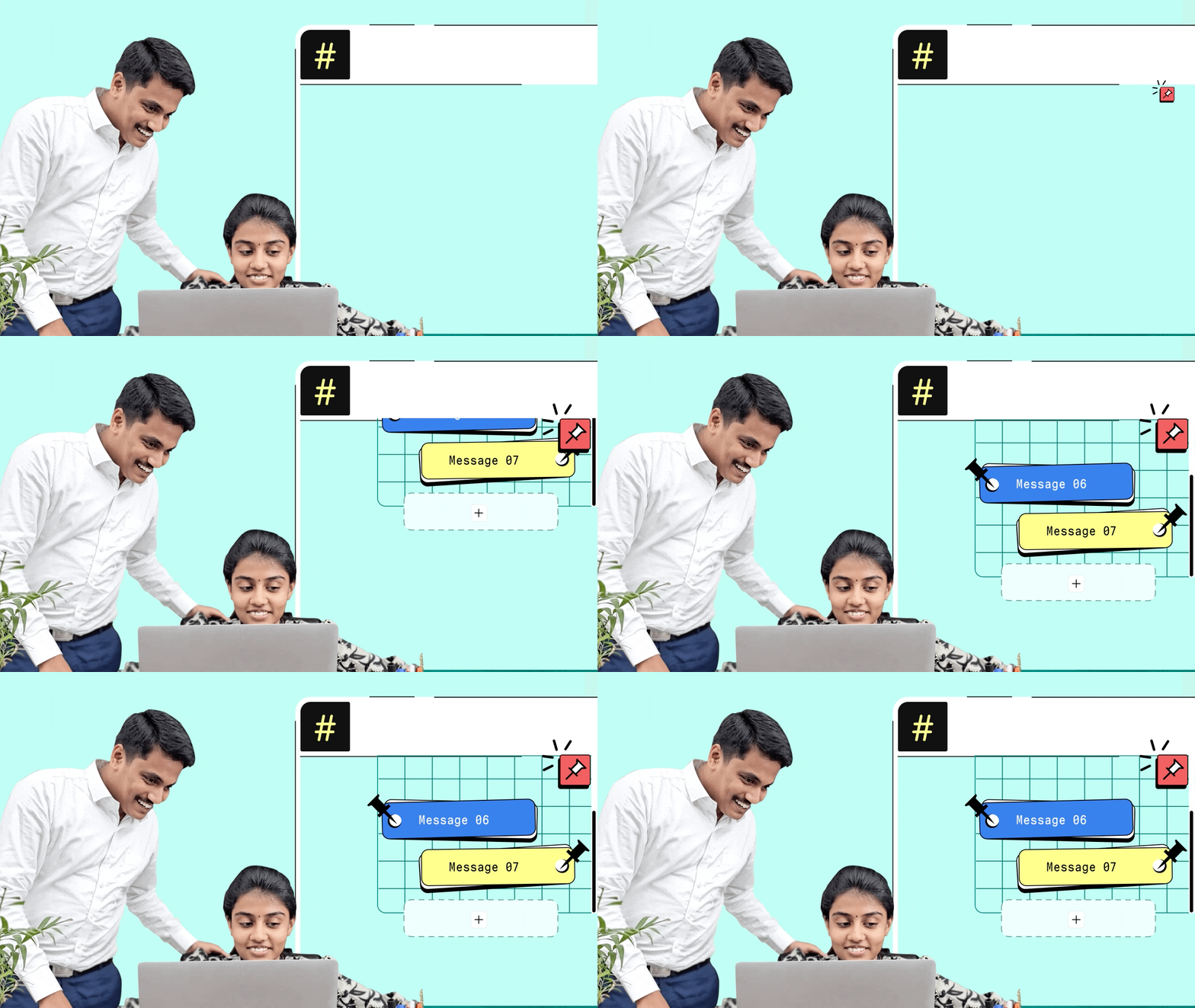
Épingler plusieurs messages dans une conversation
Il arrive rarement qu'un message critique ne soit seul. Vous pouvez désormais épingler sans effort plusieurs messages dans une conversation, afin de vous assurer que les informations importantes restent toujours en tête.
Transformer les workflows et la productivité
Nous avons apporté de nouvelles améliorations à la plateforme Cliq, permettant aux utilisateurs de développer des extensions et des outils avancés. Ces nouveautés amplifient la productivité et permettent aux utilisateurs d'affiner, de personnaliser et de perfectionner leurs flux de travail. Voici les nouveautés :
- Images et fiches dans les widgets
- Menu personnalisé des Chat-bots
- Nouveaux champs de base de données
- Nouveau modèle d'abonnement des bots
- Basculer les données dans les formulaires

Améliorations Zoho Cliq
Au-delà de toutes ces fonctionnalités, nous avons apporté plusieurs améliorations à notre produit, comme l'enregistrement des appels individuels, ainsi que des mises à jour de bugs pour améliorer votre expérience.
Pour les clients actuels du forfait illimité, vous pourrez profiter des fonctionnalités du forfait professionnel, mais vous pouvez choisir de continuer à bénéficier de votre forfait illimité actuel.
En ce qui concerne nos forfaits bundles : le plan enterprise est intégré à l'offre Zoho One. Les fonctionnalités des forfaits Zoho Cliq Standard et Professional sont intégrées respectivement dans les forfaits Standard et Professional de l'offre Workplace. De plus, le plan Cliq Standard fait également partie de l'offre People Plus.
Découvrez ces nouvelles fonctionnalités et n'hésitez pas à nous faire part de vos commentaires.
L'équipe Zoho France
Topic Participants
Kinjal Lodaya
Sticky Posts
Les Zoholics sont de retour !
Bonjour à tous, Nous avons (encore une fois) une bonne nouvelle à vous partager : nous allons enfin pouvoir nous rencontrer ! Et pas dans n'importe quel contexte, mais lors de notre conférence annuelle : les Zoholics ! Mais que sont les Zoholics me direz-vousNovembre : un résumé de ce qui s'est passé le mois dernier sur Community
Bonjour à tous, L'année 2021 arrive presque à sa fin, mais nous continuons à avoir de nombreuses actualités à vous partager. En voici un résumé ! Nous avons eu notre première session "Ask The Experts" sur notre nouvelle version Zoho One 2021 et vousAoût : Un résumé de ce qui s'est passé le mois dernier sur Community
Bonjour à tous, Et bonne rentrée ! Comme chaque mois voici un résumé de ce qui s'est passé sur Community et dans l'actualité de Zoho en général. La grande nouvelle de mois d'Août est l'arrivée de la fonction Canvas : le premier studio de conception pourJuillet : Un résumé de ce qui s'est passé le mois dernier sur Community
Bonjour à tous, Le premier mois de l'été se termine, et si certain profitent d'un repos bien mérité, sur Community on continue à en apprendre toujours plus sur nos produits Zoho. Notre série sur Zoho CRM se réinvente avec la découverte de notre fonctionCommunity Digest - Résumé de mai 2021
Bonjour à tous, Que s'est il passé en Mai sur notre page Community France ? En plus de nos articles Trucs et Astuces, vous avez été nombreux a réagir, nous poser des questions ou encore publier vos propres conseils ! Vos les différents sujets abordés
Recent Topics
API in E-Invoice/GST portal
Hi, Do I have to change the api in gst/e-invoice portal as I use zoho e books for my e-invoicing. If yes, please confirm the process.When I click on PDF/PRINT it makes the invoice half size
When I click PDF / Print for my invoice in Zoho Books, the generated PDF appears at half size — everything is scaled down, including the logo, text, and layout. The content does not fill the page as it should. Could someone advise what causes Zoho BooksSearch by contain letter in a column
Hello, everyone I need a filter function that searches by letter in a cell, and it should be a macro. To clarify further, if I have a column with several names and I chose a search cell and what I want is search by a single letter, for example, "a" thenEnrich your contact and company details automatically using the Data Enrichment topping
Greetings, I hope you're all doing well. We're happy to announce the latest topping we've added to Bigin: The Data Enrichment topping, powered by WebAmigo. This topping helps you automatically enhance your contact and company records in Bigin. By leveragingEasier onboarding for new users with stage descriptions
Greetings, I hope all of you are doing well. We're happy to announce a recent enhancement we've made to Bigin. You can now add descriptions to the stages in your pipeline. Previously, when creating a pipeline, you could only add stages. With this update,Zoho Books Invoices Templates
It would be really helpful to have more advanced features to customise the invoice templates in Zoho Books. Especially I´m thinking of the spacing of the different parts of the invoice (Address line etc.). If you have a sender and receiver address inCan add a colum to the left of the item in Zoho Books?
I would need to add a column to the left of the item column in Books. When i create custom fields, i can only display them to the right of the item.Verifying Zoho Mail Functionality After Switching DNS from Cloudflare to Hosting Provider
I initially configured my domain's (https://roblaxmod.com/) email with Zoho Mail while using Cloudflare to manage my DNS records (MX, SPF, etc.). All services were working correctly. Recently, I have removed my site from Cloudflare and switched my domain'sAI Bot and Advanced Automation for WhatsApp
Most small businesses "live" on WhatsApp, and while Bigin’s current integration is helpful, users need more automation to keep up with volume. We are requesting features based on our customer Feedbacks AI Bot: For auto-replying to FAQs. Keyword Triggers:2025 Ask the Experts sessions wrap-up : Key highlights from the experts
Here is a rewind journey of our Ask the Experts (ATE) Sessions, where we brought you expert insights and practical best practices together in one place. This recap highlights the key takeaways, learnings, and best practices from all these sessions soHow to disable the edit option in subform
How to disable the edit option in subformAdding non-Indian billing address for my Zoho subscription
Hey Need help with adding a non-Indian billing address for my Zoho subscription, trying to edit the address to my Singapore registered company. Won't let me change the country. Would appreciate the help. Regards, RishabhMove record from one custom module to another custom module
Is it possible to create a button or custom field that will transfer a record from one custom module to another? I already have the 'Leads' module used for the Sr. Sales department, once the deal is closed they convert it to the 'Accounts' module. I would like to create a 'Convert' button for a custom module ('Locations') for the department that finds locations for each account. Once the location is secured, I want to move the record to another custom module called 'Secured Locations'. It's basicallyConvert Lead Automation Trigger
Currently, there is only a convert lead action available in workflow rules and blueprints. Also, there is a Convert Lead button available but it doesn't trigger any automations. Once the lead is converted to a Contact/Account the dataset that can be fetchedNotes Not Saving
Hello, My notes are continuously not saving. I make sure to save them, I know the process to save them. It is not operator error. I go back into a Leads profile a while later and do not see the previous notes that I have made. I then have to go back and do unnecessary research that would have been in the notes in the first place. Not a good experience and it is frustrating. Slows me down and makes me do unnecessary work. Please resolve. As a quick heads up, deleting cookies is not a fixIntegration between "Zoho Sprints Stories" and "Zoho Projects Tasks/Subtasks"
We have two separate teams in our organization using Zoho for project management: The Development team uses Zoho Sprints and follows Agile/Scrum methodology. The Infrastructure team uses Zoho Projects for traditional task-based project management. InPrefill form with CRM/Campaigns
I created a form in zForms and created prefill fields. I added this to the CRM and selected the fields so when sending from the CRM, the form works great. However, I want to use the same form in Campaigns and I want it to pull the data from CRM (whichTriggering a campaign automation from a Form
I used Forms to create a lead form that is accessed by a button on my website. The field information flows into the CRM. However, I am trying to figure out how to use Campaign automations to start a workflow (series of campaign emails) that is triggeredName changed in settings for mailbox but still not changed when typed in To field
In the email account secretary@ i have updaetd the new staff members details but the old members name still appears when I type secretary@ in the To field. I cant work out where Zoho is finding the old name from. I have deleted the browser cache. If IEmployee Appraisal Applicability - Why is Date of Joining Hard-Coded?
In the new (to me, at least) Performance Appraisal Cycle wizard, it's possible to set criteria to determine for whom the appraisal process should apply. This makes sense on its face. However, one MUST use the Date of Joining criterion as a filter. WhyFormula fields
Zoho People now supports formula fields. This post illustrates it. Formula fields are fields whose value is calculated instead of being entered by the user. Using this, number, decimal and date manipulations can be done. The value of this field could be numeric or date depending on the output of the formula. In date manipulations, the result will be given in milliseconds, which you can format as per you need. The operators we support are +, - , *, /. Formula fields get recalculated automaticallyCopy paste from word document deletes random spaces
Hello Dear Zoho Team, When copying from a word document into Notebook, often I face a problem of the program deleting random spaces between words, the document become terribly faulty, eventhough it is perfect in its original source document (and withoutIs it possible to use module field filters via URL parameters?
It would be really convenient if I could quickly link to a filter. For reference, this is the filter functionality I'm referring to: https://help.zoho.com/portal/en/kb/crm/customize-crm-account/advanced-filters/articles/advanced-filters For example: MyTransitioning FESCO Bill Project to Zoho Sheets and Integration Options
Hello Zoho Support, I'm considering transitioning my FESCO bill project from Google Sheets to Zoho Sheets and wanted to know if there are integration options to seamlessly migrate our existing work. You can view our platform here, any guidance would beSupport for Custom Fonts in Zoho Recruit Career Site and Candidate Portal
Dear Zoho Recruit Team, I hope you're doing well. We would like to request the ability to use custom fonts in the Zoho Recruit Career Site and Candidate Portal. Currently only the default fonts (Roboto, Lato, and Montserrat) are available. While theseLightbox Pop-up form
I would like to embed my form using the lightbox pop up. I don't want it to load automatically. I want it to load when some clicks the button. I can see this option, however when I use the "show pop-up launch button" on the website, the button automaticallyData Processing Basis
Hi, Is there a way to automate the data processing for a candidate every time an application arrives from job boards, without requiring manual intervention? That is, to automatically acquire consent for data processing. I've seen a workflow that allowsLightbox Pop-up form
I would like to embed my form using the lightbox pop up. I don't want it to load automatically. I want it to load when some clicks the button. I can see this option, however when I use the "show pop-up launch button" on the website, the button automaticallyZoho CRM for Everyone's NextGen UI Gets an Upgrade
Hello Everyone We've made improvements to Zoho CRM for Everyone's Nextgen UI. These changes are the result of valuable feedback from you where we’ve focused on improving usability, providing wider screen space, and making navigation smoother so everythingCustomer Management: #5 Never Let the Customer Slip
When Rahul started Knight's Watch Consulting, his focus was simple: deliver good work and keep clients happy. He offered one-time consulting projects, monthly advisory retainers and usage-based support for growing clients. Business was steady, and customers10GB Email Storage Limits in Zoho CRM
We’ve had Zoho One for almost 5 years and have always synced our emails from Gmail via IMAP… As of late, we’ve run into issues with our emails not syncing, due to being over the 10GB storage cap… What’s very odd is that we haven’t changed a thing? I knowZoho Projects Android and iOS app update: Mobile device permission based on user profiles
Hello everyone! We have brought in support for mobile device permissions based on the user profiles which are configured in organization level. Administrators can now configure the permissions on the web app(projects.zoho.com) by following the steps mentionedZoho Projects Android and iOS app update: Timesheet module is now renamed as 'Time Logs', delete option has been renamed to 'Trash'.
Hello everyone! We have now renamed the Timesheet module as Time Logs and the delete option as 'Trash' on the Zoho Projects Android and iOS app. Time Logs Android: Time Logs iOS: Trash option Android: Trash option iOS: Please update the app to the latestZoho Mail app update: Manage profile picture, Chinese (Traditional) language support
Hello everyone! In the latest version (v3.1.9) of the Zoho Mail app update, we have brought in support to manage profile picture. You can now set/ modify the profile picture within the app. To add a new profile picture, please follow the below steps:Reminders for Article Approval
Is there a way to send reminders for approvers to review articles and approve/deny them? I'm not seeing that option anywhere.To print Multiple delivery notes in batches
In Zoho Books, we can print a Delivery Note from an Invoice using the Print Delivery Note option, but it is non-editable and always prints all line items from the invoice. Our requirement is to deliver invoiced items in batches and print delivery notesAdd Full-Screen Viewing for Quartz Recordings in the Client Interface
Hi Zoho Team, We would like to request an enhancement to the Zoho Quartz client interface when viewing submitted recordings. Current Limitation: When viewing a Quartz recording from the client (user) interface, there is currently no option to switch the2025 Recap: A Year to Remember | Zoho Inventory
Important Update : Pipedrive deprecated fields no longer supported in Zoho Analytics
Dear Pipedrive users, We would like to inform you about a recent update related to your Pipedrive integration with Zoho Analytics. The Pipedrive team has deprecated certain fields from their application. You can find more details in the official PipedriveProduct Updates in Zoho Workplace applications | November 2025
Hello Workplace Community, Let’s take a look at the new features and enhancements that went live across all Workplace applications this November. Zoho Mail Format comments easily using Slash Commands With Slash commands, you can easily format text, insertNext Page