Looking back at Zoho Social's 2024: Highlights and memories

Looking back at Zoho Social's 2024: Highlights and memories

Hey everyone,

We hope you had a relaxing and joyous holiday season. Whether you're planning for the new year or still soaking in the magic of the season, we're here to share some exciting highlights from 2024 – a year that was fully packed with updates and new features, for both you and us at Zoho Social! Let's look at the things you can now do thanks to our 2024 improvements.

Expand your brand's reach via social networks 

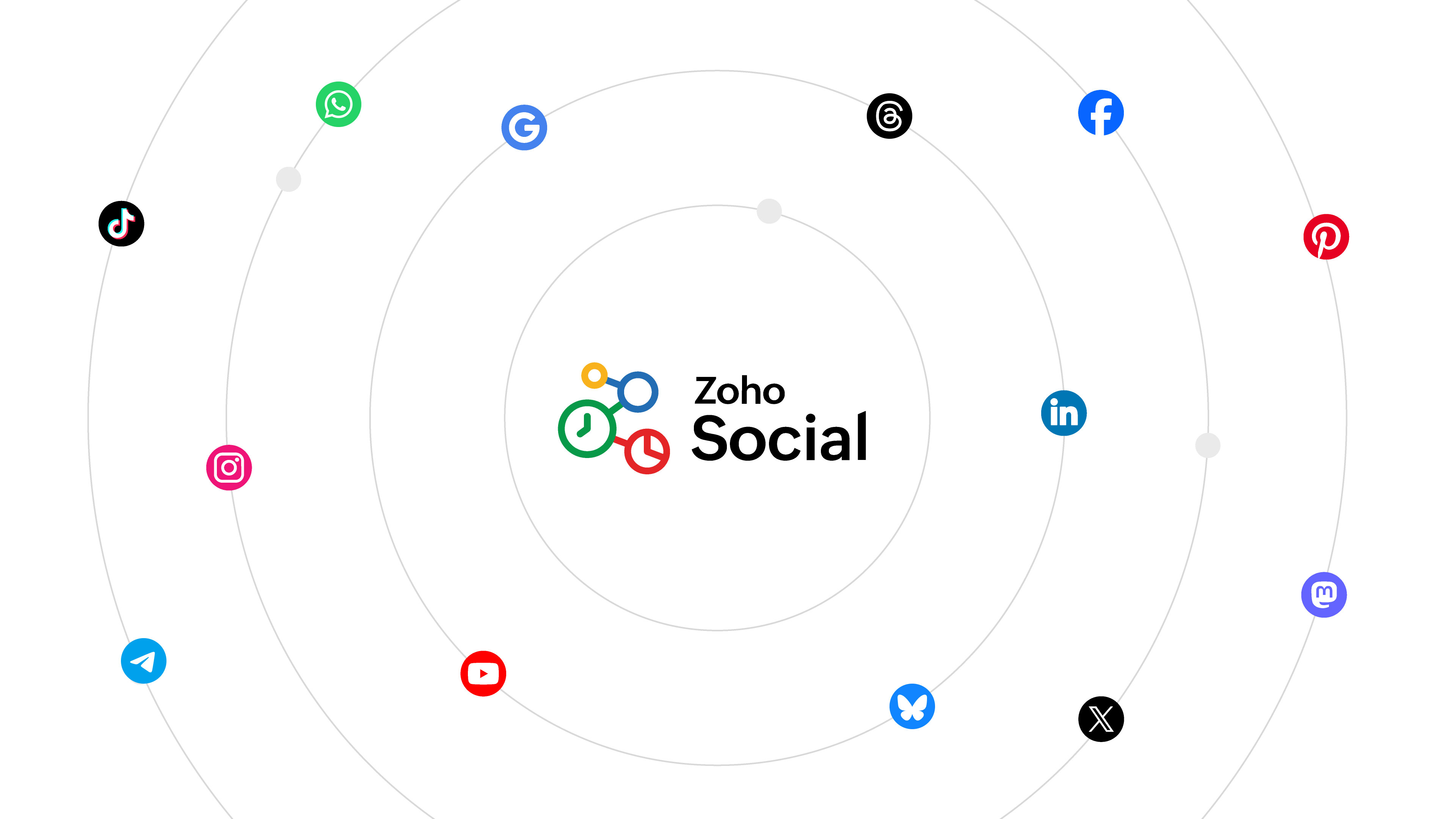
2024 saw the addition of four new social networks to Social: Threads, WhatsApp, Telegram, and Bluesky. With these additions, you can seamlessly plan, publish, and schedule your content across a broader network, saving time and effort while maximizing your reach. Whether you're engaging with new audiences or streamlining operations, this opens up new opportunities for your business to grow. You can also analyze how your posts are performing through individual post statistics and detailed reports and modify your social media strategy accordingly. Manage up to 14 social media networks from one place, and make your social media management more versatile than ever!


Optimize your videos   

With Social's video optimization features, uploading and publishing videos can be done in a breeze! You don't have to worry anymore about your video being able to match all network requirements because now Zoho Social takes care of it for you. The video optimizer adjusts your video while ensuring that it doesn't significantly affect the quality, and it enables you to post to multiple social networks at the same time. Your optimized video can now reach the right audience and perform well across platforms while minimizing your time and efforts!

selectedImg

Do more with Inbox integrations 

Monitor and respond to your WhatsApp and Telegram business account messages right from Inbox. Use automated messaging templates to make your job easier and also set a professional tone for your brand's messaging. Perform more actions to organize your Inbox interactions and save time by grouping them in bulk, and saving frequently used responses. Balance the load amongst your team by assigning interactions to every member in a systematic manner. Streamline your Social Inbox into a holistic dashboard for interactions management.


Simplify scheduling with Bulk Schedule's new look 

Your bulk scheduler just got a whole lot better with our improved UI. Now you can schedule your content in bulk in just three easy steps: upload, review, and schedule! You just have to add all the details of your post in a file and upload it in the bulk scheduler window. Once the content is reviewed for errors, you can rectify them instantly and schedule them in one go!


Plan content better via Social's comprehensive Publishing Calendar 

Social's Publishing Calendar now gives you a complete overview of all your scheduled, unpublished, and published posts and drafts for the entire week or month, depending on your calendar view. Schedule a post or story directly by clicking on the desired date; add a note to remember important details on a specific date; and add an event to keep track of important meetings, events, or holidays. With everything easily accessible and organized, your productivity can hit the roof!


Personalize your shortened URLs using a custom domain  

You can now make your shortened URLs look specific and personalized for your brand by adding a custom domain in addition to the existing shorteners, Zurl and bit.ly. With this, your links will look more recognizable and can easily be retained in your customers' memories. Add your custom domain now and start getting more clicks for your links.


In addition to these updates, content publishing from Social also got much better. You can now publish Stories to Facebook, documents to LinkedIn page, and polls to your X and LinkedIn pages.

We've also been rolling out updates to make the Zoho Social mobile application more comprehensive.

We hope you enjoyed exploring these updates as much as we enjoyed bringing them to you. Our journey of continuous improvement is driven by our commitment to making this product more user-centric and adaptable to your needs.

The Zoho Social community and learning space was buzzing more than ever this year, with social learning and updates series titled The Social Wall which is a monthly round-up of product updates, as well as Social Media Simplified with Zoho Social through which we tried to address some product how-tos and use cases to optimize a feature better. We also came up with Navigating Zoho Social, an onboarding guide that will help you and your team get started with using Zoho Social to grow your brand's digital presence. We hope to keep the space more interactive by addressing your queries and giving you a detailed idea of how the product is improving by the day.

Having wrapped up 2024, we look forward to an even more exciting and innovative 2025 with a totally revamped layout and new features like hashtag analysis, social campaigns, and more to serve you better.

Thank you for being a part of this journey!

Regards,

The Zoho Social team

      Zoho Campaigns Resources


        • Desk Community Learning Series


        • Digest


        • Functions


        • Meetups


        • Kbase


        • Resources


        • Glossary


        • Desk Marketplace


        • MVP Corner


        • Word of the Day


        • Ask the Experts


          • Sticky Posts

          • The Social Wall: October 2025

            Hello everyone, As we head toward the end of the year, we’re bringing you a few updates to help give your social media efforts a strong finish. This month, we’re rolling out new enhancements across both the web and mobile app. Post Preview Have you ever
          • The Social Wall: September 2025

            Hello everyone, As we step into the fall season, some major updates are on the horizon. Meanwhile, here are the exciting updates we rolled out this September. Approvals in iOS Managing approvals just got more seamless on mobile. With this update, the
          • The Social Wall: August 2025

            Hello everyone, As summer ends, Zoho Social is gearing up for some exciting, bigger updates lined up for the months ahead. While those are in the works, we rolled out a few handy feature updates in August to keep your social media management running smoothly.
          • The Social Wall: July 2025

            Hello everyone! July has brought some exciting new updates to Zoho Social. From powerful enhancements in the Social Toolkit to new capabilities in the mobile app, we’ve packed this month with features designed to help you level up your social media presence.
          • The Social Wall: June 2025

            Hello everyone, We’re back with June Zoho Social highlights. This month brought some exciting feature updates—especially within the Social Toolkit—to enhance your social media presence. We engaged with several MSME companies through community meet-ups

          Zoho CRM Plus Resources

            Zoho Books Resources


              Zoho Subscriptions Resources

                Zoho Projects Resources


                  Zoho Sprints Resources


                    Zoho Orchestly Resources


                      Zoho Creator Resources


                        Zoho WorkDrive Resources


                          Zoho CRM Resources

                          • CRM Community Learning Series

                            CRM Community Learning Series


                          • Tips

                            Tips

                          • Functions

                            Functions

                          • Meetups

                            Meetups

                          • Kbase

                            Kbase

                          • Resources

                            Resources

                          • Digest

                            Digest

                          • CRM Marketplace

                            CRM Marketplace

                          • MVP Corner

                            MVP Corner


                            Zoho Writer Writer

                            Get Started. Write Away!

                            Writer is a powerful online word processor, designed for collaborative work.

                              Zoho CRM コンテンツ


                                ご検討中の方

                                  • Recent Topics

                                  • Default Tagging on API-generated Transactions

                                    If one assigns tags to an Item or Customer, those tags get auto-populated in each line item of an Invoice or Sales Order when one creates those documents. However, if one creates the Sales Order or Invoice via the API (either directly coding or using
                                  • DKIM cannot be enabled for the domain as no verified default selector present

                                    Hi Support Team, For Domain DKIM record trying to enable status. but showing error "DKIM cannot be enabled for the domain as no verified default selector present" So, please resolve the issue. Thank you.
                                  • unable to send message reason 554 5.1.8 Email outgoing blocked

                                    unable to send message reason 554 5.1.8 Email outgoing blocked
                                  • I can't log in to my account on Thunderbird

                                    I've just had to rebuild my PC (calamitous mess from Microsoft with Win10/Win 11 'upgrade' - they confirmed I had to start with a new build). I have used Zoho mail for years via Mozilla Thunderbird, but now I've had to download the latest version of TBird,
                                  • Should I Use DMARC?

                                    When I configure Zoho Mail's DMARC settings, it's mandatory to fill in the RUA and RUF (Aggregate notification email address*, Forensic notification email address*) addresses. When we enter an email address in these fields, we receive reports from the
                                  • Introducing Profile Summary: Faster Candidate Insights with Zia

                                    We’re excited to launch Profile Summary, a powerful new feature in Zoho Recruit that transforms how you review candidate profiles. What used to take minutes of resume scanning can now be assessed in seconds—thanks to Zia. A Quick Example Say you’re hiring
                                  • Books API Receiving an Error that Doesn't Make Sense when Creating Credit Note - trying to use 'ignore_auto_number_generation' argument

                                    Hello, I'm working on a newly created routine and I'm getting an error that doesn't make sense when trying to create a new Credit Note. Here is my POST request. Endpoint: https://www.zohoapis.com/books/v3/creditnotes?organization_id=########## Body:     {
                                  • How to move emails to Shared Mailbox?

                                    Hello, I created a Shred Mailbox instead of using a distribution group. But I cannot move previous emails to certain shared mailbox. Is it possible move some emails from inbox to shared mailbox?
                                  • Collaboration with free plan user.

                                    Hello. Do both users need to be on Pro plan to collaborate? Or can a Pro user share a note with a free plan user with the ability to edit?
                                  • Send email template "permission denied to access the api"

                                    Hello, Per the title, I'm trying to send a Zoho CRM Email template based on the advice given here: https://help.zoho.com/portal/en/community/topic/specify-an-email-template-when-sending-emails-in-custom-functions (I'd prefer to send right from Deluge
                                  • Zoho Inventory Now Supports VeriFactu for Businesses in Spain

                                    Starting from January 1, 2026, Spain requires real-time invoice reporting for all B2B transactions. From July 2026, this requirement will extend to B2C transactions as well. All reporting must be carried out through the VeriFactu to AEAT (Agencia Estatal
                                  • Connection to other user

                                    Zoho Cliq handles sharing of Custom OAuth Connections that require individual user logins.
                                  • Missing information data Zoho inventory

                                    there some missing data in Zoho inventory connection. pick list stock counts bin location we have requested it via mail and the support team doesn’t gove feedback. has anyone achieve to get these info or to ask other ya les
                                  • In arattai received message can't be deleted

                                    The issue has been noticed in following: arattai app (Android) arattai app (Window) arattai web While the message posted by me may be deleted, the ones received from others can't be. The item <Delete> change to <Report> when the message is a received
                                  • Analytics Portal

                                    I have the "standard plan" and want to explore the portal option; I activated the 15-day trial but do not see the pricing for the add-on. How can I get the price under "Upgrade add-ons." Thanks Rudy
                                  • Can I filter a Lookup field to only show related records from another Lookup in Zoho CRM?

                                    In our Leads module, we have two Lookup fields: Recruitment Agency – the agency that the lead came from Recruiter – the individual contact from that agency who sent us the lead Both fields link correctly to their respective records in CRM. However, our
                                  • Zoho Books API invoice email bouncing with 'relaying-issues' error

                                    I have waited over 30 days for zoho books uk to assist with the following and i have had no replies or tickets erronously closed. The service has been terrible - very unlike zoho! So i am raising this here hoping that a community member can assist: Hello,
                                  • How do I filter contacts by account parameters?

                                    Need to filter a contact view according to account parameter, eg account type. Without this filter users are overwhelmed with irrelevant contacts. Workaround is to create a custom 'Contact Type' field but this unbearable duplicity as the information already
                                  • Zoho Writer to Zoho Sign Template Misalignment – Request for Community

                                    We are currently facing a critical issue impacting our live business operations due to a misalignment problem between Zoho Writer templates and Zoho Sign output. Issue Summary: We have an automated workflow in Zoho CRM using Deluge scripts that generates
                                  • Account blocked

                                    Yesterday I got my Zeptomail account blocked due to too many hard bounces. My account is used exclusively for sending transactional emails (eg. your order has been shipped, a form has been filled, etc) and the sudden blocking impacted hundreds of websites
                                  • IF Formula

                                    Hi, I'm having trouble setting up a custom formula in a field. Can you help me with it? The formula should do the following: If the created date is less or equal to 30 days the field should display a string New in pieline or Exisitng pipeline if above
                                  • View comprehensive logs of all actions in Custom Module History

                                    Hello everyone, We are happy to announce our new feature, Detail View in Custom Module History, which enhances visibility, control and accountability over your records. Users can now access a detailed timeline of every action that has been performed on
                                  • Track ZohoForm Conversion using Postmessage event

                                    Hi, I’ve been using a third-party lead tracking tool to capture leads from my website along with their source. Earlier, with the HubSpot form, the third-party script was able to detect the postMessage event that iframe forms typically send back to the
                                  • Email task creator when task is updated/marked complete

                                    I am looking for a way to notify the creator of a task in zoho todo when - Task is updated Task is closed Comments entered 1 and 2 are critical, and I cannot find a zoho flow to do this. There is no way that as a manager I will know when someone has completed
                                  • Email Recall Feature In Zoho Mail Which Should Also Work For Outside Organisation Members

                                    Add a feature to recall or undo sending an email within a configurable short time window (e.g., 30 seconds to 2 minutes) after hitting send, similar to Gmail’s undo send. Currently the sent email can not be recall If the recipient is not from within your
                                  • How to implement calculating average value of averaged values?

                                    Hi, I'm trying to implement a formula in my layout for a module that calculates the average of 2 averaged values, but I can't do so using the formula custom field. To calculate the 2 averaged values, I could use the formula custom field, but in the custom
                                  • Zoho Recruit update published job boards

                                    If we have a job thats already posted on several different job boards and we edit this job in zoho recruit (e.g. the description of the job), does this then automatically update this new information to all the published job boards?  If not, how does the
                                  • Narrative 14: The magic bazaar of Desk

                                    Behind the scenes of a successful ticketing system: BTS Series Narrative 14: The magic bazaar of Desk Marketplace is a centralized platform where users can discover Zoho and third-party applications that can be integrated with their Desk account to facilitate
                                  • Collections Management: #2 Late Payment Automation

                                    "Sir, I'll process the payment by evening, please don't apply any late payment charges", the customer said while arranging papers on his desk. Sanjay stood there with a tired smile. He had already visited twice that week. Payment collection was one thing.
                                  • Create a table in the layout section of modules

                                    Dear Sirs, I would like to know whether is possible to create a table under new fields in layouts section of modules. In fact in this section there are single line, multi line, pick list, multi-select, date, formula etc. but I am unable to add a table
                                  • Nimble enhancements to WhatsApp for Business integration in Zoho CRM: Enjoy context and clarity in business messaging

                                    Dear Customers, We hope you're well! WhatsApp for business is a renowned business messaging platform that takes your business closer to your customers; it gives your business the power of personalized outreach. Using the WhatsApp for Business integration
                                  • Power of Automation :: Automatic Task Status Handling for Users

                                    Hello Everyone, A custom function is a software code that can be used to automate a process and this allows you to automate a notification, call a webhook, or perform logic immediately after a workflow rule is triggered. This feature helps to automate
                                  • Question - why no way to input a 'tool description' and 'tree of 'tools'

                                    Every business is different, with different business processes. To be truly useful Zoho MCP needs to have user editable tool descriptions (or ruleset) and a 'tool tree' so that the LLM is context aware when being used. For example, the tool description
                                  • Develop Zoho Meeting as a Full Native Application (Not a Browser Wrapper)

                                    Hello Zoho Meeting Team, Hope you are doing well. We would like to suggest an important improvement regarding the Zoho Meeting desktop application. At the moment, the Zoho Meeting app feels more like a mini browser window or an iframe that loads the web
                                  • Error AS101 when adding new email alias

                                    Hi, I am trying to add apple@(mydomain).com The error AS101 is shown while I try to add the alias.
                                  • Suggestion to improve zoho writer

                                    I am using your product, I believe it is very useful, however, i was writing a note and I needed to draw an arrow in different angles to explain a point and I couldn't. it would be helpful, to add draw functions to the zoho writer. thanks
                                  • Can I create a custom function for chart of accounts?

                                    I'm trying to add a custom function that should run whenever a record in the Chart of Accounts module is edited, but on the form for creating a new function, the module dropdown does not include the chart of accounts as an option.
                                  • billing

                                    hi, I am being billed $12/year, and I can't remember why. My User ID is 691273115 Thanks for your help, --Kitty Pearl
                                  • Automatic Matching from Bank Statements / Feeds

                                    Is it possible to have transactions from a feed or bank statement automatically match when certain criteria are met? My use case, which is pretty broadly applicable, is e-commerce transactions for merchant services accounts (clearing accounts). In these
                                  • Unable to confirm Super Admin assignment — confirmation button not working

                                    I’m trying to change the roles within my organization. I am currently a super admin and would like to add another user as a super admin. When I attempt to confirm the action, a screen appears asking for my password to verify my identity. However, when
                                  • Next Page