Narrative 15: Blueprint - Automate, guide, and transform your support processes
Behind the scenes of a successful ticketing system: BTS Series
Narrative 15: Blueprint - Automate, guide, and transform your support processes
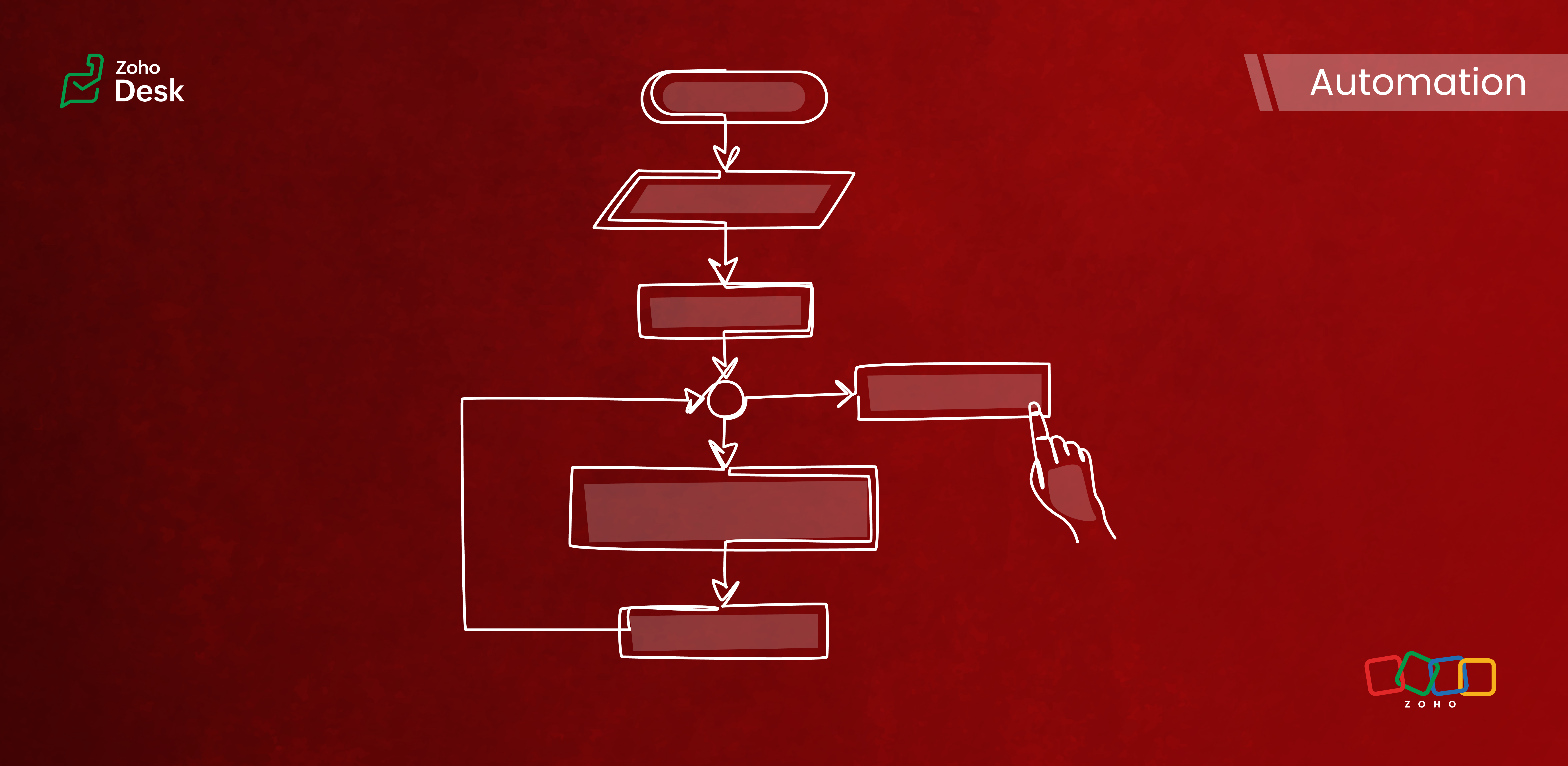
Components of a Blueprint
In Zoho Desk Blueprints, "stages" represent distinct steps or milestones in a business process, while "transitions" define the movement and conditions required to progress from one stage to another.
Stages
Stages are the specific checkpoints or states that a support ticket or record passes through in a process, such as "Assigned," "In Progress," "Awaiting Response," or "Closed." Each stage captures the ticket's status at a given point in time and provides visibility into the process's progress.
Transitions
Transitions are the actions, criteria, and intermediate checkpoints required to move a ticket from one stage to another. A transition can enforce checks, require specific actions, or mandate that fields be completed before advancing to the next stage. Transitions can also be configured to trigger automations, send notifications, or assign ticket owners.
- The criteria for when the transition is allowed
- The actions to perform during the transition (updating fields, completing checklists, sending messages)
- Transition ownership (who can act)
- Automated actions are triggered upon execution
Highlights
Enabling Strict Mode ensures that agents strictly follow ticket processes. When activated, all other actions in the ticket interface are disabled, allowing agents to perform ticket-related actions exclusively through the transition bar.
Admins can now selectively set which actions and fields are required during a transition. The introduction of the Configure Mandatory option enhances this capability to provide greater control and flexibility in customizing Blueprints for various groups of agents and refining specific aspects of the support process.
Admins can now effortlessly prioritize and reorder transitions with a simple drag-and-drop feature. This allows them to easily arrange the sequence of transitions in a Blueprint to determine how they are presented to agents. In the past, this process required agents to delete and re-add transitions in the desired order, which was time-consuming and labor-intensive.
The number of Points and Transitions permitted in a blueprint dictates the complexity of the internal processes you can design for your team. We have increased the number of pointers and transitions to allow you to incorporate greater complexity into your support operations as needed.
When developing a Blueprint, you may find the need to rename a State or modify its Status Type after it has already been linked to the blueprint. This was not an option previously, but we've now made it possible. You can now change the Status Type and rename states associated with a blueprint.
Key Features
- Design sequential ticket workflows with defined states and transitions.
- Assign transition ownership to agents or departments.
- Control ticket progression by restricting actions until necessary steps are completed.
- Automate notifications, field updates, task assignments, and custom functions during and after transitions.
- Use a Blueprints dashboard to track the number of tickets in each stage, SLA violations, bottlenecks, and overall process efficiency.

Commonly automated business processes
- Quote management
- Task management
- Library book lending
- Hospital management
- Converting leads to customers
- Order cycles
- Support request handling and escalations
- Recruitment
- Deal follow-up
Takeaway
Creating a Blueprint involves specifying the states (ticket statuses), transitions (actions to move between states), and, if needed, criteria to apply the Blueprint only to specific tickets. It provides structured guidance to agents and makes help desk operations more efficient and consistent across teams.
Please stay tuned for more in the Desk behind-the-scenes series.
Regards,
Kavya Rao
The Zoho Desk Team
Also, read:
Behind the scenes of a successful ticketing system (BTS Series)
- Narrative 14: The magic bazaar of Desk
- Narrative 13: Importing your data
- Narrative 12: Sandbox - Testing without the risk
- Narrative 11: Are your customers happy?
- Narrative 10: Assignment Rules - Streamlining Ticket Management
- Narrative 9 - GC—Meaningful conversations that benefit your customers
- Narrative 8 - Intelligent in-app support that's instantly available anytime and anywhere
- Narrative 7 - The importance of data sharing
- Narrative 6 - The impact of rebranding
- Narrative 5 - The essential role of SLAs
- Narrative 4 - Exploring the support channels
- Narrative 3 - Comprehending user management
- Narrative 2 - Understanding organizational departments
- Narrative 1 - The significance of a business account
Topic Participants
Kavya Rao Addepalli
Recent Topics
Kaizen #197: Frequently Asked Questions on GraphQL APIs
🎊 Nearing 200th Kaizen Post – We want to hear from you! Do you have any questions, suggestions, or topics you would like us to cover in future posts? Your insights and suggestions help us shape future content and make this series better for everyone.Multiple Languages for Product Names
Hi, I use 2 languages: spanish and english. I want to have for every product a name in spanish and a name on english. I want to have to possibility of choosing one of these languages when making an invoice or a purchase order. Is there any way to doItem with name in different languate
Hello, is there a way to have an item with its name in different languages? For example: I sell an item in different markets and I'd like to have a Proposal and the Invoice with the Item Name in a specific language. Rino Bertolotto Zoho Specialist, STESA srlContacts with most tickets? Alarm for multiple tickets?
Is it possible to see through the analytics/reports which contacts are creating the most tickets (not the most discussed ones)? Also, is there a way to set up a notification if a contact creates multiple tickets within a certain time frame?Issue with Template Subject Line Format in Zoho CRM
Hi Team, I’ve noticed that when I update the subject line of an email template in Zoho CRM, it sometimes appears in an incorrect format when used. Please see the attached screenshot for reference. Kindly look into this issue and fix this issue from backendTwo Data Labels in Bar Chart
I need to create a bar chart that has both the SUM and COUNT. I've concatenated them into a formula but it converts it into a stacked bar / scattered chart. The bar chart is no longer accessible. Since i'm comparing YOY, it would be best to have it inDisable field on subform row
Hi, Is it currently possible to disable a row item on a subform? I was just trying to do something whereby until another value is entered the field is disable but for the deluge scripting interface threw up an error saying such a function is not supported on a subform. Thanks in advance for your help. ShaheedLeads - Kanban view fit to screen
Hey guys, I created a custom layout for my leads, staged by lead status. I have 10 types of status. In Kanban view I see only 4 columns/stages and need to scroll to the right to see the rest. Is there a way to make columns/stages be displayed all together?Request to Differentiate Auto-Closed WhatsApp Conversations in SalesIQ
Hi Zoho Support, I’d like to raise a request related to the way WhatsApp conversations are auto-closed in SalesIQ. Every Monday, our Sales team has to manually review each closed WhatsApp conversation from the weekend to identify which ones were automaticallyKanban View UI gets a revamp
Hello everyone, In the coming week you will notice design related enhancements in Kanban View. The UI has been changed and a new option is introduced under Kanban View Settings that allows to change the color of the category headers. Please, note that the functionality is not changed. These changes will not apply to the Activities and Visits modules. Here are the details of the changes: 1. The column widths have been fixed to 300 px. The records will have a box around them for clear distinction.Issue with Anchor Link on Zoho Landing Page (Mobile/Tablet View)
Hi Team, I have created a landing page using Zoho Landing Page and added an anchor link to it. The anchor link is working fine on desktop view; however, it does not work properly on mobile or tablet view. I’ve tried debugging this issue in multiple ways,Simplest way to convert XML to a map?
I've reviewed the help info and some great posts on the forum here by Stephen Rhyne (srhyne). At the moment I'm using XPath to generate a list of xml nodes, iterating through that to fetch the field name/value pairs and adding them to a map (one map for each record in the data). I then convert the row map to a string and add it to a list. Here's the function: list xml.getRecordListFromXML(string xml_data, string ele_name) { result = List(); // get list of record nodes rec_list = input.xml_data.toXML().executeXPath("//"Introducing Creator Simplified: An exclusive learning series to enhance your app development skills
Hey Creators! Welcome to Zoho Creator's new learning series, Creator Simplified. In this series, we'll dive into real-world business use cases and explore how to translate your requirements into solutions in your Creator application. You can also expect[Product update] Updated Data Synchronization Process for QuickBooks - Zoho Analytics Integration.
Dear QuickBooks integration users, We’re making an important update in the way data is currently synced in your QuickBooks integration within Analytics workspace. What’s changing: Previously, with every data synchronization, Zoho Analytics used to fetchZoho CRM new calander format cannot strikethrough completed task
Hi, Recently there is a new format for calendar within Zoho CRM However, found out that a completed task will not cross out or strikethrough like previous format. Without strikethrough, it will be difficult to identify which task is still in Open status.Employees not Users
Hello, We are a construction company that has +180 employees and most of them are in remote location working onsite with no access to internet. Is it possible that we have data stored for all employees but have only 5-10 users who will be in charge of entering employees data? or do we have to pay for all +180 employees? even though they won't be using the system?Zoho people generatimg pdf
Hello , now i want to make a customm button in zoho people that is inside a deduction module , that fetches all the records and generate a pdf with a template that i have done in the mail merges template , i was told that i have to upload template onzohorecruit.com career form postcode bug
Dear, When I select a postcode from the drop down on a zohorecruit.com career form, the street text field is automatically filled with the name of the city, which should not happen. Any idea how I can fix this? Thanks, BartOffice-365-agenda and Microsoft Teams Integration
Dear, I have a trial version of Zoho Recruit and trying to evaluate the Microsoft Teams Integration in Zoho Recruit. After registering with my Office 365 account and checking the result of the registration/sign-in at https://mysignins.microsoft.com/ (whichHow to add Connector in developer platform zoho?
Hi, I am working on creating an Extension, and part of the development is to retrieve Email templates. In my CRM instance I can invokeURL by creating Zoho OAuth connection and get the template. But developer platform does not provide Zoho OAuth or anyHow to archive Lost/Junk Leads so sales reps don’t see them, but keep them for reporting?
Hi everyone, In our Zoho CRM we have two Lead Status values: Lost Lead and Junk Lead. What I want to achieve is: When a lead is marked as Lost or Junk, it should disappear from my sales reps’ Lead views (so they only see active leads). At the same time,Zoho CRM Canvas Copy Original Layout
Hello all, I want to use Canvas to make small changes to certain views, not to make huge changes. Is it possible to copy the original Zoho layout and set-up and start from there? I checked and all I can find are some templates which are far from the originalRevenue Management: #5 Revenue Recognition in SaaS
If you're building or running a SaaS business, you've probably encountered this. You get paid upfront for a subscription and a one-time onboarding fee, but you end up with confusion about when to consider it revenue. Can I book all of it now? Should IZoho Learn Course Access Issue
One of the learners in a specific course can't see any lessons. They are registered as both a user and learner for this course in Zoo Learn. What could be the reason?ZOHOLICS Japan 2025 開催のお知らせ(再投稿)
【コミュニティユーザーの皆さまへお知らせ】 Zoho 最大のユーザーイベント「ZOHOLICS Japan 2025」を9月19日(金)に開催します。 AI活用に関する特別講演、ユーザー事例、Zoho 製品の活用例のご紹介など、Zoholicsならではのセッションをご用意しています。 Zoho コミュニティ開催のMeetupとはまた違った雰囲気のイベントです。 ご都合のつく方はお気軽にご参加ください✨ 詳細はこちら https://events.zoho.jp/zoholics2025#/?affl=forumpost2Phone Number format for Bulk Upload via csv for Zoho Sign
What is the phone number format that we need to use for a bulk recipient upload via csv in zoho sign, should the country code be included for ex if its US should it be +18889007865 ior 18889007865 or without country code 8889007865? the sample csv providedFilter Page Elements By Selectable Date Range
I have created a basic Page that will serve as a client dashboard with elements that will provide simple counts & sums of data in reports. There are no reports or forms added to the page, just elements. It currently functions as needed, but shows theCan’t Enter my Notebook is Locked
I’ve been using Notebook for taking notes at my college for a month and I never signed in and I never established a password. Today I tried to enter the app after the update and it asked me for a password. I need to access to my notes urgently and I can’tSend Email Directly to Channel
Hi, We are coming from Slack. In Slack each channel has a unique Email address that you can send emails too. I currently forward a specific type of email from my Gmail InBox directly do this channel for Verification Codes so my team doesn't have to askSecure your external sharing process with OTP Authentication
For any business, it's crucial to share files externally in a way that is both secure and controlled. Let's say you want to share confidential data with your partners and vendors. You must ensure that only your intended recipients can access the sharedItems attribute questions
Many of my items have attributes, such as size and color. How can I add new fields to the "New Items" screen to capture that in my Purchase Orders, Items, and Sales Order pages? I only see these attribute fields when adding an Item Group. Also, on theIs there a way to search mail for items you haven't yet responded to?
I'm trying to create a search to show emails that haven't been responded to and that have also been assigned a tag or label. Is there a way to search for the inverse of replied?Subtotals per Header
Hey, we would like to display subtotals per header in our invoices:upgrade storage
how to upgrade my storageLinking items from books and subscription
Linking books and subscription It is a pity that it is not possible to associate with a product an article present in ZohoBooks This would make it possible to manage products composed of a nomenclature of articles of booksAdd the ability to view number of hours planned for a workorder while in the Dispatch Console
Hi Zoho, When dispatching a work order through the Dispatch Console, there's currently no way to view the number of planned hours for the service tasks associated with that specific work order. Having to click into the details each time to check plannedUploading Files from uploads api
I tried uploading the image from the API call but its giving me unauthorized error even i have given valid token in header. After uploading i need that id to pass in create ticket api uploads but its not uploading that file. Please help me out in thChange format of quantity format
Hi, I would like to change the qunatity format from 1,00 to 1. Is this possible? thanks!square up and Zoho books
Since we set up the app connection between square up and Zoho books we have realised that when the amounts are getting transferred Zoho is adding VAT again making the numbers 20% more than they should be. We have checked our settings and they VAT/ TaxHow to provide Access rights to specific Bank accounts
We have several bank accounts. I want to provide certain members access to only 2-3 accounts. It appears that when I give permissions, they are for ALL bank accounts. How do I do that?Next Page