Set initial value for form fields

Refer to
this
page to learn about the Initial value field property
Set initial value for single line field
Refer to
this
page to learn about the Single line field
-
Open the form builder.
- Select the required field. Its Field properties will appear on the right.
- Navigate to the Validation section.
-
Set the initial value as required:
-
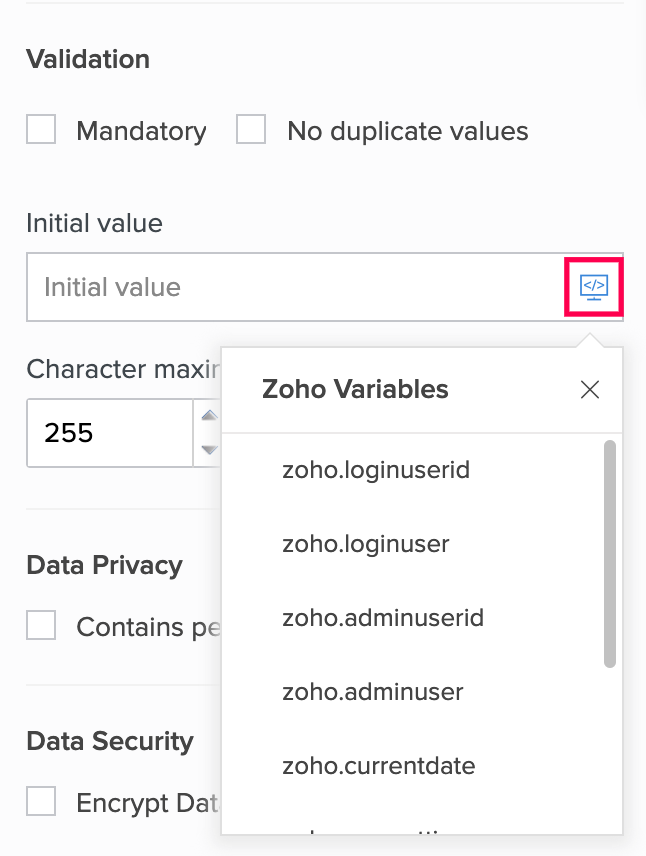
Select the required system variable . The corresponding value will be set in the single line field when your users access your form.
-
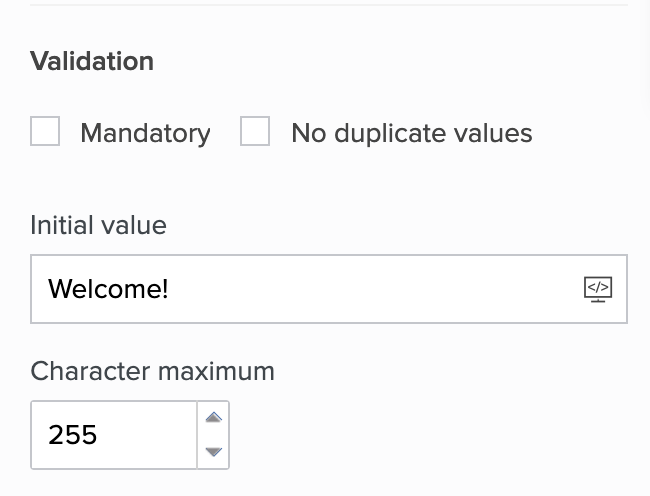
Enter the required value in the input box below Initial value :
-
Set initial value for numeric fields
-
Open the form builder.
- Select the required field. Its Field Properties will appear on the right.
- Navigate to the Validation section.
-
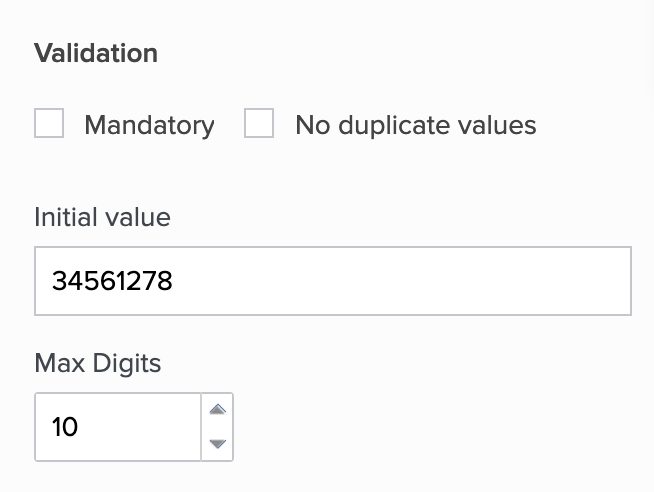
Enter the required value in the input box below Initial value :