Add and Configure Timer Extension on Your Zoho Creator Page
Requirement
Include a Timer extension in your Zoho Creator application to notify users about the availability of a specific form.
Use Case
Consider a Zoho Creator Event Management Application designed for event registration. The event registration form's availability will be restricted to specific times set by the organizer. To display the event registration closing time, you can embed the timer extension, which tracks and displays the remaining time, ensuring participants are aware of the registration deadline.
Pre-requisites
Installing the Timer for Zoho Creator Extension
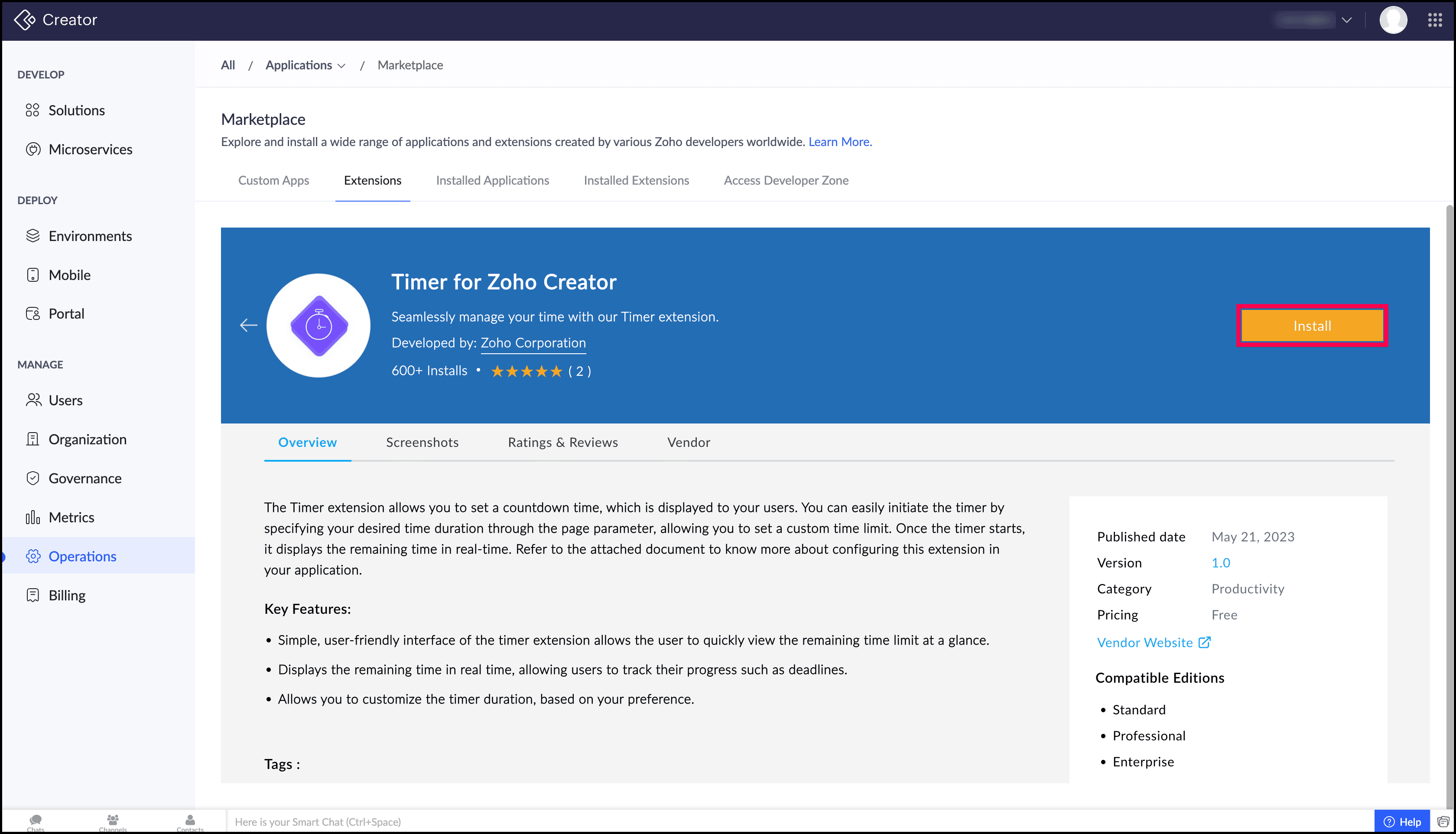
- Search for and install the Timer for Zoho Creator extension from Zoho Marketplace. Learn how to Install and Manage Extensions.
Alternatively, you can also install Timer for Zoho Creator extension directly from Zoho Creator. Navigate to the Operations section > Application > Marketplace > Extensions and install it.
Steps to Follow
- Create a form with the required field to collect details of the participants for the event. In this tutorial, for demonstration purposes, we have used the Event Registration form from the form template.
- Navigate to the form properties of the 'Register for an event' form and set End Time to restrict the form availability after a certain period of time. Here, we have set the end time as 18-Jul-2024 00:00:00. You can also specify the message to be shown after the form is restricted.
- Create a page named 'Event Registration' and drag and drop the 'Timer Widget' listed under the Installed category under the Widgets section in the left pane.
- Navigate to the Form section and drag and drop the Embed as form element to the page by selecting the Form as 'Register for an event' from the Event Management Application.
- Navigate to the page variables on the page and add the following page variables to include required parameters for the extension.
Variable
Data Type
endtime
Text
timezone
Text
- Configure Page Script by adding the following script to the editor to supply data to the extension's parameters.
- input.endtime = "18 Jul 2024 00:00:00"; //specify the time you've mentioned as the End time on form properties of 'New Order' form to restrict form availablity.
- input.timezone="IST";

Note:
- The value of the endtime parameter to be specified in epoch time or one of the supported date-time formats.
- If the time zone is not specified, the time zone of your Zoho Creator server will be applied automatically.