【開催報告】東京 ユーザー交流会 Vol.3 2025/10/17 Zoho サービスの活用促進を外部ツールとの連携で実現!
ユーザーの皆さま、こんにちは。コミュニティチームの藤澤です。
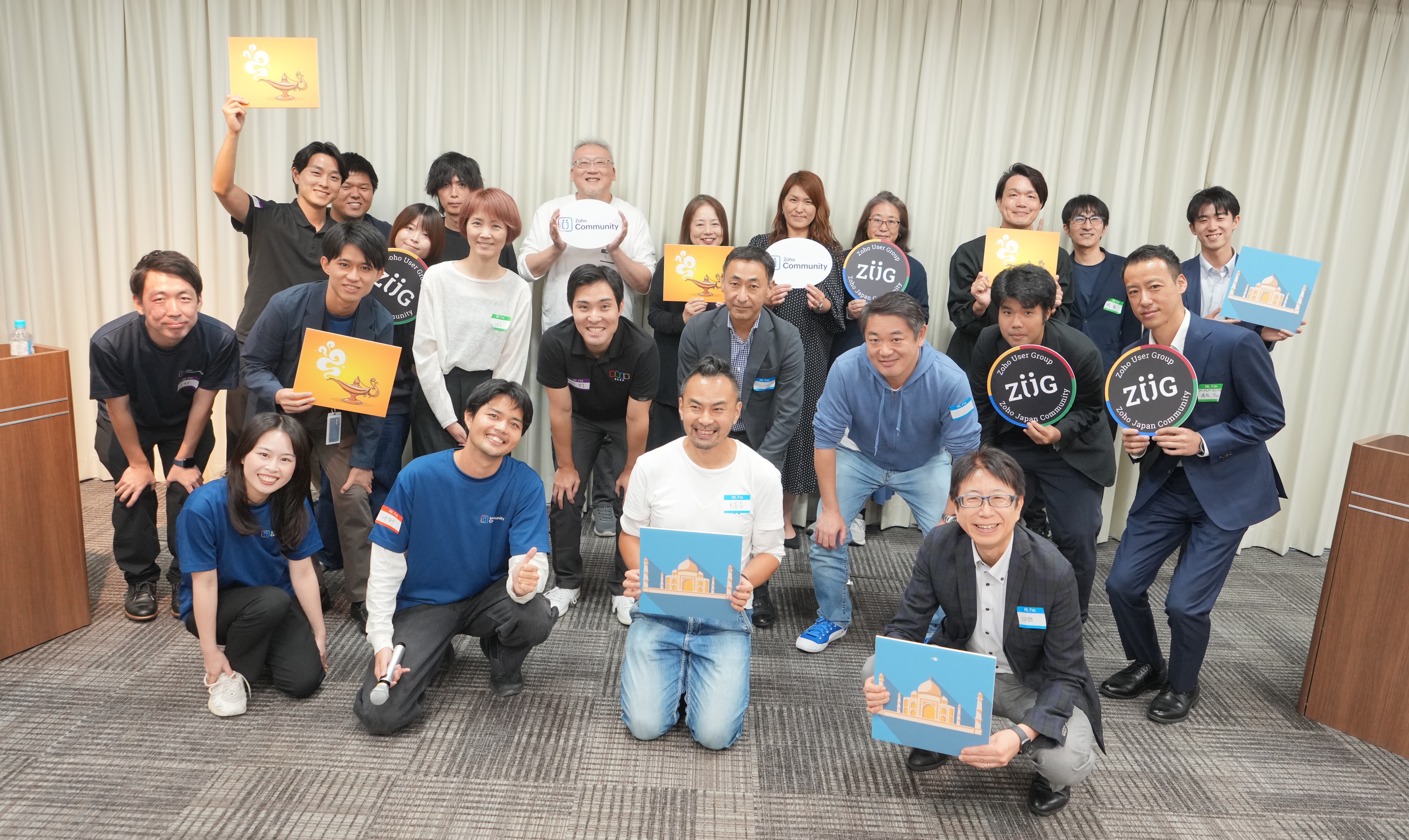
10月17日(金)に新橋で「東京 ユーザー交流会 Vol.3」を開催しました。ご参加くださったユーザーの皆さま、ありがとうございました!
この投稿では、当日のセッションの様子や使用した資料を紹介しています。残念ながら当日お越しいただけなかった方も、ぜひチェックしてみてください😊
ユーザー活用事例セッション:Zoho Flowと決済システムの連携
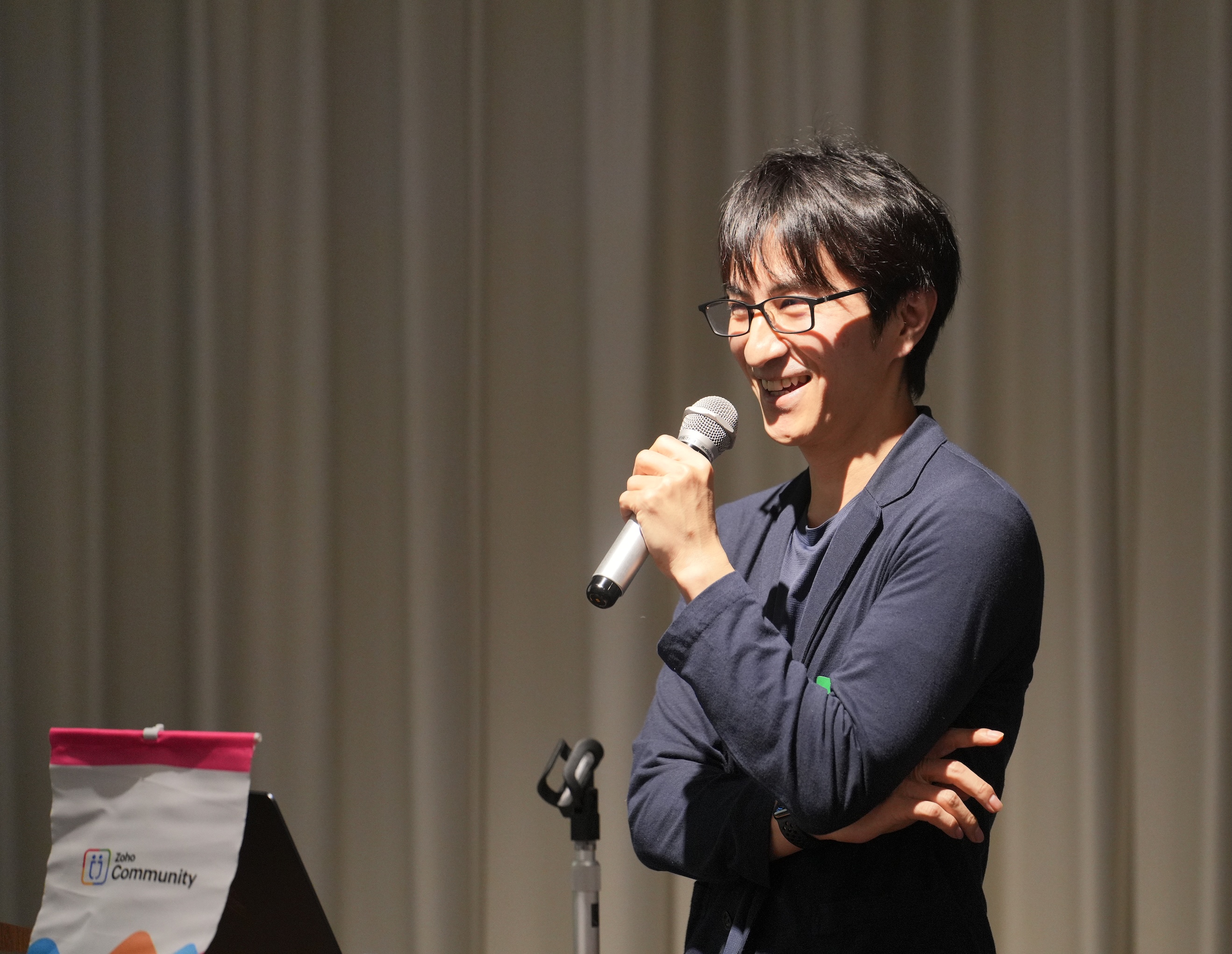
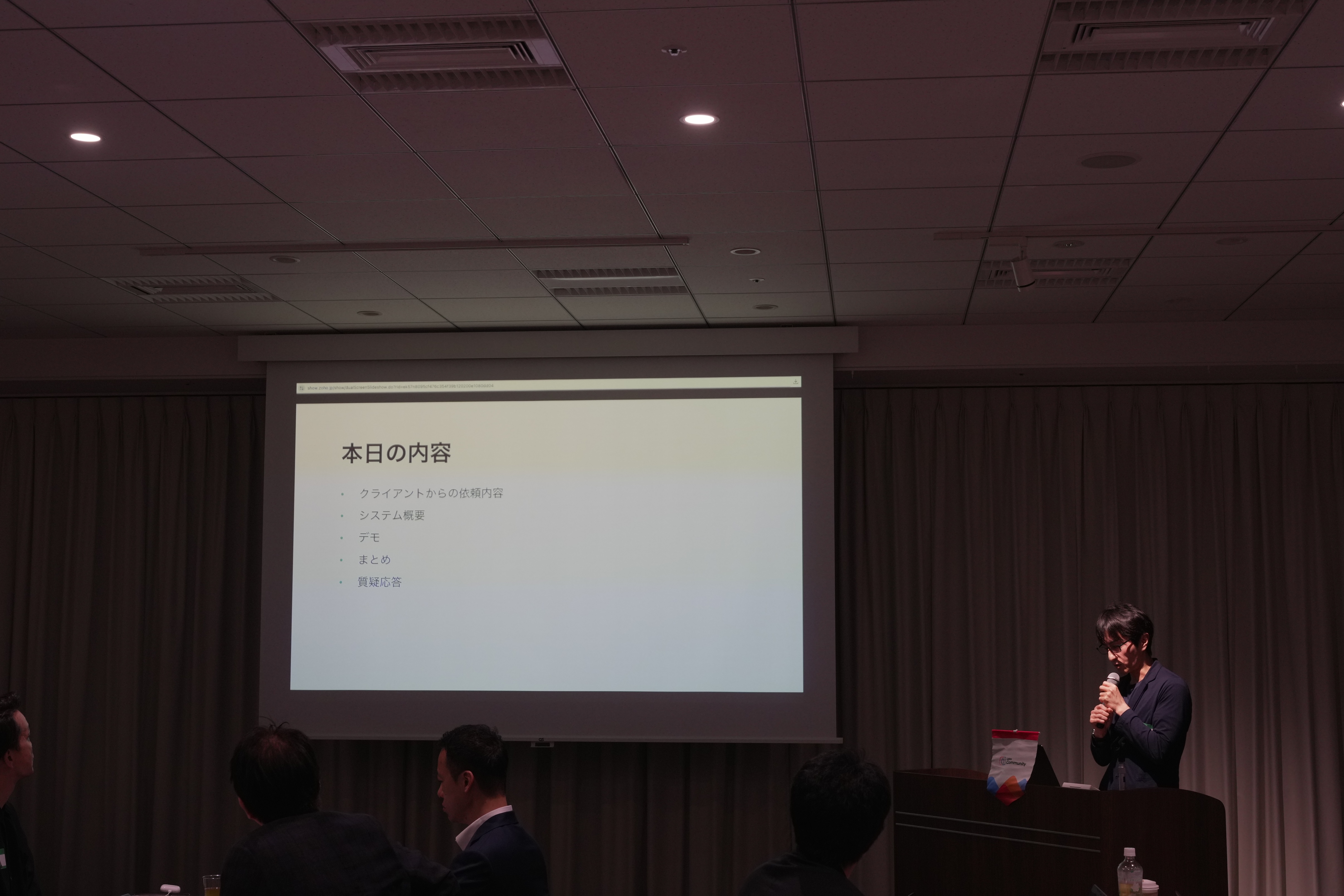
あみろくの岡島さんに、Zoho サービスの活用事例として、Zoho Flow を活用した外部サービスとの連携事例をご共有いただきました。
今回の事例を実現するに至った背景
オンラインサロンを運用しているクライアントから、サイト内のサブスクの決済システムの見直しを依頼されました。
また、決済情報の登録に伴いメルマガの登録なども自動化したいとご要望がありました。

システム概要
システム全体像は、Zoho Forms で作成したWebサイト内に埋め込まれた登録フォームでの入力を起点とし、Stripeのような外部システムを含む複数のサービスへ自動で連携されるように構築されています。

※ここからは、会場で実際の画面と挙動を再現したデモを実施いただきました。クライアントさまの関係で、本記事で公開はできかねますので、ご了承ください。
お話の中では、Zoho CampaignsやFormsなど複数のZoho サービスを工夫して活用された実例をご紹介いただき、大変貴重な機会となりました!
グループワーク:あなたの 'Zoho の推し'を教えてください!


同じテーブルに座っているユーザーさん同士で、お気に入りのZohoサービスや機能を共有していただきました。
- Zoho CRM のサンドボックス機能が便利。誤操作などを気にせず思う存分に機能を試せます。
- Zoho Assist が最近良いなと思いました!パソコン操作が苦手な方をサポートする際にとても役立ちました。
- Zoho Social は、自動で投稿先(例:Instagram)に合わせて画像サイズを調整してくれるので、効率的にSNS投稿が可能です。
Zoho 社員セッション:Zoho CRM を活用した営業業務 効率化 ~キオスクを活用した実例紹介~
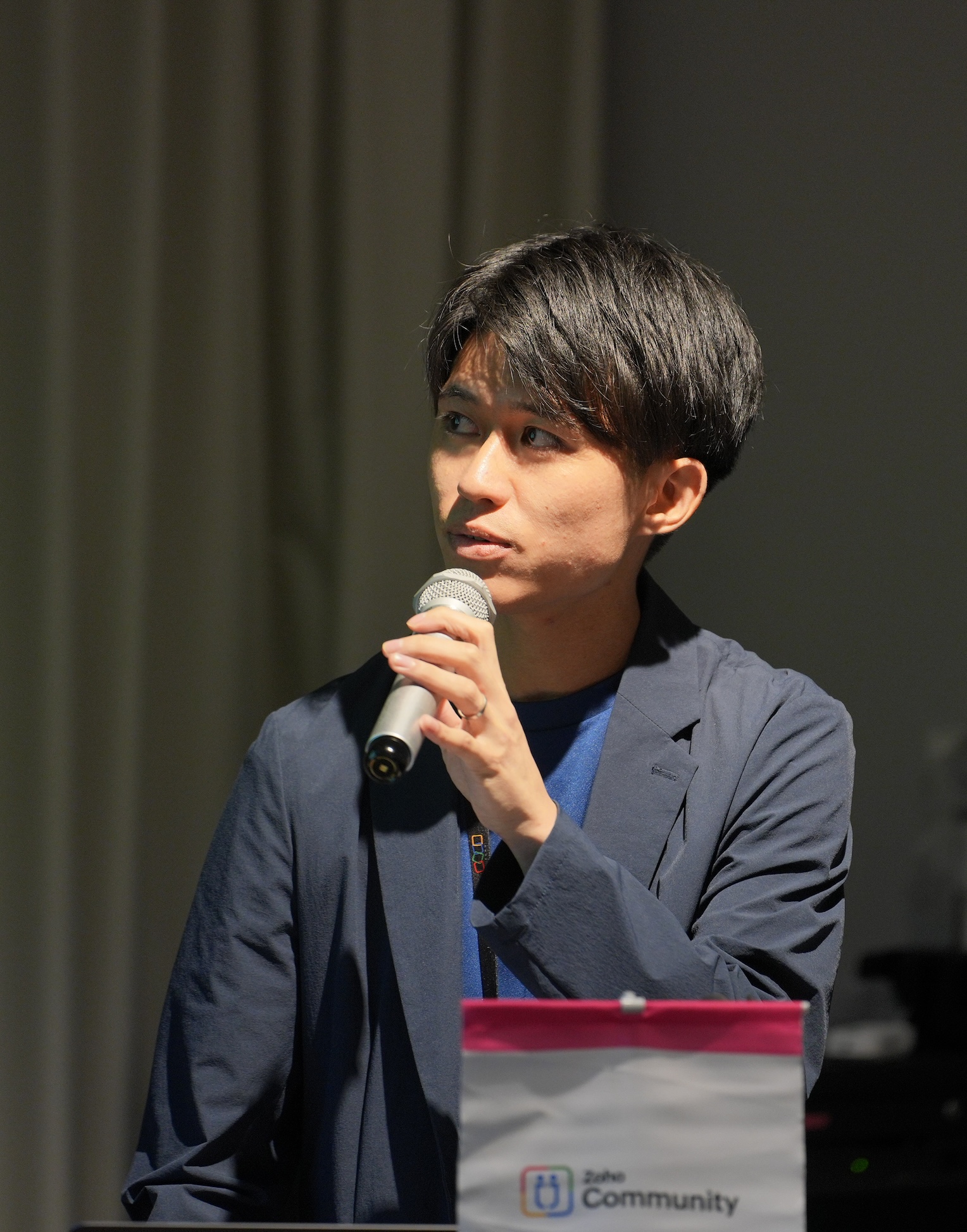
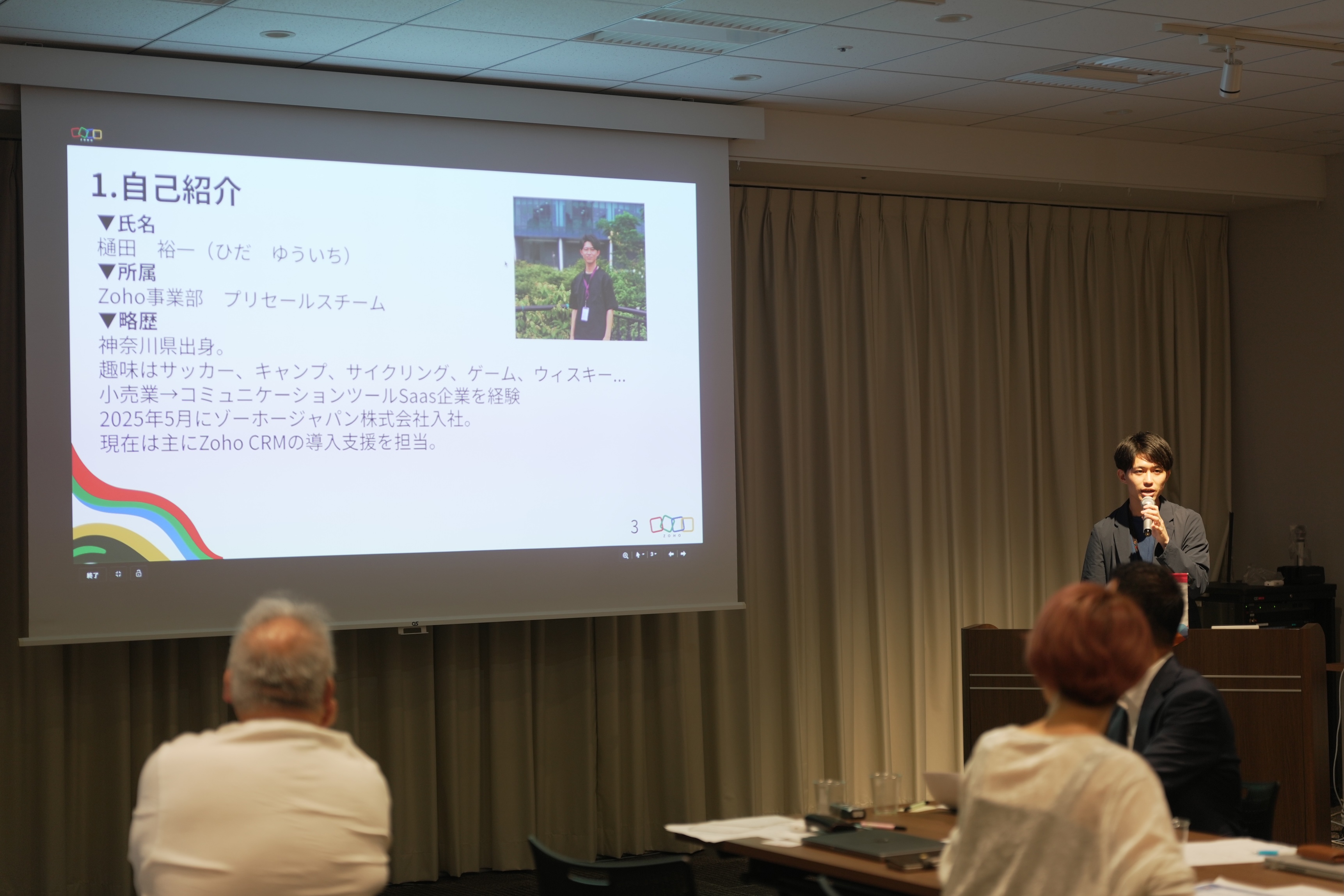
ゾーホージャパン 営業部プリセールス所属の樋田から、Zoho CRM のキオスク機能を活用して実現した営業業務(インサイドセールス)の効率化の実例を、実際の画面デモを用いて紹介しました。
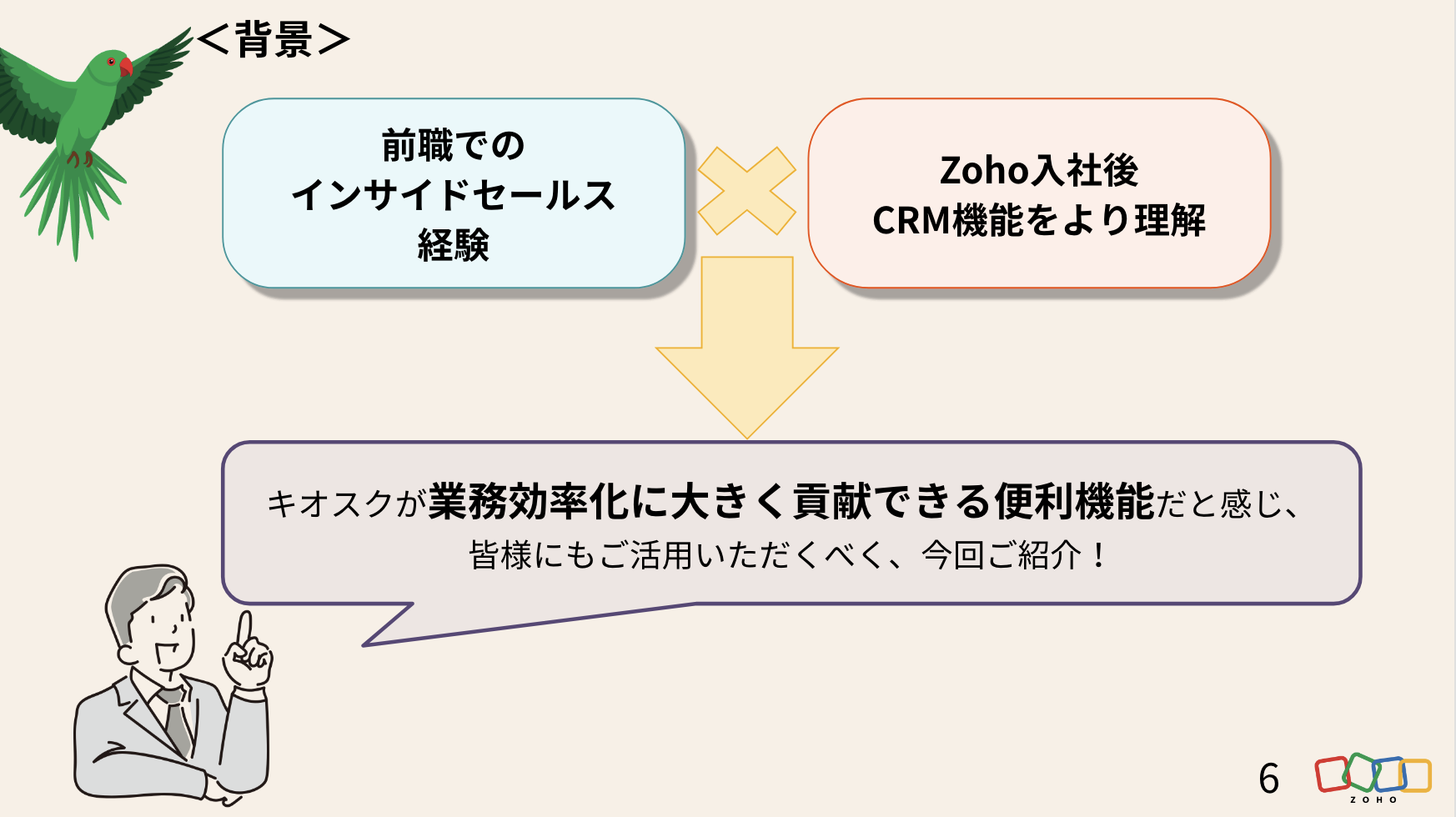
今回の活用事例の背景
前職でユーザーとしてZoho を含むSFAサービスを利用してきた営業経験と、Zoho 入社後に、さらにCRMの活用理解が深まった経験を踏まえて課題を設定しました。
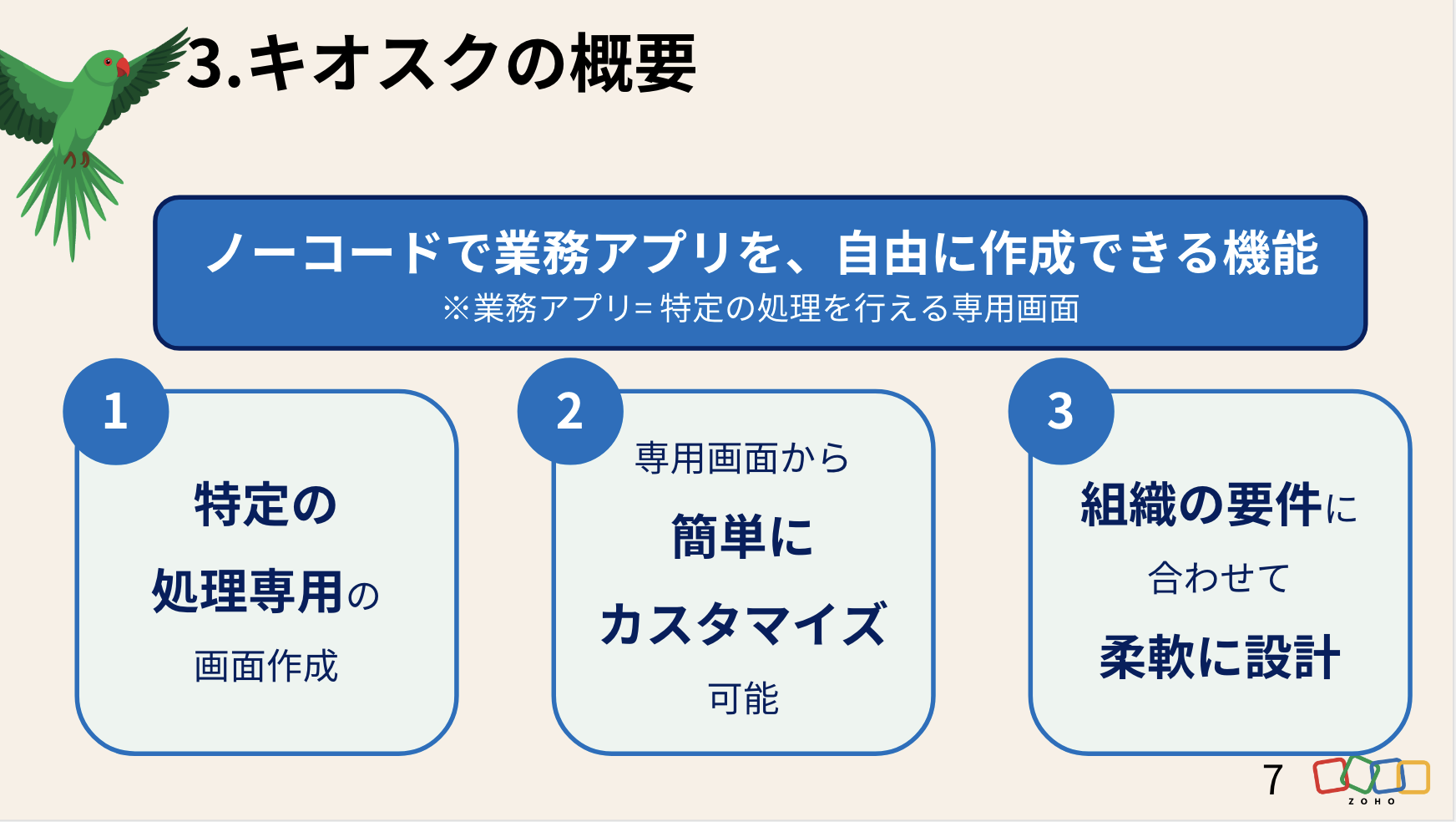
そもそも、Zoho CRM の「キオスク」とは
そもそも、Zoho CRM の「キオスク」とは
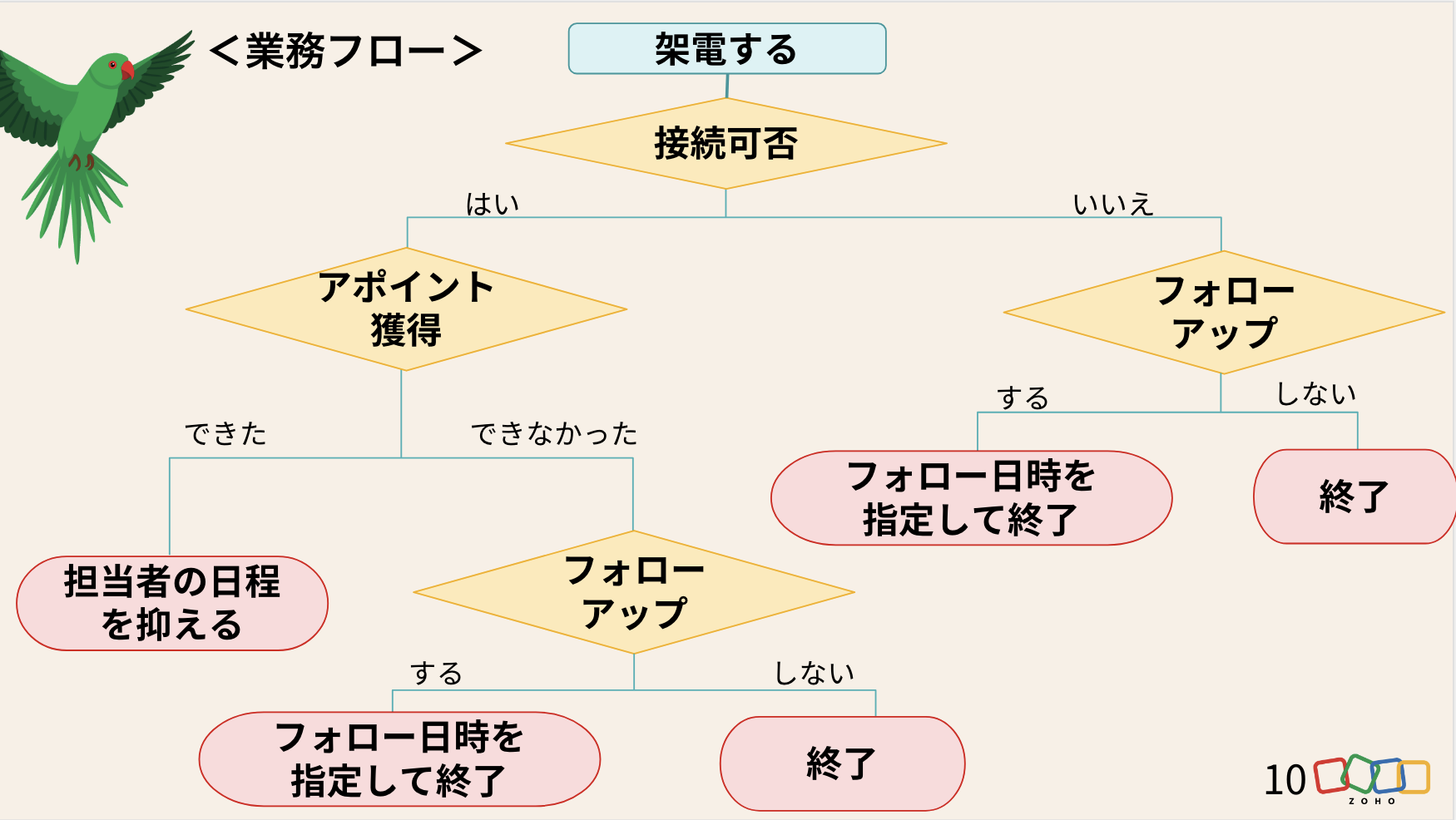
キオスクで効率化を図る「業務フロー」
まずは、キオスクで再現できるようにインサイドセールスの日常業務をフローチャートに書き起こしました。
※会場では、実際の画面を投影しながらデモを実施しました。
キオスクの活用法まとめ
投影スライド
デモ動画(音声なし)
懇親会
懇親会
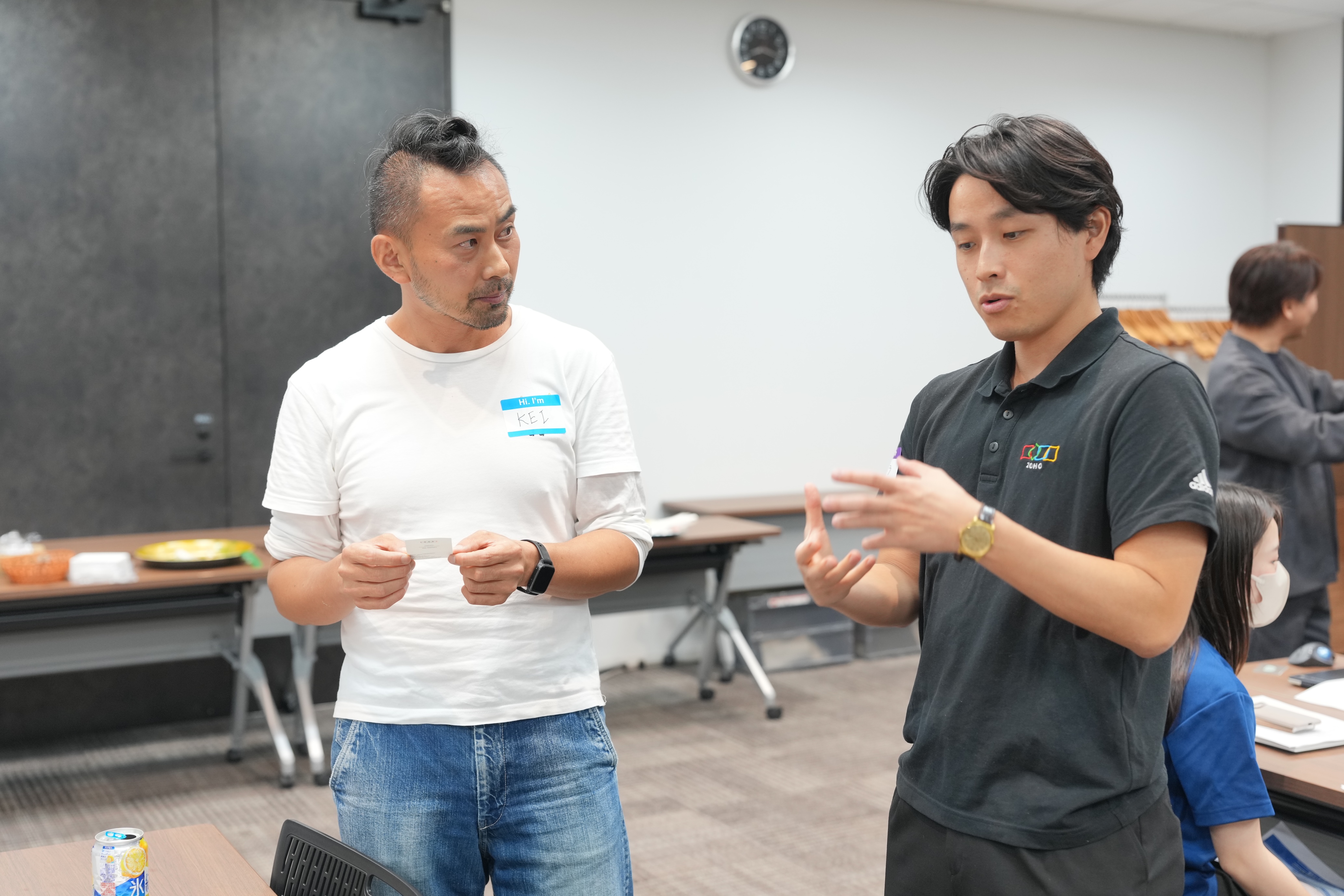
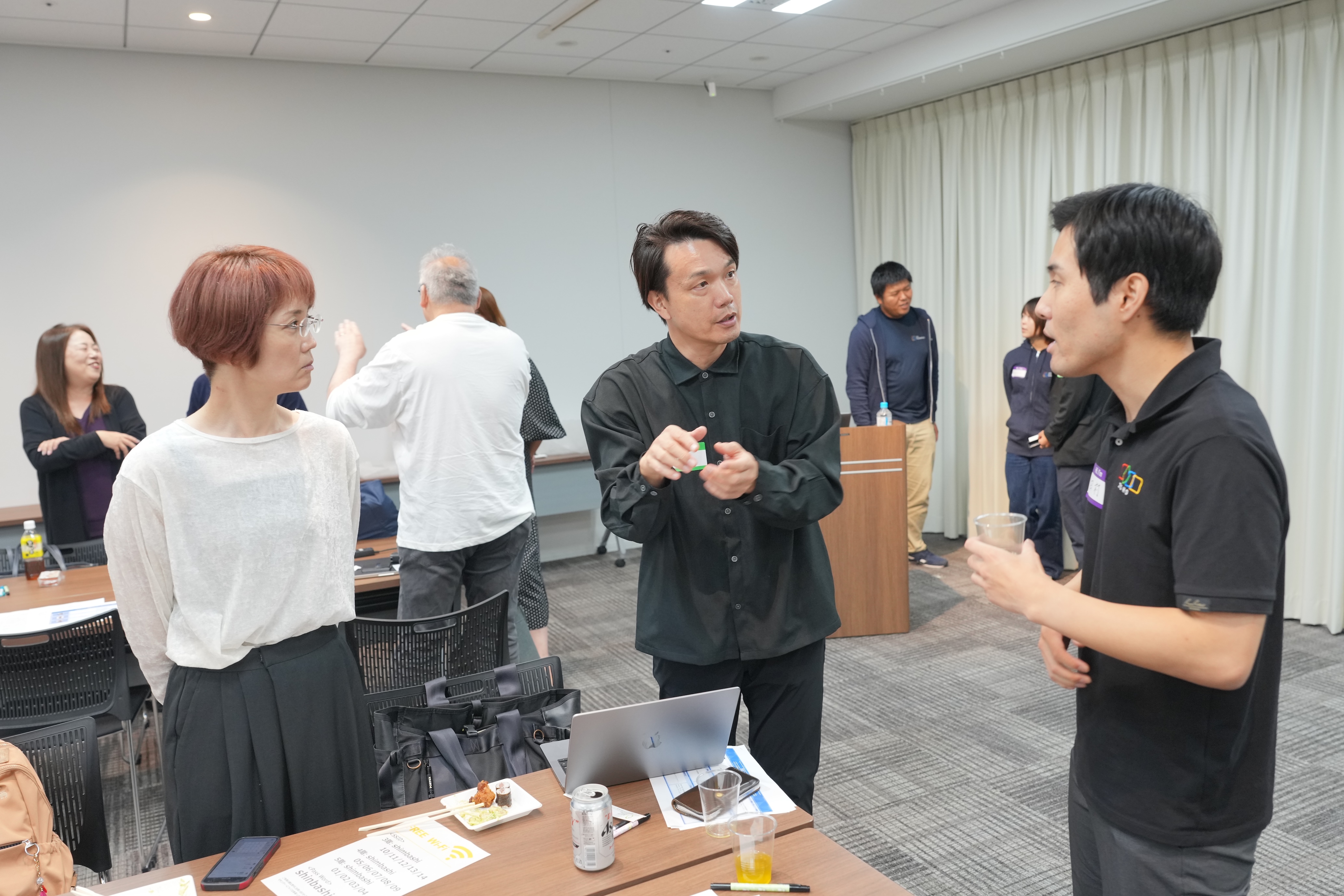
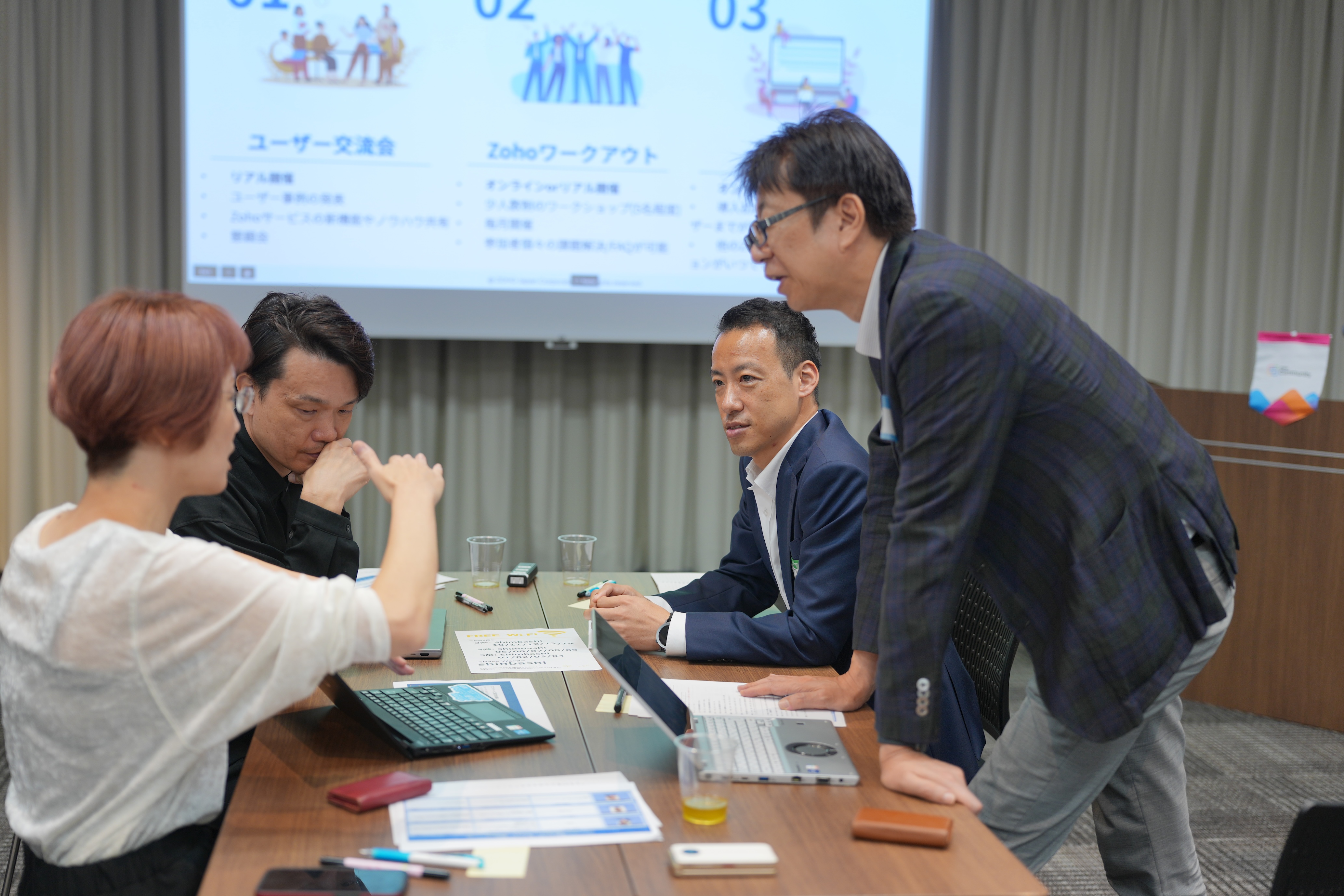
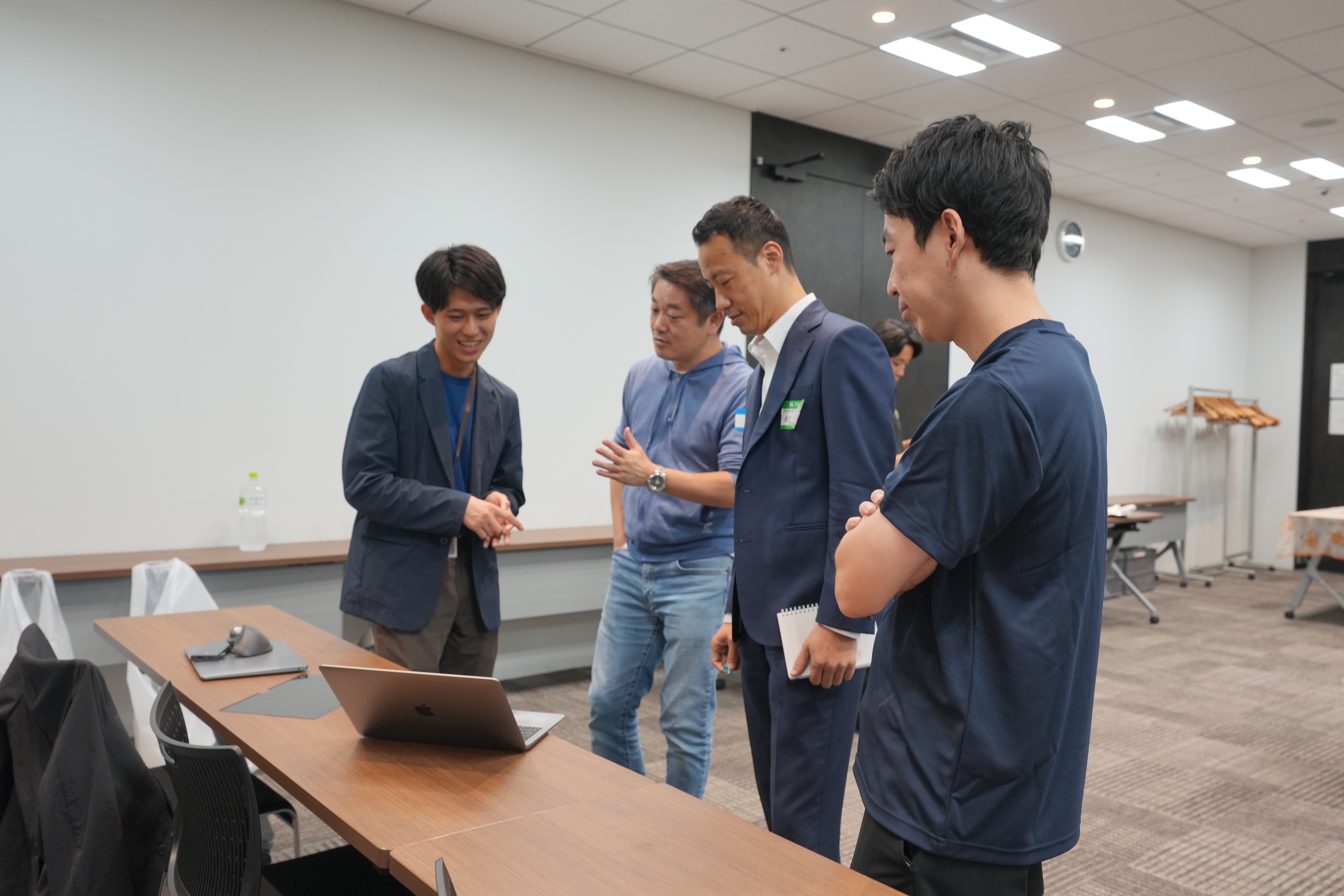
会場では、限られた時間内で話しきれなかった内容について意見を交わしたり、参加者同士が情報交換を行ったりするなど、活発で和やかな交流が広がっていました。


お知らせ
次回以降のユーザー交流会は、以下の通りの開催を予定しています!
2025年のユーザー交流会は、あと3回です!「今年はまだ参加できてない」という方も、ぜひご参加お待ちしております✨
すべて参加無料です!
11/20 (木) 大阪 ユーザー交流会 Vol.2 @APイノゲート大阪 (Cルーム)
11/21(金) 名古屋 ユーザー交流会 Vol.2 @Tsudoico Nagoya Sta. EAST (Room D)
11/28(金) 東京 ユーザー交流会 Vol.4 @AP新橋 (Kルーム)
【残り3枠】ユーザー同士で課題解決 Zoho ワークアウト
開催日時:10/31(金)14:00〜16:00 @ オンライン (Zoom)
今後取り扱ってほしいトピックや、今回参加した感想などを本投稿のコメント欄にいただけると励みになりますので、ぜひお願いします!
今後とも、Zoho コミュニティをよろしくお願いいたします!
ゾーホージャパン コミュニティチーム


New to Zoho Recruit?
Zoho Campaigns Resources





Topic Participants
Emiri Fujisawa
Sticky Posts
【6/22〜6/24開催】Zoho CRM 管理者向けトレーニングのご案内
「Zoho CRMを導入したばかりで、初期設定や基本操作に不安がある」、「短期間で基礎から理解を深め、運用開始までをスムーズに行いたい」「Zoho CRMを基礎から再度学び直したい」といった課題や要望をお持ちの管理者に向け、Zoho CRM 管理者向けオンライントレーニングを実施します。 2022年6月の開催回よりトレーニング内容を刷新し、有償にて実施いたします。 ─────────────────────────────────── >詳細・お申し込みはこちら:https://www.zoho.com/jp/crm/crmtraining/【12/17(金)Meetup開催】参加者にはノベルティプレゼント!Zoho サービス相談会/情報交換会もあります
こんにちは、Zoho Japan コミュニティチームの今成です。 12月17日(金)16:00から、今年最後のMeetup(ユーザー交流会)を開催します! ●詳細はこちら:https://www.zohomeetups.com/ZohoJapanCommunityMeetup2021vol4/ 前半は今年9月にZoho サービスを導入したユーザー様のセッションとして、現状の利用状況とこれからどのようにZoho サービスを利用していくか、これからの構想談をお話いただきます。 後半では、Zoho CRM【6/29(火) 初心者向け】カスタム関数勉強会のご案内
先日のMeetupでも告知しましたが、以前より多くのユーザーさまからご要望いただいていたZoho の「カスタム関数」に関する基本の勉強会を6/29(火) 17:00に、開催します! 関数の基本的な書き方や、Zoho CRM で活用できる関数例のデモなどについて、Zoho の技術メンバーがわかりやすく解説します。 関数の基本を掴みたい方はぜひ、ご参加くださいませ。 >>申し込みはこちら:attend.zoho.com/luy0 以下詳細です。 ーーーーーーーーーーー 日時:6月29日(火) 17:00~【3/19(金)】Meetup(ユーザー交流会)開催のご案内。Zoho CRM ユーザー事例やZoho Sign の紹介、Zoho CRM 相談会など
こんにちは、Zoho Japan コミュニティチームの今成です。 2021年1回目となるMeetupを、3月19日(金)16:00~ 開催いたします! ●詳細はこちら:https://www.zohomeetups.com/ZohoJapanOnlineMeetup2021vol1 毎回好評のZoho ユーザーさまによる活用事例をはじめ、Zoho の電子署名ツール「Zoho Sign」の製品デモや、グループディスカッションをご用意しています。 前半/後半のみのご参加も可能ですので、お気軽にご参加ください!【12/17(木) 16:00-】ユーザー同士で情報交換を行う、グループディスカッションもあります。オンラインMeetup Vol.4 開催のお知らせ
Zoho コミュニティチームの今成です。最近寒くなってまいりましたが、みなさまいかがお過ごしですか? Zoho Japan Communityでは、今年最後のオンラインMeetup(ユーザー交流会)を開催いたします!以下、詳細のご案内です。 ーーーーーーーーーーーーーーーーーーーーー <日時>2020年12月17日(木) 16:00-18:00 <参加費>無料 <開催方法>オンライン <概要> 前半(16:00〜17:00) 自社活用事例「Zoho 社員は、1日の中でどのサービスをどれくらい使っているのか」(ゾーホージャパン株式会社 コミュニティチーム)
Zoho CRM Plus Resources
Zoho Books Resources
Zoho Subscriptions Resources
Zoho Projects Resources
Zoho Sprints Resources
Zoho Orchestly Resources
Zoho Creator Resources
Zoho WorkDrive Resources


Zoho CRM Resources
Get Started. Write Away!
Writer is a powerful online word processor, designed for collaborative work.
Zoho CRM コンテンツ
-
オンラインヘルプ
-
Webセミナー
-
機能活用動画
-
よくある質問
-
Ebook
-
-
Zoho Campaigns
- Zoho サービスのWebセミナー
その他のサービス コンテンツ
ご検討中の方
Recent Topics
Introducing Enhanced Storage Management
We’re excited to roll out two new enhancements in Zoho Recruit, Subscription Information and Storage Management — designed to give admins complete visibility into subscription details, feature limits, and storage consumption — all from one place insidehow to download all my files
We are in the middle of zoho docs to zoho workdrive migration. I can not access my zoho docs page. I get redirected immediately to a zoho workdrive page. I would like to download all my files so that I have a backup in case something goes wrong with theConvert Zoho Books SalesOrder - Invoice
Converting a Zoho Books Sales Order into an Invoice Using the SalesOrder Convert API Hello Zoho Developers, Today, we are sharing a simple and effective solution to convert a Zoho Books Sales Order into a Zoho Books Invoice using the SalesOrder ConvertZoho Expense - Report Templates
Hi Expense Team, I do a recurring trip once every week which has the same cost: Per diem Milage Toll Payment It would be great if there was a feature which allowed me to clone a previously submitted report or create a template reports. This would saveTip #51- Centralized Contact Management for Better Remote Support- 'Insider Insights'
For our final topic of November, we’re diving into one of the most helpful features in Zoho Assist, the Contacts section on Zoho Assist;s dashboard. Whether you’re managing multiple clients, tracking past sessions, or simply looking to streamline yourSay Hello to Telephony in Zoho FSM
Zoho FSM now brings complete telephony support so your team can manage inbound and outbound calls without switching tabs. Faster responses, smarter routing, and total call visibility—all in one place. Choose the telephony setup that works for you Zoho’sE-Invoicing in Belgium with Zoho Inventory
Starting January 1, 2026, Belgium is introducing mandatory electronic invoices (e-invoicing) for all B2B transactions between VAT-registered businesses. Invoices and credits notes must be exchanged in a prescribed digital format. How E-Invoicing WorksEmployee ID is not correct in get records api V2 for leave
Hi Team, We are facing an issue when calling the Get Records API V2. The employee.id returned in the response is not the actual employee record ID in Zoho People. As a result, our integration is forced to make an additional Get Record API call for everyFormatting Mailing Labels
I want to use the "Print Mailing Labels" function on the drop down list, but I am not seeing a way to change the formatting on the mailing labels. At the moment, the information that appears on the mailing labels ARE NOT mailing addresses, but randomCanvas View - Print
What is the best way to accomplish a print to PDF of the canvas view? Latest update (27th November 2025): We are excited to announce that the Canvas Print View is now available! We encourage you all to try it out and share your feedback with us. LearnZia Conversation Summary: Context at a glance for every customer interaction
Hello everyone! Every customer conversation tells a story—but in CRM, that story is rarely in one place. A sales rep moving between multiple leads has to reopen long email threads, check call remarks, and revisit meeting notes just to remember what wasHow to set a fixed width of column/cells
Is there a way to set a 'fixed' width for cells in zoho sheet? I know how to adjust the size of the colums.... but after I past a large block of text into a cell, it expands the cell size again. (yes, I have turned off word wrap) How can I set a fixed width so the cells don't change size each time I add data to a cell? Thanks.Single Portal for Multiple Apps
Hello, I'm just getting started with Zoho and I'm very overwhelmed. I am currently using the free trial of Zoho One, but if I can figure it out, I intend to upgrade to the paid version. Zoho One, of course, gives me access to an entire suite of services/applications. One of the things I'd like to do is have a single place for clients (customers?) to log in and view current projects, invoices, contact information, etc. A single login for my clients. A single portal. I've come across documentation【開催報告】 大阪 ユーザー交流会 2025/11/20(木)Zoho CRM Plus 活用のアイデアとデータの“見える化”
皆さま、こんにちは。コミュニティチームの中野です。 11/20(木)に、大阪 ユーザー交流会を開催しました。本投稿では、その様子をお届けします。 当日の登壇資料などもこちらに共有しますので、参加できなかった皆さまもご参照ください。 (Zoho 社員セッションの登壇資料については、11/28(金)に開催予定の東京回の開催報告で共有いたします) 今年2回目の開催となる大阪 ユーザー交流会では、株式会社KDDIウェブコミュニケーションズ 山田さんによる Zoho CRM Plus の事例セッションのほか、「ZohoEvery rating counts: Shaping customer experience
We are back to that beautiful time of the year. It is the season to reflect, be thankful, and appreciate everything that has happened throughout the year. Thanksgiving is a time we connect with our family, friends, and relatives to strengthen relationships,How to remove duplicate contacts
Custom Field for Subscription
Hi, I can't find a way to add a custom field (to contain a license key generated from our software) against a subscription? Is the only place to add this information in the Invoice module (as custom field for invoice)? When a customer views his subscription via the customer portal, there appears no way to display a license key for them? The invoice is not the natural place to store a license key for a particular subscription, so where else can this be stored and displayed?Custom View and Custom Fields on Zoho Books
Hi, I have some custom fields on Estimates and Invoices. I also use Custom Views so I can have a lot of information at a glance. I want to include my custom fields as columns in my custom views of estimates / invoice, but it looks like is not possible.Dropdown data depends on filters in another field.
In my quote form I have a lookup field called Reseller that pulls from Accounts. I would like it to pull from Accounts, but only those accounts with an account field 'Type' where that is 'Reseller'. Does anyone know a way to do this? Similarly, I'd likeIs it possible to adjust the web browser tab title (when a ZoHo Desk ticket is opened)
Hi All, When I open a ZoHo Desk ticket in a web browser, the tab title (text that appears at the top of the browser tab) uses the logic: *company icon picture* (xxxx) #ticket number - company name See below (highlighted in red) for reference. CompanyCollections Management: #7 Common Mistakes during Payment Collection
Payment collection may appear straightforward in most cases. Still, as your customer base expands and transaction volume increases, it becomes clear that even small inefficiencies can lead to delayed payments, increased support load, or even revenue loss.Rename Record Summary PDF in SendMail task
So I've been tasked with renaming a record summary PDF to be sent as part of a sendmail task. Normally I would offer the manual solution, a user exports the PDF and uploads it to a file upload field, however this is not acceptable to the client in thisText/SMS With Zoho Desk
Hi Guys- Considering using SMS to get faster responses from customers that we are helping. Have a bunch of questions; 1) Which provider is better ClickaTell or Screen Magic. Screen Magic seems easier to setup, but appears to be 2x as expensive for United States. I cannot find the sender id for Clickatell to even complete the configuration. 2) Can customer's reply to text messages? If so are responses linked back to the zoho ticket? If not, how are you handling this, a simple "DO NOT REPLY" asCustom Field in Zoho Projects pulling into Analytics
We have a client that we have built our their new business process using Zoho Projects, and we have build a lot of custom fields with their their Projects where they are capturing specific data points that we want to be able to track and pull data, asMarketer's Space - Holiday season email marketing tips you should know
Hello Marketers! Welcome back to another post in Marketer's Space! 'Tis the season—that time of the year everyone eagerly anticipates. While most look forward to relaxing, marketers will be super-busy from late November to early January. Mistakes canZia Competitor Alerts made easy with Zia's suggestions
Hi everyone, In addition to the existing manually added competitors, Zia will now find your competitors for you - instantly. Earlier, you had to identify competitors through research manually, support tickets, or tradeshows—a time-consuming process thatAdd Custom Field Inside Parts Section
How to Add Custom Field Inside Parts Section in Workorder like Category and Sub- CategoryZoho CRM Community Digest October 2025 | Part 2
Hello Everyone! From new mobile capabilities and smarter integrations to real-world workflow fixes and developer insights, all the highlights from the second half of October is covered right here. Let’s dive in. Product Updates: Zoho CRM Mobile Updates:Understanding Zoho Contracts
Effective contract management relies on systems that are structured, organized, and reliable. Every feature, workflow, rule, and restriction in Zoho Contracts are designed the way they are to ensure consistency, compliance, and control across every stageTip of the Week #76– Automate your inbox during vacation in Zoho TeamInbox
When you're on vacation or away from your desk, the last thing you want is for important emails to be missed or left unanswered. The good news is, you can easily set up rules in Zoho TeamInbox to assign incoming messages automatically to a teammate who'sDomain restriction for User Management actions in Zoho One
Greetings, Zoho One Admins! To strengthen account security further and safeguard user management settings, we are imposing domain-based restrictions for user account-focused admin actions in Zoho One. In addition to password reset of user, organizationZoho Mail iOS app update: Signature
Hello everyone! In the latest version(3.1.7) of the Zoho Mail app update, we have brought in support to create, edit and remove signature within the app. You can create signature from the compose screen as well as from within the Settings module(insideDesktop app doesn't support notecards created on Android
Hi, Does anybody have same problem? Some of last notecards created on Android app (v. 6.6) doesn't show in desktop app (v. 3.5.5). I see these note cards but whith they appear with exclamation mark in yellow triangle (see screenshot) and when I try toApproval Button in Subform
Hi Team, I’m working on a subform-based requirement where users will submit requests, and these requests must go through approval by multiple team managers. Each line item in the subform needs to be individually approved or declined based on the user'sSetting checkbox value on template in Sign from Creator
Good day, Please help me understand how do I set a tick from a checkbox in Creator into a checkbox on a Sign template. Below is the only values on the Sign template and the code from Creator, "field_boolean_data": {}, "field_date_data": {}, "field_radio_data":Zoho Projects - Unread Comment Icon
Hi Projects Team, It would be great if there was a notification I con on the comments icon so it's easy to see which tasks have new comments. Something like a red circle with a number of unread comments would be great. Thanks for considering my feedZoho Projects - Update Feed via API
Hi Projects Team, Please consider adding an API to allow update and retrieval of messages to the Feed. Thank youAutomated log-out/session end
I'm concerned about security of our data. Is it possible to set an automatic time-out for user sessions on Zoho CRM, after a certain period of inactivity or when the session reaches a certain duration (12 hours perhaps)?Subform auto populate values
Hi Team, I’m trying to retrieve values from Zoho People using API functions and dynamically populate them into a subform. For example, I’ve created a form with several fields that users will fill out. Based on their input, I need to fetch records fromWhat is New in CRM Functions?
What is New in CRM Functions? Hello everyone! We're delighted to share that Functions in Zoho CRM have had a few upgrades that would happen in phases. Phase 1 An all new built-in editor for better user experience and ease of use. ETA: In a couple of days.Next Page