Access Flows
Integration Flow is one of the Solutions available in Zoho Creator. It is an integration platform that lets you create customized workflows across cloud applications and connect your apps together to automate data transfer between them.
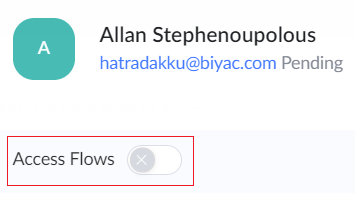
The admin can choose to give the user access to the flows present in the Solutions. Enabling the Access Flows option will let the user create, edit, and delete flows, and create, test, delete, and reconnect app connections.
Enabling access flow for new user:
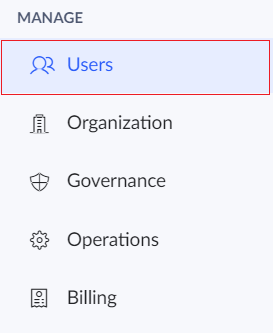
- Click the Users option under the Manage section in the left pane.
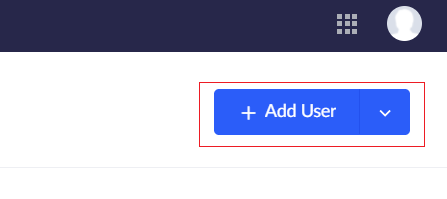
- Click the Add Users button.
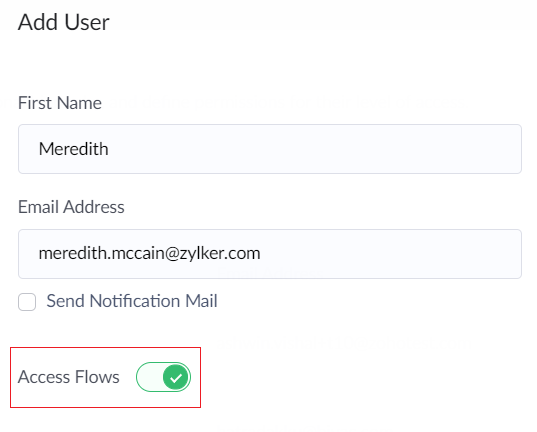
- The Add Users tab will appear. Enter the name, email address and other details of the user.
- Enable the Access Flows toggle.
Enabling access flow for existing user:
- Click the Users option under the Manage section in the left pane.
- The list of users will be displayed.
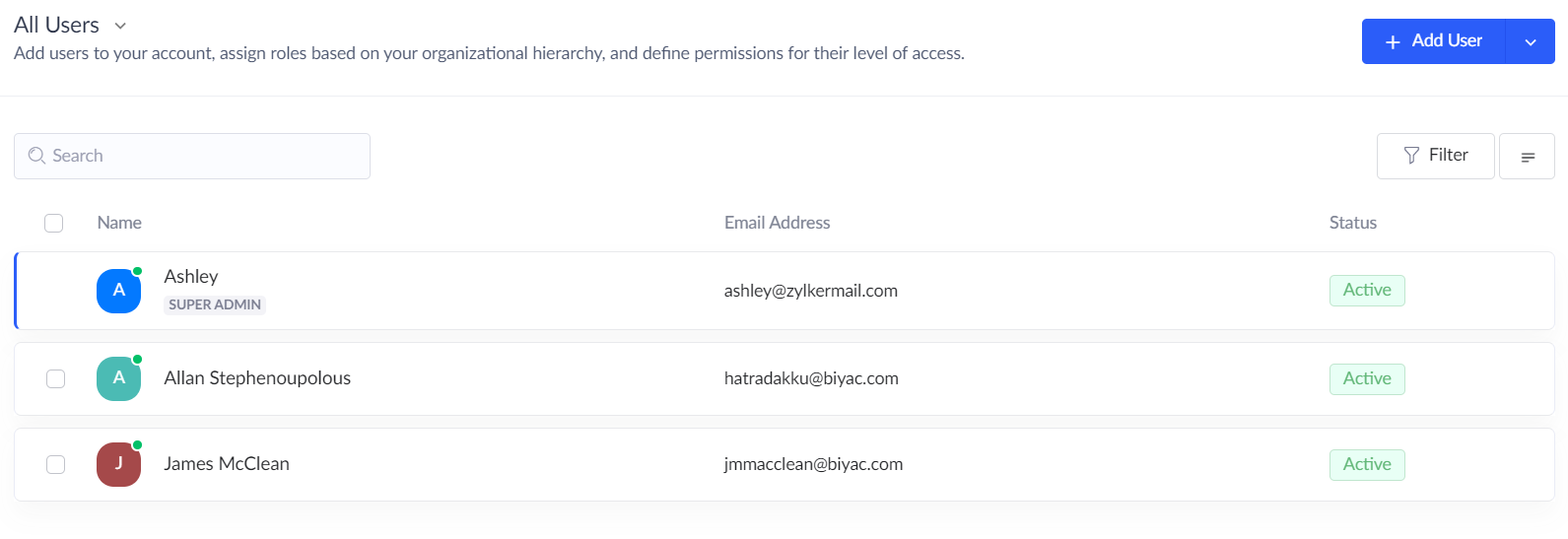
- Click the required user.
- The User Details tab will appear. Enable the Access Flows toggle.
- The manage flow will now be enabled.