7 tips to provide an effective customer support with Zoho SalesIQ

7 tips to provide an effective customer support with Zoho SalesIQ

In this virtual era providing effective online customer support always comes at various costs. The cost could be the extra energy spent by your operators/support reps switching back and forth between multiple apps. The cost of these various apps. And the cost of your customers' satisfaction that gets decreased with all the cumbersome support systems that you use. 


For most businesses, providing effective support means losing efficiency in support. But in an ideal world, effective support should be synonymous with efficient support. 


We at SalesIQ have you as well as your customers, in our minds while developing all our features. And you being a SalesIQ user, it is our duty to ensure that you are using our tools to provide the most effective and efficient support possible. In this post, let us look at 7 customer support tips that would help you to do so.

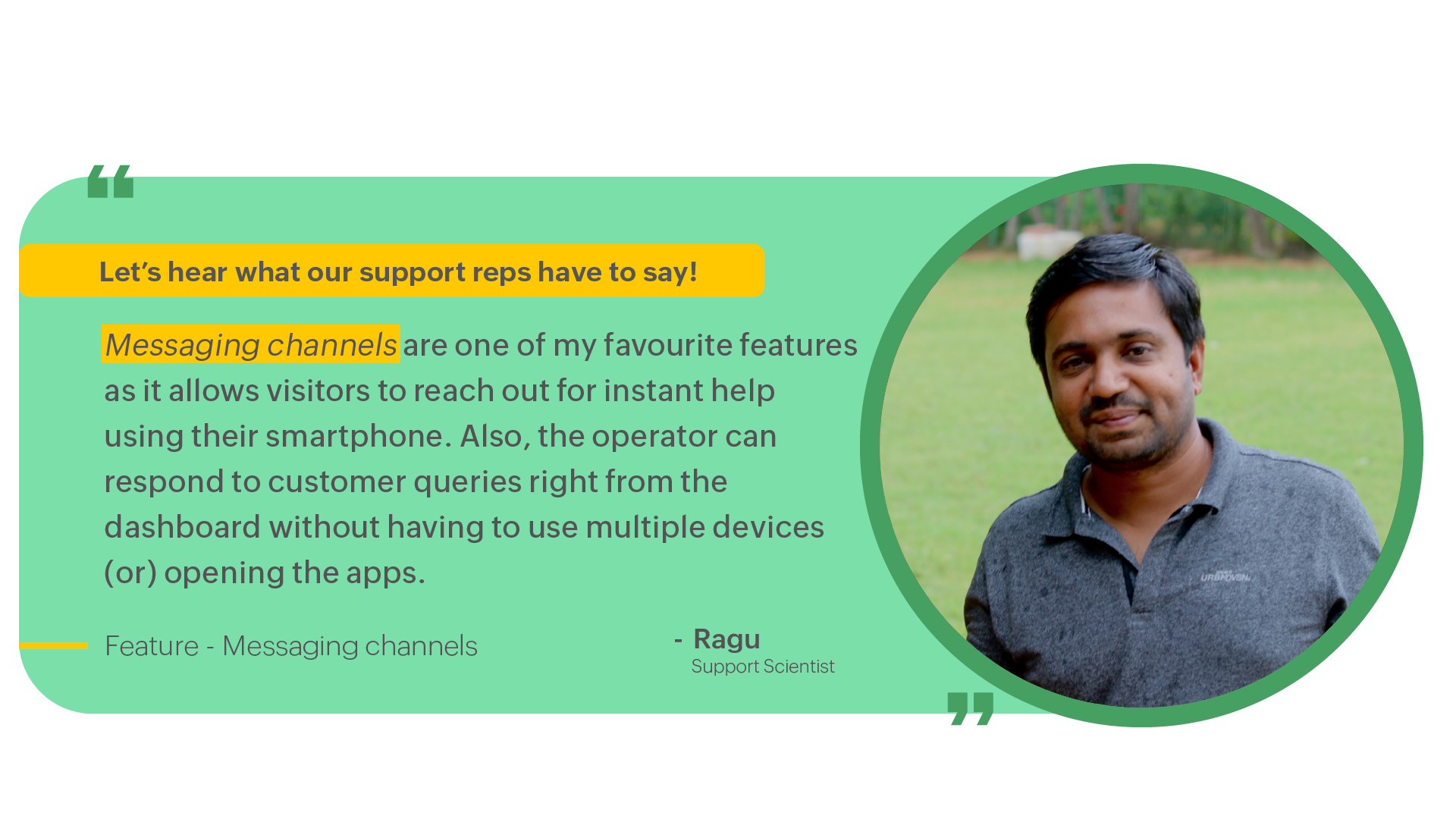
1. Providing an omnichannel experience

Customers love it when it is easy to reach out to your business. And what is better than allowing them to contact you via any of their go-to social media or instant messaging platforms?


Having your support spread across multiple social media and instant messaging channels, such as FacebookTelegramInstagram, WhatsApp, etc., can be hard to manage and centralize your support on all of these platforms. 


Channels in SalesIQ make this centralization process easy by bringing them under one dashboard and allowing your existing operators to assist visitors on all of these channels directly from SalesIQ. 

2. Contextual assistance can win your customers' hearts. 

Nobody wants to hear the words "Let me transfer you to the concerned department" and wait for a long time till the call or chat is transferred to the concerned department. In fact, performing multiple chat transfers will not only make your operators look weak, but it can also cause your customers to lose your loyalty to your brand. 

With SalesIQ's smart automation features like Chat routing and Visitor routing, you can take the visitor to the concerned department directly based on the page they are on your website, region, operator's expertise, CRM data, and several other conditions that you can define. 

3. Response delay can cost your business more than you think. 

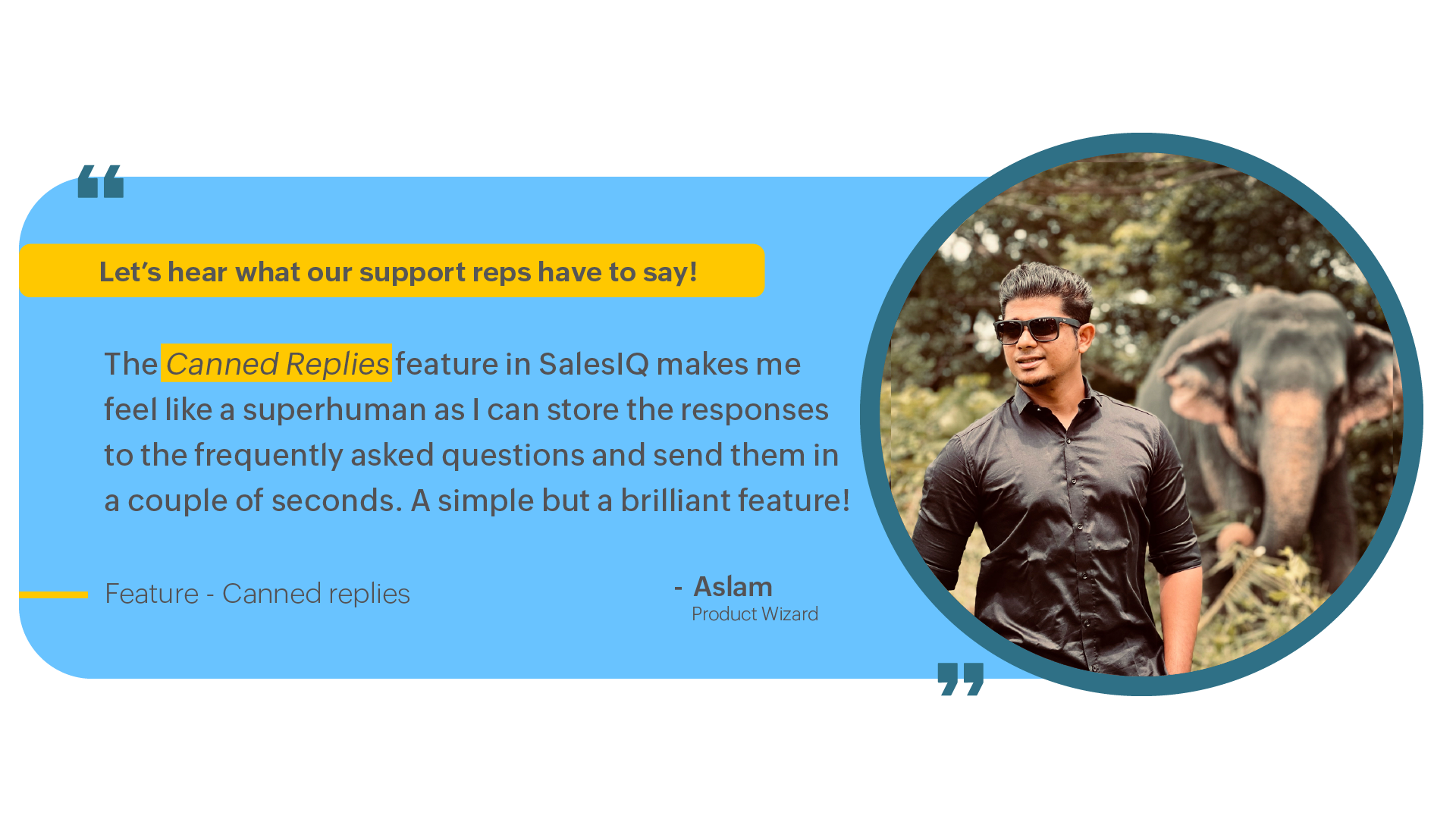
Having your support reps handle multiple chats simultaneously would not only put a lot of pressure on them but having them repeatedly type out responses to each of the ongoing chats would make them quickly lose energy and keep your customers waiting for a long time. 


Canned replies and Smart suggestions in SalesIQ allow you to send instant responses with just two clicks. These responses can be personalized based on the customers' info so you don't have to worry about it sounding robotic.


4. Listening to your customers' feedback can help you improve customer loyalty.

One of the most valuable data for a business is the feedback left by customers. You can grow your support quality exponentially just by addressing the pain points mentioned by your customers as feedback after a chat or call. 


You can take note of this feedback, reflect on your support, and reach back to unhappy customers via follow-ups and apologize for the inconvenience. This would not only help your support to grow but also increase your customer loyalty. 

5. Provide a helping hand to your support reps with chatbots. 

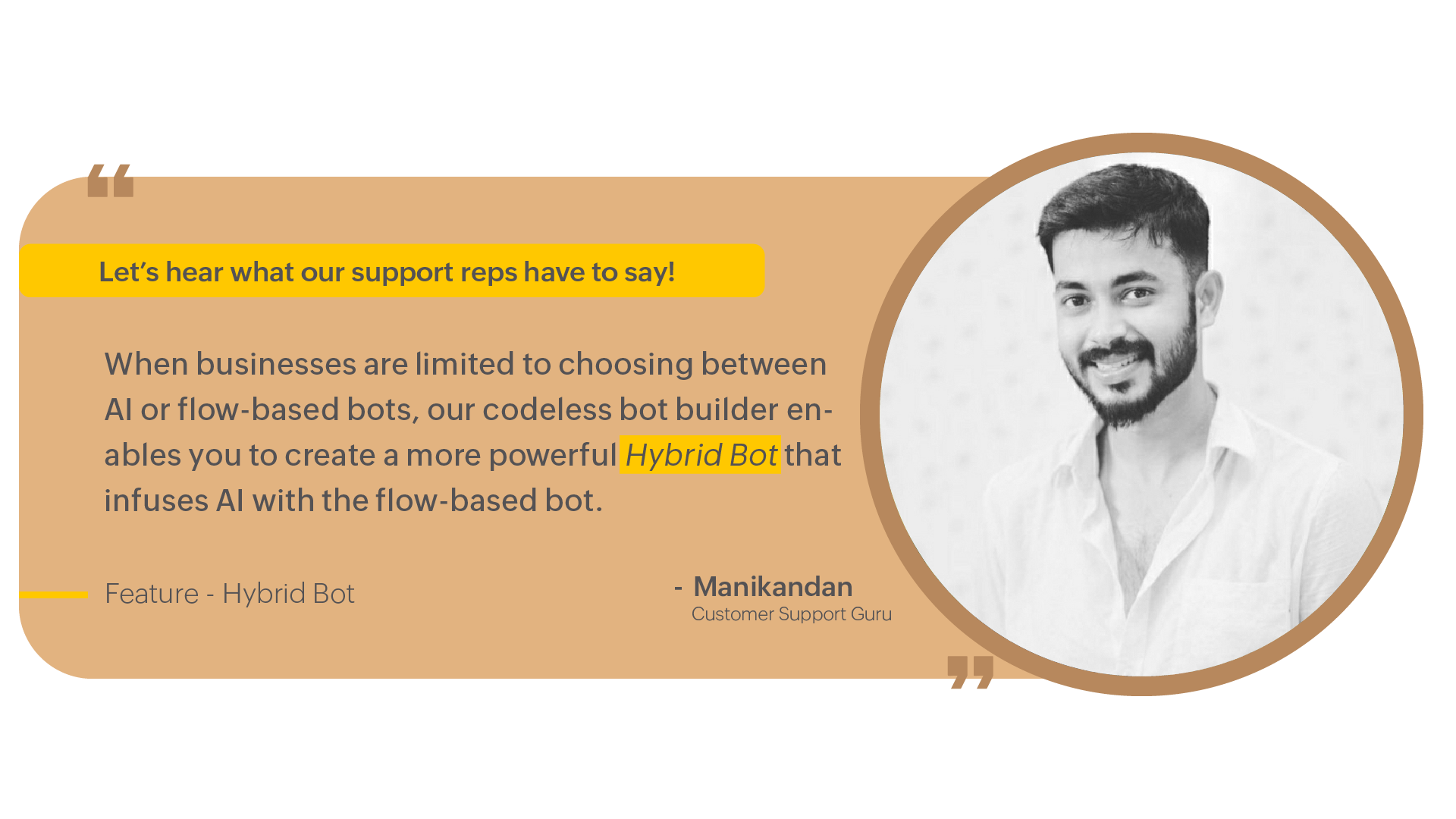
The term Chatbots can be very much related to efficiency. One other way to provide effective support is to aid your operators by implementing chatbots that can take up simple common questions and do all the heavy lifting for your operators. These bots can act as a filtering stage for all incoming chats by addressing all the simple support-based questions and only transferring the ones that need your operators' expertise. 


We at SalesIQ would recommend using our AI-powered chatbot, Answer bot, for these support purposes. 



Hybrid bots using the Autopilot feature can combine the likeness of the Answer bot and the flow-based Zobots to give the best support and engagement bot you can create without any coding knowledge. 

6. Having a do it all kind of dashboard. 

Admins, stop making your operators switch back and forth between 10 or more apps to assist a single customer. We have heard a lot of situations where most operators toggle between tabs and apps to ticket the chat question, find matching resources to the question, view existing customer details, loop them in newsletters, etc. This not only makes your operators confused but can result in many human errors that can result in devastating damages when compounded and cannot be ignored when it comes to customer support. 


In SalesIQ, with Widgets, you can have all your different apps, like CRM, Ticketing app, Campaign app, and enrichment apps, right inside the Operator chat window. And the best thing is the data in these widgets can automatically change based on the visitor when you switch to a different chat. This would result in an efficient and effective support experience. 

7. Do not undervalue your mobile app experience.

If more of your focus goes on your social media and website support, it is easy to overlook your app users. But it is just as essential to have an excellent mobile support experience as on your website. 

SalesIQ's robust mobile SDK, Mobilisten, helps you bring the best support to your customers directly inside your apps. Learn more about Mobilisten


Other powerful features that can help to improve your support experience: 


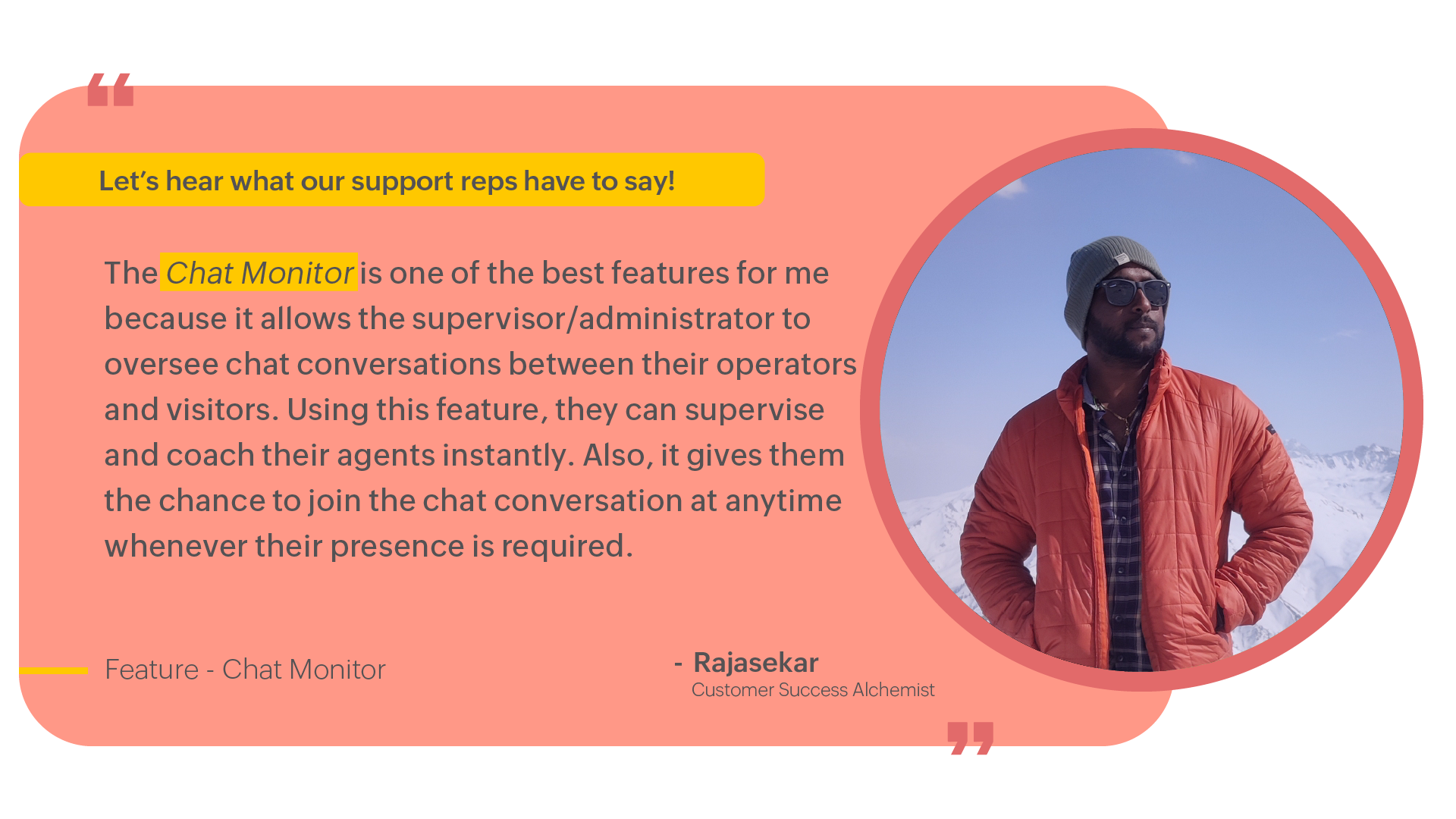
  1. Chat monitors to train your new operators with experts. 
  2. Audio calls for a personal touch.
  3. Integrating with Zoho Assist for complex troubleshooting.
  4. Use Tags to identify chats at a glance. 

I hope these tips are helpful to you. We love engaging with you, so please feel free to reach out to us and post your thoughts in the comment section. 


Best regards,

Naveen


    Access your files securely from anywhere


            All-in-one knowledge management and training platform for your employees and customers.


                                  Zoho Developer Community


                                                        • Desk Community Learning Series


                                                        • Digest


                                                        • Functions


                                                        • Meetups


                                                        • Kbase


                                                        • Resources


                                                        • Glossary


                                                        • Desk Marketplace


                                                        • MVP Corner


                                                        • Word of the Day


                                                        • Ask the Experts


                                                                  Manage your brands on social media


                                                                        Zoho TeamInbox Resources


                                                                            Zoho CRM Plus Resources

                                                                              Zoho Books Resources


                                                                                Zoho Subscriptions Resources

                                                                                  Zoho Projects Resources


                                                                                    Zoho Sprints Resources


                                                                                      Qntrl Resources


                                                                                        Zoho Creator Resources


                                                                                            Zoho CRM Resources

                                                                                            • CRM Community Learning Series

                                                                                              CRM Community Learning Series


                                                                                            • Kaizen

                                                                                              Kaizen

                                                                                            • Functions

                                                                                              Functions

                                                                                            • Meetups

                                                                                              Meetups

                                                                                            • Kbase

                                                                                              Kbase

                                                                                            • Resources

                                                                                              Resources

                                                                                            • Digest

                                                                                              Digest

                                                                                            • CRM Marketplace

                                                                                              CRM Marketplace

                                                                                            • MVP Corner

                                                                                              MVP Corner


                                                                                                Design. Discuss. Deliver.

                                                                                                Create visually engaging stories with Zoho Show.

                                                                                                Get Started Now


                                                                                                  Zoho Show Resources

                                                                                                    Zoho Writer

                                                                                                    Get Started. Write Away!

                                                                                                    Writer is a powerful online word processor, designed for collaborative work.

                                                                                                      Zoho CRM コンテンツ


                                                                                                        Nederlandse Hulpbronnen


                                                                                                            ご検討中の方


                                                                                                                      • Recent Topics

                                                                                                                      • Tip #84 – A More Natural Remote Experience with Custom Cursor Support – 'Insider Insights'

                                                                                                                        Hello Zoho Assist Community! Anyone who has spent time in a remote support session knows the feeling. You're guiding a customer through a task, moving the cursor across the screen, and something feels just slightly off. The cursor doesn't behave the way
                                                                                                                      • 【無料/オンライン】8/20開催|Zoho ワークアウト|ユーザー同士で学び合うオンラインもくもく会

                                                                                                                        ユーザーの皆さま、こんにちは。 コミュニティグループの中野です。 8月20日(木)開催の「Zoho ワークアウト」をご案内します。 Zoho ワークアウトは、参加者それぞれが取り組みたいテーマを持ち寄り、 ユーザー同士で交流しながら、設定・検証・運用改善を進めるオンラインの「もくもく会」です。 「作業を進めたいけれど、一人だと手が止まってしまう」 「他社がどのように活用しているのか知りたい」 「同じ課題を持つユーザーと情報交換したい」 そんな方は、ぜひお気軽にご参加ください。 ▶︎ 参加登録はこちら(無料)
                                                                                                                      • Assign Price Book to Accounts (again!)

                                                                                                                        I can see this topic has been bumping about for over 10 years and unfortunately Zoho hasn't seen the need (or use case) in CRM to be able to assign an account to a price book to automate quoting (amongst other things). Strange given they DO assign price
                                                                                                                      • Custom Statuses - Can You Do Anything With Them?

                                                                                                                        As far as I can tell, one really cannot do much with custom statuses. I created a new custom status for sales orders called "Customizing / Hold". This is for sales orders that have the Confirmed status. The use case here is that, as an e-commerce company,
                                                                                                                      • Price Book in foreign currency

                                                                                                                        We have many customers who buy in foreign currency (USD), where our base currency is our local currency (AUD). It would be normal (it is in Zoho Books, Zoho Inventory etc.) to assign a currency to a price book, but I cannot find this option in Zoho CRM
                                                                                                                      • How to disable option to search (In Advanced Field > Matrix Choice > Dropdown)

                                                                                                                        In Advanced Field > Matrix Choice > Dropdown I don’t want the option to search or type to fill in words. How can I disable or remove this function?
                                                                                                                      • Layout rules in Zoho FSM

                                                                                                                        As titled, is there an item in the pipeline or an ETA for the implementation of layout rules in Zoho FSM? Similar to how they work in Zoho CRM https://help.zoho.com/portal/en/kb/crm/customize-crm-account/customizing-page-layouts/articles/create-conditional-layouts
                                                                                                                      • Marketing Tip #45: Use WhatsApp to engage customers and drive more sales

                                                                                                                        Email is great. Social media is useful. But when it comes to getting a message actually read? WhatsApp wins. In general, open rates on WhatsApp messages are significantly higher than email, and the conversation feels personal rather than promotional.
                                                                                                                      • Client Script also planned for Zoho Desk?

                                                                                                                        Hello there, I modified something in Zoho CRM the other day and was amazed at the possibilities offered by the "Client Script" feature in conjunction with the ZDK. You can lock any fields on the screen, edit them, you can react to various events (field
                                                                                                                      • View Answer Bot conversations?

                                                                                                                        We are trialing Zia and are experimenting with Answer Bot on our knowledge base. So far so good! Management asks me if it is possible to view Answer Bot conversations, the purpose being to look over its shoulder and confirm that it is working as des
                                                                                                                      • Add Comment workflow action delayed by 1–2 minutes in Zoho Desk

                                                                                                                        Hello Zoho Support team, We are experiencing an issue with a workflow in Zoho Desk. The workflow is triggered when the Quote ID field is updated and performs two actions: A standard Field Update An Add Comment custom action When the Quote ID field is
                                                                                                                      • Zoho CRM Layout Rules: Nine New Actions, Profile-Based Execution, and Interactive Preview

                                                                                                                        Hello everyone, Availability: This feature is now available for customers in the JP and SA DCs. It is planned to be released for other customers in soon. We’re excited to announce powerful new enhancements to Layout Rules in Zoho CRM - a feature built
                                                                                                                      • Zoho Books and TRAINING SALES receipt label for eTims?

                                                                                                                        Hi, Can Zoho Books implement TRAINING SALES receipts and push them to eTims for test? In other words how can we send to Zoho or even create in Zoho training mode invoices and TEST the workflow POS>Zoho Books>eTims and back without actually registering
                                                                                                                      • Reporting Tags and COGS

                                                                                                                        Is there any way to get COGS recorded against reporting tags? The use cases seems very straightforward to me. If I'm running a P/L report against a specific reporting tag (I use mine for customer type, but it could be used for regions, etc.), the revenue
                                                                                                                      • Hide Custom Fields for Customers or Vendors

                                                                                                                        For whatever reason, all custom fields added to the Customer module also get added to the Vendor module. This leads to a clunky experience for users, as many custom fields we add only apply to one or the other. There should be a "hide" option to hide
                                                                                                                      • Onboarding process

                                                                                                                        I urgently need onboarding support. My account still shows trial period.
                                                                                                                      • Detailed General Ledger - Display Transaction Description in Reports

                                                                                                                        Hi Zoho Team, I'm currently using Zoho Books and have a question regarding the Detailed General Ledger report. When we enter a description or narration in transactions (Bills, Journal Entries, Expenses, etc.), the report does not display this description.
                                                                                                                      • Which Zoho CRM tasks would you want an AI assistant to handle?

                                                                                                                        I’ve started delegating my Zoho CRM work to AI – and many tasks now take me half the time. It has been so useful that we’re now working to make it available to everyone. Instead of clicking through records and tabs, I simply describe what needs to be
                                                                                                                      • Zoho Mail Does Not Integrate with Analytics

                                                                                                                        Hello everyone, Just wanted to make a quick post about the problem with zoho mail. Currently it does not connect to Zoho Analytics, which I think is crazy considering both of these applications have existed for a long period of time. Even zoho voice a
                                                                                                                      • Net ##th Terms (e.g. due on the following 15th)

                                                                                                                        I have a client who pays me twice monthly per our contract. It would be helpful to have terms on my invoices where the invoice is due on the 15th or the 30th of the same or the following month.
                                                                                                                      • Project status update visibility within a project

                                                                                                                        Currently the only place within Zoho projects to see status updates for a given project is actually not in the project it's self it's in the Collaboration section and then by searching for a given project and clicking on the status tab. It would be great
                                                                                                                      • Using custom CRM fields

                                                                                                                        I have created a series of fields in the Deals module that need to be linked to fields in a contract I have customized. I can only see how to map standard fields, not the custom ones. How do I do this?
                                                                                                                      • Como limitar o Zia Agent?

                                                                                                                        Geralmente quando estamos criando um agente de IA no ZIa Agent Studio, colocamos o que ele deve fazer, utilizando as instruções que colocamos no Knowledge Base. Mas como colocamos limites que não devem ser ultrapassados? Para isso utilizamos os Guardrails,
                                                                                                                      • An important update for Zoho Cliq desktop users

                                                                                                                        The latest version of the Zoho Cliq desktop app (v1.8.0) will no longer be supported on macOS 10.15 Catalina and earlier versions. This is because the framework we use (Electron) no longer supports some older macOS versions. If you’re using macOS 10.15
                                                                                                                      • Zoho Flow - Zoho Desk trigger "Ticket created or updated" overrides Department

                                                                                                                        Just in case anyone else has this issue. We had a Zoho Flow with the Zoho Desk trigger "Ticket created or updated". In the trigger I had selected a Department (Sales). What happens is that the Department ID (Sales) is submitted as part of the request
                                                                                                                      • 2026 Product Roadmap and Upcoming Features

                                                                                                                        This is your guide to what is coming in Zoho Vertical Studio throughout 2026. We’ll update this post throughout the year as items move from development to release, and as and when new initiatives are added. Once a feature is released, it will be reflected
                                                                                                                      • Introducing Canvas templates: Design once, apply everywhere

                                                                                                                        Greetings all! We're happy to introduce Canvas templates, a Forms view enhancement that enables you to design form layouts just once and apply them seamlessly across multiple modules. Imagine you use five CRM modules (Contacts, Deals, Leads, and more),
                                                                                                                      • Zoho Projects - Will there ever be a send email feature in Zoho Project?

                                                                                                                        Hi team, Are there plans to or will there ever be a sendemail feature in Zoho Projects, brining it in line with other similar platforms like Asana, ClickUp and Monday? I know that you can add comments via email to a specific task, but I believe this only
                                                                                                                      • Why cant i see the Campaigns module in my Zoho app

                                                                                                                        I am on the ZOHO CRM Standard edition. I can clearly see and use the Campaign module when viewing the ZOHO CRM desktop. When I switch to my phone, the Campaign Module does not show. I have gone through all the settings I can think of, but I still can't
                                                                                                                      • 📣 Ask the team behind Zoho SalesIQ: Summer '26 Q&A

                                                                                                                        Hi everyone! Following our recent webinars, Summer '26 Release: What's New in Zoho SalesIQ—where we walked you through all the new features, what they do, and how they work—and Driving the AI Evolution: Building Smarter Customer Experiences with Zoho
                                                                                                                      • Always display images from this sender – Is this feature available?

                                                                                                                        In Zoho mail, I had my "Load external images" setting set to "Ask me", and that's fine. That's the setting I prefer. What's not fine though is I always need to tick "Display now" for each email I get, regardless if I've done that multiple times from several
                                                                                                                      • Set Custom Icon for Custom Modules in new Zoho CRM UI

                                                                                                                      • Displayed sample tracking for multi branch setup.

                                                                                                                        We have multiple branches and one of the biggest challenges for us to be able to track if a particular item is in display or not. I am shooting in the dark but I am wondering if there is a solution for the following : Each product used for display is
                                                                                                                      • How do I migrate from Office 365 to Zoho Mail?

                                                                                                                        Check out Advik Email Migration Wizard, this software is specially developed to move mailboxes from Office 365 to Zoho Webmail. In addition you can migrate from Gmail, Yahoo, Rediffmail and 80+ webmail servers to ZOHO MAIL. Isn't it amazing? This is an all in one email migration solution. Steps to export emails from Office 365 to Zoho Webmail are as follows; Run Advik Email Migration Tool in your system. Select Office 365 as source and enter its login credentials. Select mailbox folders and choose
                                                                                                                      • Connection Issues

                                                                                                                        Morning. Seems like a few of my colleagues that are offsite are having issues with connection to cliq, even when their internet is working perfectly fine and only 1 person onsite has issues. Can you please explain? Thanks
                                                                                                                      • Goals API - Zoho People

                                                                                                                        Hi Team, I would like to get the API details for retrieving organisation-wise Goals from Zoho People. Currently, I am able to retrieve individual employee goals using the following API: https://people.zoho.com/api/v3/performance/goal/{emp_id} However,
                                                                                                                      • Backorder process review - Automating Removal of Sales Order from "On Hold" When PO is Received

                                                                                                                        Hello Zoho Inventory Team, Currently, sales orders in On Hold status are released only when the bill for the purchase order is created. In our workflow, it would be much more efficient if the sales order could automatically move out of On Hold as soon
                                                                                                                      • Cliq iOS can't see shared screen

                                                                                                                        Hello, I had this morning a video call with a colleague. She is using Cliq Desktop MacOS and wanted to share her screen with me. I'm on iPad. I noticed, while she shared her screen, I could only see her video, but not the shared screen... Does Cliq iOS is able to display shared screen, or is it somewhere else to be found ? Regards
                                                                                                                      • Which Is the best online store to buy office furniture in Australia ?

                                                                                                                        The most important part of your office is the office furniture. Your office is not complete when you have not put the required furniture in place. You need a furniture in your office so that you and your employees have desks, tables, and chairs which
                                                                                                                      • Add "Product Code" as available column and search criteria for Assemblies

                                                                                                                        Hi Zoho Community. For product (item) assemblies, it would be helpful to be able to create a custom view search criteria that limits the view by product code or perhaps product category. Currently, Product Code is not an available option to display as
                                                                                                                      • Next Page