Overview
An online payment form is a digital document that you can use to collect payment information from customers over the internet. Online payment forms offer a fast, convenient, and secure way for businesses to collect payments from customers. With Zoho Forms, you can collect payments from your respondents through your form using the Payment field. The payments will be processed through third-party merchants. A payment gateway is a service used by e-businesses and online retailers to accept online payments from their customers. A payment gateway acts as the middleman between the customer’s bank and the merchant’s bank. It accepts the payment from the customer and makes sure that it reaches the merchant’s bank account.
You can also configure formulae to calculate the payment amount and choose to trigger workflows only on successful payment.
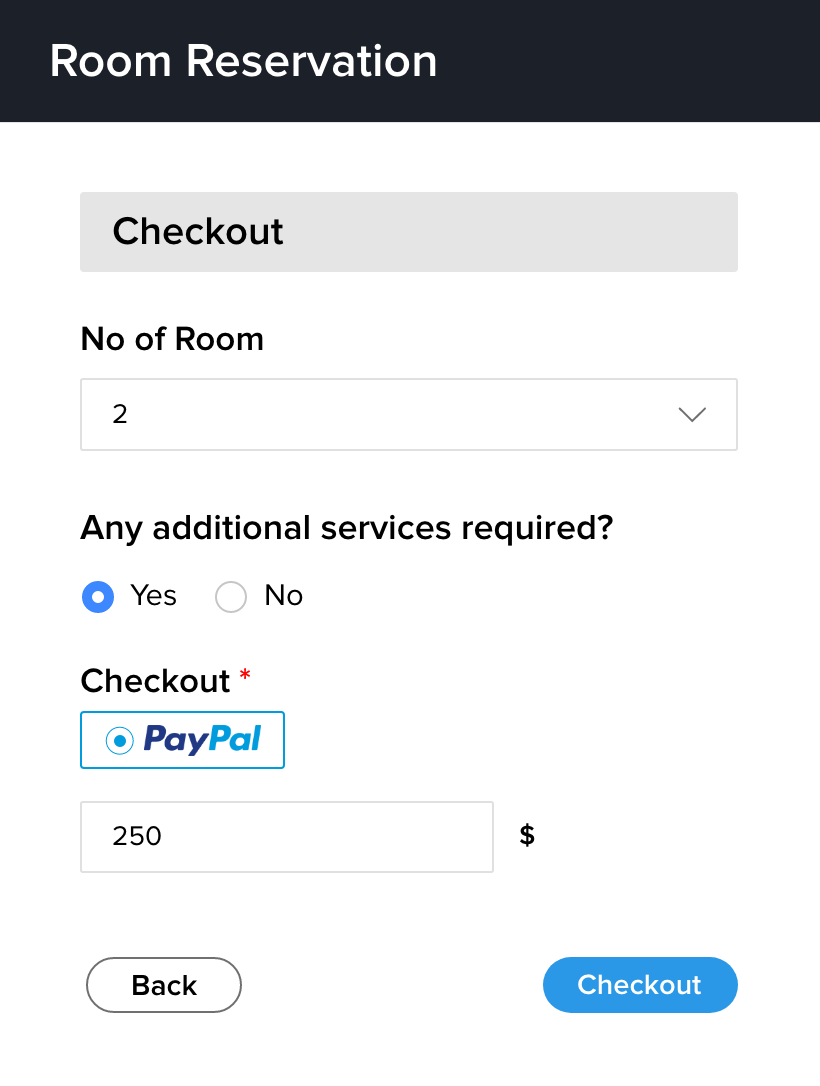
Customers today expect to be able to make payments as soon as they finish adding items to their cart. Simplifying the payment checkout process will clearly improve your conversion rates.
You can configure your checkout process using two payment processing methods:
Zoho Forms' Integrated Gateways
Payments will be processed through Zoho Forms' inbuilt third-party integrations that facilitate online transactions. These integrations allow businesses to securely collect payments from customers using multiple payment gateway options.
All the third-party Payment Gateways that are integrated with Zoho Forms are listed below with their supported currencies:
| Payment Gateway | Supported Currencies |
| INR, USD, AUD, BRL, CAD, CZK, DKK, EUR, HKD, HUF, ILS, JPY, MYR, MXN, NZD, NOK, PHP, PLN, SGD, SEK, CHF, THB, GBP | |
| INR, USD, AUD, BRL, CAD, CZK, DKK, EUR, HKD, HUF, ILS, JPY, MYR, MXN, NZD, NOK, PHP, PLN, RUB, SGD, SEK, CHF, TWD, THB, GBP | |
| INR , USD, AFN, ALL, DZD, ARS, AUD, BSD, BDT, BBD, BMD, BRL, BGN, CAD, CLP, CNY, COP, CRC, HRK, CZK, DKK, DOP, XCD, EGP, FJD, EUR, HKD, HUF, ISK, IDR, ILS, JMD, JPY, KES, KRW, LBP, MYR, MUR, MXN, MAD, NZD, NOK, PKR, PEN, PHP, PLN, QAR, RON, RUB, SAR, SGD, ZAR, LKR, SEK, CHF, TWD, THB, TTD, TRY, AED, GBP, VND, GTQ, TZS, ANG, HNL, MMK, PAB, XPF, UAH, NGN, PGK, UGX, KYD, XAF, XOF, AOA, NIO, BZD, RSD, PYG, LAK, GMD, UYU, BWP | |
| Stripe Checkout | INR , USD, AFN, ALL, DZD, ARS, AUD, BSD, BDT, BBD, BMD, BRL, BGN, CAD, CLP, CNY, COP, CRC, HRK, CZK, DKK, DOP, XCD, EGP, FJD, EUR, HKD, HUF, ISK, IDR, ILS, JMD, JPY, KES, KRW, LBP, MYR, MUR, MXN, MAD, NZD, NOK, PKR, PEN, PHP, PLN, QAR, RON, RUB, SAR, SGD, ZAR, LKR, SEK, CHF, TWD, THB, TTD, TRY, AED, GBP, VND, GTQ, TZS, ANG, HNL, MMK, PAB, XPF, UAH, NGN, PGK, UGX, KYD, XAF, XOF, AOA, NIO, BZD, RSD, PYG, LAK, GMD, UYU, BWP |
| INR, USD, AUD, BRL, CAD, DKK, EUR, HKD, HUF, ILS, JPY, MYR, MXN, NZD, NOK, PHP, PLN, SGD, ZAR, SEK, CHF, TRY, GBP | |
| INR, USD, AUD, CAD, CZK, DKK, EUR, HKD, HUF, ILS, MYR, MXN, NZD, NOK, PHP, RUB, SGD, SEK, CHF, THB, GBP | |
| USD, CAD, CHF, DKK, GBP, EUR, NOK, PLN, SEK, AUD, NZD | |
| INR | |
| INR | |
| PayTabs | INR, USD, BHD, EGP, EUR, HKD, IDR, IQD, JPY, JOD, KWD, MAD, OMR, PKR, QAR, SAR, AED, GBP |
| Square | INR, USD, AFN, ALL, DZD, ARS, AUD, ATS, BSD, BHD, BDT, BBD, BEF, BMD, BRL, BGN, CAD, CLP, CNY, COP, CRC, HRK, CYP, CZK, DKK, DEM, DOP, NLG, XCD, EGP, EEK, EUR, FJD, FIM, FRF, DEM, GRD, NLG, HKD, HUF, ISK, IDR, IRR, IQD, IEP, ILS, ITL, JMD, JPY, JOD, KES, KRW, KWD, LBP, LUF, MYR, MTL, MUR, MXN, MAD, NLG, NZD, NOK, OMR, PKR, PEN, PHP, PLN, PTE, QAR, RON, ROL, RUB, SAR, SGD, SKK, SIT, ZAR, KRW, ESP, LKR, SDD, SEK, CHF, TWD, THB, TTD, TND, AED, GBP, VEB, VEF, VND, ZMK, GTQ, TZS, ANG, GHS, HNL, MMK, PAB, XPF, UAH, NGN, LTL, LYD, PGK, UGX, KYD, XAF, XOF, AOA, BYR, BOB, NIO, BZD, RSD, PYG, LAK, GMD, UYU, BWP, GEL |
| Paystack | KES, ZAR, NGN, GHS, USD |
| Midtrans | IDR |
For setting up a payment field, refer here.
Payment Type
One-time Payment
A one-time payment is a single, non-recurring payment processed at the time of form submission. Once the payment is successfully, no further charges or automated billing cycles will occur. This is ideal for registration forms, or order forms where each submission corresponds to one unique, non-recurring payment.
Recurring Payment
A recurring payment follows a subscription model where payments are automatically processed on a regular, scheduled basis—such as weekly, monthly, or yearly. This ensures continued access to a service after the initial submission. This is best for memberships, software subscriptions, or ongoing maintenance plans where a single form entry initiates a long-term billing cycle.

Note: Recurring payments can currently be configured only for Stripe Checkout.
Zoho Checkout's Payment Gateways
Payments will be processed through payment gateways configured in Zoho Checkout.
Zoho Checkout is a hosted payment page solution for collecting payments with multiple payment gateway integrations. It offers customizable pages, real-time analytics, and simplifies payment collection without requiring a website or complex setup. Learn More
Zoho Forms can be integrated with Zoho Checkout directly to manage payments for your forms. This allows payment processing through the pre-configured payment gateways in Zoho Checkout. For setting up Zoho Checkout's Payment Gateway, refer here.
Check this out:
- How do I use formula field and auto-populate the calculated value in Payments field?
- How can I use a default value of amount to collect payments?
- How to generate invoices for payment forms?
- FAQs on Payment field