The portal users can change their email address if the administrator has enabled the option to change email address in the portal.
 Note: If the SAML Authentication has been enabled for portal, then the Allow portal users to change their email addresses option will not be available and the portal users won't be able to their change email address.
To enable change email address:
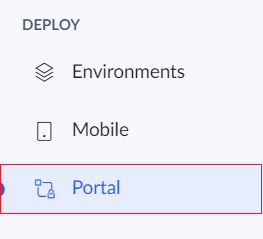
- Click Portal under the Deploy section.
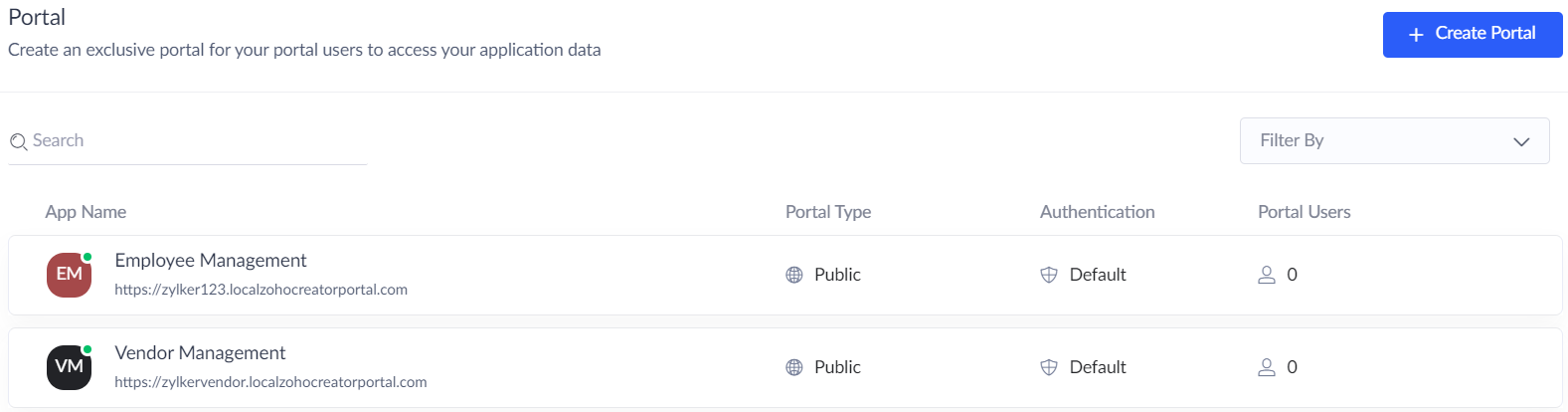
- A list of portals will be displayed. Click on the required portal.
- Click Settings button.
- The Update Portal Settings tab will appear.
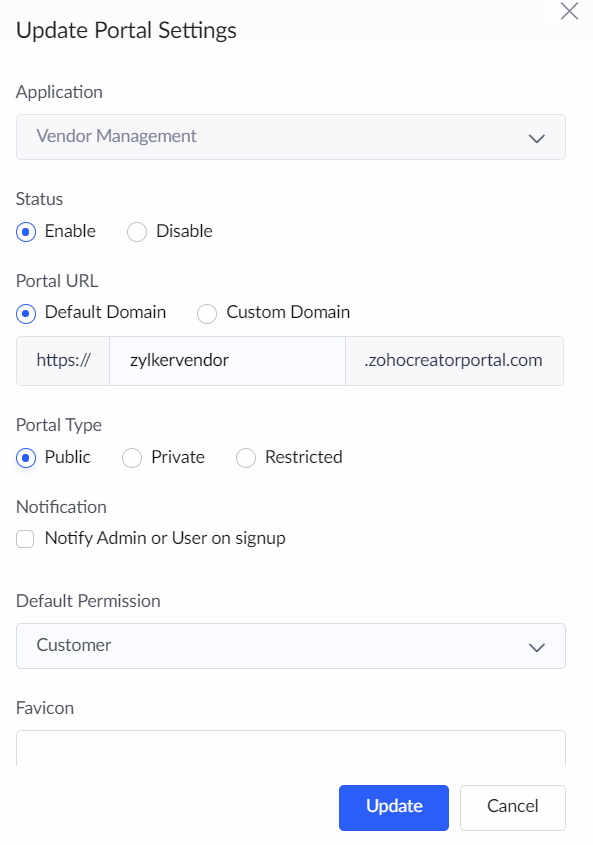
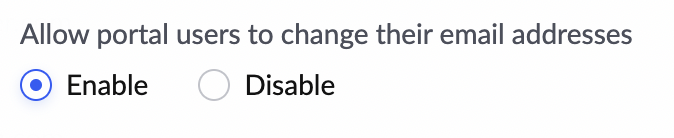
- Navigate to the Allow portal users to change their email addresses option. Choose Enable option.
- Click Update.
Once the Allow portal users to change their email addresses option is enabled then the portal users can change their email address after logging in to the Portal.