Calendar -7.0
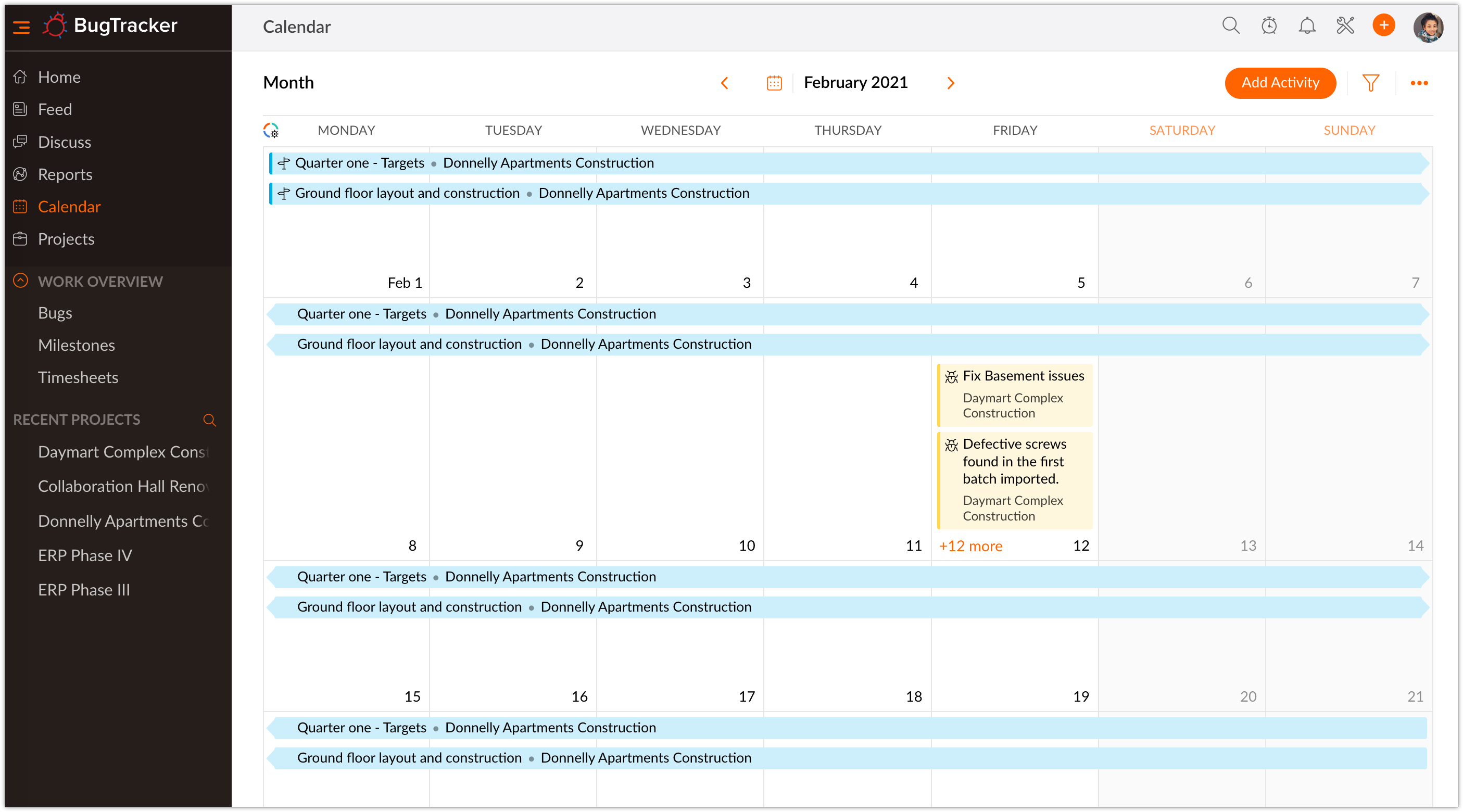
Track all your project activities using the Calendar module in Zoho BugTracker. Calendar is a simple and secure way to quickly organize meetings, events, schedule appointments, and manage bugs. Calendar helps the team to stay on top of the schedule. It also helps the team to easily identify dates in which they are engaged so that they can plan ahead and complete work on time.
Benefits of a Calendar
- View milestones, bugs, meetings, time-offs, and events
- Color code modules to identify them easily on the calendar
- Add milestones, time-offs (requires Zoho People integration), events, milestones, and bugs
- Schedule or start meetings
- Share calendar with other members of the team
- Stay up-to-date on appointments through timely reminders
- Export calendar to PDF
Add Activities in Calendar
Manage your project deadlines and key deliverables with your calendar modules. You can create milestones, time-offs (requires Zoho People integration), events, milestones, and bugs within the calendar. You can also view all the project activities scheduled for particular dates in your calendar.
Create a New Event
Schedule an event within your calendar. To do this follow the steps given below.
- Click Calendar on the left navigation panel.
-
Click on a date or click Add Activity in the upper-right corner.
-
Hover over more options icon (
).
-
Click the Event tile.
-
Select a Project from the drop-down.
-
Enter Event Title.
-
Enter the Starts at and Ends at date and time.
-
Select Attendees from the list of users in your project.
-
Add a reminder from the Remind all drop-down and enter a Location.
- Enter your comments if any.
- Use Repeat option for a recurring event
- Click Save to schedule the event in your project.
Add a Milestone
- Click Calendar on the left navigation panel.
-
Click on a date or click Add Activity in the upper-right corner.
-
Hover over more options icon (
-
Click the Milestone tile.
-
Select a Project from the drop-down.
-
Enter Milestone name.
-
Enter other details.
-
Click Add.
Add a Bug
- Click Calendar on the left navigation panel.
-
Click on a date or click Add Activity in the upper-right corner.
-
Hover over more options icon (
-
Click the Bug tile.
-
Select a Project from the drop-down.
-
Enter Bug Title.
-
Enter other details.
-
Click Add. Click Add More to add more bugs.
Schedule a Meeting
- Click Calendar on the left navigation panel.
-
Click on a date or click Add Activity in the upper-right corner.
-
Hover over more options icon (
-
Click the Meeting tile.
-
Select a Project from the drop-down.
-
Enter the Title.
-
Type in the Agenda.
-
Select Participants.
-
Set the date in the Schedule it on field.
-
Set the start time and duration.
-
Click Save.
Apply For Leave
Applying for leave from Zoho BugTracker requires Zoho People integration.
- Click Calendar on the left navigation panel.
-
Click on a date or click Add Activity in the upper-right corner.
-
Hover over more options icon (
-
Click the Time-Off tile.
-
Enter the details.
-
Click Save.
Date Picker
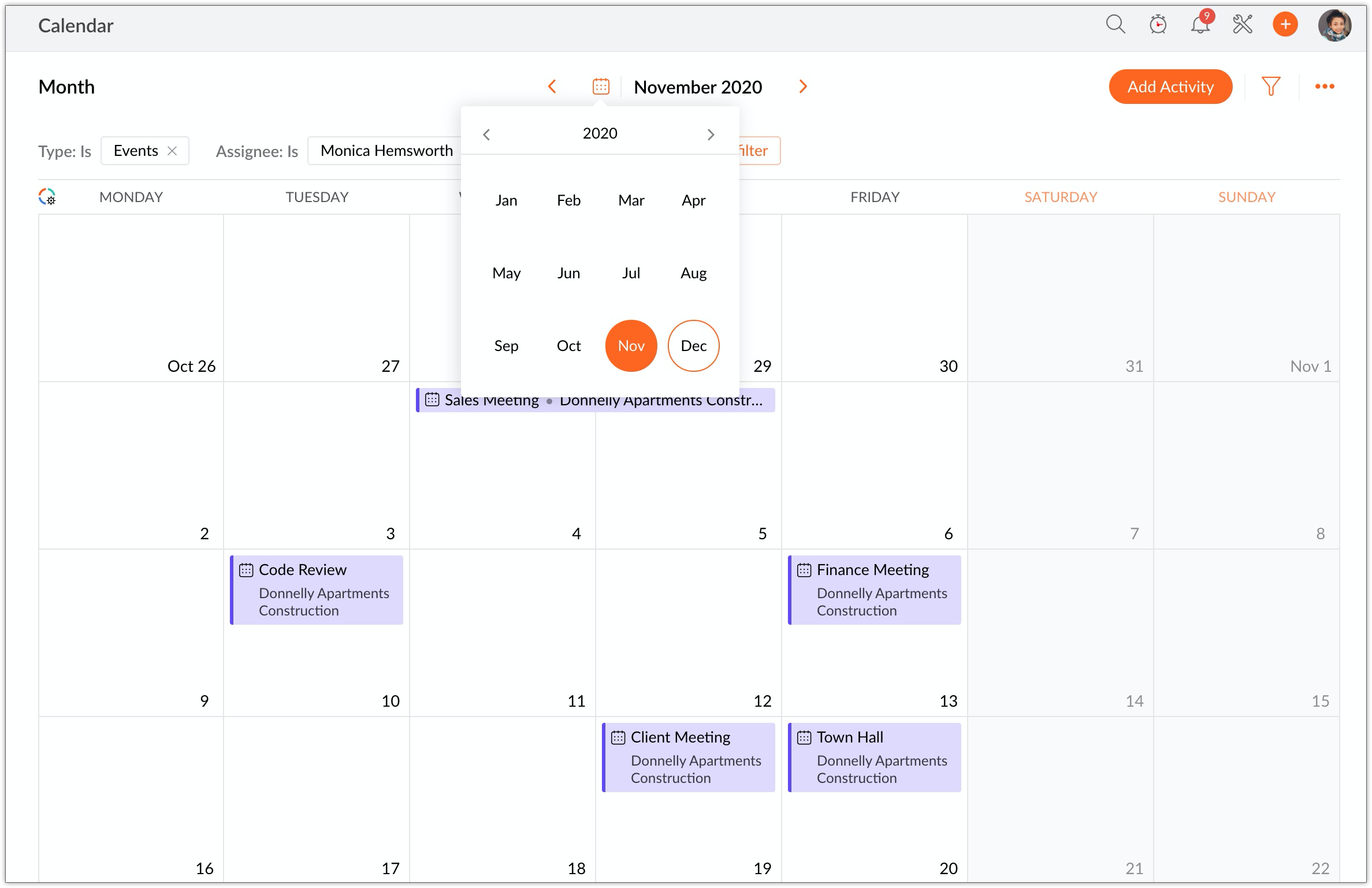
Date picker in Zoho BugTracker calendar allows users to navigate through years and months on the calendar.
- Click Calendar on the left navigation panel.
- Click
to access the date picker.
- Select the month to view the calendar for that month.
- Click on the year to navigate through different years.
- Click on the year range to select decades.
User Based and Type Based Calendar
- Click the Calendar tab in the left navigation panel.
- Click
in the upper-right corner.
- Select the required Assignee to filter.
- Select the Type.
- Click Find. The calendar will display data based on assignee and type selected.
See Also