Modules & Actions
Modules organize your recruitment data so you can move between candidates, jobs, and activities seamlessly. Each module includes a list view and a record view (details, related items, and actions).
Home
The Home tab gives you a real-time overview of your organization’s hiring activity.
- Org Overview: Displays open jobs, total candidates, and pipeline status [Admins Only].
- Today’s To-Dos: Tasks scheduled for the current day.
- All To-Dos: Full list of pending activities.
- Quick Create: Add a Call, Event, Task, or Interview directly from Home.
Calendar
Plan your calls, events & tasks visually.
View | Description |
Month View | Full monthly calendar with badges for scheduled items. |
Week / Day View | Detailed timeline of interviews, calls, and events. |
Jump to Today | Quickly return to the current date. |
Notifications
Your activity feed for everything happening in Recruit.
- Alerts: New candidates added, interviews scheduled, or job updates.
- Related Records: Tap a notification to preview or open the record directly.
More (Modules List)
Tap More to access all remaining modules, including custom and marketplace ones.
Module | Description |
Job Openings | Manage open positions, associated candidates, and status. |
Candidates | View applicant details, resumes, and progress. |
Clients | Store client organizations and their job requests. |
Contacts | Maintain hiring manager or client contact info. |
Interviews | Track interview schedules and feedback. |
To-Dos | Manage calls, tasks, and events in one place. |
Job Openings
Each job record includes an Overview, Timeline, and Related tab. You can edit details, associate candidates, change status, clone, or delete records. Additionally, you can also mark key jobs as Hot to flag them for priority tracking.
Action | Purpose |
Edit, Clone & Delete | Modify, duplicate, or remove job openings. |
Associate Candidates | Link candidates with the job opening. |
View Pipeline | See candidate distribution across stages. |
Change Status | Update publishing or hiring state. |
Candidates
Candidates are central to every workflow. You can add new candidates, scan / upload resume files, submit them to clients / hiring managers and more.
Feature | Description |
Add Candidate | Create manually or upload / scan a resume. |
Resume Parsing | Automatically extracts candidate information from uploaded files. |
Schedule Interview | Schedule and manage candidate interviews. |
Rate & Review Candidates | Add candidate ratings directly from the mobile app. |
Submit to Client | Forward a candidate for client review. |
Clients & Contacts
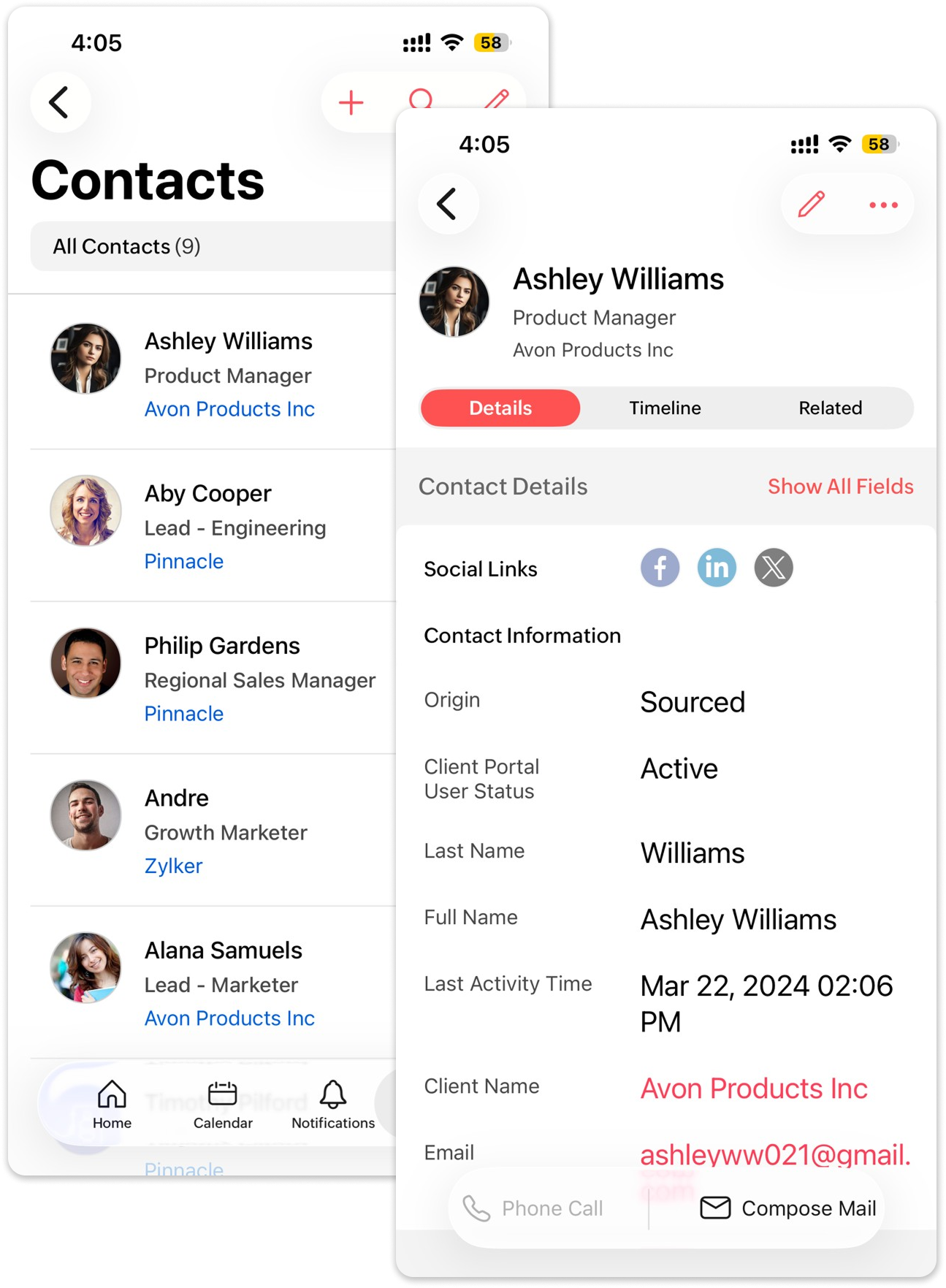
Client and contact records streamline external collaboration. From the detail view, you can call, email, or view associated jobs and candidates.
Module | Actions |
Clients | Add new clients, link job openings, and view associated candidates. |
Contacts | Store hiring manager details; call or email directly from the record. |
Interviews
Schedule and manage formal interviews from your device.
Action | Description |
Schedule Interview | Schedule/Cancel interviews and add notes (Formal Interviews only). |
Edit / Reschedule | Update timing or participants. |
Submit Evaluation | Interviewers can log overall recommendation, evaluate questionnaire responses and update the candidates' status. |

Important: Video interviews can only be scheduled via the web app.
To-Dos
Track every recruiter action item — calls, events, tasks, and interviews — in one place. You can create new To-Dos or complete existing ones from the list view.
To-Do Type | Purpose |
Calls | Log candidate or client calls. |
Events | Schedule internal or external meetings. |
Tasks | General reminders or action items. |
Interviews | Appears once interviews are linked to candidates/jobs. |