Integrating Pinnacle Cart with SalesIQ
It is simple to add a live chat to your Pinnacle cart online store. Start chatting with your customers while on your site.
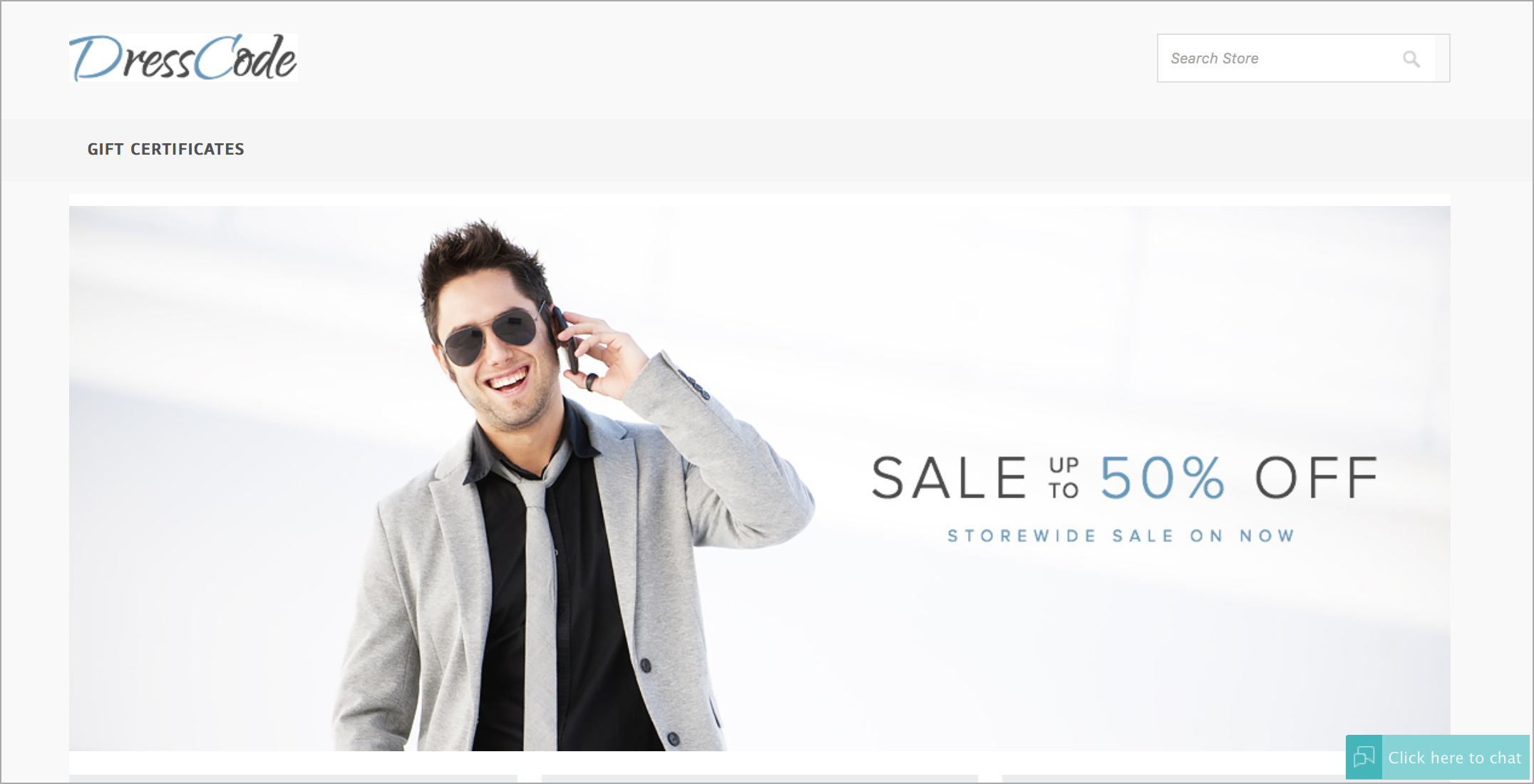
Configuring Zoho SalesIQ to your Pinnacle Cart web store
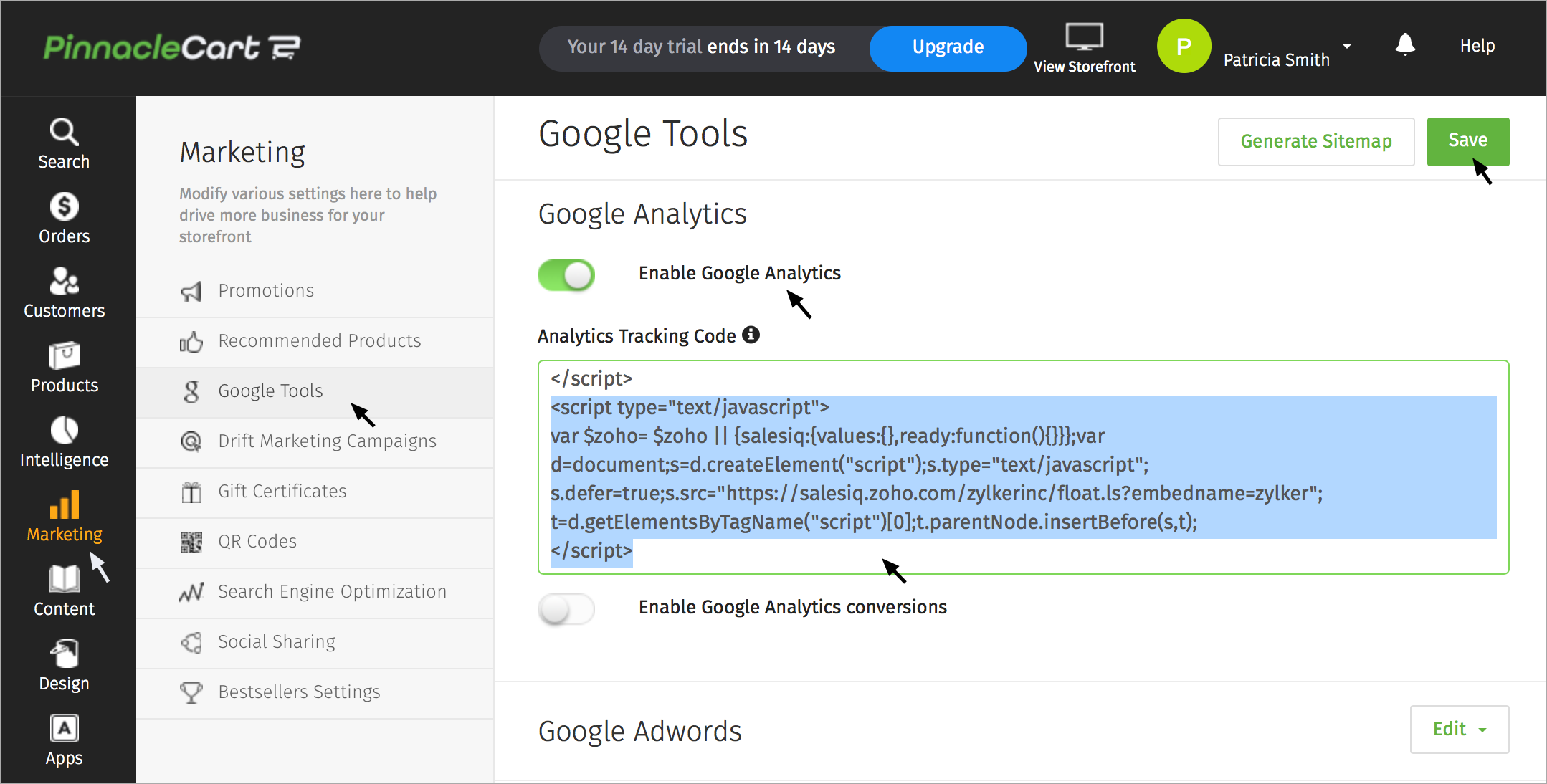
- Log into your Pinnacle Cart Administrator console.
- Click on the “Marketing” tab.
- Select “google tools”.
- Click “Analytics Tracking”
- Paste your Zoho SalesIQ code and select “Activate Google Analytics Tracking code” option.
- Click “Save Changes” to see your Zoho SalesIQ chat widget in you web store.
Getting Zoho SalesIQ Code Snippet
- Login to your Zoho SalesIQ Operator console.
- Navigate to Settings > Brands > Your brand name > Installation > Website.
- Click on Copy this code to copy the code snippet.
 To receive live chat notifications you should be logged in to https://www.zoho.com/salesiq/