2025 in Review: Powering Field Services Forward—One Feature at a Time

As 2025 draws to a close, it’s time to pause and reflect on a year of meaningful progress at Zoho FSM. This year was all about listening closely to our customers and partners, building with purpose, and continuously improving the way field service teams operate. From powerful new capabilities to thoughtful enhancements, we stayed focused on delivering greater flexibility, smarter intelligence, and deeper integrations—without ever losing sight of simplicity.
Here’s a look at how Zoho FSM evolved in 2025.
Core Field Service Operations & Execution
Subforms in Job Sheets
Capture repeatable data—such as inspections, measurements, or consumables—in structured subforms without cluttering the main job sheet. Learn more.

Multi-Asset Support in Transactions
Associate multiple assets with Estimates, Work Orders, and Service Appointments, and link assets directly to service line items for precise asset-level tracking. Learn more.

Dual Customer Mode
Serve one customer and bill another by using separate service and billing contacts or companies—ideal for property management, corporate campuses, hospitals or schools, etc. Learn more.

All Day Schedule Type
Plan flexible jobs without fixed start and end times by simply selecting a date and expected duration—perfect for inspections, maintenance, or long-running tasks. Learn more.

New Transaction Settings
Greater operational control with settings for overlapping time sheets and appointments, minimum scheduling intervals, approval link expiry, and mandatory job sheet or service report completion for service appointments.
Smarter Scheduling & Resource Optimization
Streamlined Scheduling via Agent Confirmation
Field agents can now accept or reject assigned appointments, ensuring better workload balance and more reliable scheduling outcomes. Learn more.

Agent Utilization in the Dispatch Console
View real-time agent utilization across Gantt, Grid, and Calendar views, categorized from underutilized to overbooked, helping dispatchers optimize workloads and resource allocation. Learn more.

Smart Territory Assignment
Territories are automatically assigned to Requests, Estimates, and Work Orders based on service and billing addresses, reducing manual effort and improving assignment accuracy. Learn more.

Integrations & Extensibility
Use Zapier to Seamlessly Create Zoho FSM Integrations
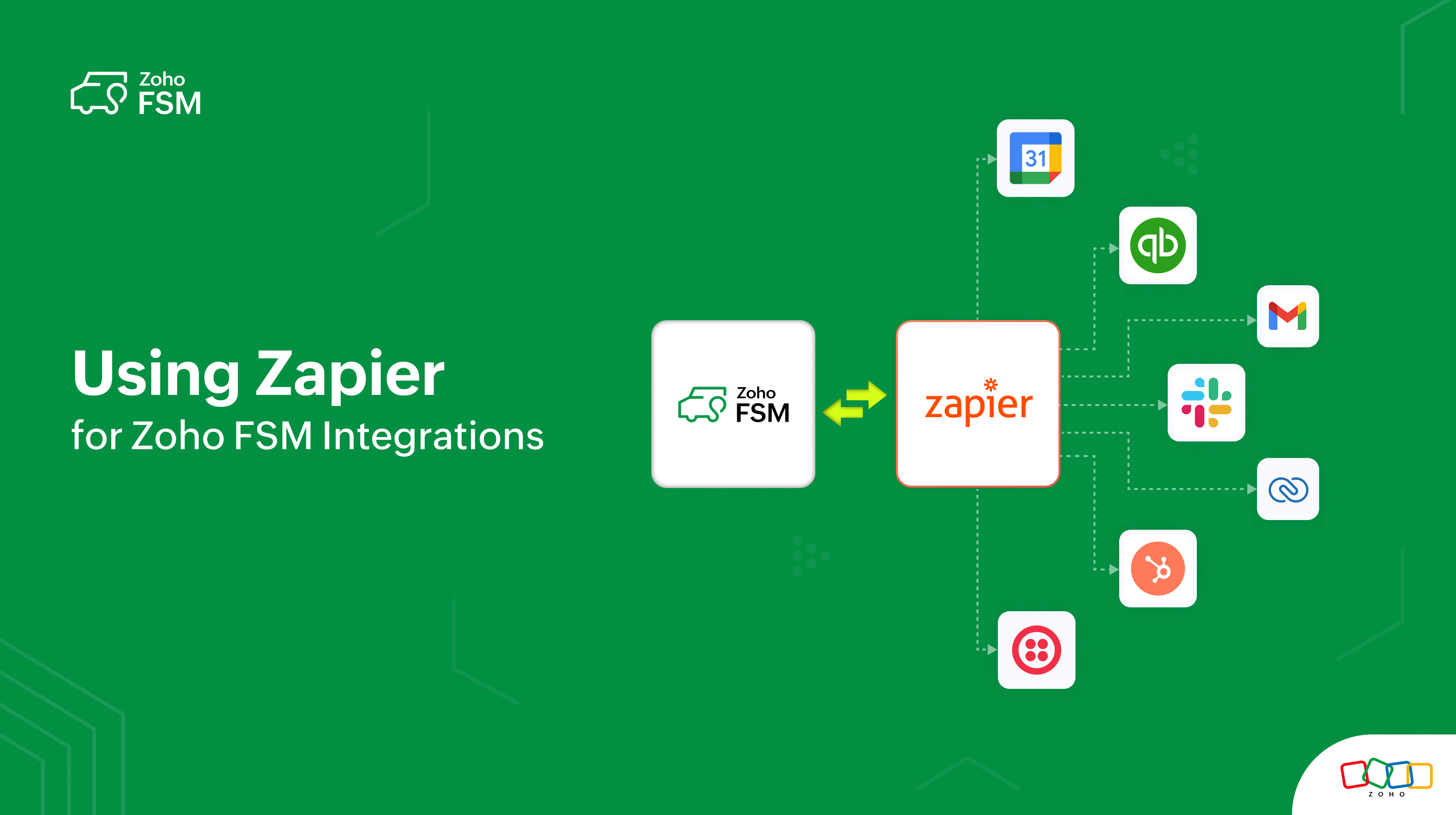
Zoho FSM is now available on Zapier, allowing you to connect it with thousands of other apps. Zapier helps you create seamless integrations and automate workflows across systems—no coding required. Learn more.
Zoho FSM is included in Zoho Flow
Connect Zoho FSM with 950+ apps using Zoho Flow to automate workflows across sales, finance, support, and operations—without writing code. Learn more.

Zoho Analytics (Beta)
Bring powerful reporting and business intelligence to your field service operations using Zoho FSM’s integration with Zoho Analytics. Learn more.

Consolidated Sync Logs
Gain visibility into data synchronization between Zoho FSM-Zoho Books/Invoice, and Zoho FSM-Zoho CRM with unified, easy-to-track sync logs.

Workflow Automation Using Notes
Trigger workflows based on notes added to records, enabling faster escalations, automated updates, and improved collaboration. Learn more.

Quoting, Billing & Financial Management
Zoho FSM for Zoho Books Extension
Initiate and manage field service workflows directly from Zoho Books, seamlessly connecting service operations with finance. Learn more.

Avalara Integration
Leverage the features of Avalara in your Zoho FSM organization if the associated Zoho Books organization is integrated with Avalara. Automate sales tax calculations, ensuring accuracy based on location, product type, and current tax laws. Learn more.

Optional Line Items in Estimates
Offer add-on or premium services as optional items, allowing customers to opt in while enabling clearer quotes and better upsell opportunities. Learn more.

Configurable Fiscal Year
Organizations can now define their fiscal year to align reporting, compliance, and analytics with local regulations or internal policies. Learn more.

Customer Communication & Engagement
Built-in Telephony for Zoho FSM
Make and receive calls directly within Zoho FSM using Zoho Voice, the built-in phone system, or marketplace providers—while keeping all interactions logged. Learn more.

WhatsApp Sandbox & Enhancements
Test WhatsApp messaging safely with the WhatsApp Sandbox, then scale confidently using enhanced features like document sharing, rich media, conversation filters, sidebars, and record creation directly from chats. Learn more.

Attendance Management
Revamped Attendance Experience
The Attendance module was redesigned with intuitive Day, Week, and Month views, making it easier to track check-ins, working hours, and team availability. Learn more.

Organization Management
Multi-Organization Support
Users can now manage multiple Zoho FSM organizations from a single account while keeping data, workflows, and configurations completely isolated—ideal for multi-brand or multi-region businesses. Learn more.

Global Expansion & Regional Readiness
Expanded Tax Editions
Zoho FSM strengthened global compliance with native tax support for Kenya, Spain, Mexico, Germany, and South Africa, enabling accurate, region-specific tax calculations across service transactions and seamless integration with accounting systems.
Wider Language Support
To support a growing global user base, Zoho FSM added support for the following languages making the platform more accessible for distributed teams worldwide:
- Arabic - Saudi Arabia (العربية - المملكة العربية السعودية)
- Bulgarian (български)
- Chinese - China (中文 - 中国)
- Chinese - Taiwan (中文 - 台灣)
- Croatian (hrvatski)
- Czech - Czechia (čeština - Česko)
- Danish - Denmark (dansk - Danmark)
- Greek - Greece (Ελληνικά - Ελλάδα)
- Hebrew (עברית)
- Hindi - India (हिन्दी - भारत)
- Hungarian (magyar)
- Indonesia - Indonesia (Indonesian - Indonesia)
- Korean - South Korea (한국어 - 대한민국)
- Polish (polski)
- Portuguese (português)
- Swedish - Sweden (svenska - Sverige)
- Thai (ไทย)
- Vietnamese - Vietnam (Tiếng Việt - Việt Nam)
Enhanced API Support
2025 delivered significant API expansions to support deeper customization and automation:
- Update Territory Assigned to Record API
- APIs for Request Transitions
- Service Reports APIs
- Job Sheets APIs
- Get Available Time Slots API
- Equipment APIs
- Time Sheet APIs
- API to Fetch Available Service Resources
These enhancements empower developers and partners to build robust, tailored solutions on top of Zoho FSM.
Mobile Enhancements
iOS and Android Improvements
Continuous updates improved performance, usability, and feature parity for field teams on the go.
Zoho FSM on the Road: A Year of Meaningful Conversations
2025 was also a year of connecting face-to-face with service businesses, partners, and the Zoho community across regions. From industry expos to customer meetups, Zoho FSM was proud to be part of conversations shaping the future of field service. Here are the highlights.
We were recently at Clean India Show 2025 in Mumbai, where we engaged with cleaning service businesses and demonstrated how Zoho FSM brings clarity, speed, and scalability to their daily operations. The enthusiasm, questions, and real-world discussions made it a truly rewarding experience.

We showcased Zoho FSM at Zoholics across Indonesia, Vietnam, and Thailand, where meeting customers and partners in person was nothing short of energizing. Our product expert led insightful sessions on Zoho FSM’s capabilities and roadmap, sparking curiosity and meaningful dialogue around what’s next.

At the Global Partner Summit 2025 in Chennai, we had an incredible opportunity to present Zoho FSM to our global partner ecosystem. From reflecting on our growth over the past year to unveiling new features and sharing our forward-looking roadmap, the sessions were engaging, interactive, and met with an enthusiastic response.

As we step into the new year, these conversations continue to inspire us. We’re more committed than ever to building smarter, more connected field service solutions—and empowering service businesses to deliver exceptional customer experiences, everywhere.
Looking Ahead to 2026
That’s a wrap on 2025! It’s been an exciting year of progress, learning, and collaboration—and we’re just getting started. We have a lot planned for 2026, and we can’t wait to share what’s coming next as we continue to build smarter, more powerful field service experiences for you.
Thank you for being part of the Zoho FSM journey and for your continued trust and feedback—it’s what drives everything we do. Here’s to a meaningful, rewarding year ahead. Wishing you all the season’s greetings, and we’ll be back soon with more updates.

Topic Participants
Latha Velu
Recent Topics
Zia Dashboard Insights : turn your dashboard into decisions
When you look at a chart or KPI in a dashboard, you would possibly see something like: Revenue: $2.4M ↓ 18% vs last month. It can be a positive growth or a negative one, or a dip in revenue, a spike in deals, a slowdown in renewals—all you usually seeTickets without registration
Hi, would it be possible to give customers the opportunity to be able to read their tickets without registration?Zoho Desk Answer Bot vs. Zia Agents – Knowledge Base & Ticket Access
Hi everyone, I’m currently evaluating AI options in Zoho Desk and ran into some limitations with the Answer Bot: Answer Bot limitations Only uses Knowledge Base articles No access to tickets Limited control over sources: Either one Help Center or allComo estruturar automações eficientes no Zoho Creator
Como estruturar automações eficientes no Zoho Creator Introdução No contexto de aplicações empresariais, automação não é apenas uma conveniência, é um fator crítico para ganho de produtividade, redução de erros e escalabilidade operacional. O Zoho CreatorChanging the status of a work-order
Is there a way to change the status of a work-order?Online Payment Fees
We don't take many online credit card payments so the merchant service provider (PayPal) charges us the 2.9% fee for processing the amount. I would like the ability for the fee to be automatically added to the total amount for "ease of payment". We'dWhat is a realistic turnaround time for account review for ZeptoMail?
On signing up it said 2-3 business days. I am on business-day 6 and have had zero contact of any kind. No follow-up questions, no approval or decline. Attempts to "leave a message" or use the "Contact Us" form have just vanished without a trace. It stillZia Agents in Zoho CRM: a better way to set up digital employees
Hello everyone, If you've been using Zia Agents in Zoho CRM, so far using Connections was the only deployment method you're familiar with. You create an agent in Zia Agents (define its objective, write instructions, use tools, add knowledge base) andBank Feeds
Since Friday my bank feeds wont work. I have refreshed feeds, deactivate and reactivate and nothing is workingLogged out
Hi, just been working on a sheet when a pop up box appeared telling me I'm going to be logged out in x number of seconds and if I reload I may lose any edits, or words to that effect. It did indeed log me out and I did indeed lose my last edits. Any ideaZoho API
I have little experience with API. I'm trying to get a Custom API working with Zoho creator. I have created a Custom API and created an Endpoint URL, but i get a 9400 error code "The provided HTTP method is not valid for this custom API". Based off the#157127950
Where did my initial question go?Zoho writer unable to merge documents to PDF with basic fonts in Hebrew or fonts from my computer
I created several forms that will be merged into PDF files through Zoho Writer and I am unable to receive the PDF in the basic fonts of the Hebrew language or in the fonts I have on my computer. The writer exports to PDF an exchange font that looks veryHow I Implemented Subscription-Based Access Control and Expiry Handling in Zoho Creator
I recently worked on a use case where users come into the application to request a service, but they should only be able to continue the process after completing a subscription. The challenge was not just controlling access, but also making sure thatZoho Forms API
Is there any way to get all form entry list using API? Looking forward to hear from youZoho Projects : Task should auto-update to 'In Progress' if timer started
Namaskaram. Right now, if a Task's timer is started, the Task stays in 'Not Started' status. One has to manually update it to 'In Progress'. From a #uxdesign standpoint, it is an unnecessarily two step process to start working on a task. It would be better that, if I start the timer on a task, it should automatically change to 'In Progress' status. Crafted with ❤️ Zoho Gurus | Zoho One Practice Team @ CubeYogi Zoho Authorised Partner | 7+ Yrs | 200+ Projects | 100+ CustomersLaatste facturen en betalingen niet zichtbaar in mijn account
Wij gebruiken ZOHO invoice al jaren, maar sinds afgelopen week is mijn laatst verzonden factuur niet zichtbaar in mijn account, en tevens de laatst betaalde facturen zie ik niet. Hoe kan dit? Ik heb de pagina al diverse keren gerefreshed.Undelivered Mail uncategorized-bounce errors when sending invoices
Recently we have been getting Undelivered Mail bounce notification when sending invoices. Reason: uncategorized-bounce Some go through no problem some bounce back. We recently sent 10 invoices, 6 received bounce notifications. After reaching out to theOption to Delete Chats in IM
Currently, there is no option to delete any chats in IM, regardless of their source.Can I import MSG files into Microsoft 365 without Outlook?
Yes, absolutely. You do not need Outlook installed to import MSG files into Microsoft 365. Aryson MSG file Converter is a dedicated tool that eliminates the Outlook dependency entirely, making the migration process simple and efficient for all users.Introducing Radio Buttons and Numeric Range Sliders in Zoho CRM
Release update: 1. 2 March 2026: Currently out for CN, JP, AU and CA DCs (Free and standard editions). For other DCs, this will be released by mid-March. 2. 26 March 2026: CA, SA, AU, JP, CN DCs - Free, Standard, Professional, Enterprise, Ultimate, CRMFeature Request - A Way To Search Item Groups
Hi Inventory Team, I can't find any way to filter or search by fields of Item Groups. It would be great to see that functionality added. I have a use case where a single product might come from 5 or more suppliers and each supplier's item is an Item inZoho Books/Inventory - Update Marketplace Sales Order via API
Hi everyone, Does anyone know if there is a way to update Sales Orders created from a marketplace intigration (Shopify in this case) via API? I'm trying to cover a scenario where an order is changed on the Shopify end and the changes must be reflectedTicket id issues
When I reply a ticket from desktop, it doesn't have ticket id in the subject and it's great. When I reply a ticket from Zoho desk mobile, Zoho adds ticket id in the subject and I don't want that. Please help in this matter.Advanced email configuration - agent's name vs. department name
We currently have all four Advanced Configuration options turned ON at the Global-level (Channels > Email > Advanced Configuration) - including the "Show Agent name in Ticket replies and outgoing emails" option. We also had that same option turned ONAdd Bounced as an Email Action / Notification for Bounced Emails
This is one of the hard requirements for the clients we're servicing. They want to get an internal email notification whenever the email they sent to their contacts have bounced, so that they can look into it and update the email address. Currently, theFiles Uploaded to Zoho WorkDrive Not Being Indexed by Search Engines
Hello, I have noticed that the files I upload to Zoho WorkDrive are not being indexed by search engines, including Google. I’d like to understand why this might be happening and what steps I can take to resolve it. Here are the details of my issue: Filenot able to convert pdf to jpg and other forms and vice versa.
i want to change my pdf to jpg, word, etc and some times jpg to pdf. i don't know how to do in this.What’s New in Zoho Analytics - March 2026
Hello Users! In this month's update, we bring improvements across integrations, security, reporting, and analytics capabilities to help you work with your data more efficiently and with greater control. Explore what’s new and see how these enhancementsZoho People > Performance Management > Appraisal cycle
Hello All I am using this 2 users to test out how it work on Performance Management User 1 - Reportee User 2 - Reporting Manager : Li Ting Haley User 1 : Self Appraisal Error How do i fix this error?SalesIQ Tip for Admins: Guide Operators in Real-time Without Interrupting the Chat
Consider this. You're a supervisor and you're looking through the active conversations. An associate is mid-chat with a high-value prospect. The prospect asks something unexpected, maybe about a tailor-made subscription plan or a bulk discount that’sEarly Access: Check Printing in Zoho Books
Hello Everyone, Are you constantly writing checks to pay your vendors? We've got a great news to share with you! You can now pay your vendors by writing and printing a check directly from Zoho Books. The feature is ready and we'll be rolling it out to our customers in phases. It is available in the US Edition of Zoho Books and also in the Global edition, where the country is selected as USA and the currency is USD. Here’s a summary of what’s possible: 1. Write and print a check. 2. MakeConnecting Zoho Inventory to ShipStation
we are looking for someone to help connect via API shipStation with Zoho inventory. Any ideas? Thanks. UriSyncing zoho books into zoho crm
I was wondering how I can use zoho books in crm as I have been using them separately and would like to sync the two. Is this possible and if so, how? ThanksZoho no support response.
Problem is Zoho support seems to be just a concept. Just completing my trial, am ready to purchae 3 user subscriptions pending answer to a question, submitted two suport request during my trial that weren't responded to. Gave up trying the 888 line. Hard to imagine my production data in hosting environment with no support response.Updating transaction number series for fiscal year 2026-2027 in Zoho POS
A fiscal year or financial year is a 12-month period that businesses follow to manage and track their financial activities such as expenses, revenue, and taxes. This doesn't need to match the calendar year (JAN-DEC) and varies based on region, and taxLack of Looping and Carry-Forward Functionality in Zoho Survey
Zoho Survey currently does not support looping or carry-forward functionality, meaning it is not possible to dynamically generate follow-up questions based on each option selected in a previous question or to pipe selected responses (such as {LoopingForecast in Zoho CRM Just Got Smarter with an upgraded Zia Intelligence
Hello Everyone, We are here with an interesting enhancement to Forecasts in Zoho CRM — Enhanced Zia Insights for your sales Forecast. Imagine a regional sales manager reviewing their team’s performance using forecasts in Zoho CRM. Instead of switchingUpdate TDS and TCS rates for Income Tax Act, 2025 (effective April 1, 2026)
Hello everyone, The Income-tax Rules, 2026 (G.S.R. 198(E), dated March 20, 2026) have been notified, marking a significant structural shift in India’s direct tax framework. From April 1, 2026, the Income Tax Act, 2025 replaces the Income Tax Act, 1961.Service line items
Hello Latha, Could you please let me know the maximum number of service line items that can be added to a single work order? Thanks, Chethiya.Next Page