Introducing My Area Ticket Filters in Help Center
Hello all,
With our constant efforts we are enhancing our help center feature in a timely manner for a better customer experience. We are excited to announce that the option to filter tickets in the My Area section of the help center is officially up and running!
Ticket filters help the customers to find tickets easily that paves the way for a faster resolution for their issues.
Using ticket filters customers can
- Customize their ticket list and identify specific ticket cases.
- Track their entire support ticket history.
- Converse with support executives to resolve tickets quickly.
- Look up older tickets from various channels for reference.
- Open or close the ticket at anytime without support executives' intervention.
We are now providing,
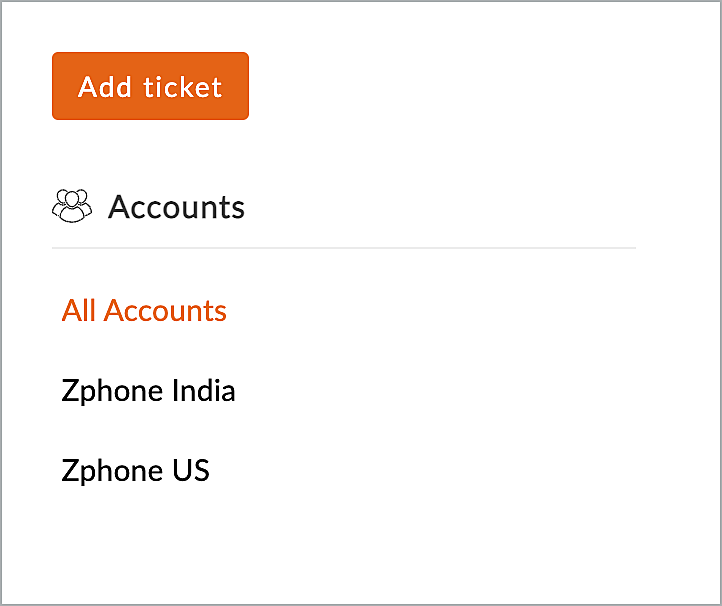
1) Options to switch between multiple customer accounts. If a customer is associated with more than one account in the Desk interface, like Zphone US and Zphone India, then the customer can apply the ticket filters view for the desired accounts by switching between them.
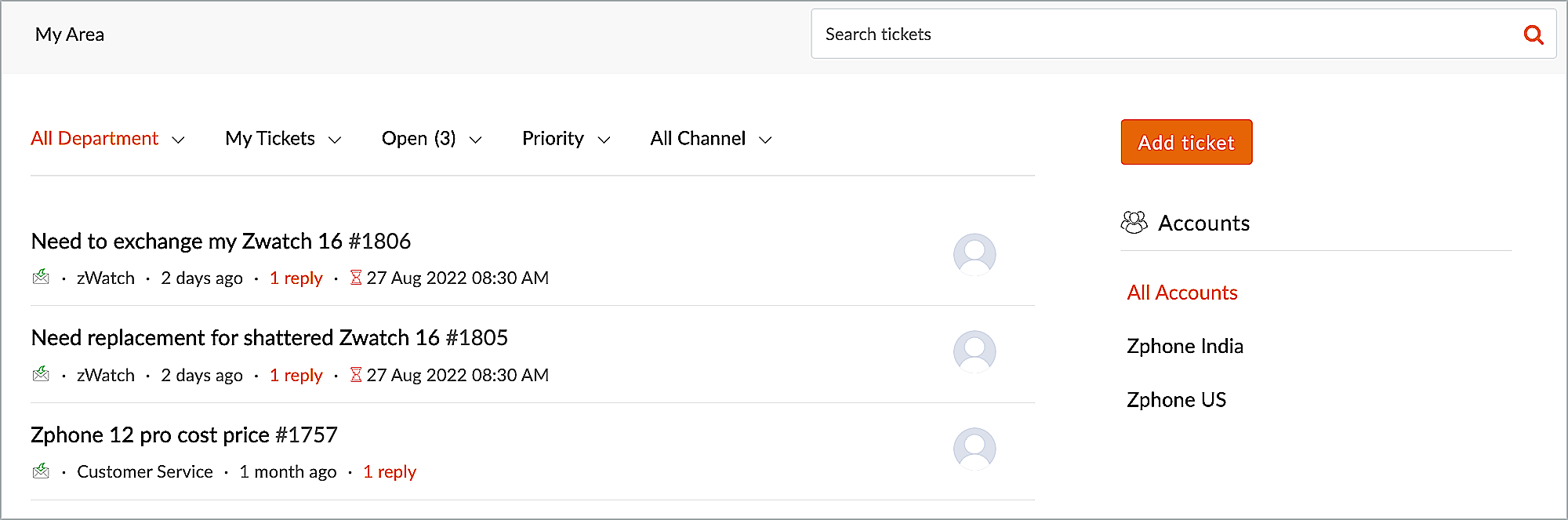
2) Ability to apply and filter tickets using following criteria:
- Departments
- Channels
- Ticket Status
- Priority
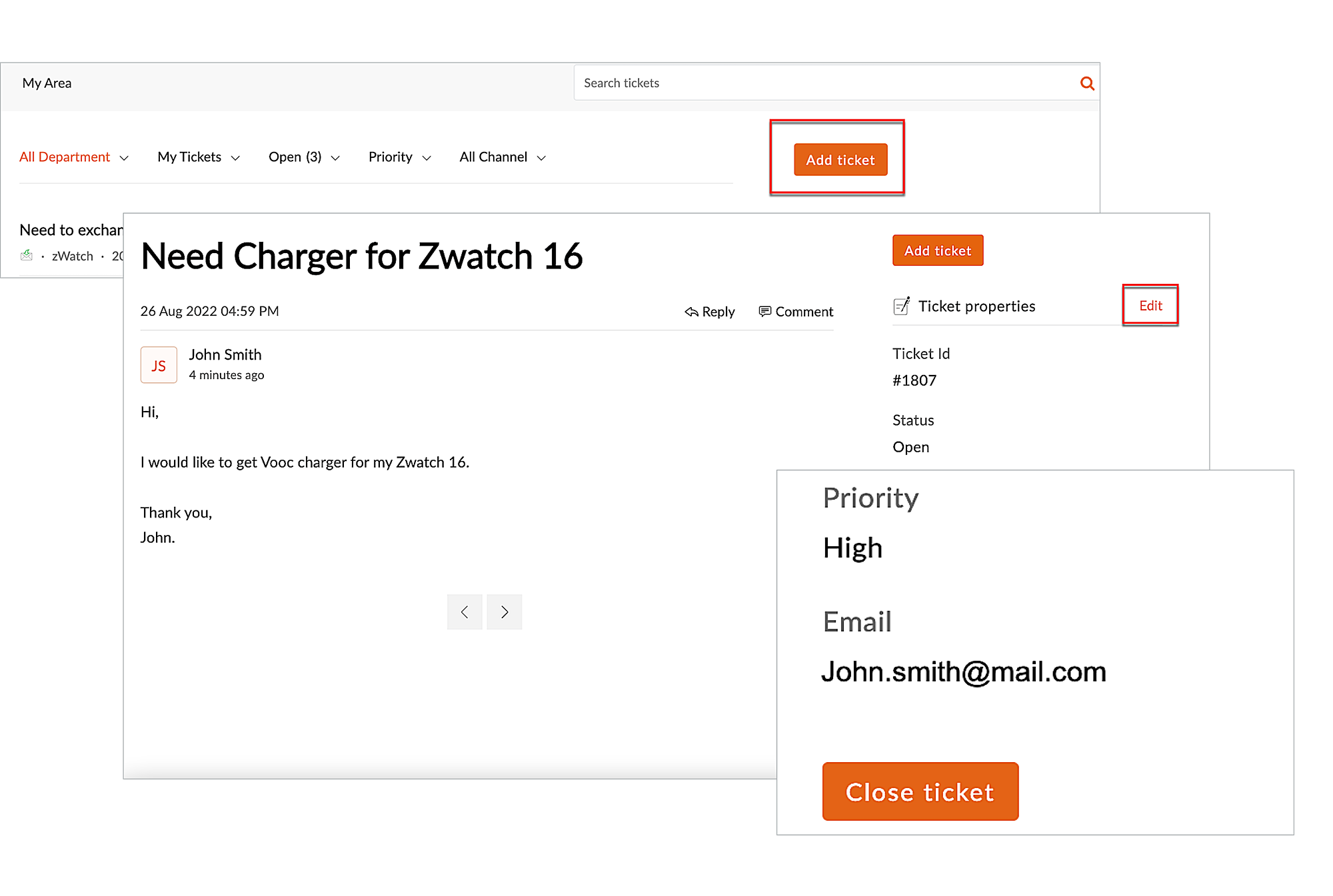
3) Options to add, edit, close, or re-open support tickets within the help center interface.
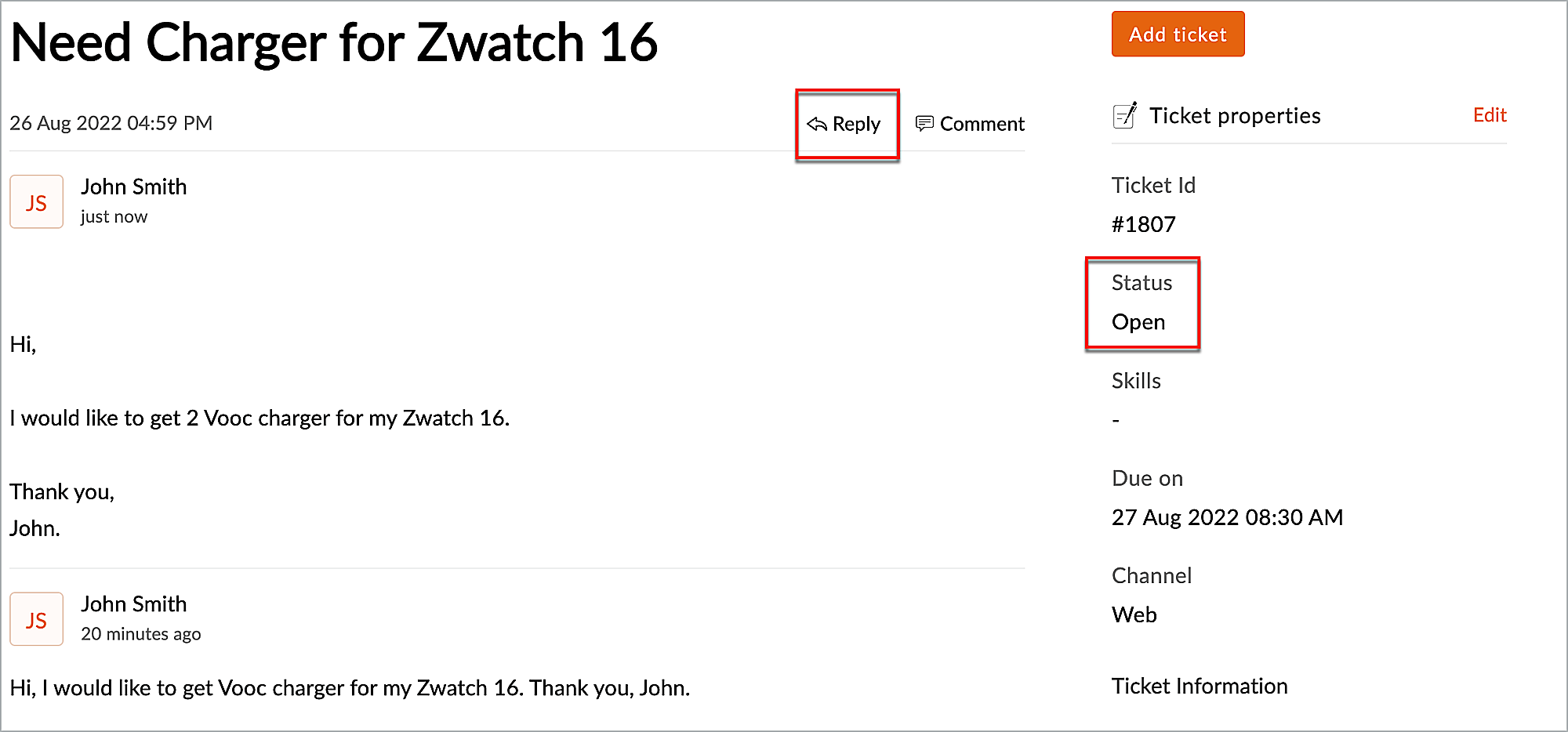
With these enhancements, tracking support ticket history is way easier! These updates are now available for all users. Do give it a try and leave your feedback in the comments.
To know more about this feature, explore our help doc.
Have a great day!
Thank you, all.
Regards,
Varsha P