How to create sign templates in Zoho Writer
Overview
Writer’s sign templates let you create reusable signing templates by adding interactive fields to a document. Sign Templates are pre-designed templates that make it easy to send documents for digital signatures without recreating the layout or signature fields each time.You can send these documents for signature collection, ideal for contracts, HR letters, and similar documents. Send in bulk, track the signing workflow, and download templates for reuse whenever needed.
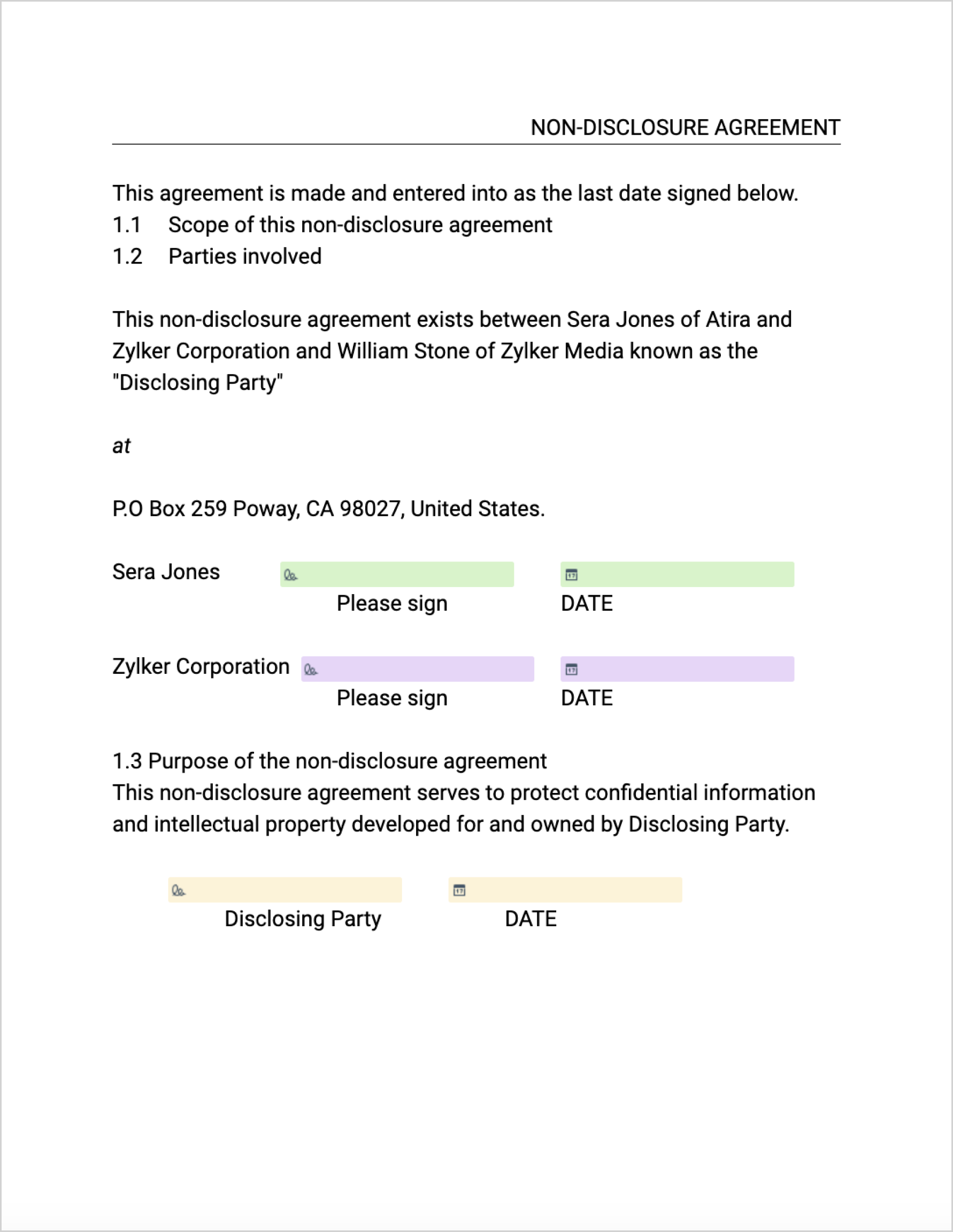
Fillable vs Sign Template:
- Fillable template: it's a form-first workflow. You share, publish, or embed it, and anyone with the link can fill it out. Responses are collected and tracked in Writer, with submit actions afterward. Signing is optional.
- Sign template: it's a signature-first workflow. You send it to specific signers with defined roles, and they complete their fields and sign.
Steps
-
Create sign templates from scratch
-
Go to File > New Automation Template > Sign Template > Create from scratch.
-
Create sign templates from PDF
-
You can import PDFs up to 50 pages or 10 MB to create Sign Template
3. From Fields -> Signer Fields, pick signer fields and added it to the template