Featurecast Story 10 - Block abusive customers
IM'ing (Instant Messaging) Feature Story Series
Featurecast Story 10 - Block abusive customers
How do you handle abusive customers?
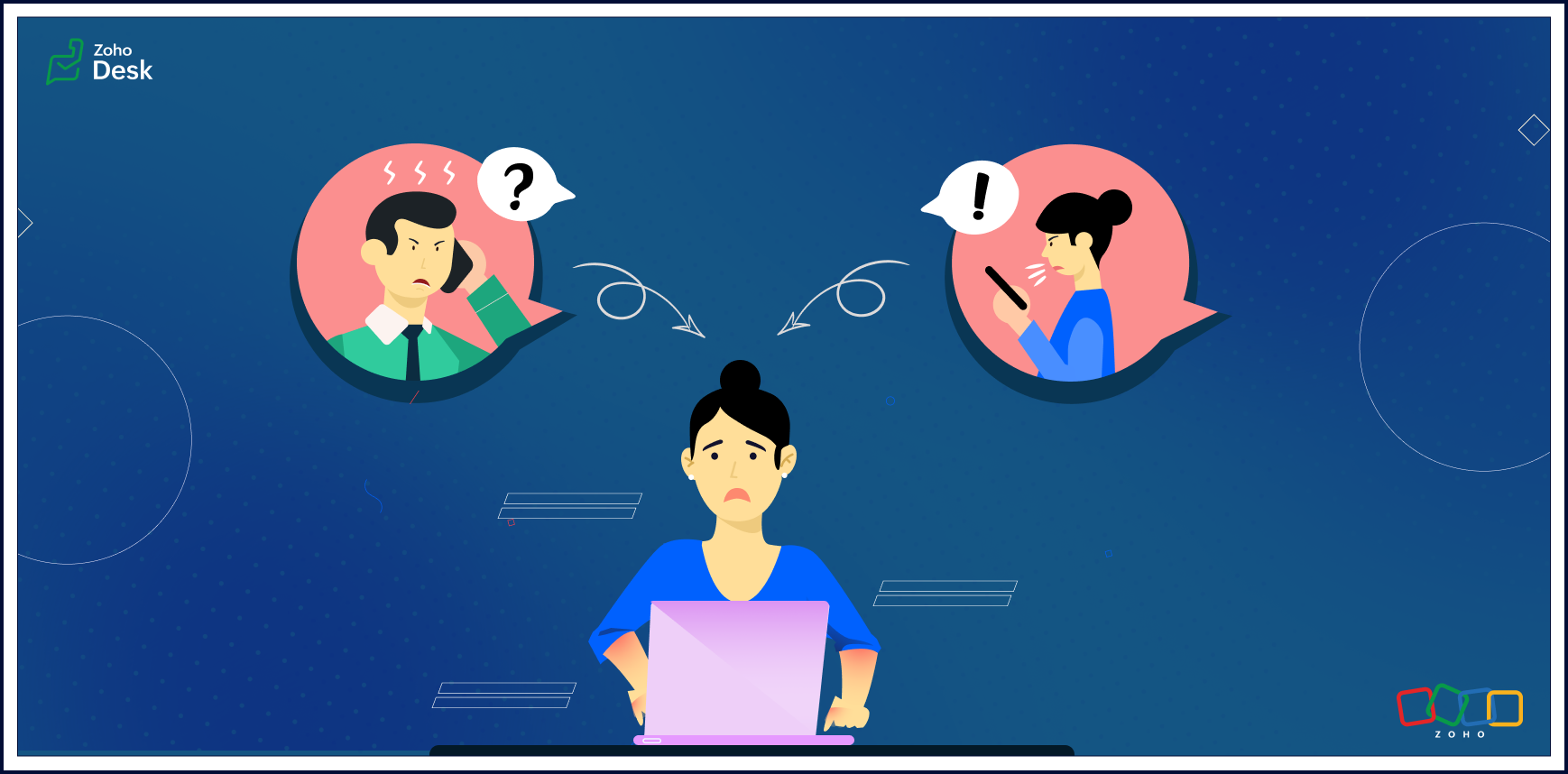
Abusive customers can be a nightmare for business owners and customer-facing staff. They can be loud, disruptive, threatening, and risk harming your professional reputation.
This feature story will discuss strategic ways to handle abusive customers. We'll cover helpful tips and practical ways to deal with these situations.
What should you do if a customer becomes verbally abusive?
Verbal abuse is an action that harms a person emotionally or mentally. Cursing, name-calling, inappropriate comments, making threats, and shouting are all examples of verbal abuse.
So, how can you effectively manage the situation when verbal abuse is being directed at you or your support agents?
Here are some helpful tips:
Communicate firmly but respectfully
If a customer becomes verbally abusive, you should speak firmly but respectfully with them. Maintaining a calm tone of voice and choosing your words carefully will help you get the situation under control. This will communicate that you're trying to help them and de-escalate the situation.
Politely ask them to stop
If you are dealing with an abusive customer, it's important not to let the situation get out of hand. Tell them their behavior is unacceptable and you would like them to stop. It's essential to be clear, concise, and firm.
Never take the abuse personally
Remind yourself that you are doing your best and don't deserve to be treated this way. It can be easy to get wrapped up in an abusive situation and start to feel you are the one who is at fault. Recognize it's not about you. It's about how the customer chooses to behave.
Maintain your composure
It's important to stay calm and composed during an abusive encounter. It can only worsen the situation if you start to reflect the customers' anger or other toxic emotions.
Ask for help
If you feel unsafe or uncomfortable, it's essential to get help. You can contact your supervisor, a teammate, or other support resources. Please don't hesitate to ask for assistance if you need it.
Know when to walk away
There may come a time when it's best to move away from the situation. If things get too heated and the customer remains verbally abusive, it's not worth risking your own safety to continue the conversation.
Make sure to record the abusive encounter
It's a good idea to document any encounters you have with abusive customers. This can help if things escalate or there is a later dispute about what happened. Write down the date, time, and details of the incident. If there are witnesses, include their contact information as well.
Please don't argue with customers
It’s important not to get into an argument with the customer. This will only fuel their anger and make the situation worse.
How do you stop abusive customers over chat?
Knowing how to respond when dealing with an abusive customer is crucial. Here are some phrases you can use in such situations:
• I'm sorry that you're feeling upset. Let's talk about how we can resolve the situation.
• Please don't speak to me like that. I want to help fix the issue, but first, I need you to stop sending abusive comments.
• I'm happy to help, but I need you to remain calm before we continue the conversation.
• I understand how frustrating this must be for you. However, texting me this way isn't acceptable and won't get us anywhere. Let's focus on how we can solve the problem together instead.

Note to Agents -> If none of the above tips helps diffuse the angry customers, please find the ellipses next to your name on the IM chat module, click Block, and confirm the selection. Don't be afraid to speak up for yourself and draw a line in the sand when needed.
There's more to come, so please watch this space for more IM feature stories.
Until next time,
Until next time,
Kavya Rao
The Zoho Desk team
Access your files securely from anywhere
Centralize Knowledge. Transform Learning.
All-in-one knowledge management and training platform for your employees and customers.
New to Zoho Recruit?

Zoho Developer Community
New to Zoho LandingPage?
Zoho LandingPage Resources
New to Zoho Survey?
New to Zoho CRM Plus?
Deliver unforgettable customer experiences
New to Zoho CRM Plus?
Deliver unforgettable customer experiences
New to Zoho Marketing Plus?
Everything you need to run your marketing
New to Zoho Marketing Plus?
Everything you need to run your marketing
New to Bigin?





Topic Participants
Kavya Rao Addepalli
Sticky Posts
Register for Zoho Desk Beta Community
With the start of the year, we have decided to take a small step in making the life of our customers a little easier. We now have easy access to all our upcoming features and a faster way to request for beta access. We open betas for some of our featuresShare your Zoho Desk story with us!
Tell us how you use Zoho Desk for your business and inspire others with your story. Be it a simple workflow rule that helps you navigate complex processes or a macro that saves your team a lot of time; share it here and help the community learn and grow with shared knowledge.Tip #1: Learn to pick the right channels
Mail, live chat, telephony, social media, web forms—there are so many support channels out there. Trying to pick the right channels to offer your customers can get pretty confusing. Emails are most useful when the customer wants to put things on record. However, escalated or complicated issues should not be resolved over email because it's slow and impersonal. When you need immediate responses, live chat is more suitable. It's also quick and convenient, so it's the go-to channel for small issues.Welcome to Zoho Desk Community - Say hello here!
Hello everyone! Though we have been here for a while, it’s time to formally establish the Zoho Desk Community; we’re really happy to have you all here! This can be the place where you take a moment to introduce yourself to the rest of the community. We’d love to hear all about you, what you do, what company or industry you work for, how you use Zoho Desk and anything else that you will like to share! Here’s a little about me. I am Chinmayee. I have been associated with Zoho since 2014. I joined hereWebinar 1: Blueprint for Customer Service
With the launch of a host of new features in Zoho Desk, we thought it’ll be great to have a few webinars to help our customers make the most of them. We’re starting off with our most talked about feature, Blueprint in Zoho Desk. You can register for the Blueprint webinar here: The webinar will be delivered by our in-house product experts. This is a good opportunity to ask questions to our experts and understand how Blueprint can help you automate your service processes. We look forward to seeing
New to Zoho TeamInbox?
Zoho TeamInbox Resources
Zoho CRM Plus Resources
Zoho Books Resources
Zoho Subscriptions Resources
Zoho Projects Resources
Zoho Sprints Resources
Qntrl Resources
Zoho Creator Resources
Zoho CRM Resources
Design. Discuss. Deliver.
Zoho Show Resources

Get Started. Write Away!
Writer is a powerful online word processor, designed for collaborative work.
Zoho CRM コンテンツ
-
オンラインヘルプ
-
Webセミナー
-
機能活用動画
-
よくある質問
-
Ebook
-
-
Zoho Campaigns
- Zoho サービスのWebセミナー
その他のサービス コンテンツ
Nederlandse Hulpbronnen

ご検討中の方
Recent Topics
File emails in Shared email folder
Hi, I am unable to allow users to collaborate in Shared email folders: User 1 shares a folder let's say "SharedTopic" with full permissions Users 2 and 3 can see this folder but are unable to add emails to this folder or search in this folder. For example,Consolidated report for multi-organisation
I'm hoping to see this feature to be available but couldn't locate in anywhere in the trial version. Is this supported? The main aim to go to ERP is to have visibility of the multi-organisation in once place. I'm hopeful for this.How to Switch from Outlook for Mac to Outlook for Windows
The most often used file formats for users to manage crucial data are OLM and PST files. PST files keep a copy of data on the configured system from Outlook, while the OLM file contains the Mac Outlook data items, which are only accessible with OutlookName autocomplete
Hi, During searching emails the web tool does not always propose the auto-completion of the saved emails. As a result I either have to go to contacts and look up the exact email, or the exact full name including the middle name and any dots, which isAre custom portals accessible on the Zoho learn smartphone app?
In other words, can users external to my organisation, once signed up, use the app in the same way as internal users? ThanksHow to increase my Zoho sign limit.
I cannot send a document/contract for signature. Zoho sign says I reached my monthly limit. May I know how to fix this please? Thanks!Can not add m365 outlook account to zohomail.
I am attempting to use zoho mail as an imap client to add my outlook.com m365 account. In the m365 exchange admin center i have made sure the imap is enabled. In zoho mail i go to settings, mail accounts, add account, add imap account, i select "outlook",Unable to attach Work Order / Service Appointment PDF to Email Notifications (Zoho FSM)
I’m trying to include the Work Order PDF or Service Appointment PDF as an attachment in Email Notifications (automation/notification templates), but I don’t see any option to attach these generated PDFs. Is this currently supported in Zoho FSM? If not,local file csv import problem
The issue occurs when I upload a CSV file via Databridge. In the preview, everything looks correct — the values are in the proper columns. However, after clicking Import, the first column becomes empty, and the values from that column appear in a newFunción Deshacer y Rehacer
Hola. Soy un reciente usuario de Zoho Notebook que he migrado desde Evernote. He encontrado en falta una función que considero muy importante: un botón para "deshacer". Es frustrante cuando se borra un parte del texto o un archivo de una nota, generalmenteTip #59- Technician Console: Exploring View option- 'Insider Insights'
Hello Zoho Assist Community! Ever wondered how technicians adapt quickly during a live support session? Imagine a customer reaching out with an issue that’s disrupting their work. The technician starts a remote session and begins troubleshooting rightMRP or Manufacturing Module for Zoho
We have been searching for options for a production planning or MRP that will integrate with Zoho. Zoho Creator is pushed as a platform that can have an MRP built from scratch but we would like to find more of an out of the box solution and modify it to fit our needs. Are there any recommendations? Would Zoho consider creating a custom solution in Creator to support this need?encountering an error when attempting to associate an email with a Deal using the Zoho CRM extension in Zoho Mail.
When I click "Yes, associate," the system displays an "Oops!! Something went wrong" error message. I have attached a screenshot of the issue for reference.Can 1 Zoho CRM instance sync with 2 Zoho Marketing Automation instances?
Can 1 Zoho CRM instance sync with 2 Zoho Marketing Automation instances?Can I add Conditional merge tags on my Templates?
Hi I was wondering if I can use Conditional Mail Merge tags inside my Email templates/Quotes etc within the CRM? In spanish and in our business we use gender and academic degree salutations , ie: Dr., Dra., Sr., Srta., so the beginning of an email / letterZoho mail account ownership transfer
We recently took over another company and have assumed responsibility for its Zoho account, including Zoho Mail and all related services. We would like to formally transfer ownership of this account to our organization. Could you please outline the completeEmail Authentication is Failing
I'm trying to setup gitlab with email authentication. I used the following configs picked up from: https://docs.gitlab.com/omnibus/settings/smtp/ gitlab_rails['smtp_enable'] = true gitlab_rails['smtp_address'] = "smtp.zoho.com" gitlab_rails['smtp_port']DMARC reports for mail I didn't send: how to deal with?
I know the enthusiastic amateur's bare minimum about e-mail; am able to set up a Thunderbird account and know the basic acronyms. I have a Zoho Mail account connected to my domain, and have set up SPF, DMARC and DKIM successfully according to Zoho's instructionms
Email set up for communicationFix the speed
It takes ages to load on every step even though my dataset is quite small.Capture Bank Charges for Invoice Payments
We've added the Bank Charges field in the "Add Payments" page both in Zoho Invoice & Zoho Books. So all you need to do is to enter the bank charges when you record a payment for the invoices. This bank charge will be included to the amount paid for that invoice. Steps to add the bank charges while you record the payment: 1. Click the "Invoices" sub-tab under the "Money-In" tab. 2. Click the 'add payment' link for the invoice that you wish to record the payment for. 3. On the addConditional Layouts On Multi Select Field
How we can use Conditional Layouts On Multi Select Field field? Please help.Image field in custom module
Hi guy, Is there any hope of adding a custom image field in the custom module? We created a custom module to keep track of assets, and it would be helpful if we could attach an image to the record. Thanks RudyDeluge Function to Update Custom Field
I'm trying to get a Deluge function (which will run as part of a Schedule in Desk) that retrieves all tickets with the status "Recurring" and updates the custom field checkbox "cf_recurring" to "true". Here's what I have, which doesn't work: searchValue"View ticket" link is broken
The "View ticket" link in our Zoho ticketing system confirmation emails is broken (please see attached). Impacts ability to update/review details, and, refresh recollection at a later date. Any help would be much appreciated.import data from Apollo.ai into zoho crm via zoho flow
I might be asking this question in the wrong forum. We use Apollo.ai to find potential new leads for our business, there are around 10000 leads that we have initially found. We have an Apollo.ai account but just to do searches, we dont use it as a crm.Woocommerce Line Item Information
I'd like to add each line item from a Woocommerce order to a zoho creator form record. The line items are found within the line items array, but I'm not sure how to get each item out of the array? Any help would be much appreciated.Synching changes to Stripe when changes are made in Zoho Billing
We have a situation where we have merged customers in Zoho BIlling and then found out later that the payment in Stripe was not updated and still associated with the old customer record. The card gets updated and billed, but that payment is still associatedHow do I fix this? Unable to send message; Reason:554 5.1.8 Email Outgoing Blocked.
How do I fix this? Unable to send message; Reason:554 5.1.8 Email Outgoing Blocked.Disable Smart Filters By Default
The smart filters "feature" is causing confusion for Zoho Mail users. New emails should be delivered to the inbox unless they have specifically opted to redirect them somewhere else. People don't understand that new emails might be waiting in a randomME SALE ESTE ERROR: No fue posible enviar el mensaje;Motivo:554 5.1.8 Email Outgoing Blocked
Ayuda!! Me sale este error al intentar enviar mensajes desde mi correo electronico de Zoho! Tampoco recibo correos pues cuando me envia rebotan. Ayuda, Me urge enviar unos correo importantes!! Quedo atenta MAGDA HERNANDEZ +5731120888408Client Script | Update - Client Script Support For Custom Buttons
Hello everyone! We are excited to announce one of the most requested features - Client Script support for Custom Buttons. This enhancement lets you run custom logic on button actions, giving you greater flexibility and control over your user interactions.Zoho Mail not working
Zoho Mail not workingQueries on Project-Based Inventory Consumption and Proforma Invoice in Zoho ERP
We would appreciate your clarification on how Zoho ERP plans to handle the following: Project-based inventory consumption without itemized sales orders Accurate project cost tracking along with inventory reduction Proforma Invoice usage We look forwardI can't add a new customer in Zoho invoice? Anyone had this issue before?
Ive been using Zoho invoice for over 6 years. Today I wanted to add a new customer to send an invoice to but it doesn't save when I try to access it from the pulldown menu when you go to send a new invoice.Spreadsheet View click & focus issue in Arabic (RTL) localization
Hello Zoho Support Team, I am facing an issue in Zoho Creator Spreadsheet View when using Arabic localization (RTL). Scenario: My app supports English (LTR) and Arabic (RTL). I created a Spreadsheet View for a form. In English, everything works correctly.Customer address in Zoho Bookings
Hello, Is it possible to add customer address information to the Zoho bookings appointment screen? Or have it pull that information automatically from the CRM? We are wanting to use this as a field management software but it is difficult to pull the address from multiple sources when it would be ideal to have a clickable address on the appointment screen that opens up the user's maps. It would also be advantageous for the "list view" to show appointment times instead of just duration and bookingGhost email notification on a form
Hello, We have recently encountered an error where I can not see a email notification set up for a form which I am currently the owner, although neither the form nor the notification were created by me. However, neither can the Super Admin access thebulk edit records and run internal logic
hi there is few logics in manner "it this than that" logics work well when i edit entry openning it one by one (via workflow "on add/edit - on success" , for custom field "on update/on user input") but when i try bulk edit records - logic does not work. how can i turn on logic to work as programmed - for mass editing records via bulk edit?Bulk bank rule creatioin
Hi team, I am exploring Option to create a multiple bank rule. Could please suggest the option to implement this?Next Page