Narrative 11: Are your customers happy?

Narrative 11: Are your customers happy?

Behind the scenes of a successful ticketing system: BTS Series

Narrative 11: Are your customers happy?
Quote
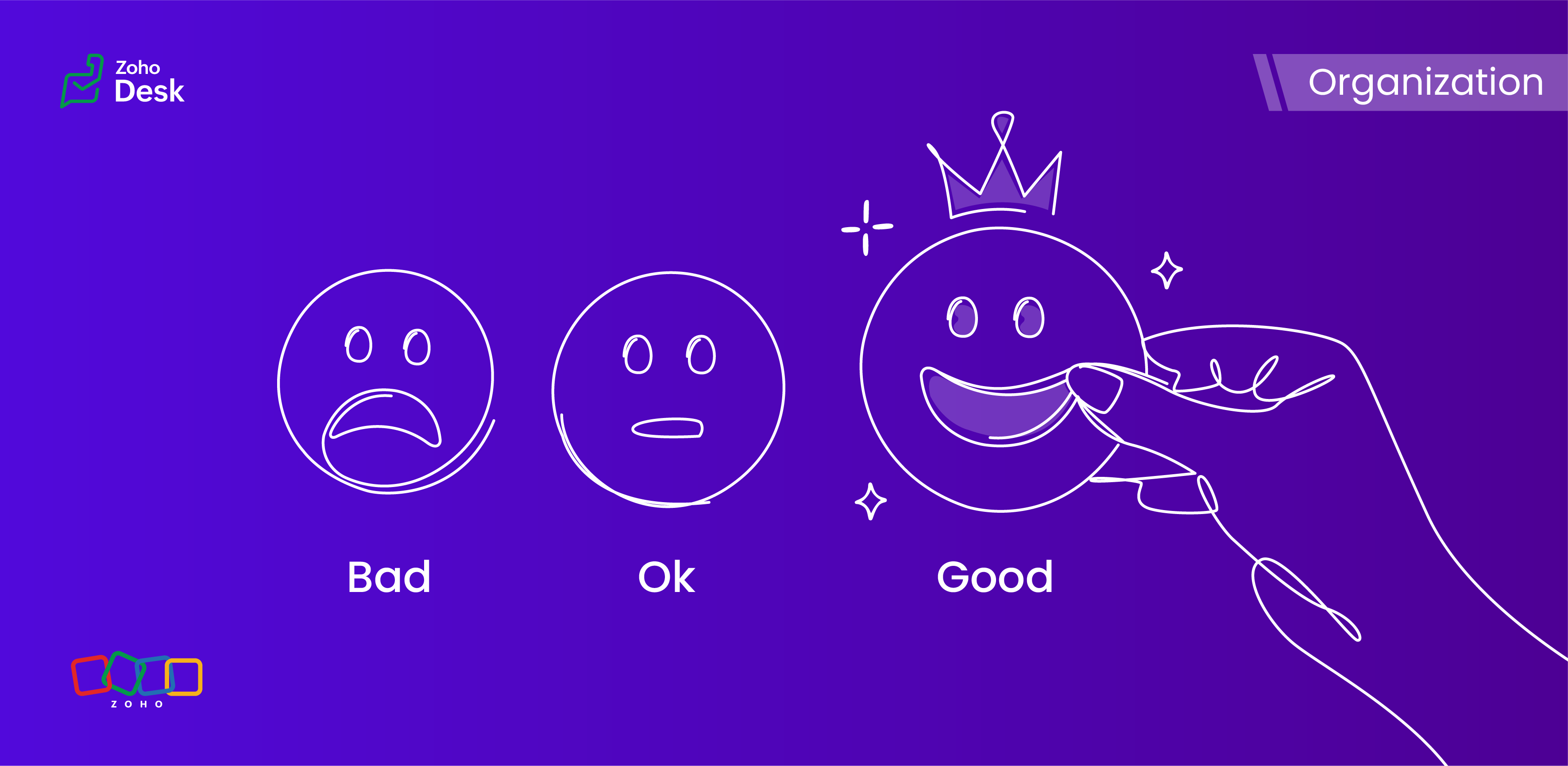
Happiness isn't just something you experience; it's something you remember.  
Hear your customers' voices by enabling customer happiness ratings in Zoho Desk. A customer's happiness rating helps you see what they think about the support they received each time they receive a response or when their ticket is closed. You can also use the integrated analytics to monitor your agents' ratings across different contacts, accounts, and time frames.

What is customer happiness?

Customer happiness refers to a customer's overall satisfaction and positive experience with a product, service, or brand. It encompasses the customer's emotional relationship with the service and its offerings. Customer happiness is often measured through customer satisfaction surveys, feedback, and repeat business, and is a crucial aspect of building strong and long-lasting customer relationships. Happy customers are likely to be loyal, advocate for the brand, and contribute to the company's success.

Customer happiness vs. satisfaction 

At first glance, customer happiness and customer satisfaction appear to be two sides of the same coin. Both are aiming to create a positive experience and make customers feel good about the service they receive. But there's an essential difference between the two.
Customer satisfaction is about meeting expectations. If you hit the mark or exceed specific goals, your customers feel satisfied. If you miss the mark, they end up dissatisfied. It's a more straightforward and measurable reflection of how well you perform in relation to what customers expect.
Customer happiness, however, is a bit more nuanced and emotional. It's less about ticking boxes and more about the overall feeling customers have about your service. Whether every specific expectation is met might matter less than how delighted and connected they feel after interacting with you.
Focusing on customer happiness rather than just satisfaction can bring greater rewards. Happy customers tend to stay loyal longer, keep coming back, and spread positive word of mouth. In today's competitive world, nurturing that lasting happiness is what truly sets a business apart.
So, while satisfaction keeps customers content today, happiness builds lasting relationships for tomorrow.

How do you keep them truly happy?

Pay attention to their pain points

In general, customers want to feel valued and heard. Regularly ask for and document feedback during customer conversations. You'll often discover that one customer's pain points are affecting others as well.

Leverage technology

Using the right technology makes each customer's journey smoother and helps deliver a personalized support experience. Implementing a live chat system with AI-assisted chatbots is one way for businesses to enhance communication and guide interactions with customers more effectively.

Meet customers on their level

Invest in your omni-channel customer service strategy to ensure that it's always easy for your customers to communicate with your business. Discover which channels your customers use most frequently to communicate with businesses, and ensure you have a presence on those support channels.

Building meaningful relationships

Utilize the Desk system to monitor, manage, and organize all of your customer interactions effectively. This allows you to retrieve customer history data easily and build stronger connections during your interactions with them.

Personalize the customer experience

Customers expect businesses to recognize their unique needs, and personalization enhances both customer satisfaction and happiness by enabling you to customize the experience according to individual habits, preferences, and behaviors.

Service standards

Customers expect businesses to uphold high customer service standards. The key areas that matter most to customers include timely responses to inquiries and taking responsibility for errors.

Offer incentives 

Everyone appreciates a bit of motivation and acknowledgement. Incentives can attract potential customers, while rewards can motivate current customers to remain loyal and purchase more licenses.

Collect feedback and act on it

This final approach underscores the importance of customers sharing their opinions. When you ask them how they feel about your business relationship, customers are often willing to provide feedback. Additionally, maintaining regular contact with customers helps ensure that your insights remain clear and relevant.
Quote
Customer happiness is key! 

Wrapping up our discussion of customer happiness

Organizations need to measure customer satisfaction and happiness effectively to identify areas for improvement, strengthen retention, and foster loyalty by demonstrating a commitment to meeting customer needs. These ratings also help support agents by providing feedback that enables them to deliver more effective support. 

In summary, customer satisfaction and happiness ratings are crucial metrics for evaluating the effectiveness and impact of a help desk. In Zoho Desk, these features help users deliver a better customer experience and promote long-term business growth.


Please stay tuned for more in the Desk behind-the-scenes series.


Kind regards,


Kavya Rao

The Zoho Desk Team


    Access your files securely from anywhere


                            Zoho Developer Community


                                                  • Desk Community Learning Series


                                                  • Digest


                                                  • Functions


                                                  • Meetups


                                                  • Kbase


                                                  • Resources


                                                  • Glossary


                                                  • Desk Marketplace


                                                  • MVP Corner


                                                  • Word of the Day


                                                  • Ask the Experts


                                                            Manage your brands on social media


                                                                  Zoho TeamInbox Resources


                                                                      Zoho CRM Plus Resources

                                                                        Zoho Books Resources


                                                                          Zoho Subscriptions Resources

                                                                            Zoho Projects Resources


                                                                              Zoho Sprints Resources


                                                                                Qntrl Resources


                                                                                  Zoho Creator Resources


                                                                                      Zoho CRM Resources

                                                                                      • CRM Community Learning Series

                                                                                        CRM Community Learning Series


                                                                                      • Kaizen

                                                                                        Kaizen

                                                                                      • Functions

                                                                                        Functions

                                                                                      • Meetups

                                                                                        Meetups

                                                                                      • Kbase

                                                                                        Kbase

                                                                                      • Resources

                                                                                        Resources

                                                                                      • Digest

                                                                                        Digest

                                                                                      • CRM Marketplace

                                                                                        CRM Marketplace

                                                                                      • MVP Corner

                                                                                        MVP Corner


                                                                                          Design. Discuss. Deliver.

                                                                                          Create visually engaging stories with Zoho Show.

                                                                                          Get Started Now


                                                                                            Zoho Show Resources

                                                                                              Zoho Writer

                                                                                              Get Started. Write Away!

                                                                                              Writer is a powerful online word processor, designed for collaborative work.

                                                                                                Zoho CRM コンテンツ


                                                                                                  Nederlandse Hulpbronnen


                                                                                                      ご検討中の方


                                                                                                              • Recent Topics

                                                                                                              • Unable to copy into a new document

                                                                                                                Whe I create a new Writer doc and attemp to copy and past I get this message. The only way to copy into a document is I duplicate an existing document, erase the text and save it under a different name and then paste the information. Not ideal. Can you
                                                                                                              • [Webinar] Live demos and user Q&A with Zoho Writer product experts

                                                                                                                Join us on June 12, 2025 for live demos based on your use cases and real-world scenarios raised via form. This is also an opportunity to get your questions answered directly by product experts from the Zoho Writer team. Webinar agenda Live demos based
                                                                                                              • Zoho Writer's built-in citation and bibliography generator

                                                                                                                Hey researchers and writers! Do you manually format citations and bibliographies, spending hours jumping between apps and tabs? If so, then check out Zoho Writer's built-in "Citations and Bibliography" feature. Imagine you're writing a thesis on the future
                                                                                                              • Single and group checkboxes in Zoho Writer's fillable forms

                                                                                                                Hey Writer Fam, Are you making the most out of single and group checkboxes in fillable forms in Zoho Writer? Here is a handy tip to optimize your use of checkboxes, both single and group, and enhance your data collection process. Single checkboxes: Single
                                                                                                              • Collaborate efficiently with Zoho Writer's track changes feature

                                                                                                                Hi Zoho Writer Community, Zoho Writer's track changes feature is a simple, built-in solution that helps you and your team work together efficiently. Instead of juggling multiple versions of a document or building up a long email chain of comments, each
                                                                                                              • Zoho Writer's WordPress extensions

                                                                                                                Hey Zoho Writer users! Say goodbye to all your WordPress content publishing woes with Zoho Writer's WordPress extensions. Publish content with all your formatting and images, republish content when you update a document, and more—from a single window
                                                                                                              • Time-saving table hacks

                                                                                                                Hey Zoho Writer Community, Do you find yourself using a lot of tables in your documents? We're here to share some of our time-saving hacks that will help you work more efficiently, organize your data, and make your documents look neat and professional.
                                                                                                              • Automating document approval and signing with Zoho Writer and Zoho Sign

                                                                                                                Hey Zoho Writer Community! Here's another automation tip to make your processes more efficient! Question: Can I send a document for client approval first, then automatically send it for signing with Zoho Sign if they approve? Since it's the same person
                                                                                                              • Customization hacks in Zoho Writer - Part 2

                                                                                                                Hey community, We're back with some more tricks to personalize your documents, save time, and get in the zone when you work in Writer. Check out part 1 of this post if you haven't already. Let's dive right in! Document ruler units Imagine you're creating
                                                                                                              • Simplify your tax calculations with Zoho Writer

                                                                                                                Hello Zoho Writer Community! Tax season can be stressful, but with Zoho Writer, managing your income tax calculations becomes straightforward and efficient. Here’s an example of how you can use the tables and formulae of Zoho Writer to calculate income
                                                                                                              • Enhance document navigation with headings and TOC

                                                                                                                Hey Zoho Writer Community! We're back with some useful features in Zoho Writer that can simplify your document creation and navigation process. Let's dive right in! Check out our video on how to make the most of Zoho Writer's heading and table of contents
                                                                                                              • Use and download in PDF format of Zoho wirter Merge template using deluge

                                                                                                                Hello Zoho Developers. Here is some information about Zoho Writer. Writer is not just another online word processor, it's a powerful tool for editing, collaboration, and publishing. Even with its wide range of features, Writer's pared-down user interface
                                                                                                              • Customization hacks in Zoho Writer - Part 3

                                                                                                                Hello everyone, Welcome back to Part 3 of our customization tips in Zoho Writer! In this third installment, we'll be diving into some essential customization settings that can enhance your document creation experience. Sender email address in mail merge
                                                                                                              • Daytime saving timezones messing up writer pdf

                                                                                                                Hi, I need help for something I can't figure out. I created a Form to collect data and it is set up with my current Daylight Saving Time (GMT-3). This form is used to generate a contract (pdf Writer) with dates from an event that is being held in 4 months
                                                                                                              • Issue with locked content in Writer

                                                                                                                Hi, I have seen the documentation which outlines how to lock specific content within a Writer document so that it can't be modified by collaborators, but I have come across an issue. When the editor locks a paragraph for example, then a collaborator can't
                                                                                                              • Deprecation of certain URL patterns for published Zoho Writer documents

                                                                                                                Hi Zoho Writer users! We'd like to let you know that we have deprecated certain URL patterns for published and embedded documents in Zoho Writer due to security reasons. If the published or embedded documents are in any of these URL patterns, then their
                                                                                                              • Using Mail Merge Template to Print Documents with One Subform Record's Fields per Document

                                                                                                                Hello, We have a Mail Merge template created in Zoho Writer which is not able to perform the functionality which is currently required to automate the documentation task portion of our process. The CRM module we are primarily using is based on a "Loans"
                                                                                                              • Problem with Writer and Workdrive

                                                                                                                Hi team, I’m the super admin for our Zoho One org. WorkDrive is active, and Zoho Docs is deprecated for our org. However, Zoho Writer cannot connect to WorkDrive at all — we’ve cleared cache, tried incognito, and restarted several times. I was able to
                                                                                                              • Set to Review for all

                                                                                                                We are testing the use of Writer as part of an internal review process for statement of work documents and have found that when the document is changed from Compose to Review by one person, that is not reflected for all others who view the document. Is
                                                                                                              • I’ve noticed that Zoho Sheet currently doesn’t have a feature similar to the QUERY formula in Google Sheets or Power Query in Microsoft Excel.

                                                                                                                These tools are extremely helpful for: Filtering and extracting data using simple SQL-like queries Combining or transforming data from multiple sheets or tables Creating dynamic reports without using complex formulas Having a Query-like function in Zoho
                                                                                                              • stock

                                                                                                                bom/bse : stock details or price =STOCK(C14;"price") not showing issue is #N/A! kindly resolve this problem
                                                                                                              • SOME FEATURES ARE NOT IN THE ZOHO SHEET IN COMPARISION TO ZOHO SHEET

                                                                                                                TO ZOHO sir/maam with due to respect i want to say that i am using ZOHO tool which is spreadsheet i want to say that some features are not there in zoho sheet as comparison to MS EXCEL like advance filter and other Features which should be there in ZOHO
                                                                                                              • Zoho sheet for desktop

                                                                                                                Hi is zoho sheets available for desktop version for windows
                                                                                                              • Tip #18: 6 Trendlines and when to use them in your spreadsheet data?

                                                                                                                Charts are a great tool for visualizing and interpreting large chunks of data in spreadsheets. Zoho Sheet offers you 35+ chart options, along with AI-powered chart recommendations based on the data set you select. There are various chart elements that
                                                                                                              • Perform customized calculations with the new LAMBDA functions!

                                                                                                                We released the LAMBDA function in Zoho Sheet in 2021, enabling customized calculations inside predefined functions. Now, we're extending LAMBDA's capabilities with six new functions. Each of these functions applies LAMBDA to the given input, performs
                                                                                                              • Tip #17: Easily share spreadsheets with non-Zoho account users

                                                                                                                With efficient, collaboration-friendly options, Zoho Sheet is a popular choice among users. Sheet's external share links help you collaborate more effectively by sharing your spreadsheets with anyone outside your organization, including users who do not
                                                                                                              • Work seamlessly with Sheet's shortcuts without affecting the browser

                                                                                                                Navigating your worksheets and performing specific actions should be a quick and easy process. That's where keyboard shortcuts come in. Shortcut keys help you accomplish tasks more efficiently, eliminating the need to move away from the keyboard. What
                                                                                                              • Zoho Sheet for iPad: Improved UI, external keyboard support, and more!

                                                                                                                The portability and capabilities of the iPad have made it an essential device in the business world. With this in mind, we had launched an exclusive Zoho Sheet app for iPad, with device-specific improvements and enhanced usability. Now, we're improving
                                                                                                              • The new Zoho Sheet for Android: Seamless UI and advanced features

                                                                                                                At Zoho Sheet, we know mobile apps have become the go-to platforms for creating, sharing, and storing information. And we understand the importance of an efficient and seamless app experience. We've been working hard on improving the overall user experience
                                                                                                              • Zia in Zoho Sheet now makes suggestions on conditional formats, picklists, and checkboxes

                                                                                                                Zia, Zoho's popular AI assistant, has been helping users succeed across Zoho applications since inception. In Zoho Sheet, Zia helps users efficiently build reports and analyze data with recommendations about data cleaning, charts, and pivot table. Also,
                                                                                                              • VBA attached to button no longer works on external shared sheet

                                                                                                                Hi - we have a Sheet that our clients use, which requires them to press a button once they've entered data. The button then triggers a flow via a webhook. The button works fine when editing within Zoho Sheet - however when shared externally it no longer
                                                                                                              • can I use zoho sheet for survey?

                                                                                                                Hi I wanna use zoho sheet for my ARY to know consumer better so i wanna have permission to do so
                                                                                                              • How to Avoid Impacting Other Users When Hiding Columns in Zoho Sheet

                                                                                                                Hi Team, We’re experiencing a challenge with the column-hiding feature on Zoho Sheet during collaborative sessions. When one user hides a column, it becomes hidden for all users working on the file, which disrupts others' workflows. In comparison, Excel
                                                                                                              • What are the benefits of procurement software in a growing business setup?

                                                                                                                I’ve been exploring tools that can help automate purchasing and vendor-related tasks. I keep hearing about the benefits of procurement software, especially for businesses that are scaling. I want to understand how it helps in streamlining operations,
                                                                                                              • What formula to use in computing total hrs and decimal hrss

                                                                                                                So , my data includes log im column , 2 breaks with 2 columns that says back and lunch and 1 column that says back and logged out. What formula should i use to be able to automatically have my total hours as I input time in each column? Thankyou
                                                                                                              • Replacing email ID,

                                                                                                                In zoho sheets If I am sending it as an email attachments can I replace sender email ID from notifications to my email ID.
                                                                                                              • Latest Enhancements and Bug Fixes in Zoho Meeting

                                                                                                                Hello there, We hope you're doing well. The latest updates from Zoho Meeting include enhancements like adding names for instant meetings, renaming participants, enabling text notifications for participant entry/exit, viewing details of bandwidth optimization,
                                                                                                              • Multi-video feed in webinars, custom domain options, and our integration with MS Outlook

                                                                                                                Hi there, We hope you're doing well. With your help, we have been able to release many useful features and enhancements in 2020. We, the Zoho Meeting team, would like to thank you all for the feedback, support, and encouragement you've given as we worked
                                                                                                              • Add co-hosts in meetings, manage webinar registration and other enhancements

                                                                                                                Hello all, This month's updates allow you to add co-hosts while scheduling meetings. You can also control your webinar registrations better by allowing or blocking registrations from the domain or country of your choice. Read on to learn more. Meeting
                                                                                                              • A new UI for distraction-free engagement in online meetings and webinars that scale up for 3000 attendees

                                                                                                                Hello all, We're excited to share our new, refined UI for online meetings.  Here's how the new UI will improve your experience during online meetings: We've re-designed Zoho Meeting's online meeting UI to enable users to fully engage in conversations
                                                                                                              • Next Page


